00197902-03_UM_X-Serie-S_EN.pdf - 第98页
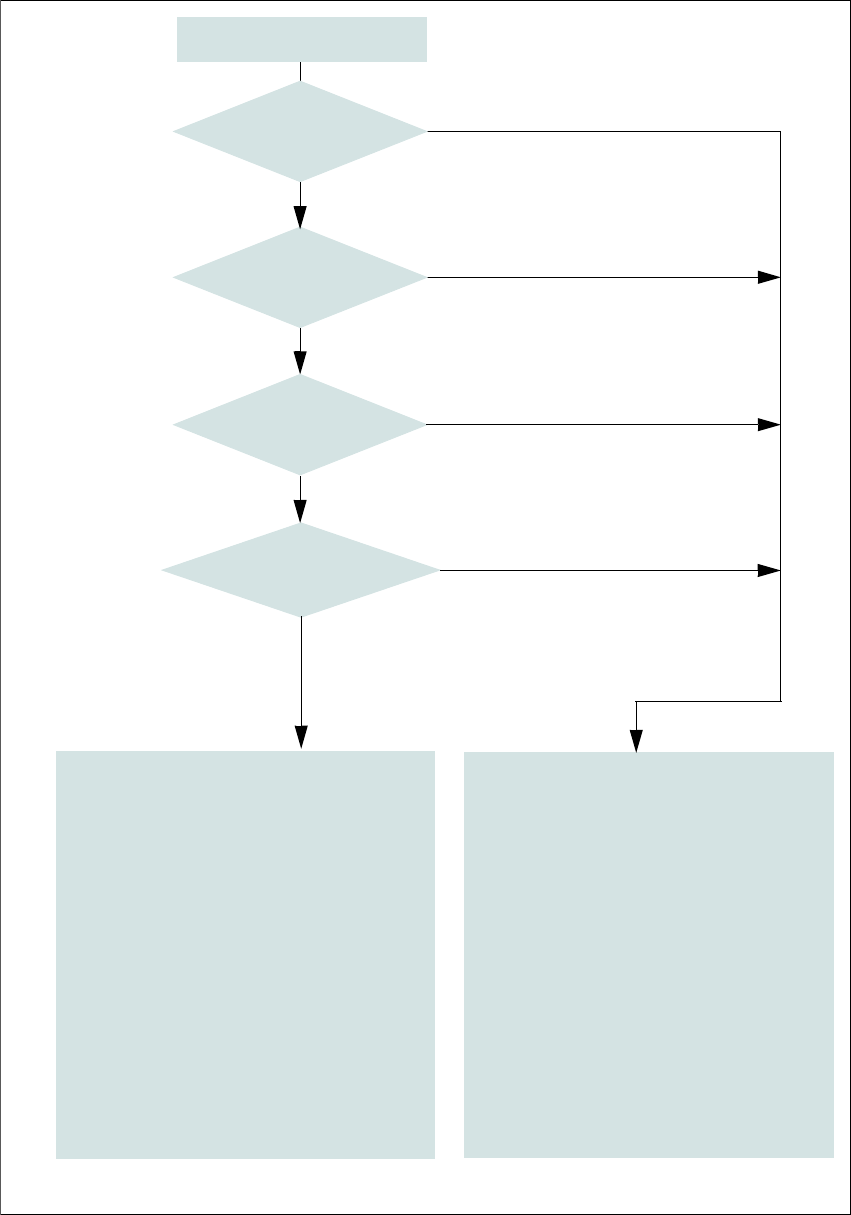
2 Operational safety User manual SIPLACE X-Series 2.6 Safety features From software version 710.0 Edition 12/2016 98 2 Fig. 2.6 - 9 EMERGENCY STOP loops S tart button pressed. No No Ye s No No Ye s Ye s 2 Active Safety c…
User manual SIPLACE X-Series 2 Operational safety
From software version 710.0 Edition 12/2016 2.6 Safety features
97
2.6.5 EMERGENCY STOP loops and signaling circuit
2.6.5.1 EMERGENCY STOP loop structure
The following contacts are connected in series and form the EMERGENCY STOP loop:
– Make contact elements for the four protective cover switches
– Make contact elements for service flaps (up to 4 service flaps available as an option)
– Normally open (NO) contacts for the two EMERGENCY STOP buttons
– Make contact elements for the four component trolleys
2.6.5.2 Signaling circuit structure
The following modules in the signaling circuit are queried individually:
– The protective cover switches
– Protective switches for service flaps (up to 4 service flaps available as an option)
– Signaling contacts on the component trolley
– EMERGENCY STOP button
All the signaling contacts are closed when the machine is on standby. If a protective cover, for ex-
ample, is raised, the associated signaling contact opens. This status change is signaled to the
control computer via a digital CAN bus input signal from the I/O control unit. An error message to
this effect appears on the user interface.
2.6.5.3 Description of the functions of the EMERGENCY STOP loops
The following conditions must be fulfilled in order to start and operate the machine:
– All component trolleys must be docked in and connected.
– All protective covers must be closed.
– All service flaps must be closed (up to 4 service flaps available as an option).
– Both emergency stop buttons must be released.
– The minimum operating pressure must have been reached.
– The software release ("Control ON") must be enabled, so that the start signal from the "Start"
button can switch on the safety cutoff (CBS).
If one of the start buttons is now pressed, the safety cutoff (CBS) will switch and the machine will
be ready for operation.
2 Operational safety User manual SIPLACE X-Series
2.6 Safety features From software version 710.0 Edition 12/2016
98
2
Fig. 2.6 - 9 EMERGENCY STOP loops
Start button pressed.
No
No
Yes
No
No
Yes
Yes
2
Active
Safety cutoff No
Voltage
Y axis 0 V
X axis 0 V
Star axis 0 V
DP axis 42 V-
Z axis (C&P, TH) 42 V-
Z axis (CPP) 0 V-
Active
PCB conveyor No
Lifting table No
PCB clamping No
Width adjustment No
Tape cutter No
Component trolley feeding device Yes
Yes
Compressed
air min. 0.5 MPa
(5.0 bar)?
EMERGENCY STOP button
pressed?
- Protective cover and/or
service flap open?
Component trolley
EMERGENCY STOP circuit
interrupted?
2
Active
Safety cutoff Yes
Voltage
Y axis 300 V-
X axis 300 V-
Star axis 160 V-
DP axis 42 V-
Z axis (C&P, TH) 42 V-
Z axis (CPP) 160 V-
Active
PCB conveyor Yes
Lifting table Yes
PCB clamping Yes
Width adjustment Yes
Tape cutter. Yes
Component trolley feeding device Yes
User manual SIPLACE X-Series 2 Operational safety
From software version 710.0 Edition 12/2016 2.6 Safety features
99
2.6.6 Hand guards at the locations with dummy feeders
2
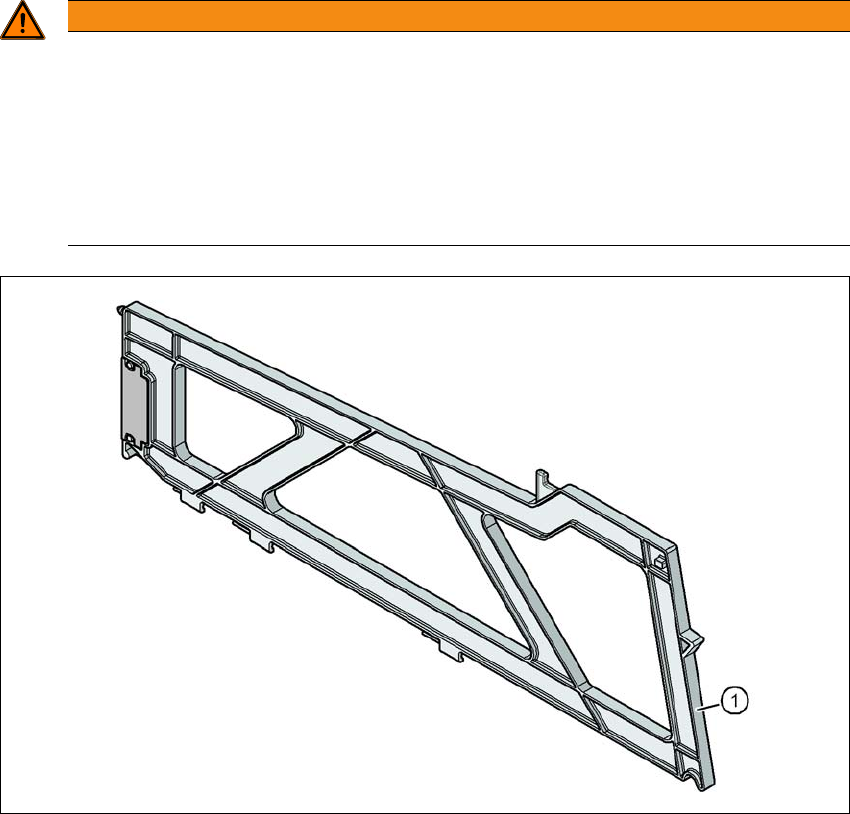
Fig. 2.6 - 10 Hand guard on the component trolley locations
2
(1) Dummy feeder SIPLACE X, item no. 00141226-xx
WARNING
Operational
Operational safety by occupying every second location!
The operational safety of the component trolley in the SIPLACE X-Series is ensured if at
least every second free location is occupied with a feeder module or hand guard (dummy
feeder).
Fit a hand guard with fiducial at locations 2 and 4.
Even when configuring a holder for waffle pack trays, secure every second location
with a hand guard.