BM料架治具使用手册.pdf - 第92页
6.1 T roubleshooting Feeder Inspection Unit 6.1−1 DX1OEC−90−140−A0 6.1 T roubleshooting DX1OEC−90−140−A0 Sentence No. Problem Check item Remedial action The power does not turn ON. (The LED in the camera does not come on…

Feeder Inspection Unit
6.0−2
DX1OEC−90−000−A0
DX1OEC−90−000−A0
Sentence No.
6. TROUBLESHOOTING
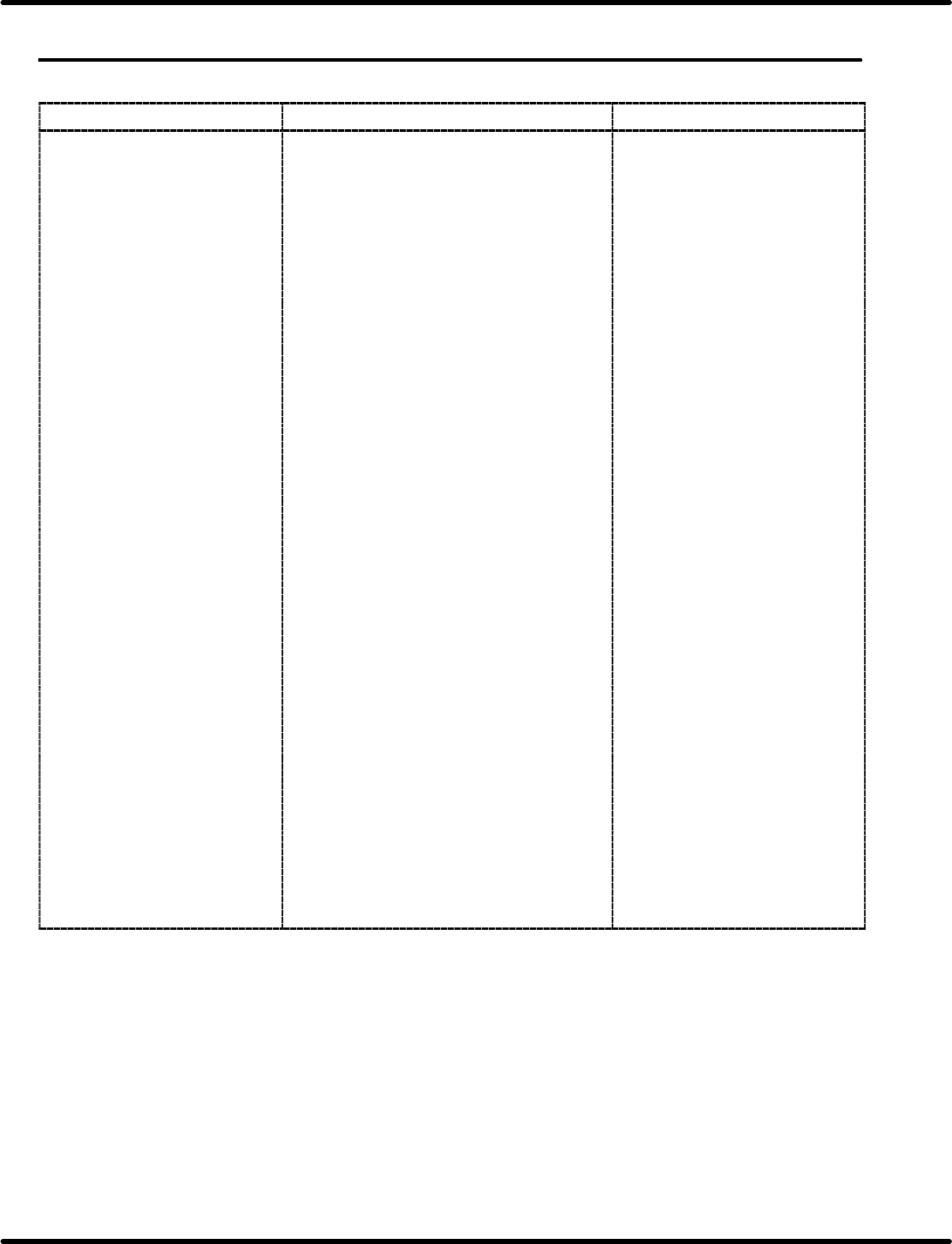
6.1 Troubleshooting
Feeder Inspection Unit
6.1−1
DX1OEC−90−140−A0
6.1 Troubleshooting
DX1OEC−90−140−A0
Sentence No.
Problem Check item Remedial action
The power does not turn ON.
(The LED in the camera does
not come on.)
(N thi
th
Is the power box and the receptacle
connected via the power cable?
Connect the power cable
between the power box and
receptacle via the power cable.
(Nothing appears on the
monitor
)
↓ YES
monitor
.
)
Is the power box and camera connected
via the camera cable?
Connect the power box and
camera via the camera cable.
↓ YES
Is the PNL cable connected to the power
box?
Connect the PNL cable to the
power box.
↓ YES
Is the power box and monitor connected
via the monitor cable?
Connect the power box and
monitor via the monitor cable.
↓ YES
Is the camera and LED connected to one
another?
Connect the camera and LED.
↓ YES
Are the breaker and the main switch both
ON?
Turn ON the breaker and the
main switch.
If the breaker does not turn
ON, stop using it and contact
us.
↓ YES
Is the monitor cable connected to the
power supply and the power switch on
the monitor turned ON?
Check the power to the
monitor.
↓ YES
When using a commercial monitor, check
the setting of the video input terminal.
↓ YES
Are the graduation lines displayed on the
monitor?
Contact us.
Something is wrong with the
camera or LED.
Feeder Inspection Unit
6.1 Troubleshooting
6.1−2
DX1OEC−90−140−A0
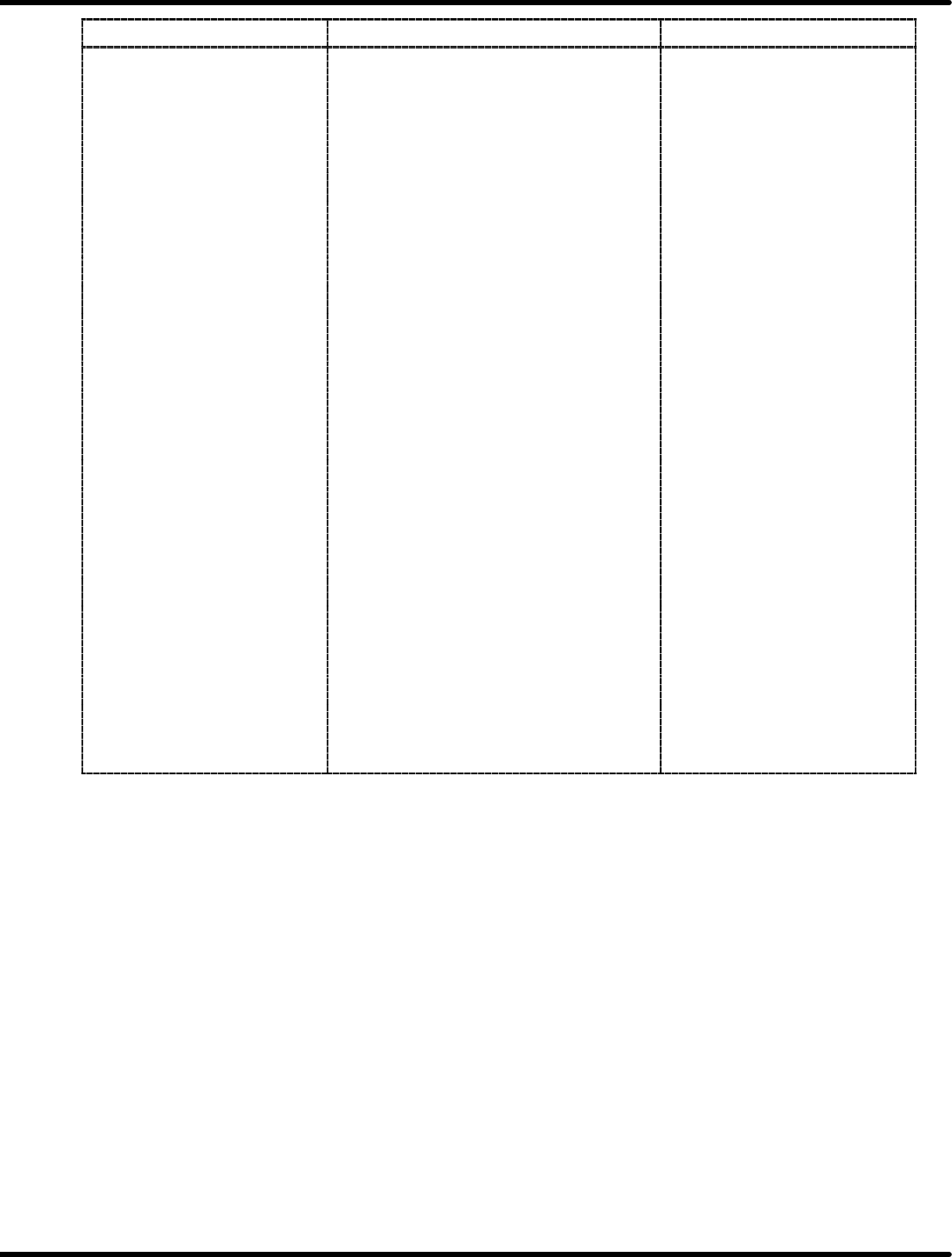
Problem
Check item Remedial action
The feeder does not run. Is power being supplied to the feeder? Eliminate the trouble by
referring to ‘The power does
not turn ON.’ above.
↓ YES
Is air connected to the feeder? Supply air to the feeder.
↓ YES
Is the air valve ON? Turn ON the air valve.
↓ YES
Is the regulator adjusted? Adjust the air pressure.
↓ YES
Is the PNL cable connected to the power
box?
Connect the PNL cable to the
power box.
↓ YES
Are the “FEED” and “PEEL” switches
are ON?
To operate the feeder in AUTO
mode, do not push “FEED”
and “PEEL” switches.
↓ YES
Check if one of the status indicator lamps
detect an error.
Reset the motor−operated
feeder. *1
Or detach the feeder once
from the clamp stand.
↓ YES
The tape end detection lever of the
motorized feeder is in the tape set
position.
To operate the feeder in AUTO
mode, set the lever in the tape
exhaust position.
↓ YES
After setting the feeder to the clamp
stand, the STATUS lamp on the control
box does not light up.
Something is wrong with the
tape feeder.
Contact us.
=REFERENCE=
*1: Refer to the ‘Operation Manual of the Tape Feeder’ for details on the error items and
resetting method for the motorized feeders.