AL1_SiplaceX-en.pdf - 第258页
1 - 4 S tudent Guide SIPLACE X 7 Sitest Ausgabe 02/2005 4 The main view of the user interf ace of the test progra m will appear on the screen shortly af ter- wards. ➠ Select the desired language . 7.1.1.2 T erminating Th…
1 - 3
Student Guide SIPLACE X
Ausgabe 02/2005 7 Sitest
3
7 Sitest
WARNING
The SITEST test program may only be used by staff members of SIEMENS AG L&A EA, or spe-
cially trained customer staff. Improper use of this test program will result in severe damage to the
machine and will pose a hazard to the operating personnel.
7.1 Overview SITEST
SITEST is a program which allows the various functions of the individual modules of the
SIPLACE X to be tested.
Overview of SITEST functions
– General SITEST functions
–Functions for machine settings
– Functions for setting the dynamics of the axes
– Calibration functions
– Mapping functions
You can execute these functions using SITEST. You will find information on how to do this and
details on the interfaces in this chapter, software instruction for Sitest and by using the online Help
function while working with SITEST. In addition, you will find a number of practical examples de-
scribed in the online Help system.
7.1.1 Starting/Terminating the Test Program
7.1.1.1 Starting
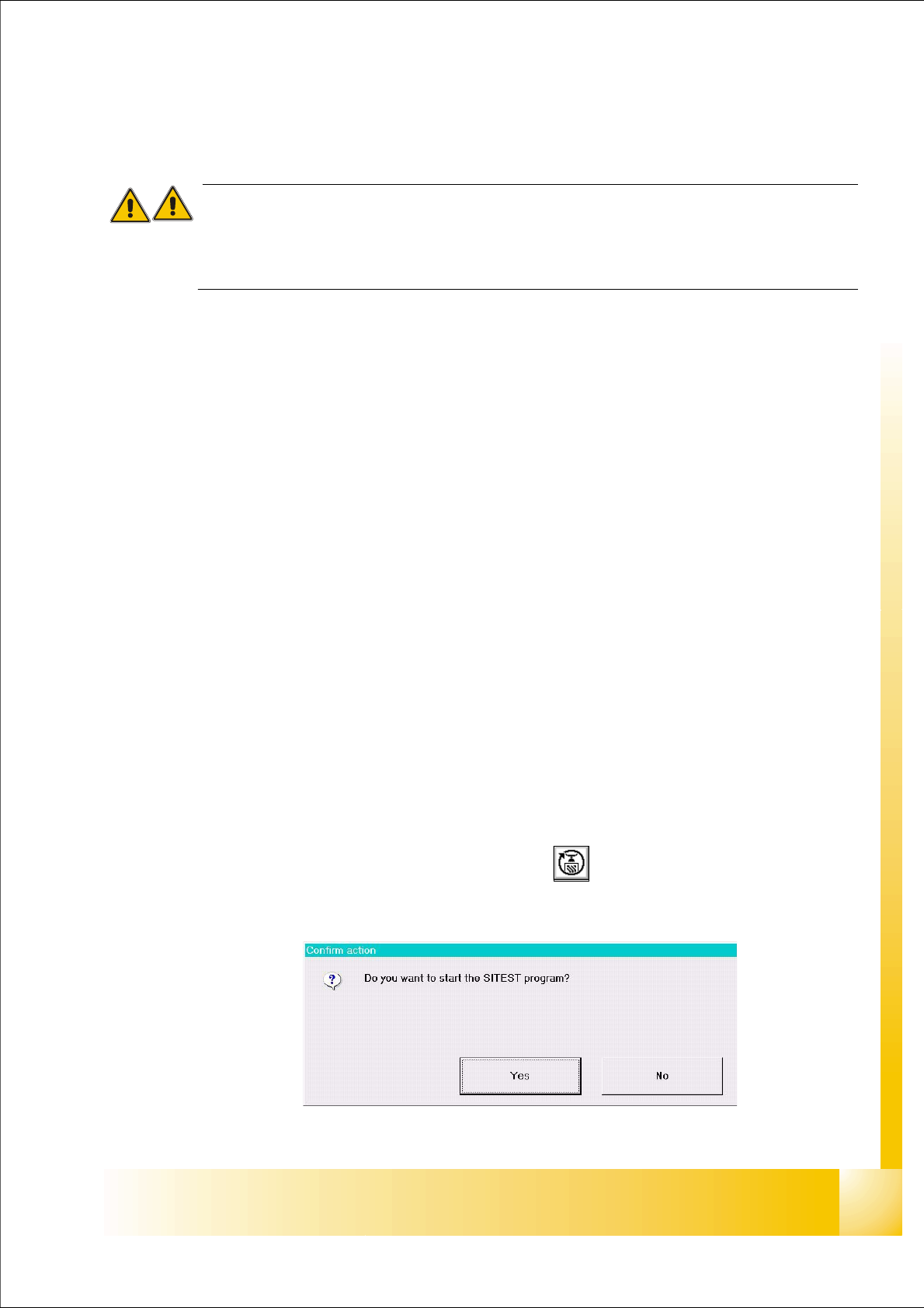
➠ On the user interface for the station, click on the icon (see User’s Manual SIPLACE )
The test program is started.
Fig 7.1 - 1 Confirmation "Start Sitest"
1 - 4
Student Guide SIPLACE X
7 Sitest Ausgabe 02/2005
4
The main view of the user interface of the test program will appear on the screen shortly after-
wards.
➠ Select the desired language .
7.1.1.2 Terminating
There are three ways of properly terminating the test program, i.e. either
– from the main view via the
Mode menu, by selecting the menu command Exit ,
– using the key
ESC
– or by proceeding as described in the following.
Note:
Only the key ESC permits the test program to be terminated from any view.
➠ In the main view, click on the icon.
Note:
If newly determined or edited machine data have not been saved yet, an appropriate message will
be displayed before exiting the program prompting you to save the data (see example below).
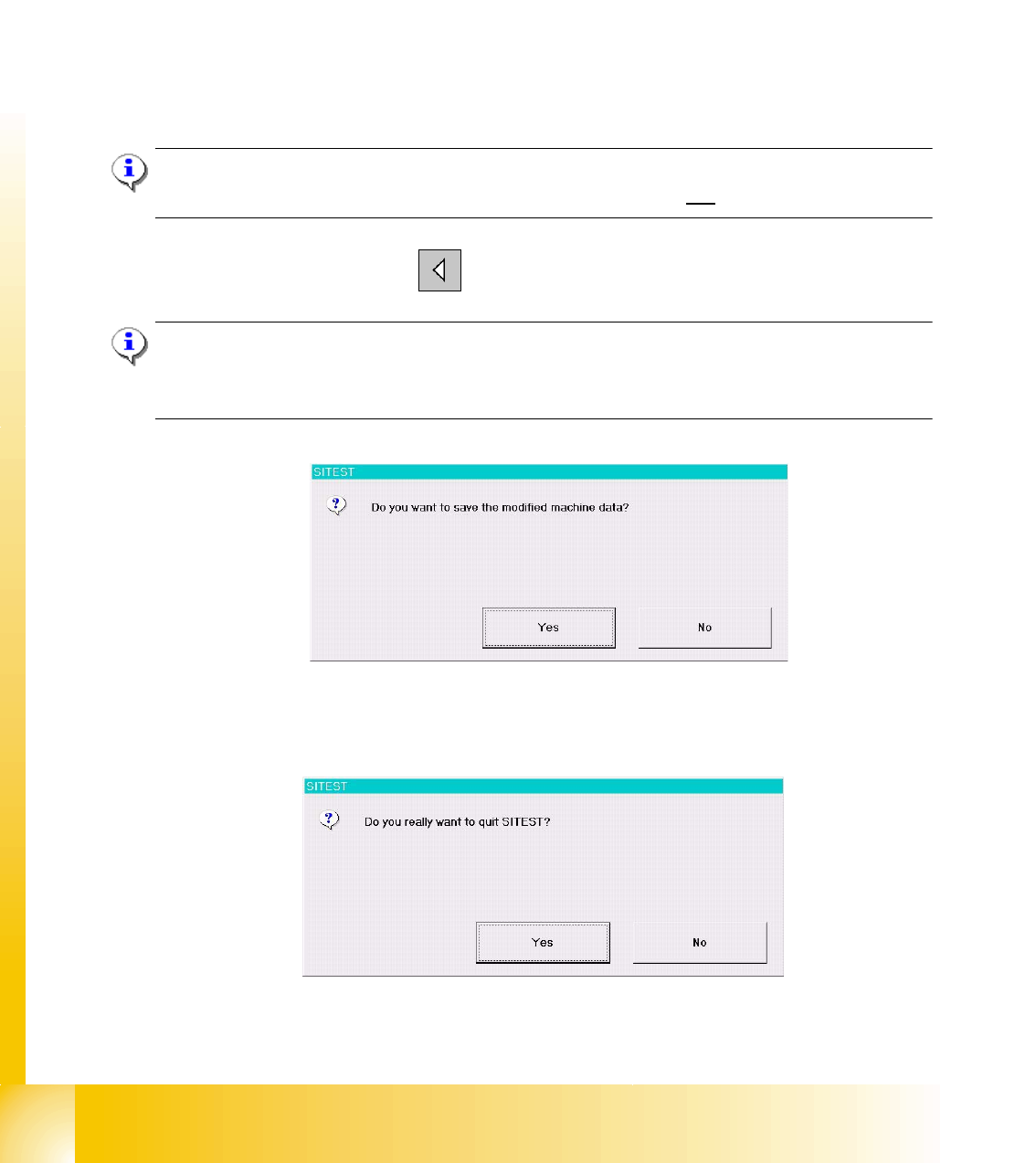
Click on the
Yes button in the dialog box if you wish to save the data on terminating the test pro-
gram, or click on
No if you do not wish to save the data.
The following dialog box opens.
➠ Click on the Yes button. The test program is terminated.
1 - 5
Student Guide SIPLACE X
Ausgabe 02/2005 7 Sitest
5
7.1.2 Main view Sitest
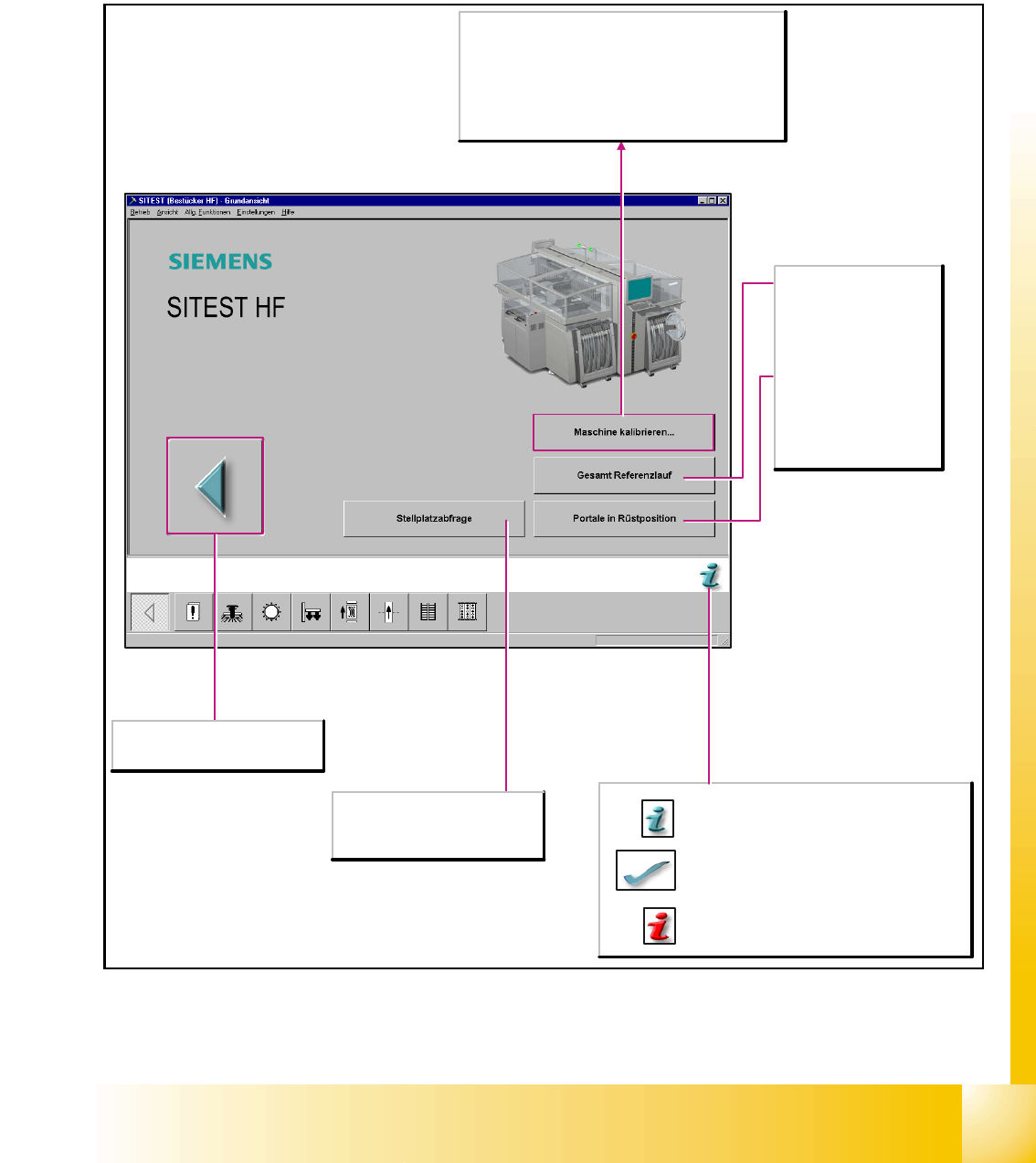
After starting the SITEST test program, the main view of the user interface will be displayed. The
operator can control the basic functions of the program from this view. He can return to the main
view from all the other displays.
Abbruch der Bearbeitung, Beenden
des Testprogrammes SITEST.
Startet ein Hilfesystem, das mögliche Ursachen
für den aktuellen Fehler und
Behebungsmaßnahmen aufzeigt.
Die aktuelle Fehlermeldung wird aus der
Statuszeile gelöscht.
Startet die kontextsensitive Hilfe zur aktuellen
Ansicht. Hier finden Sie Kurzbeschreibungen zu
allen angezeigten Bedienelementen.
Gesamt Referenzlauf
Startet den Referenzlauf
für alle Kopf- und
Portalachsen der
Maschine und initialisiert
den Transport.
Portale in Rüstposition
Fährt die Portale aus dem
Förderbereich heraus, so
dass die BE-Tische mit
den Förderern zugänglich
sind.
Stellplatzabfrage
Vorhandene Stellplätze werden auf
BE-Tische und MTC (Matrix Tray
Changer) abgefragt.
Maschine kalibrieren...
Öffnet das Dialogfenster Gesamtmaschine kalibrieren.
Hier werden alle Funktionen angeboten, die zur
Kalibrierung der gesamten Maschine erforderlich sind.
Hinweis
Vor der Ausführung der Kalibrierfunktionen müssen die
Köpfe und die Portale in Referenz gefahren werden.