AL1_SiplaceX-en.pdf - 第275页
1 - 21 S tudent Guide SIPLACE X Ausgabe 02/2005 7 Sit est 21 7.2.10 Calibrate the Pick up position – Choose "pick-up positions..." Fig. 7.2 - 1 1 Calibrate the Pick up position There are a few opportunities to …
1 - 21
Student Guide SIPLACE X
Ausgabe 02/2005 7 Sitest
21
7.2.10 Calibrate the Pick up position
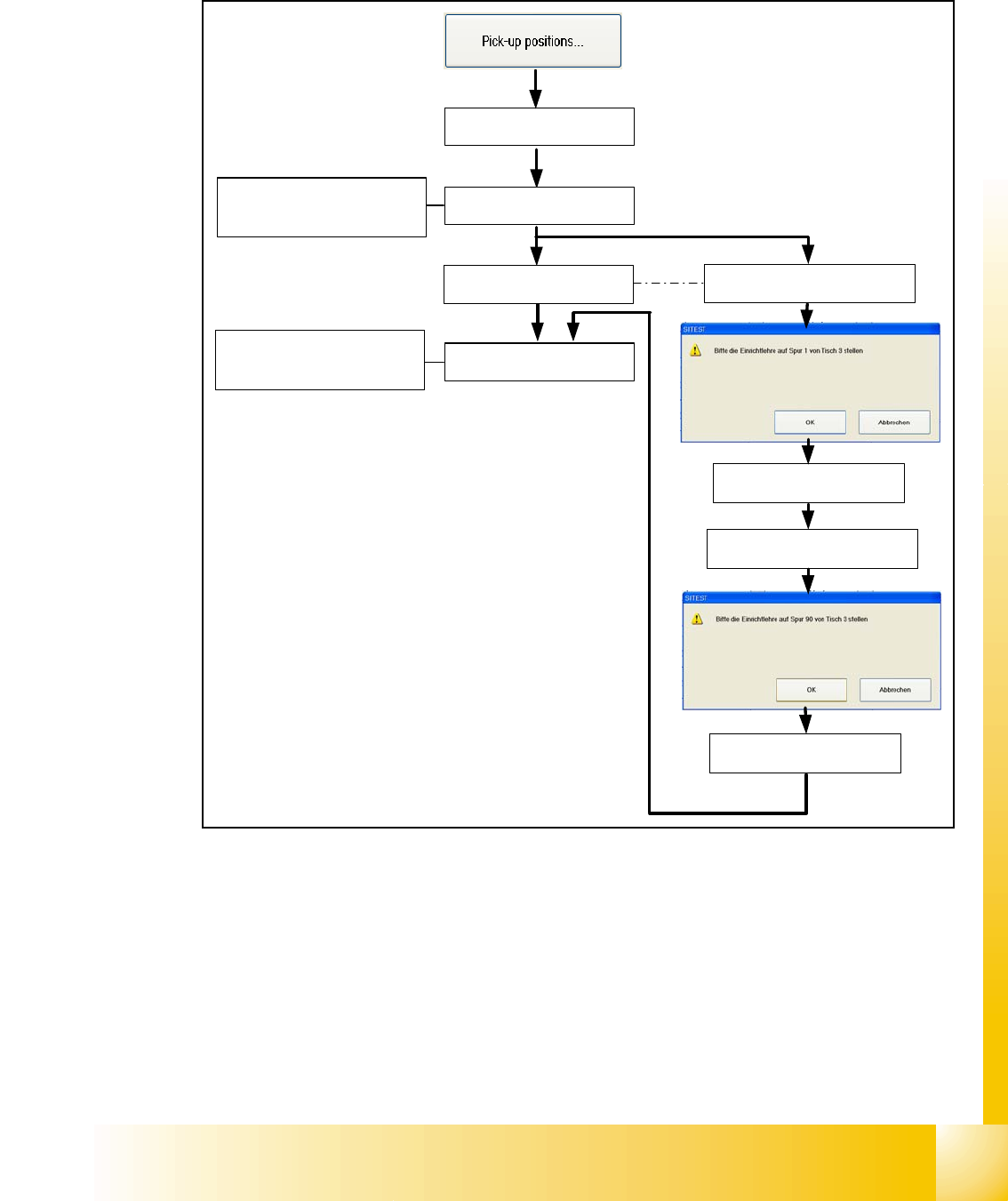
– Choose "pick-up positions..."
Fig. 7.2 - 11 Calibrate the Pick up position
There are a few opportunities to put on different table types on the machine. The pick up position
of the X- tables are automatically calibrated (Calibrate fiducials for pick up position are mounted
on the table). The S- tables must be manually calibrated with the adjusment gauge like it was at
the older machine types. If there is a MTC2 placed at location 2 or 4 this location will be automat-
ically skipped during calibrating the pick up position.
Description for calibrating the pick up positions see chapter 7.2.14.4 and 7.2.14.5
X- table 1 will be
automatically calibrated
If a MTC2 is placed at this
location, this step will be
automatically skipped
If a S- table 3 is placed, put the
adjustment gauge on track 1
Calibrate Track 1
Calibrate Track 90
If a S- table is placed, put the
adjustment gauge on track 90
If a MTC2 is placed at this
location, this step will be
automatically skipped
X- table 2 will be
automatically calibrated
X- table 3 will be
automatically calibrated
X- table 4 will be
automatically calibrated
1 - 22
Student Guide SIPLACE X
7 Sitest Ausgabe 02/2005
22
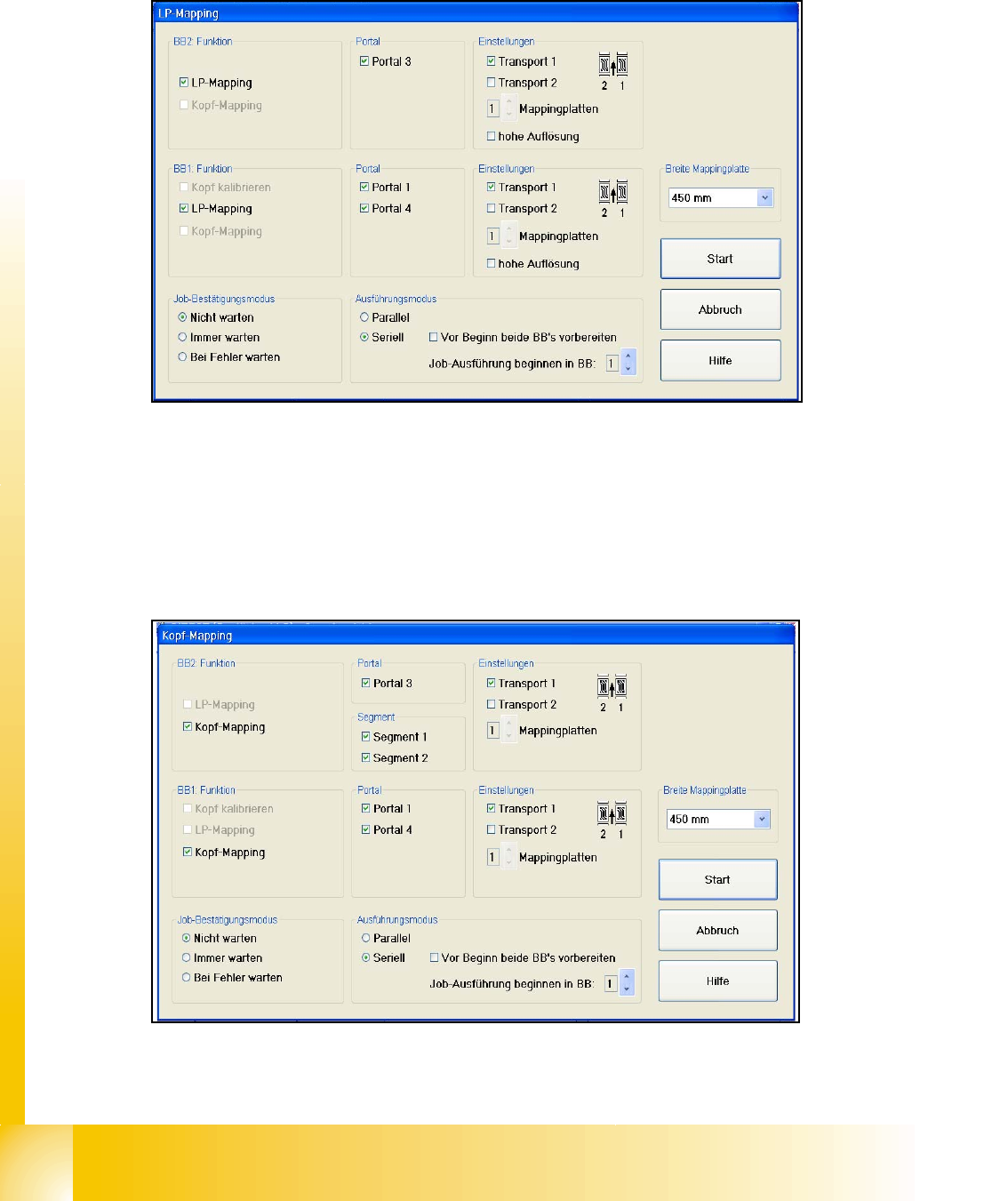
7.2.11 LP- Mapping
– Choose "LP- Mapping..."
Fig. 7.2 - 12 Menu LP- Mapping
Description for LP- Mapping see chapter 7.2.15
7.2.12 Head- Mapping
– Choose "Head- Mapping..."
Fig. 7.2 - 13 Menu Head- Mapping
Description for Head- Mapping see chapter 7.2.16