AL1_SiplaceX-en.pdf - 第303页
1 - 13 S tudent Guide SIPLACE X Edition 02/2005 8 Siplace Vision 13 T each sequence (doubled teaching): 8 1. Defin e correlation values for T each picture 1 wi th both templates. (e.g . +0.9 with T e mplate "place&q…
1 - 12
Student Guide SIPLACE X
8 Siplace Vision Edition 02/2005
12
8.1.9.3 Template-process for LASER-labeling
As a third possibility of a teached bad mark are fiducials on ceramic, which are crossed out with
a Laser.
To recognize these relative small lines on a fiducial a pattern comparison could be programmed.
The sequence is following:
1. For classification "placement" is a Template recognized. This Template is a middled eval-
uation range if a few Teach pictures for this class available.
2. A correlation value for each picture with this Template is calculated. This has a value be-
tween -1 and +1 and mean how good the gray values in the picture fit with the one of the teach
templates (+1: picture is identical; 0: no matching between the 2 pictures; -1: picture is, com-
pared with the template inverted). All correlation values of the pictures, which the operator for
"placement" classified, should have high correlations values near +1. The correlation values
for pictures of the negative case should be essential lower.
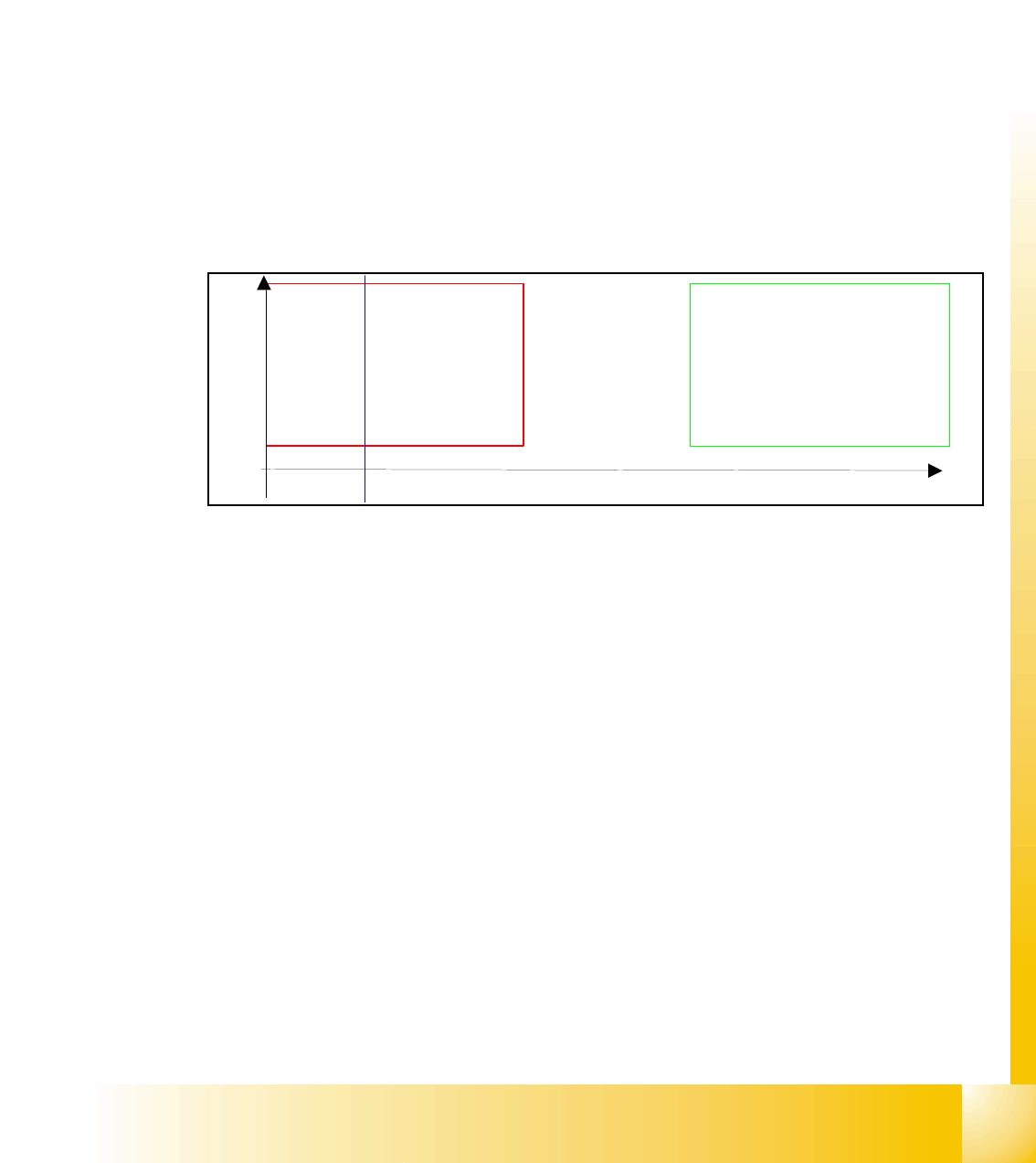
3. The System define from the correlation values 2 thresholds which divide the value range
of -1 to +1 into 3 sections: "no placement", "in doubt" and "placement"
At the evaluation of the picture is the correlation to the Template defined. The classification is done
comparing the value with the two thresholds.
Here an example for the recognition and classification to the Templates of both, positive and neg-
ative cases:
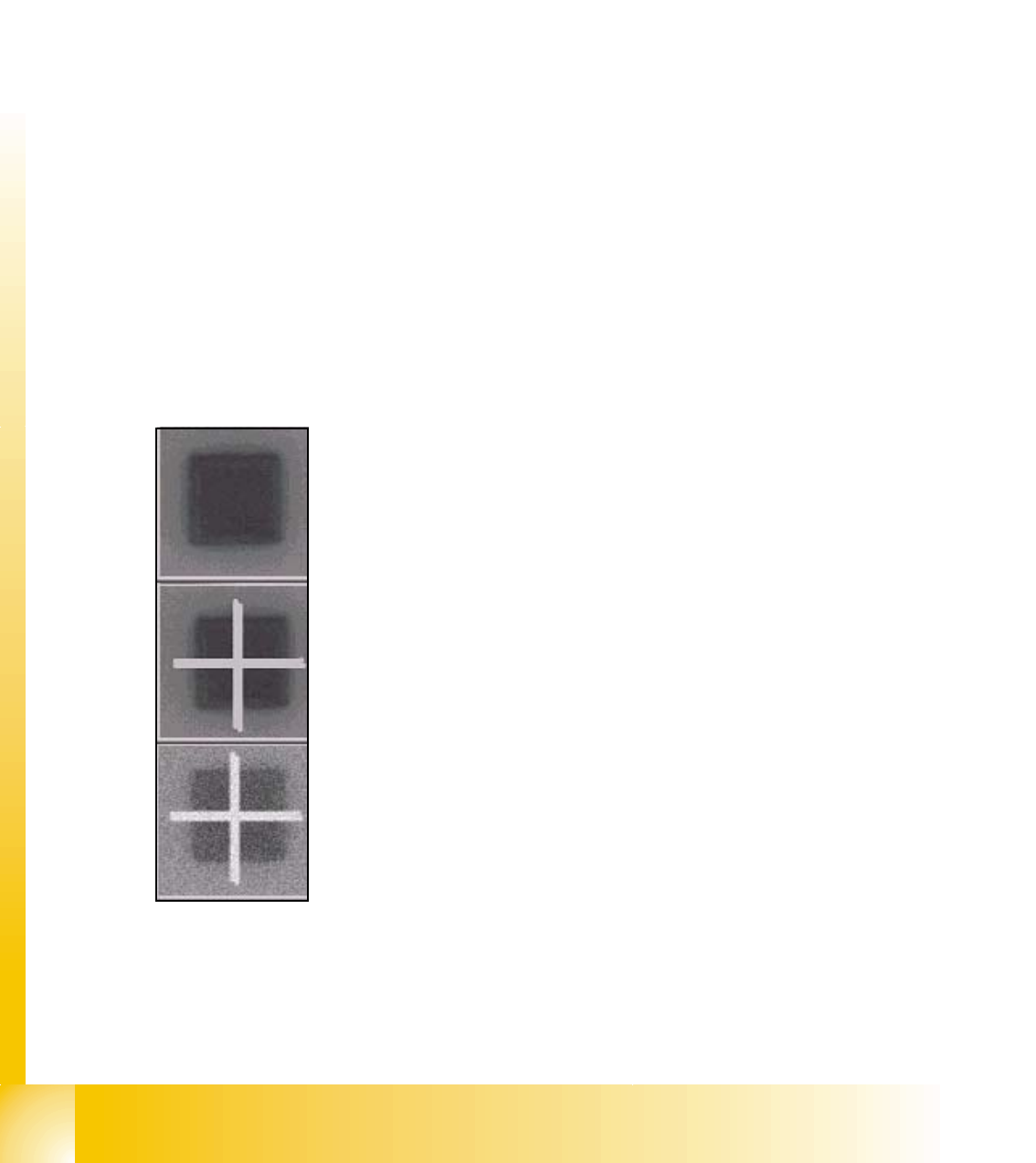
Teach picture 1: classified from Operator for "placement" (positive).
Square fiducial
Teach picture 2: classified from Operator for "no placement" (negative).
Crossed out square
Picture to classify
1 - 13
Student Guide SIPLACE X
Edition 02/2005 8 Siplace Vision
13
Teach sequence (doubled teaching): 8
1. Define correlation values for Teach picture 1 with both templates. (e.g. +0.9 with Template
"place" and +0.4 with Template "no placement.")
2. define correlation values for Teach picture 2 with both Templates. (e.g. +0.3 with Template
"place" and +0.95 with Template "no placement")
3. Calculate differences of the correlation values for each Teach picture: (here picture 1: 0.9
- 0.4 = 0.5; picture 2: 0.3 - 0.95 = -0.65).
4. Calculate thresholds from the difference values. (here: lower threshold -0.27; upper
threshold 0.12).
Recognition sequence:
1. Define correlation to Template "no placement" (e.g. 0.83)
2. Define correlation to Template "placement" (e.g. 0.31)
3. Calculate the difference: 0.31 - 0.83 = -0.524.The comparison with the thresholds result
in: "no placement" (-0.52 < -0.27)
Overlay for classification result: The blue length bar show the determined difference of the
correlation values and it show that the classification result is in the range for: "no placement".
Characteristic:
· => Relative calculation time intensive
· => Evaluate in difference to 'Singular Feature' the complete area of the pattern; not only
the outline of the structure. (The definition for the fiducial outline is not necessary to be high
precise.)
· => Need a defined shape at least for the class, the correlation have to be defined.
· => Transport tolerances could be eliminated also if the option "position recognition before
bad mark recognition" is inactivated.
correlation 1
Range
’placement’
Range ’NO
placement’
In doubt
-1

1 - 14
Student Guide SIPLACE X
8 Siplace Vision Edition 02/2005
14
Note: