PCBRM_User_Manual_R9.pdf - 第59页
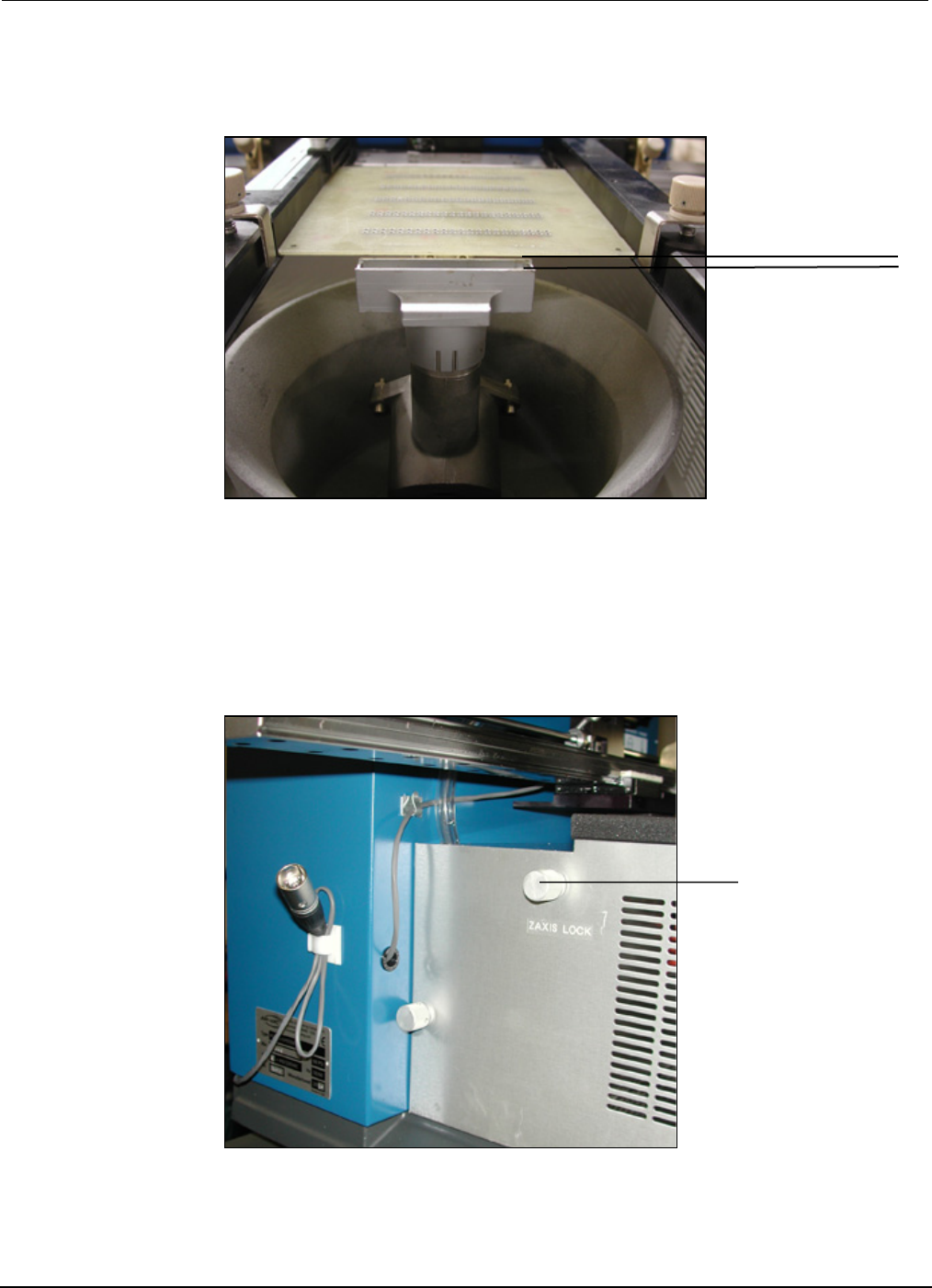
PCBRM15 & PCBRM System 5. 2 User’s Manual Chapter 4: Process es & Appl icati ons Part No. 4005.00.906 4- 17 Z- Axis Positioning Knob 8. Raise Z - Axis using Z - Axis height adjustment wheel and adj ust PCB to a h…
PCBRM15 & PCBRM System 5.2 User’s Manual
Chapter 4: Processes & Applications
Part No. 4005.00.906 4-16
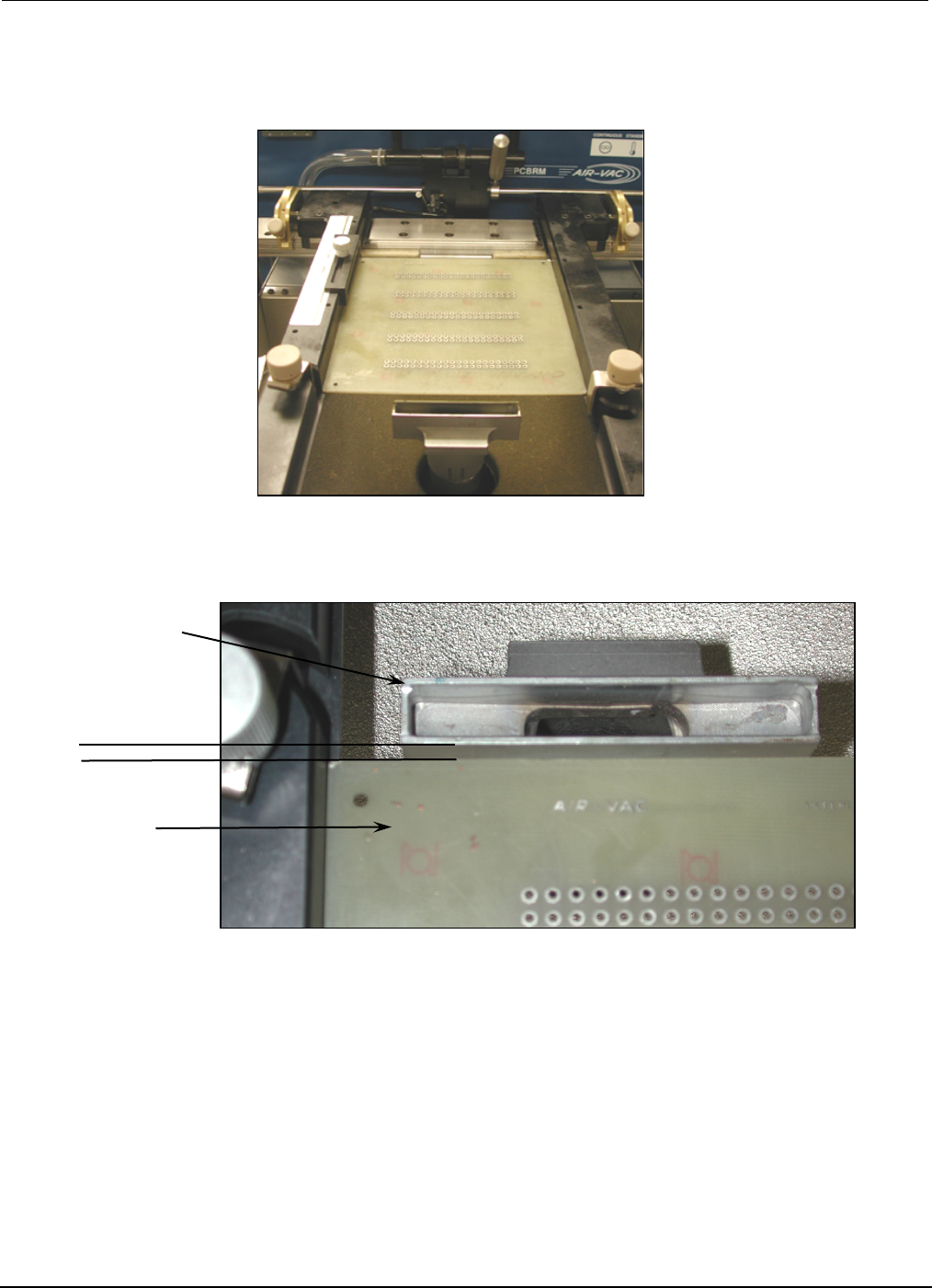
Flow Well
parallel
PCB
7. Lower Z-Axis to bring the PCB to contact the side of the flow well and square flow well to PCB.
PCBRM15 & PCBRM System 5.2 User’s Manual
Chapter 4: Processes & Applications
Part No. 4005.00.906 4-17
Z-Axis
Positioning Knob
8. Raise Z-Axis using Z-Axis height adjustment wheel and adjust PCB to a height of 1/16” above the
flow well.
• For System 5.2, loosen Z-Axis lock knob and then tighten. The Z-Axis height is now set for
repetitive applications.
1/16”
PCBRM15 & PCBRM System 5.2 User’s Manual
Chapter 4: Processes & Applications
Part No. 4005.00.906 4-18
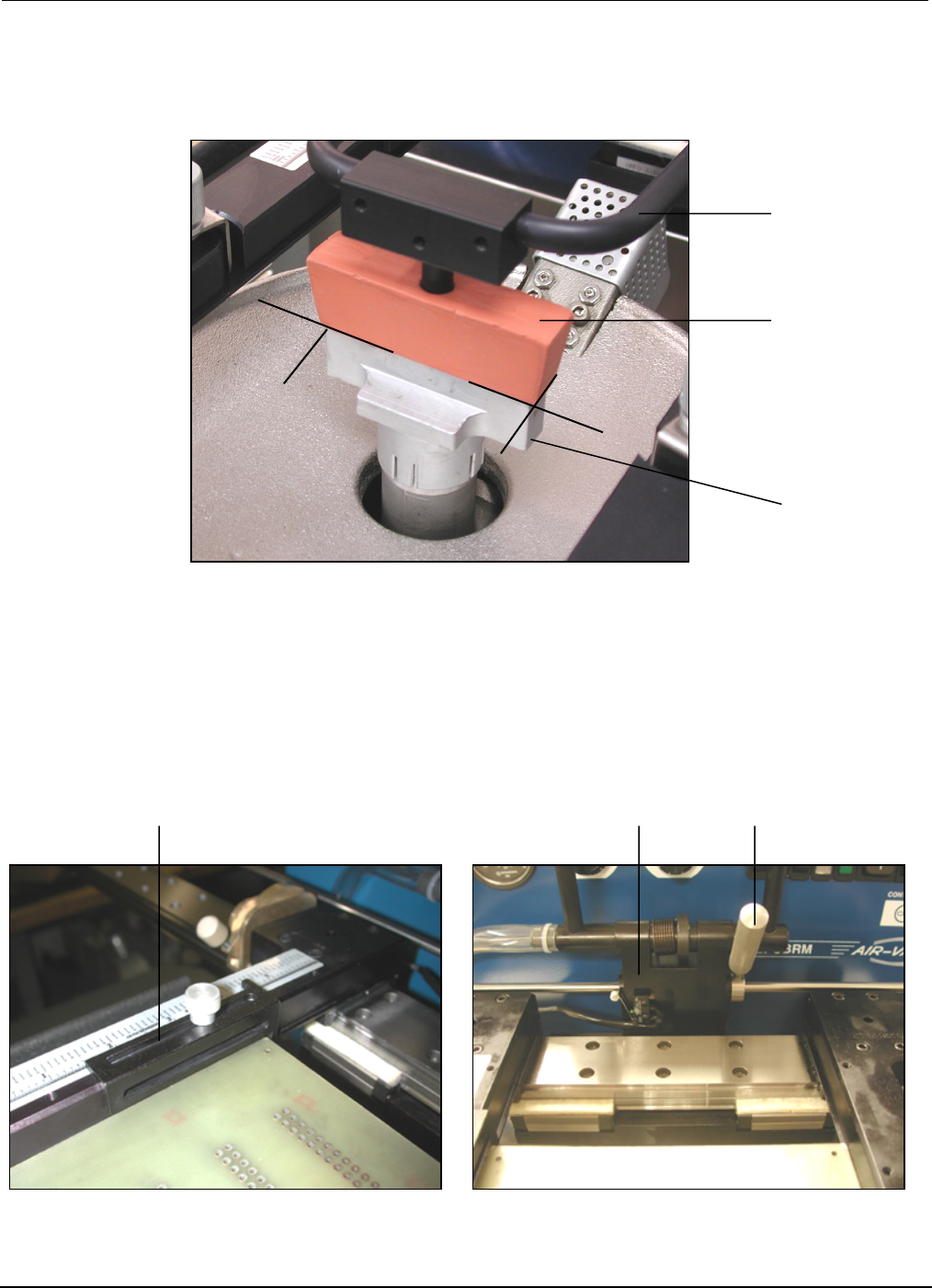
9. Move PCB in the Y-Axis and align component/lead pattern over the flow well. Use the APS over arm
and cleaning hood to locate, if so equipped. Lock the X-Axis carrier lock.
10. Adjust the Y-Axis stop to set position of PCB in the carrier arms.
• For System 5.2, move the right X-Axis lock to the left until hand stop against center bracket.
APS
Overarm
Cleaning
Hood
Flow
Well
Y-Axis PCB Stop
Center Bracket
X-Axis Lock