80S-2080F480F5.pdf - 第131页
SIPLACE 80S-20/F4/F5 User M anual 2 Introduction and Basic Concepts 05/99 Issue from Software Version SR.405.xx 2.4 Brief Description and Principles of the User Interface 2 - 47 PLEASE NOTE This fun ction ca n take a rel…
2 Introduction and Basic Concepts SIPLACE 80S-20/F4/F5 User Manual
2.4 Brief Description and Principles of the User Interface 05/99 Issue from Software Version SR.405.xx
2 - 46
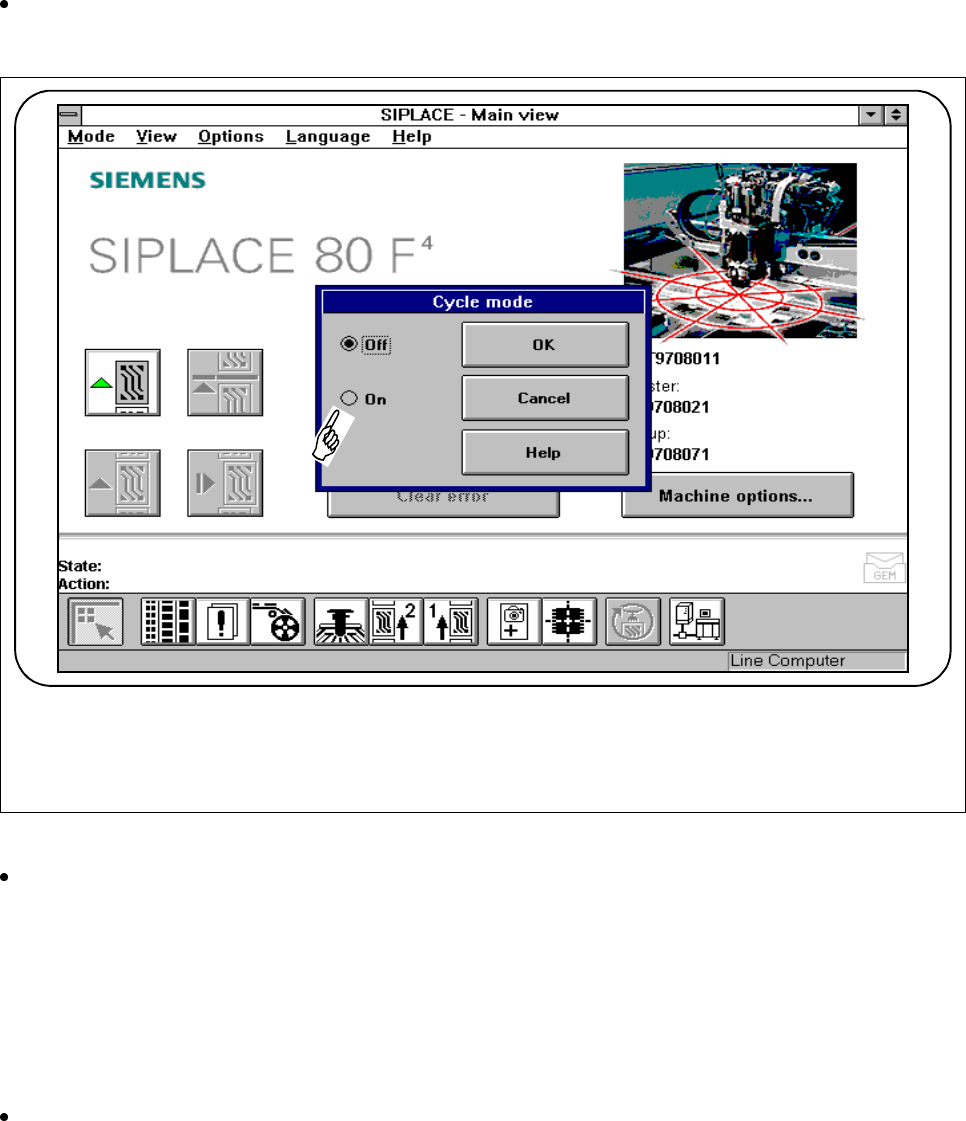
2.4.4.6 Cycle mode
If you wish to operate the station in cycle mode in order to minimize errors, select the "Cycle mode“ function
from the "Options“ menu. You will then have to press the start button on the automatic placement machine for
every step of the placement sequence.
Click on the
Cycle mode
option in the
Options
menu to open the Cycle mode menu on the station com-
puter.
Fig. 2.4.10 Cycle mode
Click on "On“ to switch to cycle mode.
2.4.4.7 Load Table Program (Line Engineer)
You can use the "Load table program“ function from the "Options" menu if a machine error is caused by loss of
the program at the component table. This will load the table program into the memory of the table program
control.
Click on the Load table program option in the Options menu to open the Load table program function on
the station computer.
SIPLACE 80S-20/F4/F5 User Manual 2 Introduction and Basic Concepts
05/99 Issue from Software Version SR.405.xx 2.4 Brief Description and Principles of the User Interface
2 - 47
PLEASE NOTE
This function can take a relatively long time.
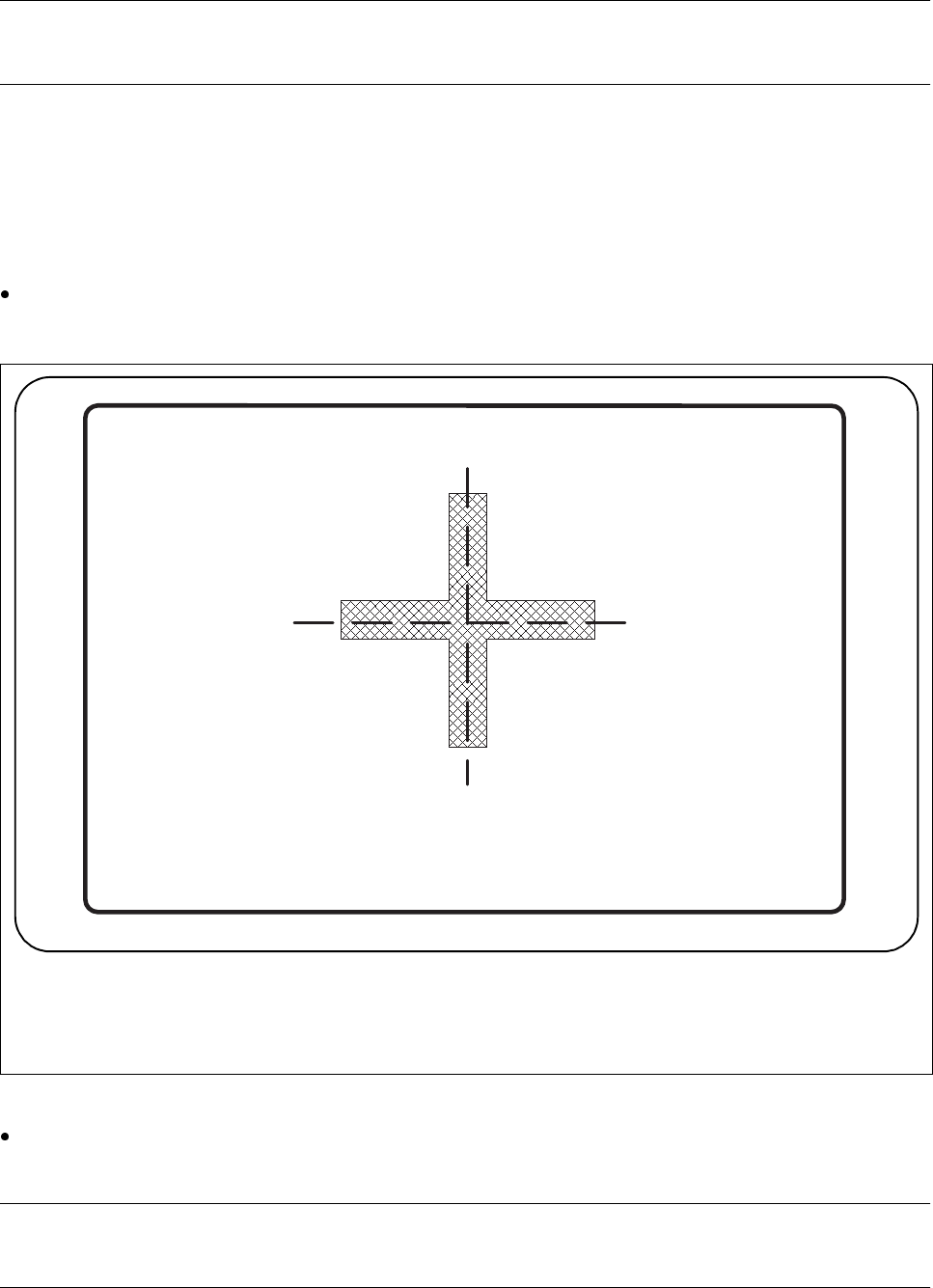
2.4.4.8 Video Image
For certain actions, it may be necessary to overlay the camera image from the MVS system (vision evaluation
unit) on the screen of the station computer during placement.
Click on the
Video image
option in the
Options
menu to switch to the camera image of the MVS system
(vision evaluation unit).
Fig. 2.4.11 Example of a video image
Press the ’ESC’ key to leave the video image and return to the previously displayed menu window on the
user interface.
PLEASE NOTE
The complete range of functions is described in Chapter of this User Manual.
2 Introduction and Basic Concepts SIPLACE 80S-20/F4/F5 User Manual
2.4 Brief Description and Principles of the User Interface 05/99 Issue from Software Version SR.405.xx
2 - 48
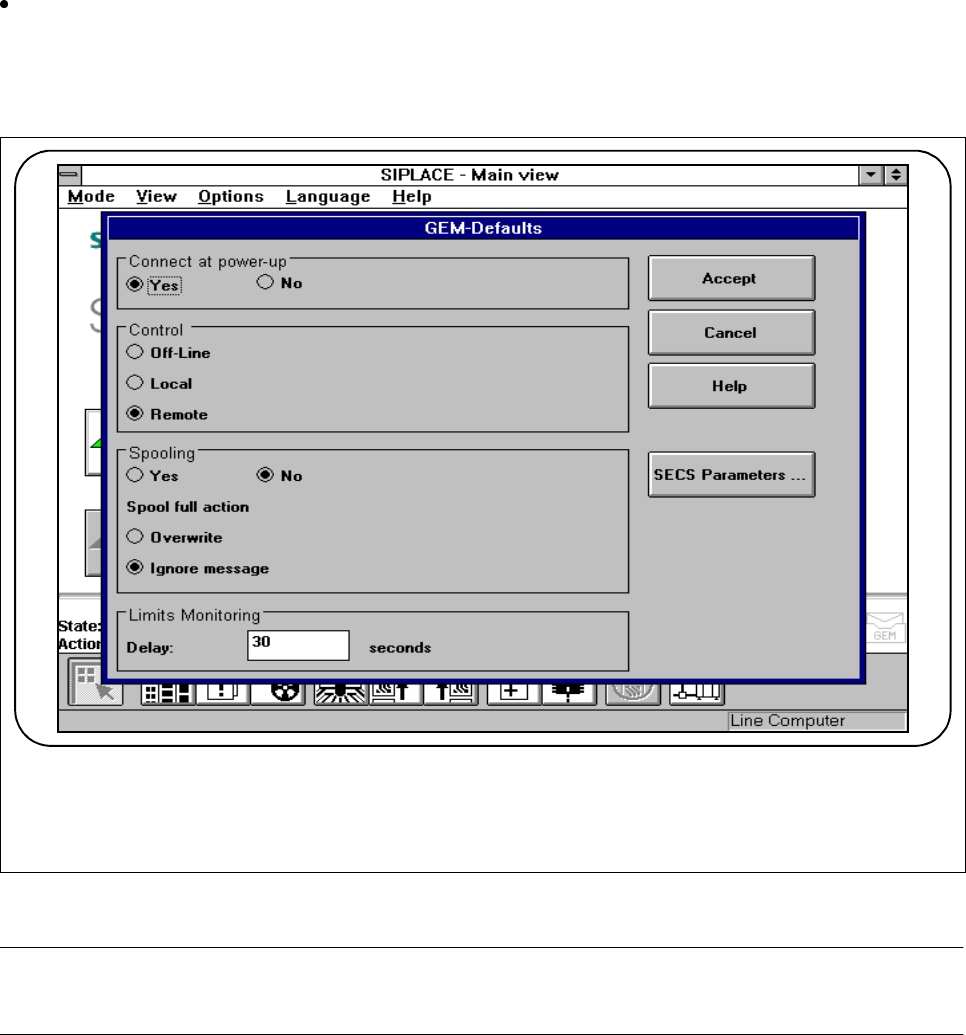
2.4.4.9 GEM Default Settings (Option)
Click on the
GEM default settings
option in the
Options
menu to set the default settings for the GEM
option on the station computer.
In this menu, you can set various parameters for the GEM interface. These will be used as standard
parameters for the SIPLACE station when it is switched on.
Fig. 2.4.12 Example of a GEM default setting
PLEASE NOTE
The complete range of functions is described in Section 11.9 of this User Manual.