80S-2080F480F5.pdf - 第320页
5 Vision Functions SIP LACE 80S-20/F4/F5 Us er Manual 5.6 Test Component 05/99 Issue from Software V ersion SR.405.xx 5 - 88 Line en gineer 5.6.4 .2 Display Component Opt ion NOTE Before you can a ctivate this option y o…
SIPLACE 80S-20/F4/F5 User Manual 5 Vision Functions
05/99 Issue from Software Version SR.405.xx 5.6 Test Component
Line engineer 5 - 87
5.6.4.1
Pick Up Component
Option
NOTE
Before you can activate this option you must have already loaded a package form number. If this is not the
case, the button will remain inactive.
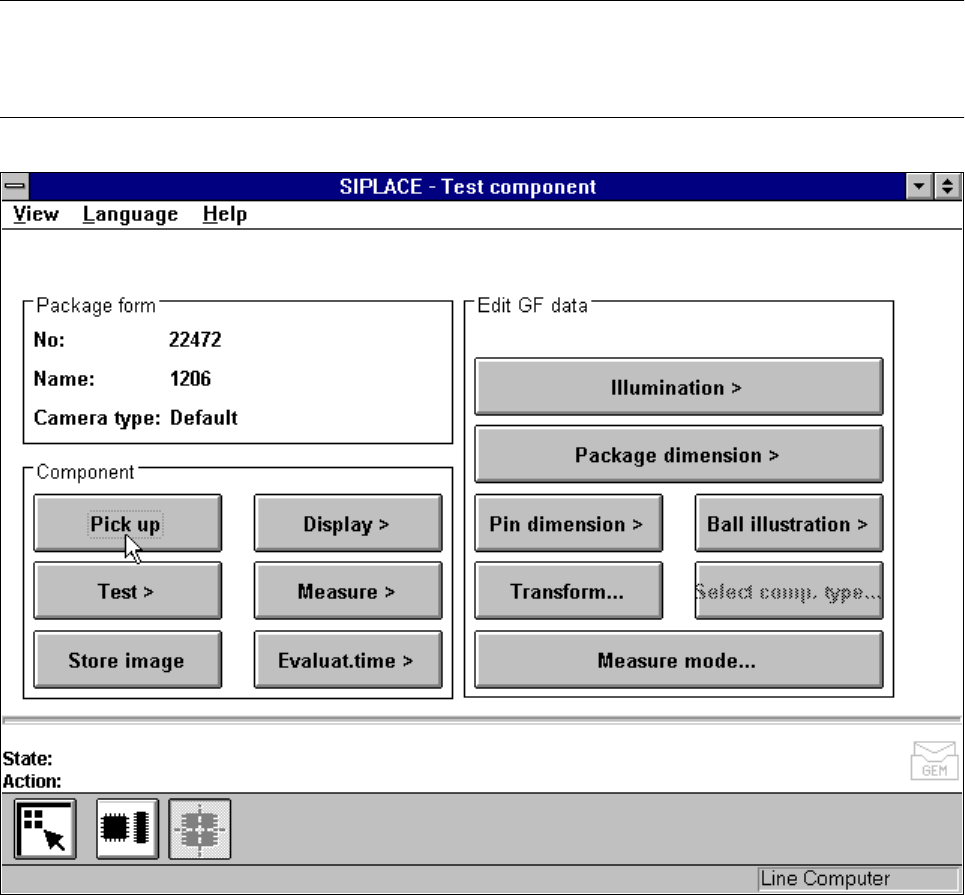
Fig. 5.6.15
Test component
menu,
Pick up component
option
When this option is activated the following actions are started:
– A component is picked up from a specific track.
– If there already is a component beneath the component camera it will be discarded.
– The options Test and Measure can be clicked on.
5 Vision Functions SIPLACE 80S-20/F4/F5 User Manual
5.6 Test Component 05/99 Issue from Software Version SR.405.xx
5 - 88 Line engineer
5.6.4.2
Display Component
Option
NOTE
Before you can activate this option you must have already loaded a package form number.
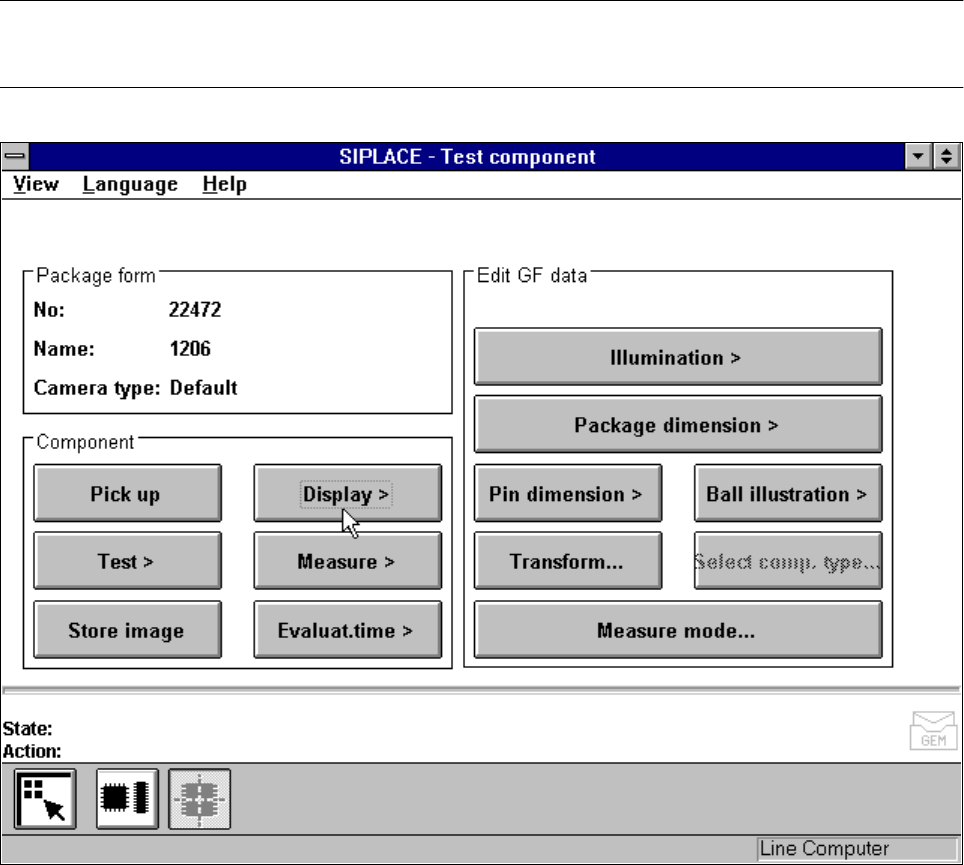
Fig. 5.6.16
Test component
menu,
Display component
option
When this option is activated the following actions are started:
– The teach command will be given.
– The vision system generates the outside contours of the component from the synthetic description.
– The video image with the real camera image and the model displayed on it will be displayed on the screen.
– The header with commentaries is displayed.
The operator can now check the synthetic description visually against the real component.
SIPLACE 80S-20/F4/F5 User Manual 5 Vision Functions
05/99 Issue from Software Version SR.405.xx 5.6 Test Component
Line engineer 5 - 89
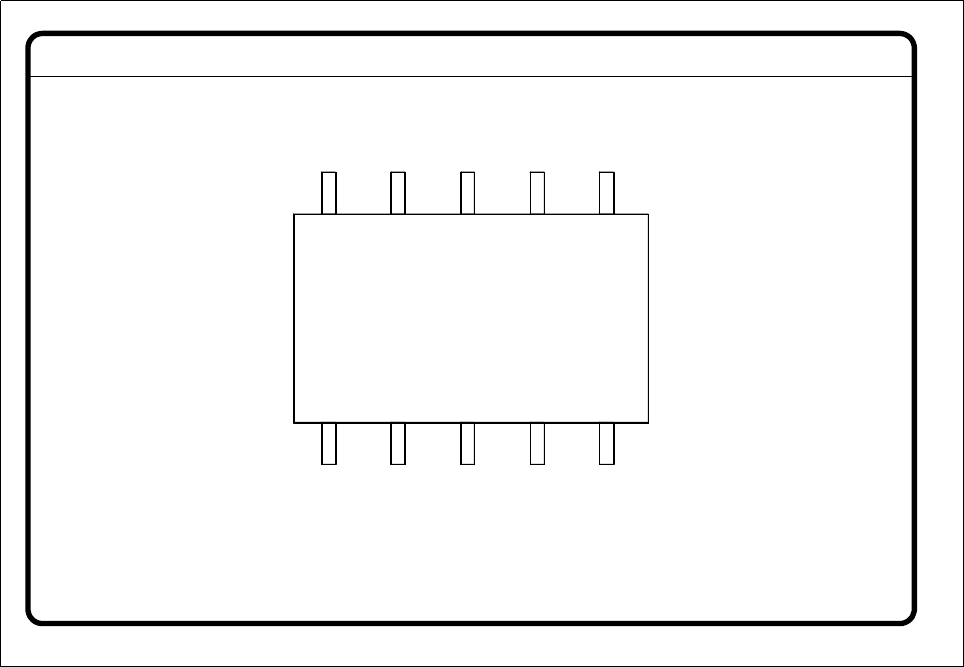
Fig. 5.6.17
Test component
menu,
Display component
video image
– Use
Esc
to end the function. The video image disappears and the
Test component
menu is displayed
once more.
GF No. = 5Display component