80S-2080F480F5.pdf - 第461页
SIPLACE 80S-20/F4/F5 User M anual 8 On-Line Help 05/99 Issue from Software Version SR.405.xx 8.1 On-Line Help 8 - 5 8.1.4 About ... In the About ... submenu you will find info rmation on the soft ware vers ions installe …
8 On-Line Help SIPLACE 80S-20/F4/F5 User Manual
8.1 On-Line Help 05/99 Issue from Software Version SR.405.xx
8 - 4
8.1.1 Contents
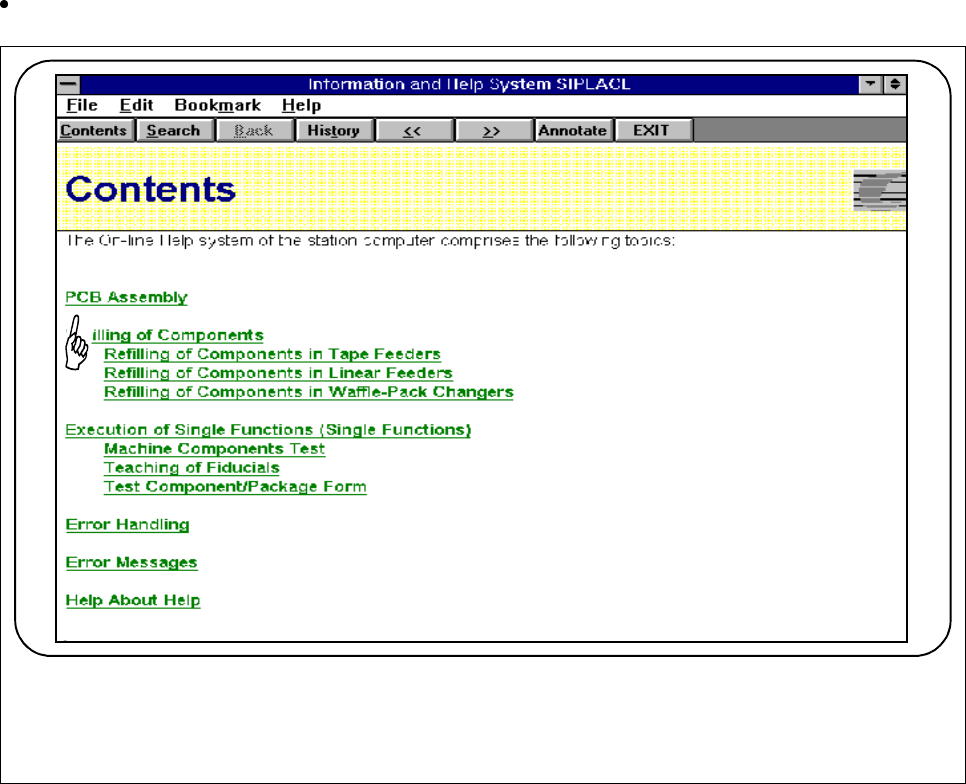
You can call a table of contents of the topics available.
You can jump directly to a topic by clicking on text displayed in green and underlined.
Fig. 8.1.2 Contents
8.1.2 Help
You can access help on any current window or by pressing the key combination
Alt+F1
.
8.1.3 Using Help
Here you will find an introduction to using the help feature.
SIPLACE 80S-20/F4/F5 User Manual 8 On-Line Help
05/99 Issue from Software Version SR.405.xx 8.1 On-Line Help
8 - 5
8.1.4 About ...
In the
About ...
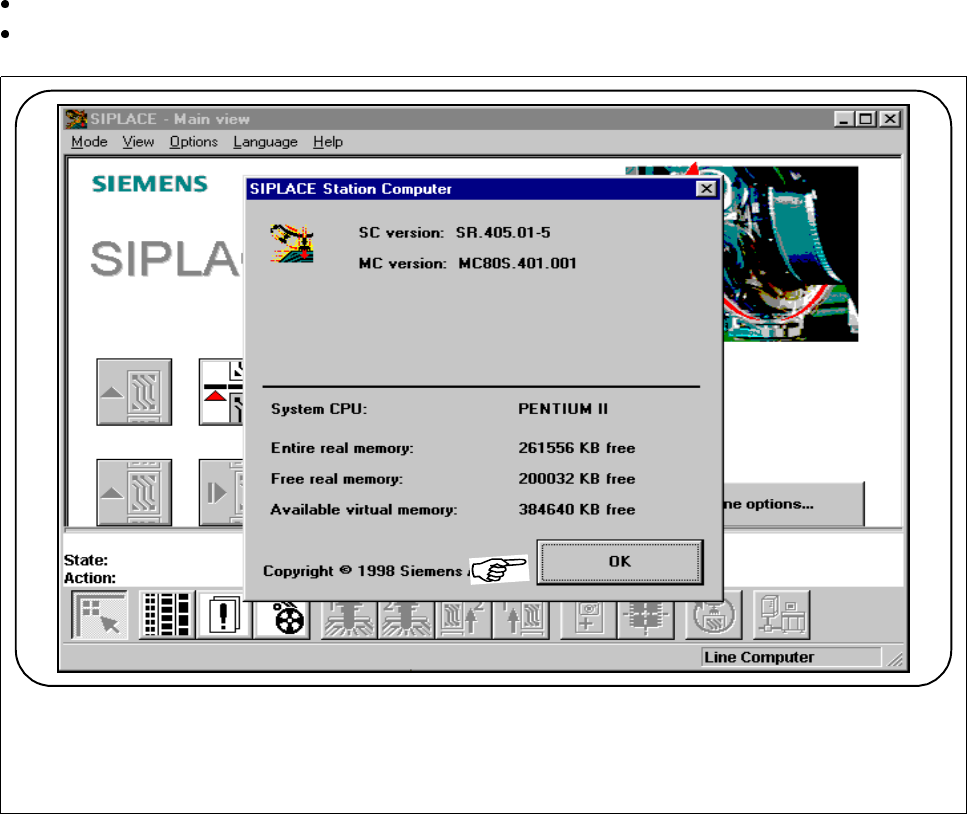
submenu you will find information on the software versions installed in the station computer.
Should you have any questions in connection with servicing you can access this information at any time.
In the
Help
menu, select the submenu
About ...
.
To close this window, click on the
OK
button.
Fig. 8.1.3 Information (here, as seen from main view)
8 On-Line Help SIPLACE 80S-20/F4/F5 User Manual
8.1 On-Line Help 05/99 Issue from Software Version SR.405.xx
8 - 6
8.1.5 Copying On-Line Help
If you want to use the on-line help independently of the station computer you can copy the help file and install
it on an external computer or laptop. In addition, you can print out any screen view.
For copying on-line help, open the submenu
Use help
.
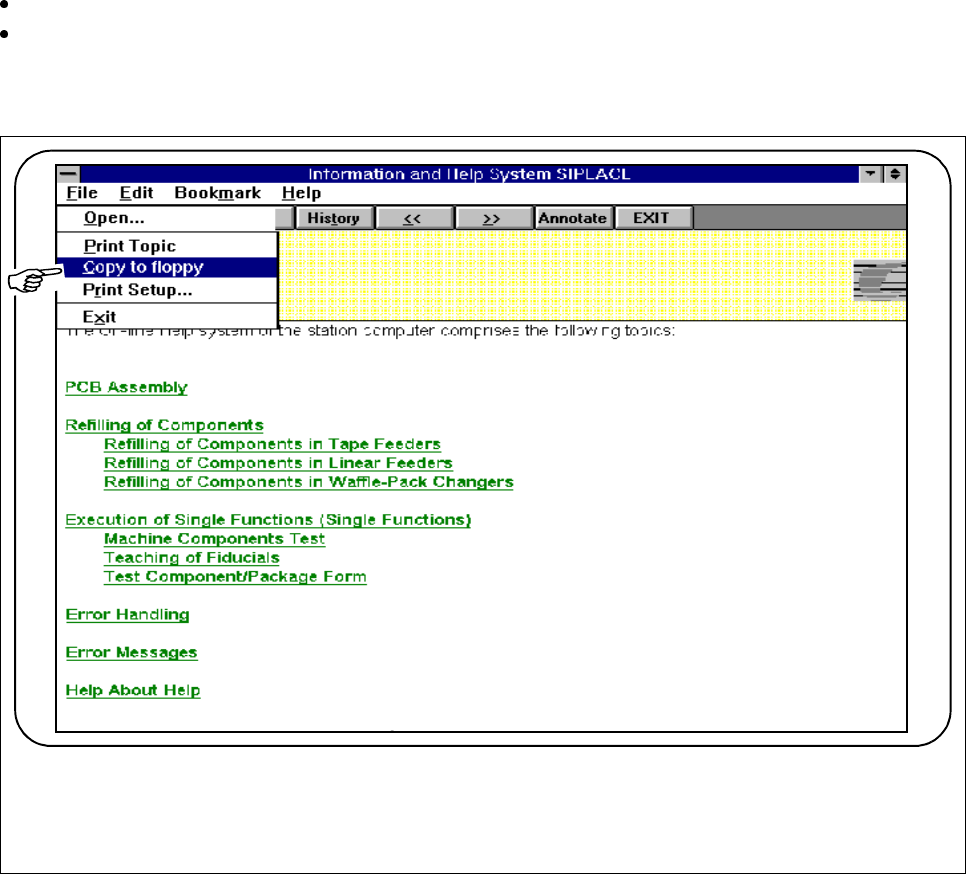
Insert a diskette into drive A: of the station computer.
In the
File
menu, click on the submenu
Copy to floppy.
The message
Reading the source file
will be displayed and the file be copied to the diskette. Once copy-
ing is completed you are returned to the user interface.
Fig. 8.1.4 Copying on-line help
r