80S-2080F480F5.pdf - 第275页
SIPLACE 80S-20/F4/F5 User M anual 5 Vision Func tions 05/99 Issue from Software Vers ion SR.405.xx 5.5 Teach Fiducial Line en gineer 5 - 43 Fig. 5.5.5 Flowchart ’T eac h fiducial’ - ’ T est fiducial’ menu No Positioning …
5 Vision Functions SIPLACE 80S-20/F4/F5 User Manual
5.5 Teach Fiducial 05/99 Issue from Software Version SR.405.xx
5 - 42 Line engineer
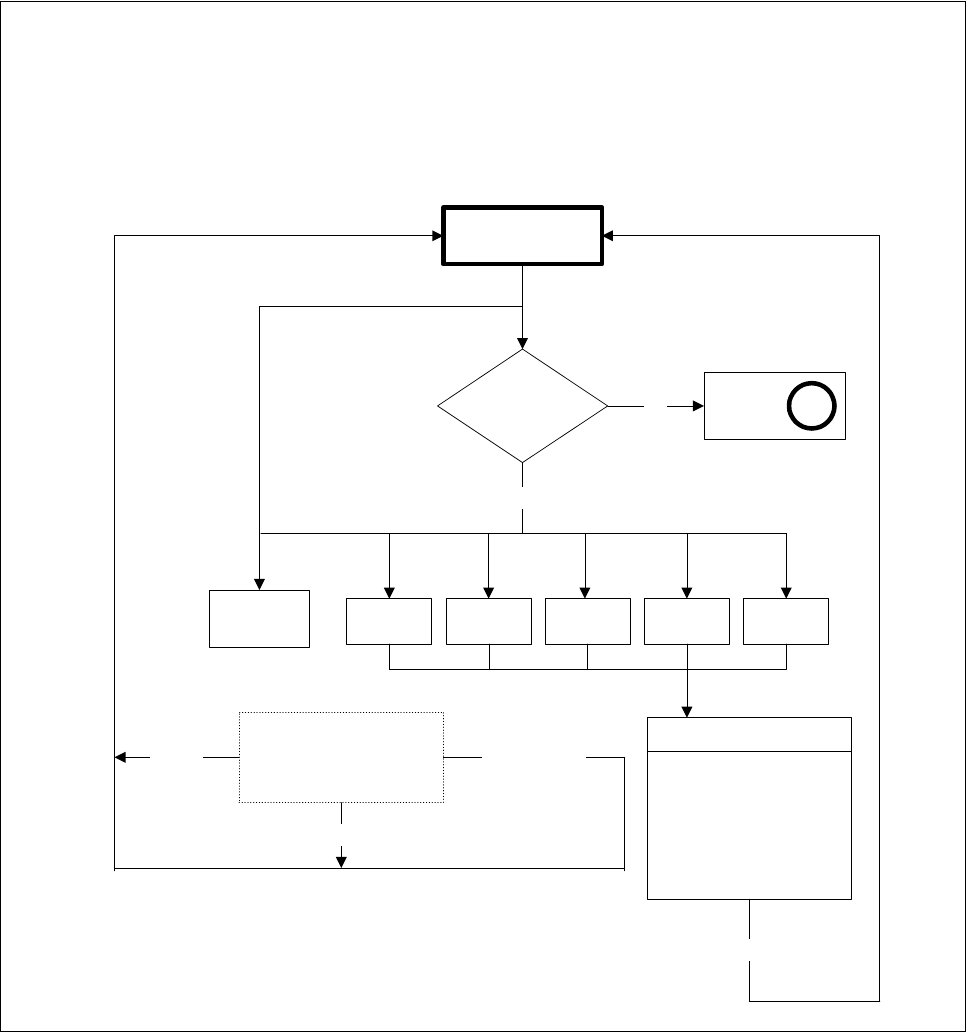
Fig. 5.5.4 Flowchart ’Teach fiducial’ - ’Contrast graduation’ menu
’Teach fiducial’ menu options
’Contrast graduation’ menu
No
Contrast
graduation
Fiducial loaded
or taught?
’Select
fiducial’
menu
A
Yes
Program
transform 5
Table 1
Video image
Teach command with
different grey-scale
transformation
Output of
uniqueness
ESC
Table 2 Table 3 Table 4 Table 5
Fiducial
Default valuesCancel
Option box for
’Program graduation
of transform 5
(Accept
default values)
Accept (save programmed values)
SIPLACE 80S-20/F4/F5 User Manual 5 Vision Functions
05/99 Issue from Software Version SR.405.xx 5.5 Teach Fiducial
Line engineer 5 - 43
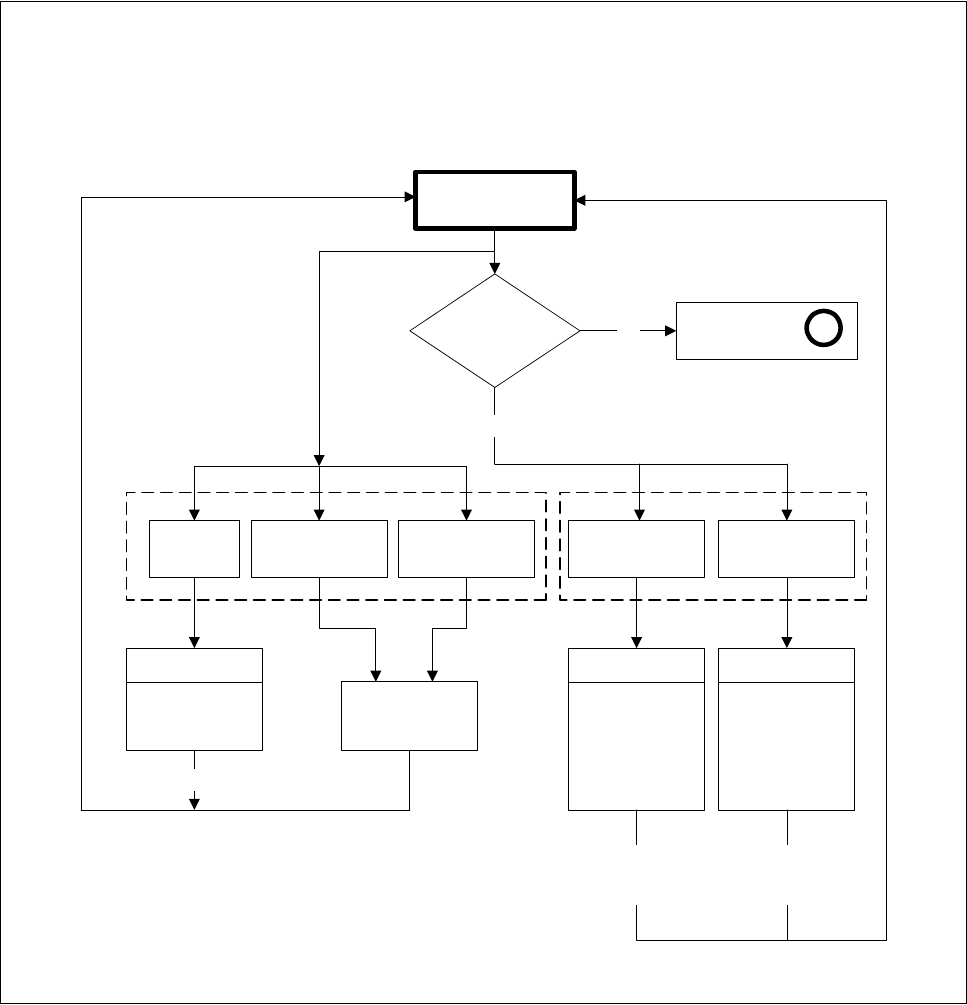
Fig. 5.5.5 Flowchart ’Teach fiducial’ - ’Test fiducial’ menu
No
Positioning
Test fiducial
Fiducial
loaded or
taught?
’Select fiducial’
menu
A
Yes
Video image
Triggering
measurement
sequence
fiducial quality
output
ESC
ESC
Return
(repeat)
Move
x/y axes
PCB to
output conveyor
PCB to
processing
conveyor
Center Test
Fiducial
Video image
Define template
window
(hor./vert.)
ESC
Return
(save)
Video image
Position
camera
PCB
transport 1/2
’Teach fiducial’ menu options
’Test fiducial’ menu

5 Vision Functions SIPLACE 80S-20/F4/F5 User Manual
5.5 Teach Fiducial 05/99 Issue from Software Version SR.405.xx
5 - 44 Line engineer
5.5.3
Select
Fiducial
Menu
When the
Teach fiducial
option in the
Main view
menu is selected the following actions will be started:
The functions for the vision system are activated in the station computer
The
Select fiducial
menu will drop down.
The station computer asks the line computer for the list of fiducial numbers with commentaries and dis-
plays them on the screen. The transformation tables for the screen colors are held locally in the station
computer.
Fig. 5.5.6
Select fiducial
menu
As the diagram shows, the menu offers the following options for selection.
– Select gantry
– Load fiducial
– Define new fiducial
– Change fiducial name
– Save fiducial
Fiducial numbers list