KE-750_MS.pdf - 第172页
(2) Offset Setting Select "2/Offset set-up" fr om menu bar and commands will appear. c OCC d Laser e Head 2-5
3.4.2 Display Menu
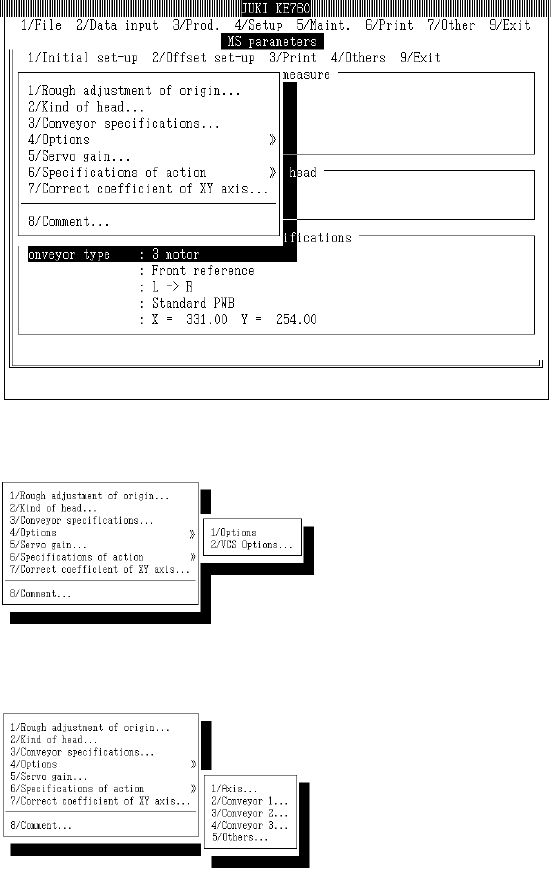
Displays setting dialogs for selection in menu.
Access to "3/Options" within "1/Initial set-up" is not possible for units where the option is not yet
installed.
(1) Default Setting
Select [1/Initial set-up] from menu and commands will appear.
c Optional
d Operating Specifications
2-4
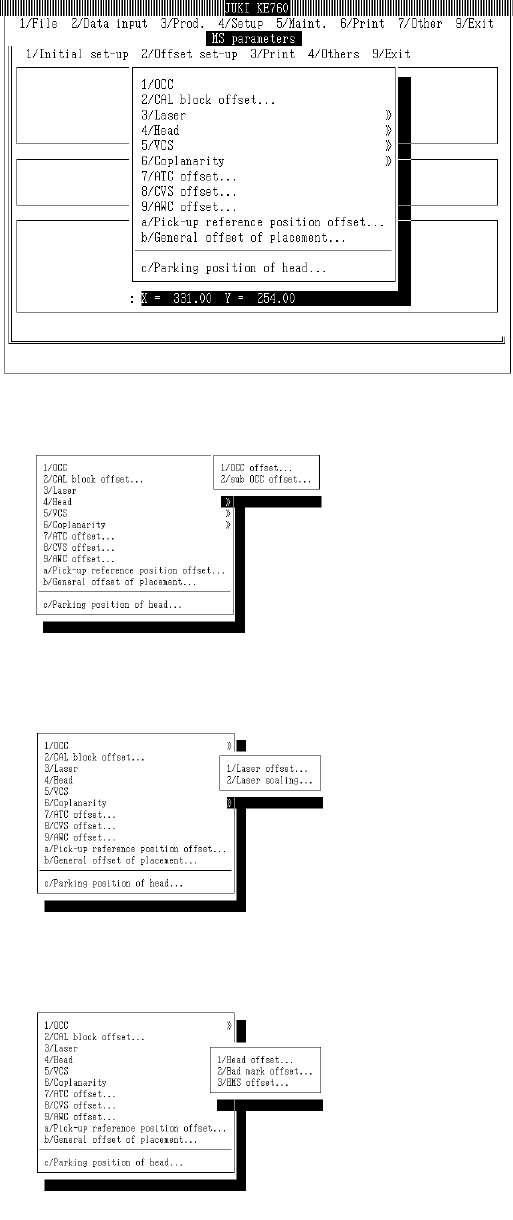
(2) Offset Setting
Select "2/Offset set-up" from menu bar and commands will appear.
c OCC
d Laser
e Head
2-5
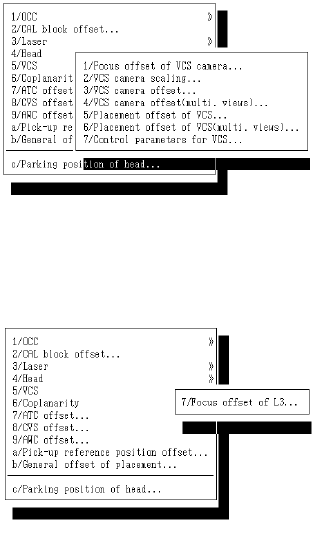
f VCS
g Coplanarity
2-6