KE-750_MS.pdf - 第220页
(Standard VCS) Place a Z axis height gauge on the VCS-HT jig. Lower LAIC head bit by bit with teaching. W hen nozzle tip touches Z axis height gauge surface, press HOD Entry key. (0.3mm VCS) Set a Z axis height gauge on …
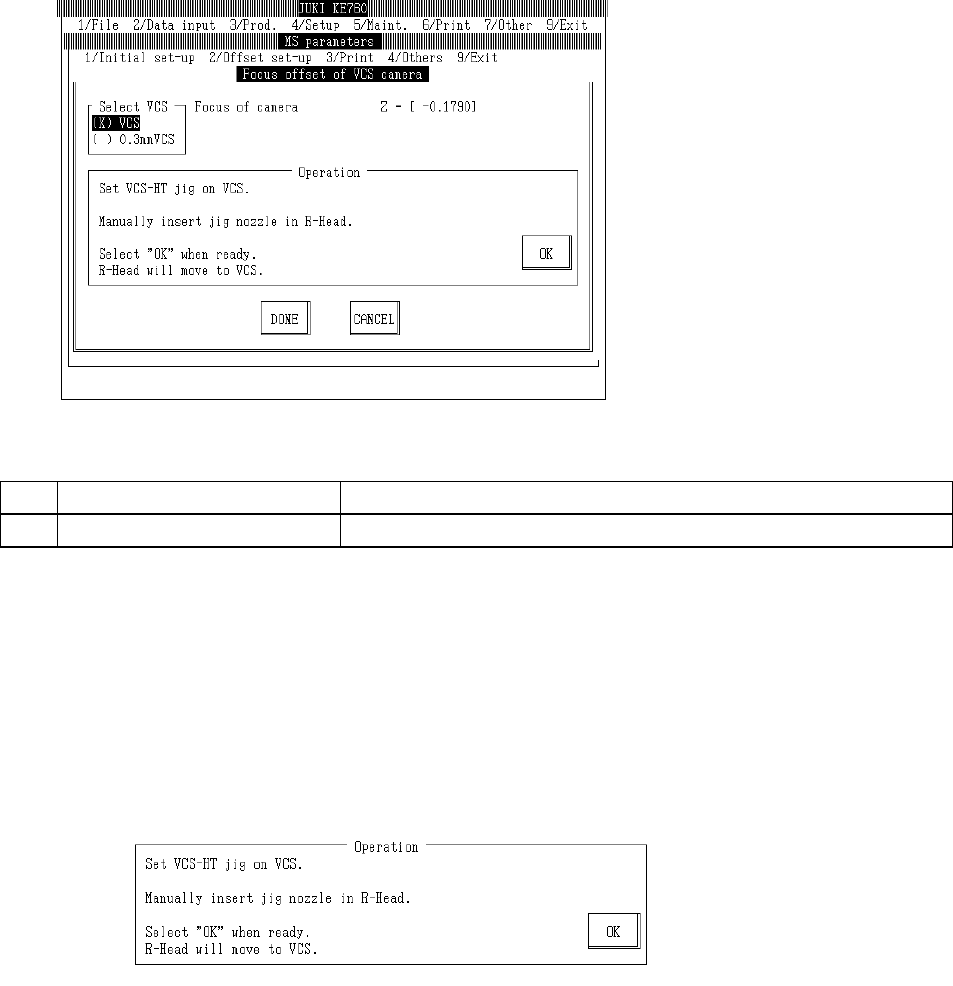
4.13 VCS Offset
4.13.1 VCS Camera Focus Offset
Select "2/Offset set-up" then "5/VCS", "1/Focus offset of VCS camera" and the VCS camera focus
offset setting dialog will appear as follows.
(0.3 VCS only)
(1) Setting Items
No. Item Contents
1 Camera Focus Offset from VCS camera focus setting value
(2) Method of Setting
– Select VCS unit with the tuning button and enter values directly with the keyboard or follow
the internal operating instructions for automatic input.
– Select HOD device key to enter teaching.
– Use control menu to move head if in the way.
– Operating method of automatic input
Follow instructions to operate and values will automatically acquire.
(0.3 VCS only)
Set VCS-HT jig in VCS.
When setting 0.3mm VCS, set a 0.3mm adaptor in VCS-HT jig.
Set jig nozzle in LAIC head.
Once completed, select "OK".
When "OK" is selected, LAIC head suction places jig nozzle over VCS-HT jig for a standard
setting and 0.3mm over adapter for a 0.3mm VCS setting.
2-52
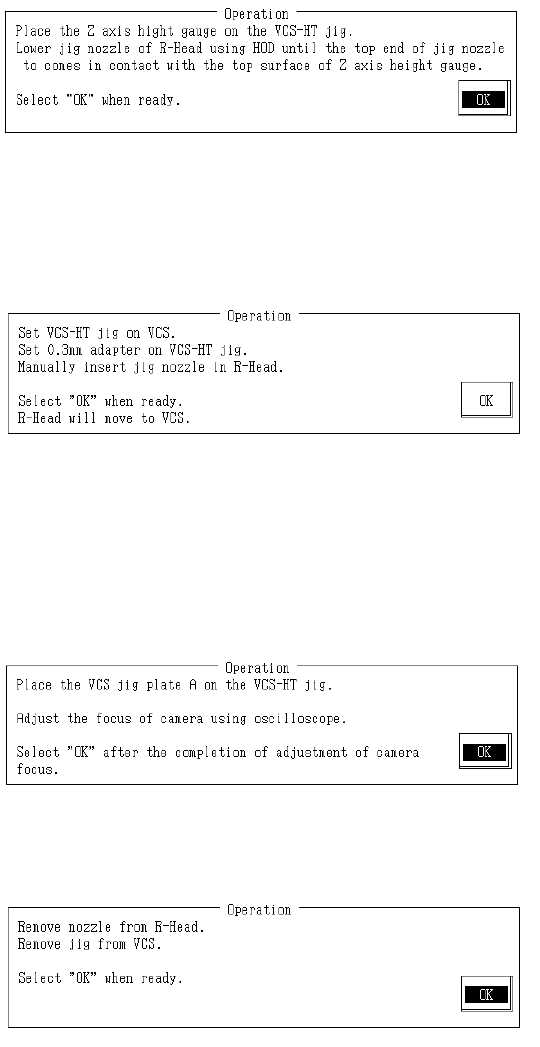
(Standard VCS)
Place a Z axis height gauge on the VCS-HT jig.
Lower LAIC head bit by bit with teaching. When nozzle tip touches Z axis height gauge surface,
press HOD Entry key.
(0.3mm VCS)
Set a Z axis height gauge on the 0.3mm adaptor.
Lower LAIC head bit by bit with teaching. When nozzle tip touches Z axis height gauge surface,
press HOD Entry key.
When teaching is completed, focus offset is calculated from the obtained coordinates and
modifications made.
Once completed, select "OK".
Set VCS jig plate A in VCS-HT jig.
Use an oscilloscope to adjust focus.
Once camera focus adjustment is completed, select "OK".
Remove jig nozzle from LAIC head.
Set VCS jig plate A in VCS-HT jig.
When 0.3mm VCS is set, remove 0.3mm adaptor from VCS-HT jig.
Remove VCS-HT jig from VCS.
Once completed, select "OK".
2-53
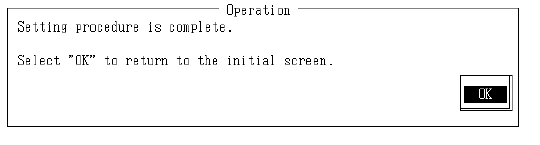
Setting is completed.
Select "OK" to return to default operation screen.
2-54