Forte Max Manual.pdf - 第14页
10 © 2023 Nordson Corporation 3 Installation and Setup 3.1 Overview This section covers hardwa re and software setup and calibration for both dual-si multaneous and dual-action dispensing. This section covers the followi…

ForteMAXDispensingSystemAddendum Safety
© 2023 Nordson Corporation 9
2.11 Service Shutdown
Before performing service or parts replacement, shutdown the dispensing system for service as follows:
1. Perform a service shutdown for the Forte Dispensing System. Refer to the Forte Dispensing
System Installation, Operations, and Maintenance Manual.
WARNING!
Before performing any servicing or parts replacement, the system must be
shutdown for service. Failure to do so could cause serious injury to the user
and/or serious damage to the dispensing system.
2. Perform a “Lockout/Tagout of Electrical and Pneumatic Energy” for the Forte Dispensing
System, see 2.12 Lockout/Tagout of Electrical and Pneumatic Energy.
2.12 Lockout/Tagout of Electrical and Pneumatic Energy
Refer to the Forte Dispensing System Installation, Operations, and Maintenance Manual for
Lockout/Tagout (LOTO) of electrical and pneumatic procedures for the Forte Dispensing System.
10 © 2023 Nordson Corporation
3 Installation and Setup
3.1 Overview
This section covers hardware and software setup and calibration for both dual-simultaneous and
dual-action dispensing. This section covers the following topics:
• Designing the Dispense Layout
• Slide Bracket Positions
• Installing the Slide Bracket
• Dry Valve Offsets Procedure
3.2 Safety First
Operation of the dispensing system involves heat, air pressure, electrical power, mechanical devices, and
the use of hazardous materials. It is essential that every person servicing or operating the dispensing
system fully understands all hazards, risks, and safety precautions. Refer to Section 2 – Safety in this
manual and to the Forte Dispensing System Installation, Operations, and Maintenance Manual for
important safety information.
WARNING!
Allow only qualified personnel to perform the following tasks. Follow the safety
instructions in this document and all other related documentation.
3.3 Tools and Materials Needed:
•
R
u
l
e
r
•
S
t
a
n
d
a
r
d
S
l
i
d
e
B
r
a
c
k
e
t
(
Item
2
21
)
•
C
a
l
i
p
e
r
•
H
e
x
W
r
e
n
c
h
e
s
(
2
.
5
m
m
,
3
m
m
,
4
.
5
m
m
)
•
T
o
r
q
u
e
W
r
e
n
c
h
(
0
-
1
0
0
i
n
l
b
s
)
ForteMAXDispensingSystemAddendum Installation and Setup
© 2023 Nordson Corporation 11
3.4 Designing the Dispense Layout
Prior to setting up the system hardware, you must design the board layout. The slide bracket position
depends on the board layout. Select a board that is as close to perfect as possible when teaching the
board for the first time. This allows the largest room for valve adjustment on a board with a rotated part. If
you start with a board with rotated parts, you may not have the room to adjust.
Select the layout design solution that has the shortest valve pitch within the range of 45 mm to 112 mm.
The longer the distance between Valve 1 (V1) and Valve 2 (V2), the less accurate the dispensing results
and the shorter the X travel (Figure 3-3 and Figure 3-4).
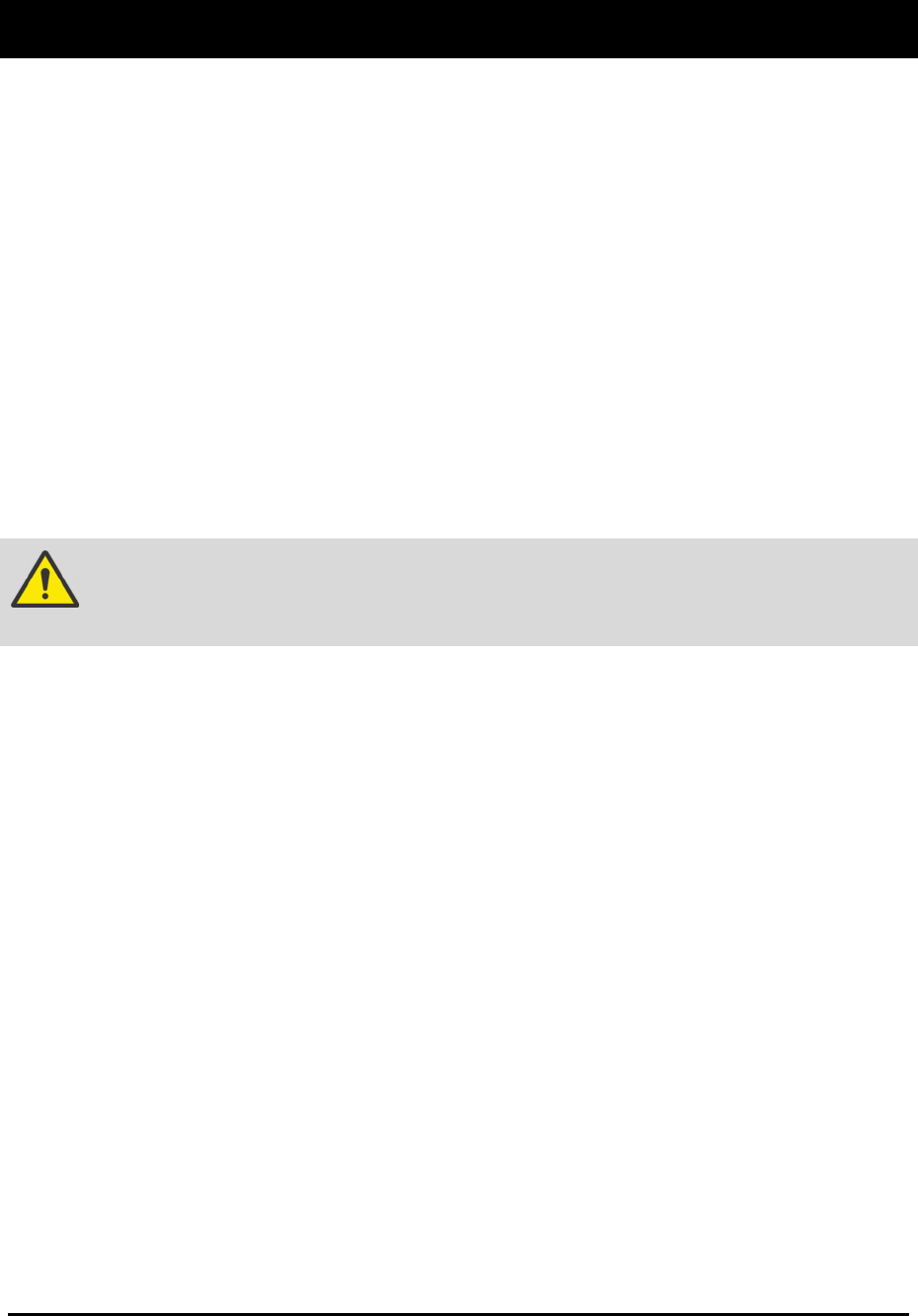
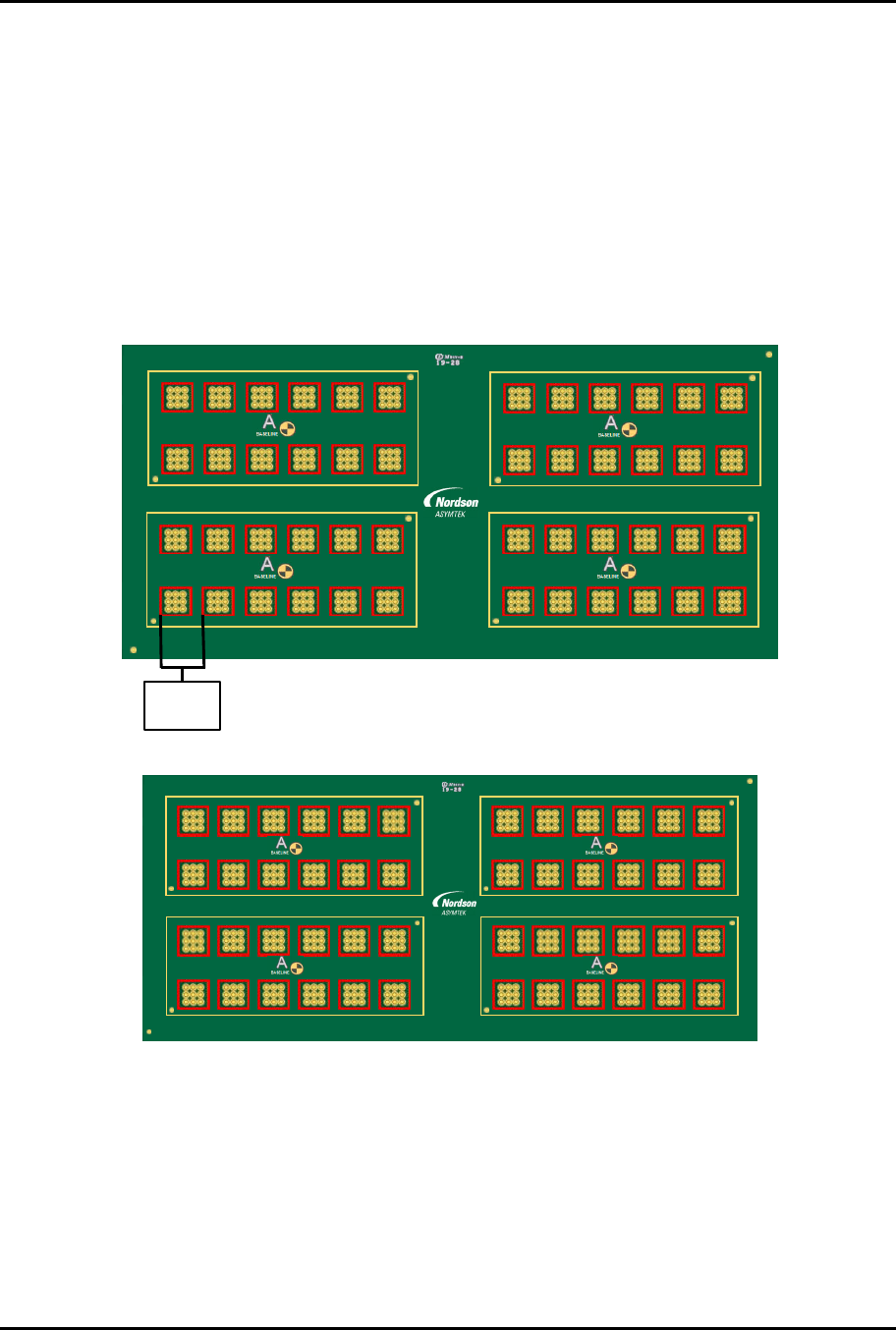
The following multi-up panel board (Figure 3-1) is used as an example for both the dual simultaneous and
dual-action recipes detailed in this manual. The pitch between the parts to be dispensed on (part pitch)
is 16.5 mm.
4,1 4,2 4,3 4,4 4,5 4,6
A2
A1
3,1 3,2 3,3 3,4 3,5 3,6
1 2 3 4 5 6 7 8 9 10 11 12
4
3
2
1
2,1 2,2 2,3 2,4 2,5 2,6
A2
A1
1,1 1,2 1,3 1,4 1,5 1,6
4,1 4,2 4,3 4,4 4,5 4,6
A2
A1
3,1 3,2 3,3 3,4 3,5 3,6
2,1 2,2 2,3 2,4 2,5 2,6
A2
A1
1,1 1,2 1,3 1,4 1,5 1,6
6130139 R EV 1
STRAIGHT
B,1
B,2
Part Pitch
16.5 mm
The application requirement (dispense on all the red squares) is shown in Figure 3-2.
1 2 3 4 5 6 7 8 9 10 11 12
4
3
2
1
6130139 REV 1
STRAIGHT
B,1
B,2
2,1 2,2 2,3 2,4 2 ,5 2,6
1,1 1,2 1,3 1,4 1,5 1,6
4,1 4,2 4,3 4,4 4,5 4,6
A2
A1
3,1 3,2 3,3 3,4 3,5 3,6
A2
A1
4,1 4,2 4,3 4,4 4,5 4,6
A2
A1
3,1 3,2 3,3 3,4 3,5 3,6
A2
A1
2,1 2,2 2,3 2,4 2,5 2,6
1,1 1,2 1,3 1,4 1,5 1,6
Figure 3-2 Application Requirement
F
ig
u
re
3
-
1
M
u
l
t
i
-
U
p
P
a
n
e
l