00192662-01.pdf - 第321页
User Manual SIPLAC E F5/F5 HM 6 Vision functions Software version SR.407.xx 01/2001 US Edition 6.6 Test Component 321 6.6.4.6 Evaluat. time Option NOTE 6 Y ou cannot clic k on this option u ntil a package for m numb er h…
6 Vision functions User Manual SIPLACE F5/F5 HM
6.6 Test Component Software version SR.407.xx 01/2001 US Edition
320
Synthetic ball model representation 6
in pixel resolution on the lefthand edge of the video image 6
A description will be found in the Grid mode section. 6
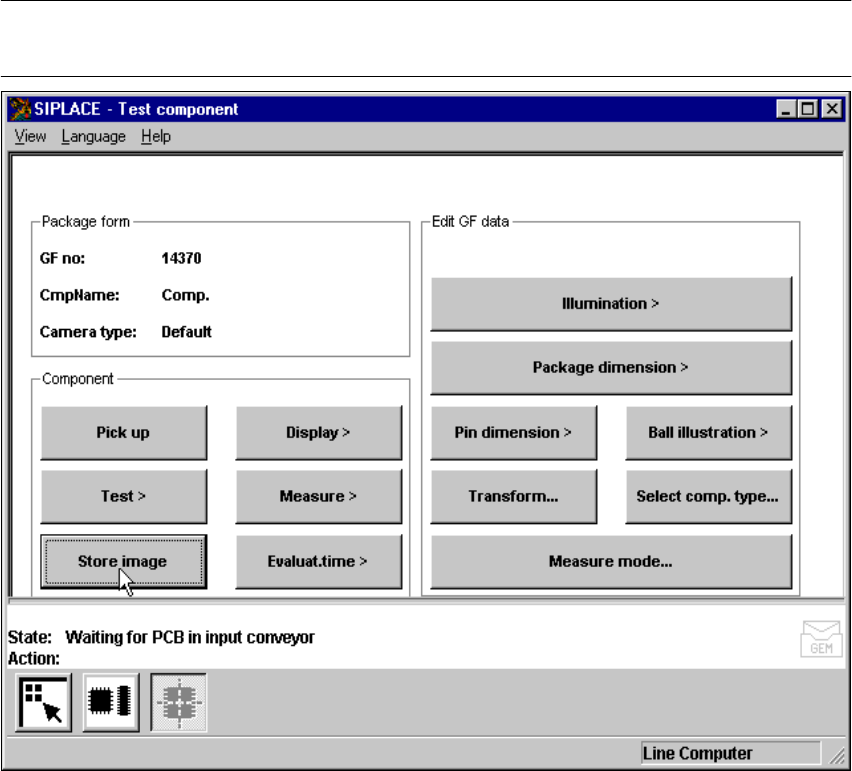
6.6.4.5 Store image Option
NOTE 6
You cannot click on this option until a package form number has been loaded.
Fig. 6.6 - 22 Test component menu, Store image option
This menu is used to store the generated video image as a file on the hard disk of the machine
controller. The file name and path are preset to: 6
D:\TMP\MVSBILD.MVS 6
For further analysis at Siemens AG, copy the file from the hard disk of the MVS controller onto a
diskette and send it to the PL EA Service Department. 6
User Manual SIPLACE F5/F5 HM 6 Vision functions
Software version SR.407.xx 01/2001 US Edition 6.6 Test Component
321
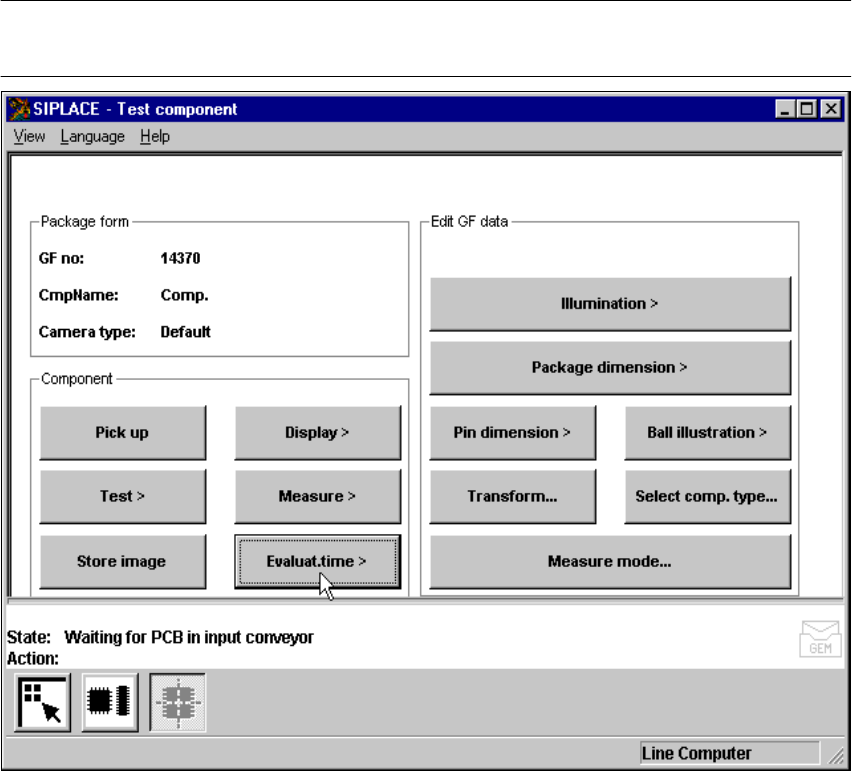
6.6.4.6 Evaluat. time Option
NOTE 6
You cannot click on this option until a package form number has been loaded.
Fig. 6.6 - 23 Test component menu, Evaluat. time option
This option is used to display the evaluation time for a selected component. Once you have acti-
vated the function, the following actions are started: 6
– The measuring procedure is activated.
– The video image appears on the screen
– The evaluation time is overlaid.
6 Vision functions User Manual SIPLACE F5/F5 HM
6.6 Test Component Software version SR.407.xx 01/2001 US Edition
322
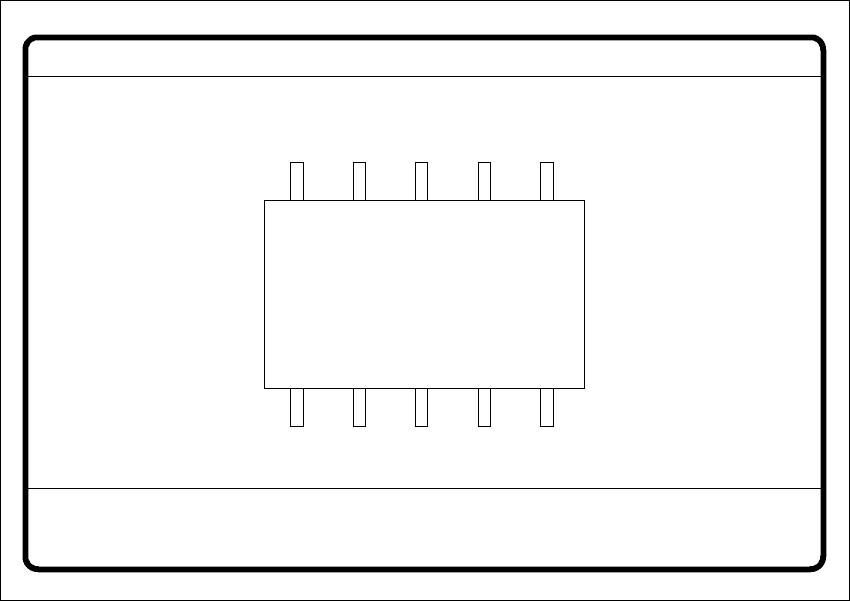
Fig. 6.6 - 24 Test component menu, Evaluat. time video image
Å Press the RETURN key to start the measurement. Once the measuring procedure has ended,
the measuring time in msec is overlaid.
Å Press ESC to leave the option. The video image will disappear and the ‘Test component’ menu
will appear once more.
6.6.4.7 Information on the Group of Edit GF Data Options
The following options belong to the Edit GF data group of options: 6
– Lighting
– Package dimensions
– Lead dimensions
– Ball illustration
– Transformation table
– Select component type (F machines only)
– Measure mode
GF No. = 5
Evaluation time
Evaluation time [ms] =
RET: Measure component