DFD6361-Maintenance.pdf - 第405页
D-120 A1 164 : Y ax es wil l get near t oo much. Error c ode A1 164 Message Y axes will ge t near too much. W hat wa s detected Since the Y1- and Y2-axes get close ea ch other , there was inp ut in the Y - axis colli sio…
D-119
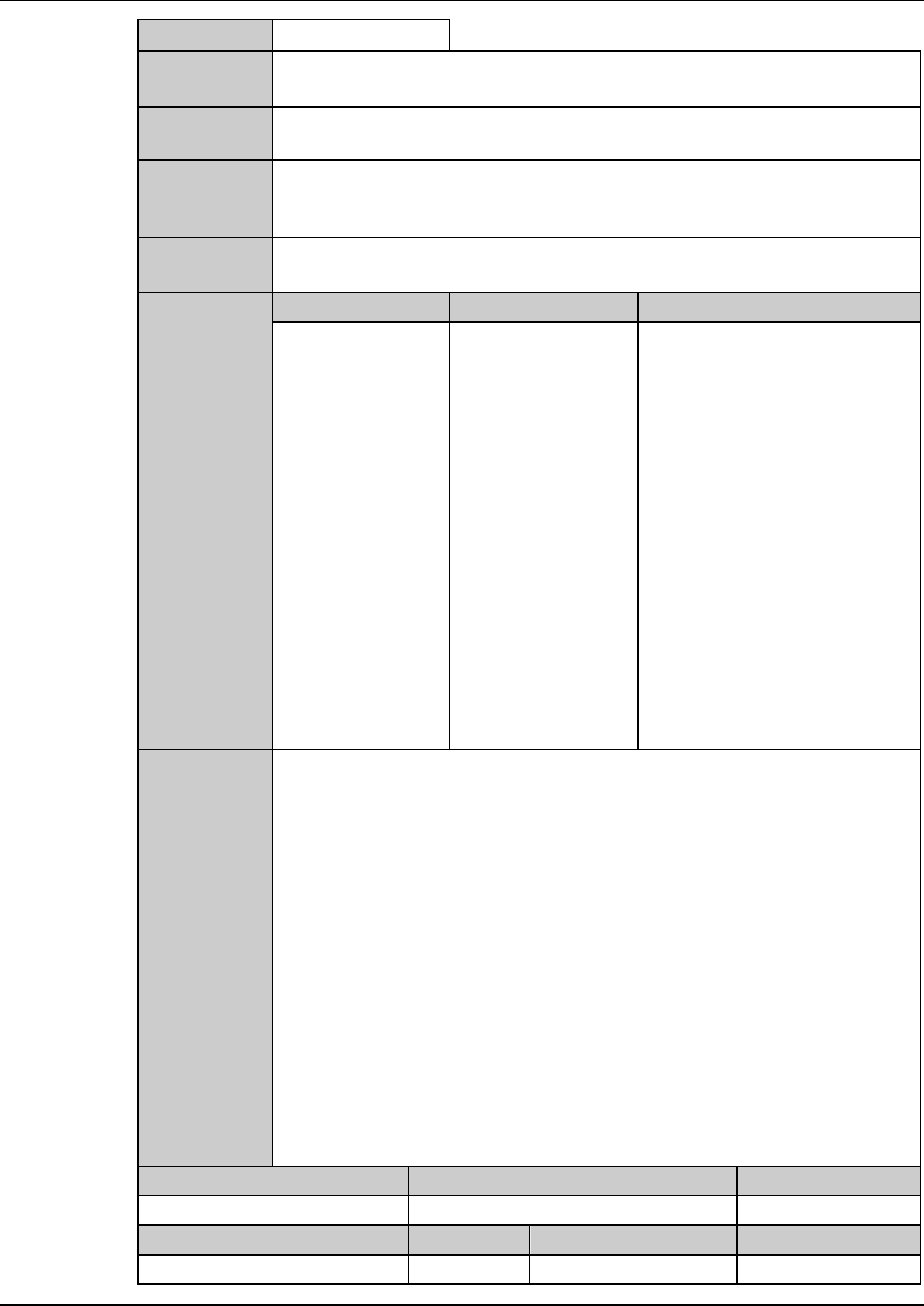
A0552 : Focus maintenance has not been done.
Error code
A0552
Message
Focus maintenance has not been done.
What was
detected
Error display is made if focus maintenance is not done before auto focus
operation.
During what
operation it
occurred
Before execution of auto focusing.
State after
detection
Auto focus operation is discontinued.
Phenomenon Probable causes Remedy Reference
What to do
Recovery
(1) Cancel the alarm.
(2) Call up the FOCUS MAINTENANCE screen [6.4 screen], and effect
focus maintenance.
Maintenance level Maintenance personnel level Hazard level
Measuring equipment used Tools Replacement parts Protective gear
D-120
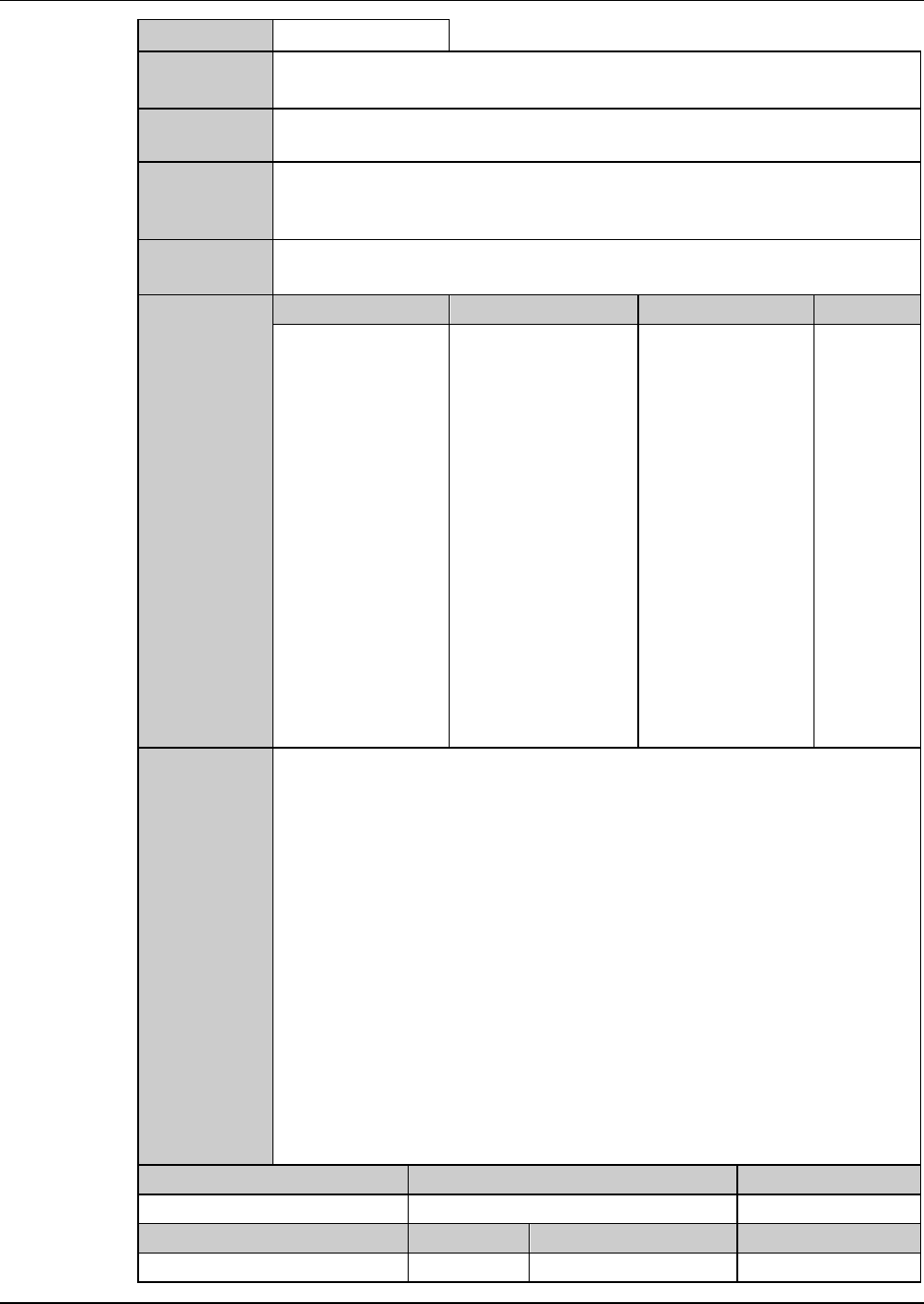
A1164 : Y axes will get near too much.
Error code
A1164
Message
Y axes will get near too much.
What was
detected
Since the Y1- and Y2-axes get close each other, there was input in the Y-
axis collision avoidance sensor.
During what
operation it
occurred
During auto alignment operation.
State after
detection
Auto alignment operation is temporarily halted.
Phenomenon Probable causes Remedy Reference
What to do
The error occurs
frequently.
The sensor is
defective.
Contact your
nearest DISCO
Service Office.
Recovery
(1) Cancel the alarm, then the ERROR RECOVERY (ALIGNMENT)
screen is displayed.
(2) Perform the error recovery steps indicated on the screen.
Maintenance level Maintenance personnel level Hazard level
Measuring equipment used Tools Replacement parts Protective gear
D-121
2-7. Remedies for Kerf Check-Related Errors
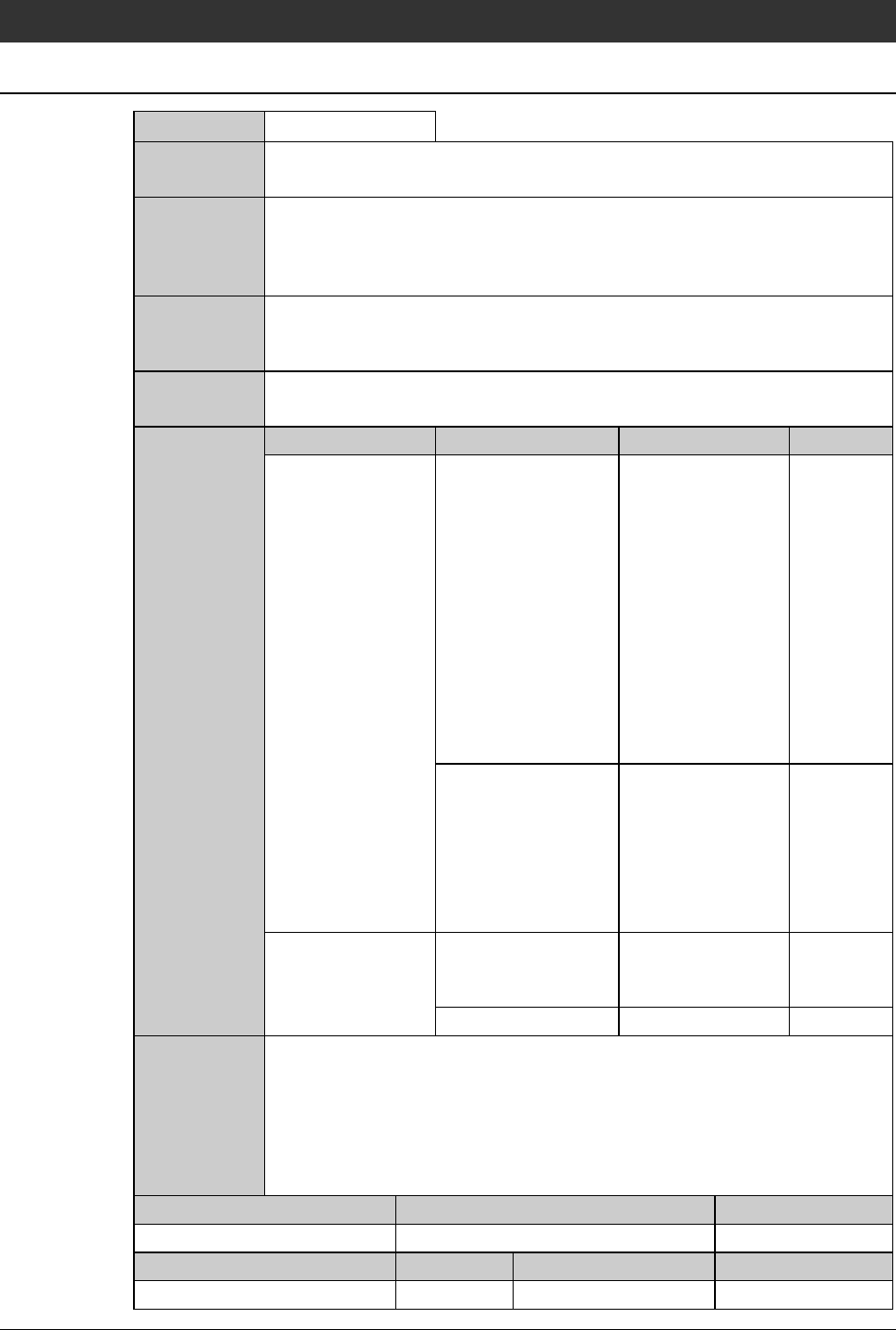
K0038 : Kerf check: Not found.
Error code
K0038
Message
Kerf check: Not found.
What was
detected
This error occurs if the kerf score is lower than the permissible value
specified in the column <KERF SCORE> on the KERF CHECK DATA
screen [screen 3.1.8] after the kerf check, and the machine therefore
recognizes that there is no kerf on the screen.
During what
operation it
occurred
During kerf check execution.
State after
detection
The kerf check process stops.
The X-axis waits below the microscope (comes to a temporary halt).
Phenomenon Probable causes Remedy Reference
What to do
The error occurs
frequently.
The light intensity
for the kerf check is
improper.
Call up the KERF
CHECK
PARAMETER 1
screen by pressing
the <F4> button on
the STOP
CORRECTION
screen. Check the
light intensity and
position, execute
the kerf check by
pressing <F5>
button.
The value specified
in the column
<KERF SCORE> on
the KERF CHECK
DATA screen
[screen 3.1.8] is too
large.
Correct the value of
the column <KERF
SCORE> on the
KERF CHECK
DATA screen
[screen 3.1.8].
No kerf line is
found on the
screen.
The blade does not
cut into the
workpiece.
Check the blade
height setting in the
device data.
The blade is broken. Replace the blade.
Recovery
(1) Cancel the alarm, then the ERROR RECOVERY (KERF CHECK)
screen is displayed.
(2) Perform the error recovery steps indicated on the screen.
Maintenance level Maintenance personnel level Hazard level
Measuring equipment used Tools Replacement parts Protective gear