DFD6361-Maintenance.pdf - 第563页
E-127 Before g reasing Have on hand the following tools before starting greasin g. For the MSDS; See the section G-2, [Mater ial Safe t y Data Sheet (MSDS) ]. Grease Name AFC gre ase Maker THK Part No. MOELJ007 Grease gu…
E-126
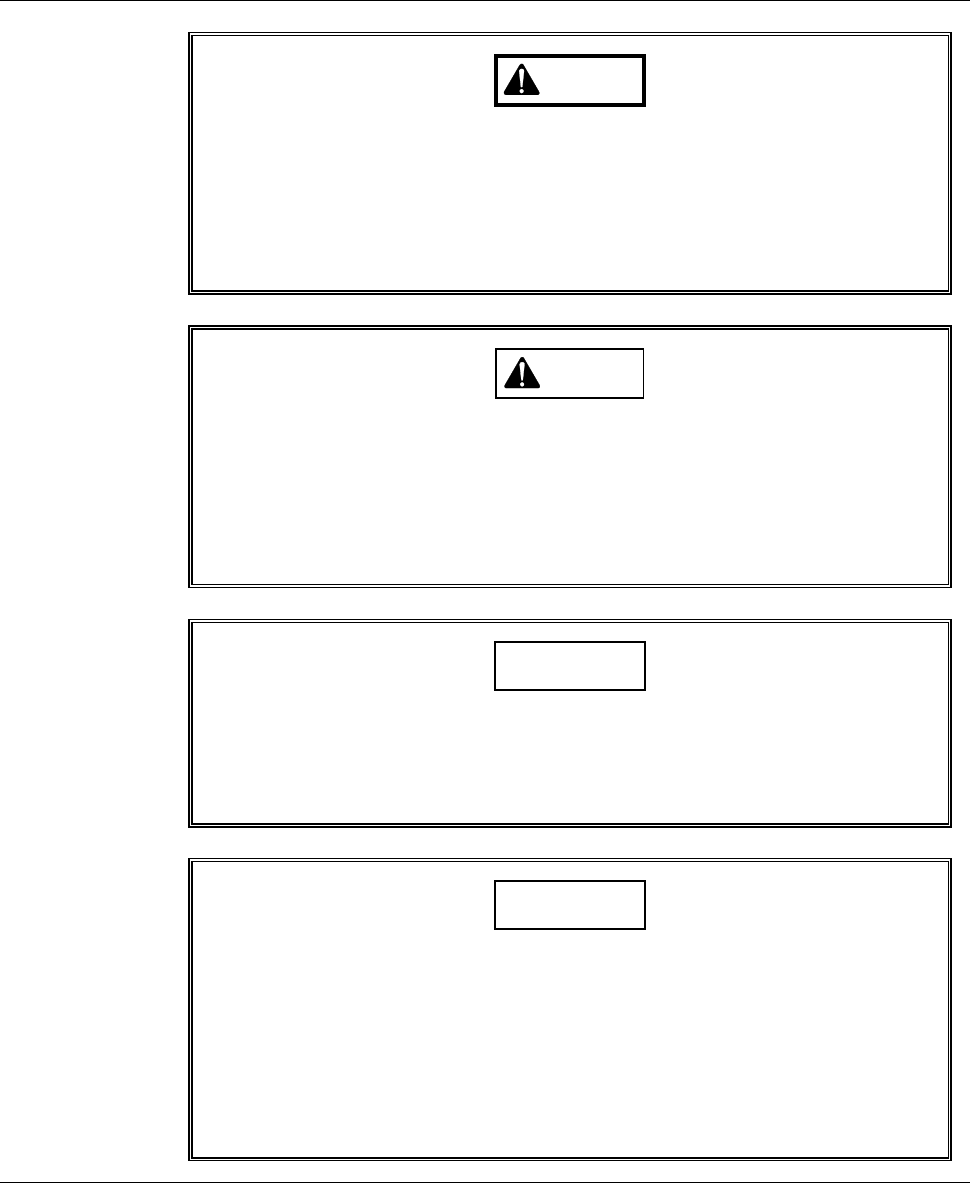
Safety items for greasing the Z-axis
WARNING
If any touch panel control is inadvertently activated during
maintenance or inspection, unexpected machine operation may
cause death or serious injury.
While you don't use the touch panel, press the Disco's logo button
located at the upper left of the screen in order to lock up and
deactivate the touch panel.
CAUTION
When you perform maintenance with the outer cover removed,
observe the following precaution. If you stand the removed outer
cover against the machine, you may receive injury by the cover if it is
toppled by the earthquake or like that.
After taking off the outer cover for maintenance purposes, store it
sufficiently away from the working area.
CAUTION
If an axis is not operated for a long time after greased, the applied
grease will harden. This could adversely affect the precision of the
machine, such as a position error during axis operation.
Do not perform greasing before a long-term operation suspension.
NOTICE
- If the areas to be lubricated are dark due to the environmental
conditions, confirm the nipple locations and cleaning areas with a
flashlight or the like to ensure proper lubrication.
- Neither safety goggles, protective gloves, stepstools, flashlights nor
alcohol, all of which are necessary for maintenance work, are not
supplied with the machine. Use what are furnished in your factory or
what comply with your factory's standards.
E-127
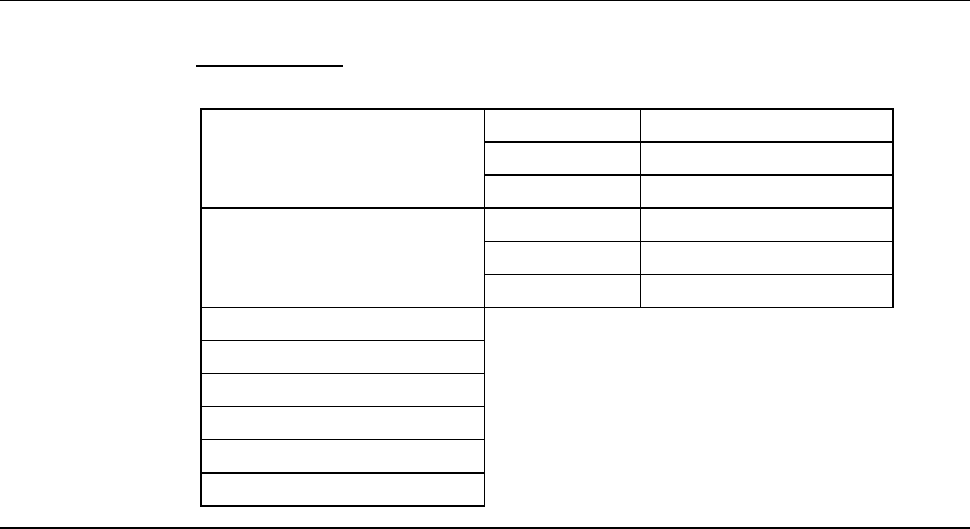
Before greasing
Have on hand the following tools before starting greasing.
For the MSDS;
See the section G-2, [Material Safety Data Sheet (MSDS)].
Grease Name AFC grease
Maker THK
Part No. MOELJ007
Grease gun unit Name MG-70
Maker THK
Part No. MOELJ006
Lint-free waste
Spatula (resin)
Flashlight
Protective gloves
3mm Allen wrench
Phillips screwdriver
E-128
6-8-1. Preparation of greasing the Z1-axis
Procedures for preparation of greasing the Z1-axis
CAUTION
When you move the Z1- or Z2-axis to its down end, the spindle might
strike the chuck table. This would damage the chuck table and cause
galling of the spindle axis.
Before moving the Z1- and Z2-axis to its down end by using the AXIS
OPERATION screen [screen 7.2], make sure that there is no chuck
table under the spindle.
Step No. Do This
1
Press the <System Initial> button to effect system initialization.
2
Using the button, move the Y1-axis to its front end.
3
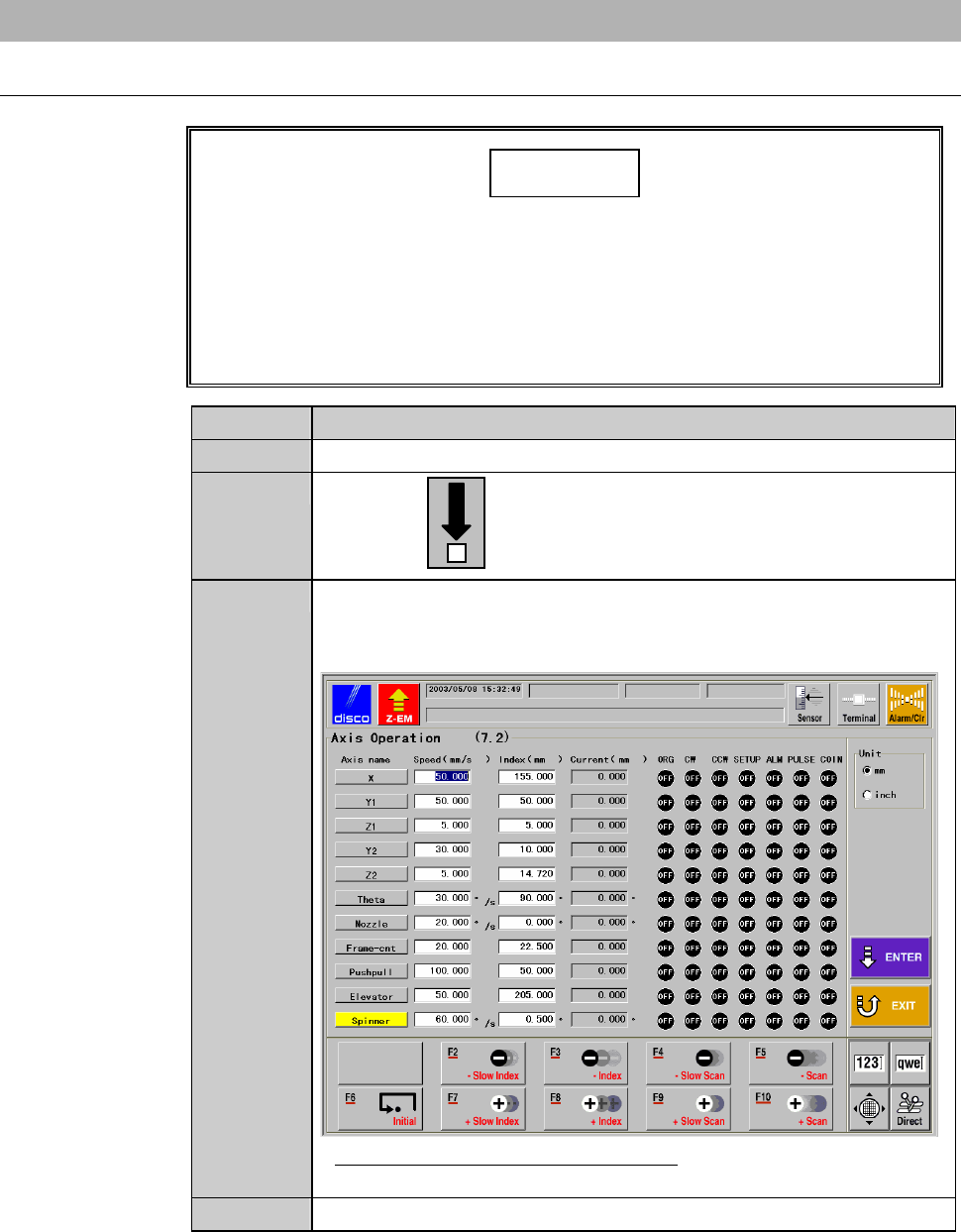
From the ENGINEERING MAINTENANCE screen [screen 7.0],
press the <F2> button.
- The AXIS OPERATION screen then appears.
- For the AXIS OPERATION screen;
See the section C-3, [Axis Operation Check].
4
Move the Z1-axis to its down end.