DFD6361-Maintenance.pdf - 第448页
E-12 1-1-4. Adj usting the no n-contact setup amp lifier The cas e wher e this pr ocedure is requi red Adjusting the non-contact setup amplifier is required when the voltage level reading on the NC S SENS OR CLEANING scr…
E-11
Procedures for cleaning the non-contact setup sensor with abrasives (Continued)
Step No.
Do This
5
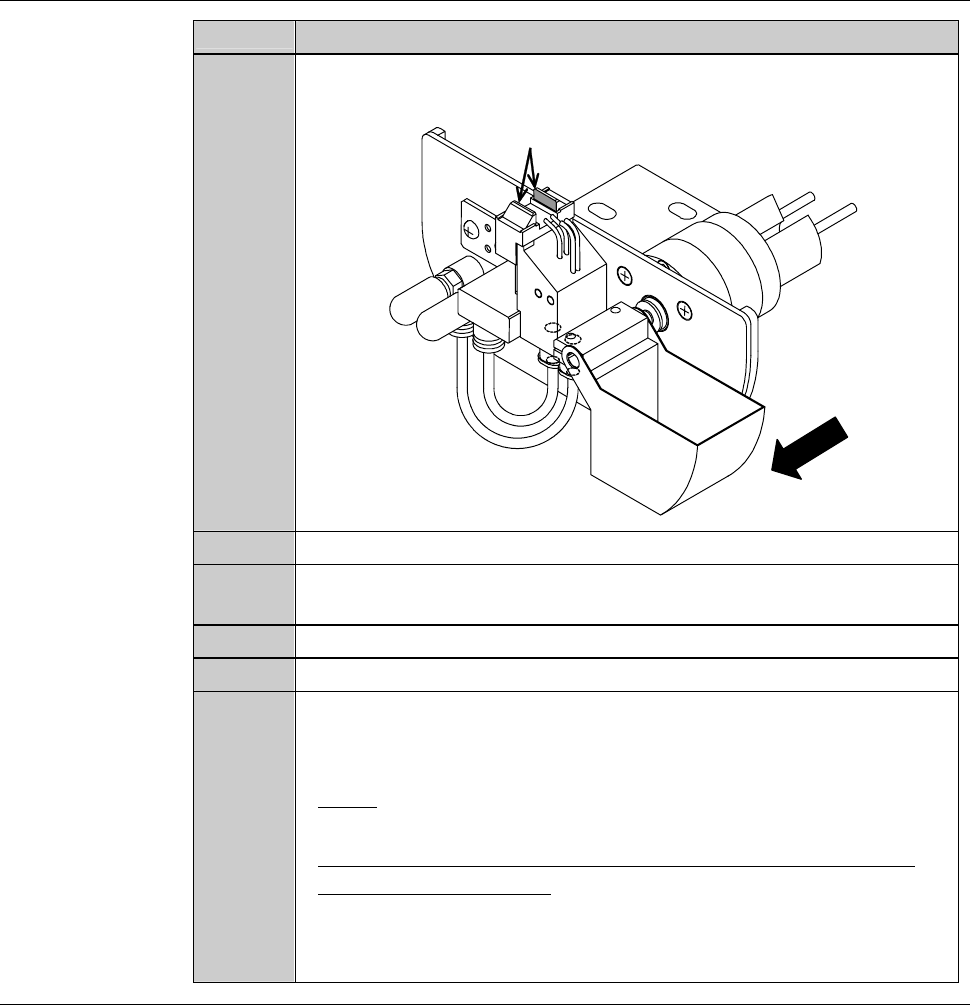
Scrub the detection surface with the cotton swab having abrasives
a few times.
ÿ
Detection surface
Front
6
Press the <F1> button to turn ON the protecting water.
7
Using the new cotton swab having no abrasives, rinse the abrasives
on the detection surface.
8
Press the <F1> button to turn OFF the protecting water.
9
Press the <F2> button to turn ON air.
10
After cleaning, check whether the voltage level reading on the
NCS SENSOR CLEANING screen is within a range of 100 ± 2%
(4.90 to 5.10 V).
- If not;
Repeat cleaning of step No. 1 through 9 of this table.
- When the voltage level does not come within this range, even
after repeating cleaning;
Adjust the non-contact setup amplifier.
See the section 1-1-4 of this chapter, [Adjusting the non-contact
setup amplifier].
Continued in the next section.
E-12
1-1-4. Adjusting the non-contact setup amplifier
The case where this procedure is required
Adjusting the non-contact setup amplifier is required when the voltage level
reading on the NCS SENSOR CLEANING screen comes outside the range of
100 ± 2% (4.90 to 5.10 V), even after repeated cleaning.
Tools
Have on hand the following tool.
Tool Part No.
Amplifier adjustment driver AK81526287
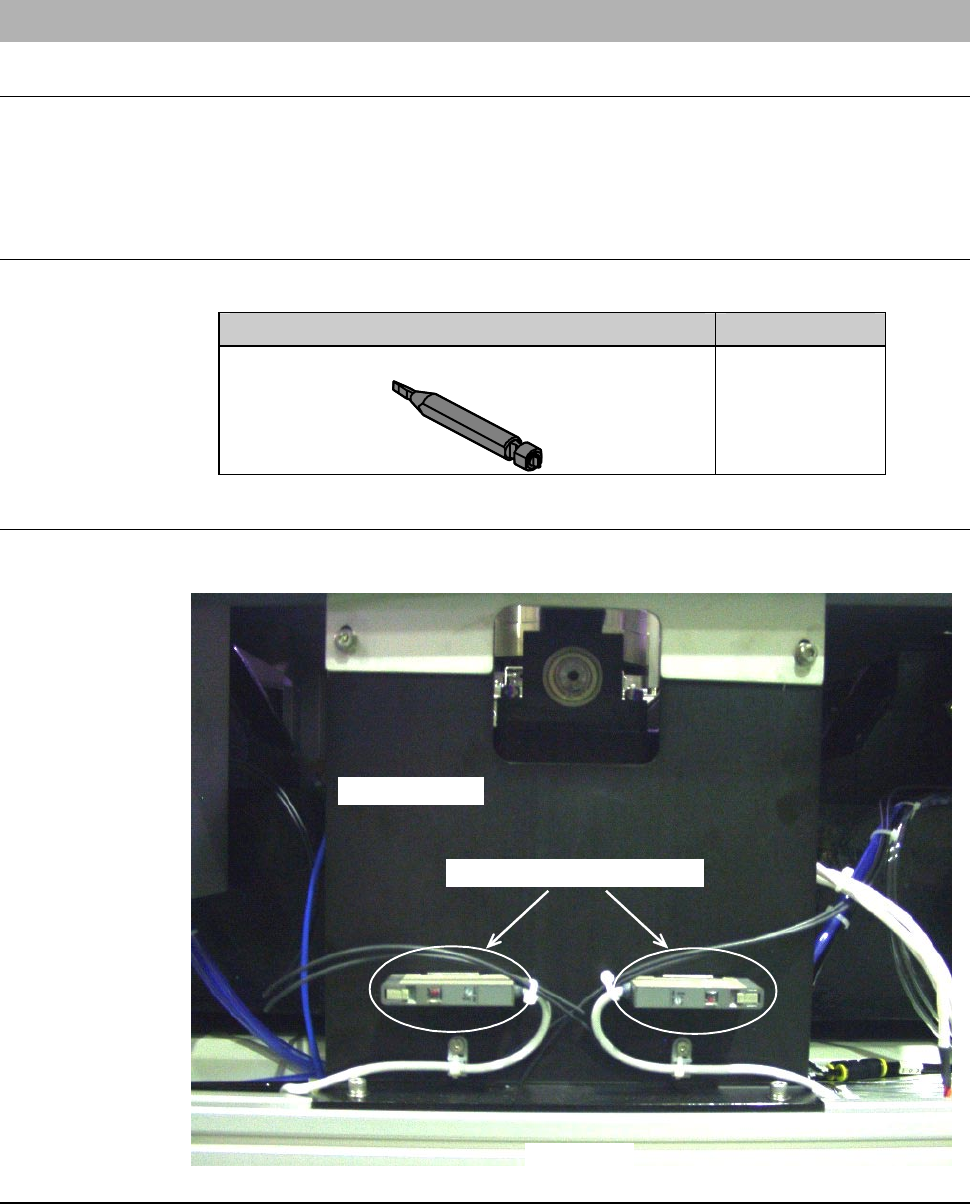
Position of the non-contact setup amplifier
The illustration below shows the location of the non-contact setup amplifier.
LEFT SIDE
Main body base
Non-contact setup amplifier
E-13
Procedures for adjusting the non-contact setup amplifier
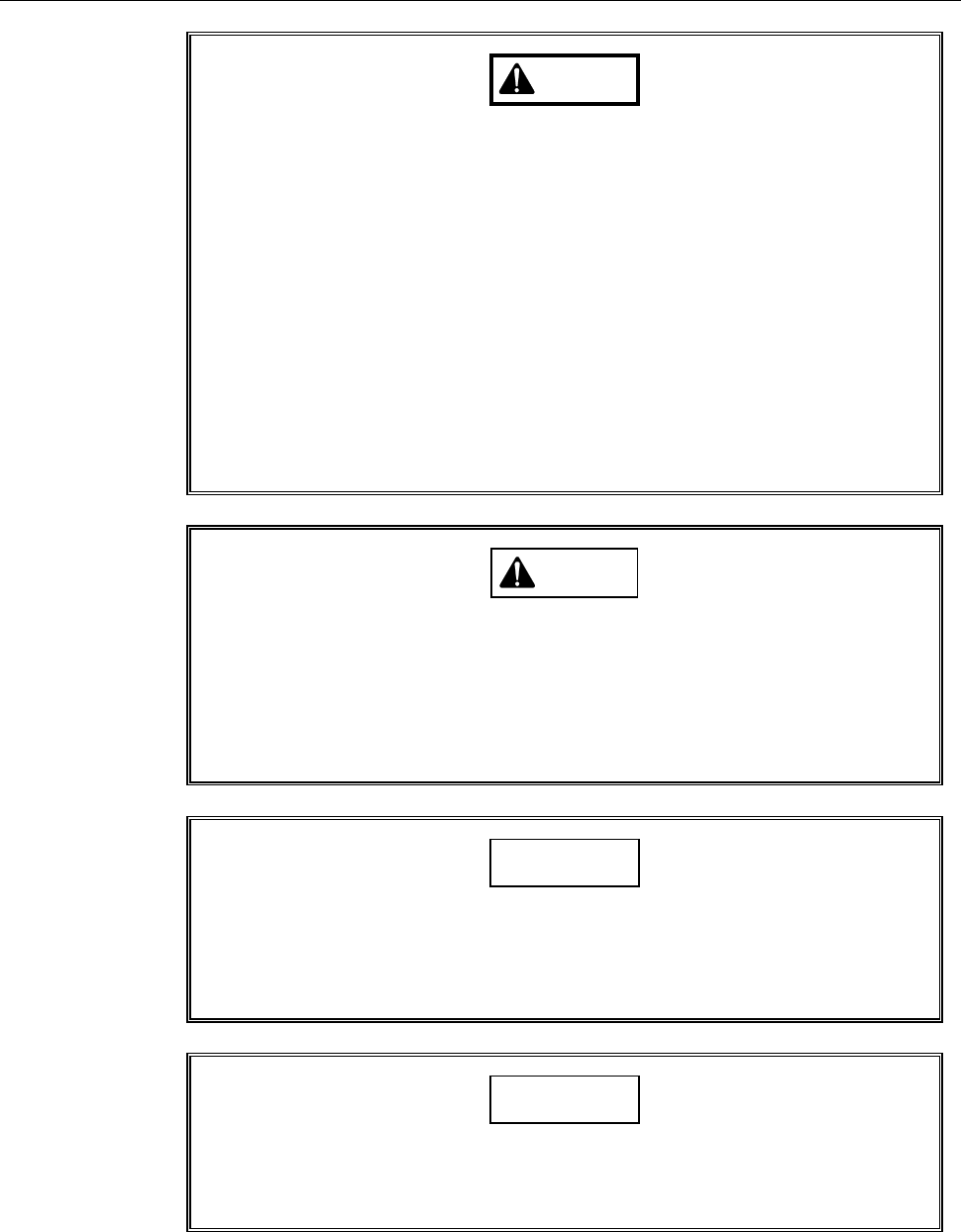
WARNING
- The adjustment procedure set forth in this section is to be
performed with the outer covers removed while the machine is
energized. There is drive sections near the section to be adjusted.
If the machine unexpectedly operates, your hands or fingers may
be caught. Ensure that no person other than the maintenance
personnel touches the machine during adjustment.
- If you keep the arm section cover closed after moving the axes, you
have to perform the adjustment operation with the interlock system
released. Since there is a driving section near your working section,
if the interlock system is canceled, your hands or arms may be
caught or amputated due to unexpected machine operation.
After you move the axes, be sure to open the splash cover in order
to activate the interlock of the cover.
CAUTION
When you perform maintenance with the outer cover removed,
observe the following precaution. If you stand the removed outer
cover against the machine, you may receive injury by the cover if it is
toppled by the earthquake or like that.
After taking off the outer cover for maintenance purposes, store it
sufficiently away from the working area.
CAUTION
If you don't use the amplifier adjustment driver designed specifically
for this use when you turn the sensitivity regulation dial, the dial may
be damaged or broken.
Ensure to use the amplifier adjustment driver (black resin).
NOTICE
If the area to perform the amplifier adjustment is dark depending on
the environmental conditions, confirm the amplifier location with a
flashlight or the like to ensure proper regulation.