00191369-01.pdf - 第257页
User Manual HS-50 6 Vision functions Software-Version 5.01Edition 01/99 6.6 Test Component 255 7 HVW&RPSRQHQW2SWLRQ NOTE This option can only be activate d if you ha ve alrea dy loaded a package form n um…
6 Vision functions User Manual HS-50
6.6 Test Component Software-Version 5.01 Edition 01/99
254
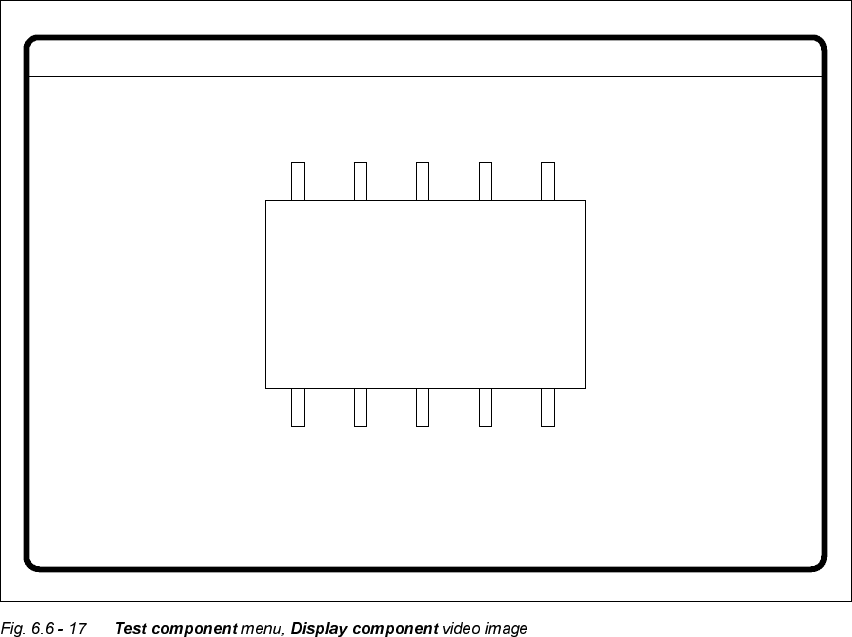
Å Use (VFto end the function. The video image disappears and the 7HVWFRPSRQHQW menu is
displayed once more.
GF No. = 5Display component
User Manual HS-50 6 Vision functions
Software-Version 5.01Edition 01/99 6.6 Test Component
255
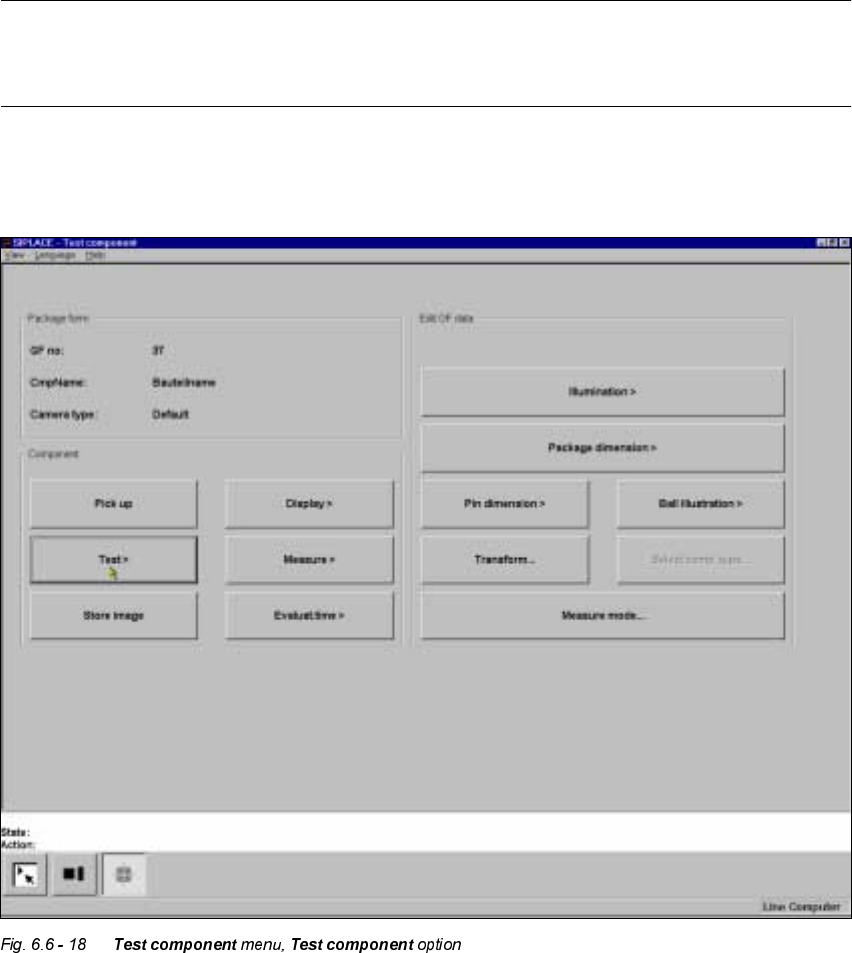
7HVW&RPSRQHQW2SWLRQ
NOTE
This option can only be activated if you have already loaded a package form number and a com-
ponent has been picked up.
If a component is not optically centered, you have the option to check the centering procedure with
this option. The measurement results are displayed on the screen but not saved.
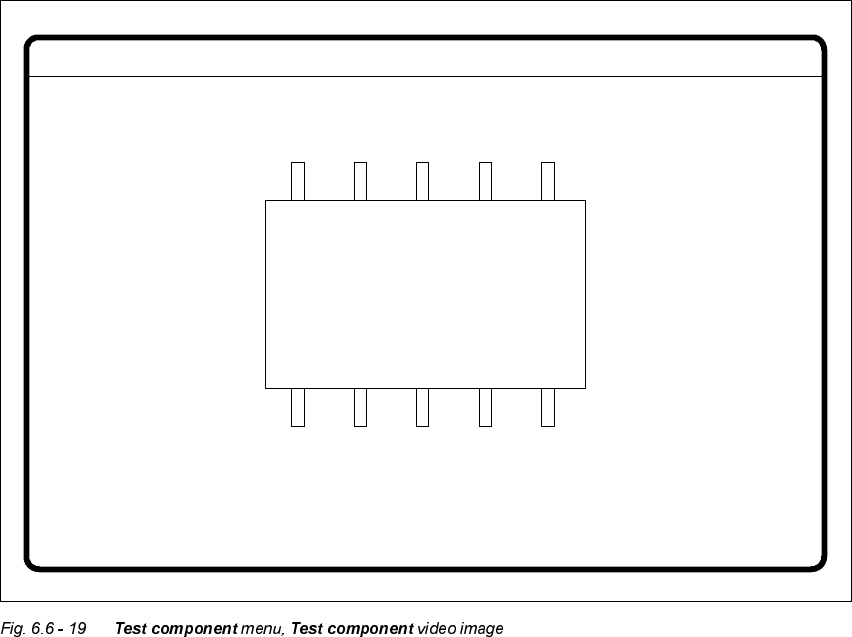
When this option is activated the following actions are started:
– The measurement procedure is activated.
– The video image appears on the screen.
– The header and footers are displayed.
6 Vision functions User Manual HS-50
6.6 Test Component Software-Version 5.01 Edition 01/99
256
Å With the 5HWXUQ key you can call all defined individual steps in the measurement procedure
one after the other. Each time you press the 5HWXUQ key a measurement command is given
and the results shown on the screen.
Å Use (VFto quit the option. The video image closes and the 7 H VW FRPSRQHQW menu reappears.
GF No. = 5Display component