iTAC Advance Issue 2, Mar 2018.pdf - 第71页
71 Issue 2 , Mar 18 Check iT AC server on TR \ MIS - W ork order \ Order scanned material sho uld be setup on the line and scann ed equipm ent rigged on the W O 13 Upload state (PA SS/PASS) PCB for the SPI Scan (PA SS/PA…
70
Issue 2, Mar 18
iTAC option testing on the printer
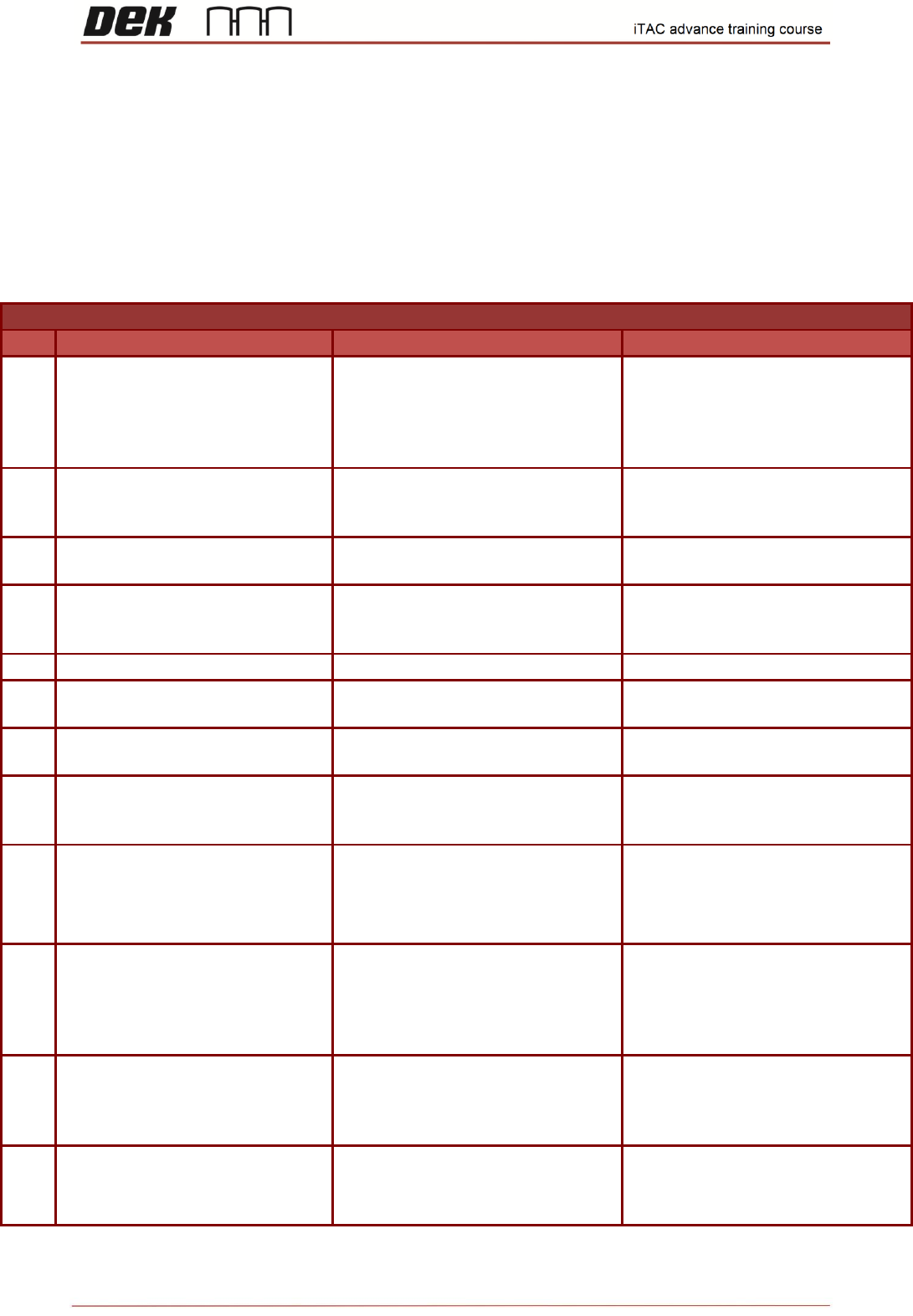
Objective HO 19: Carry out all the steps in DEK Test Scenario and record the result
Variant 1:
Variant 1
Step
Step Action Description
Expected Result
Actual Result
1
Top side.Assign & upload state
(PASS/PASS) PCB for the laser
marking machine. Activate WO on
the line. Load correct program for
PN activated in iTAC
Unverified (red cross) equipment
and material
2
Check iTAC server on TR \ MIS -
Work order \ Order
No material should be setup on the
line and no equipment rigged on the
WO
3
Open cover and scan required
equipment & material
All equipment and material should
be verified (green tick)
4
Check iTAC server on TR \ MIS -
Work order \ Order
scanned material should be setup
on the line and scanned equipment
rigged on the WO
5
Activate setup of current WO
WO should be activated
6
Scan (PASS/PASS) PCB on
upline conveyor
PCB should be accepted by
machine
7
Place PCB with no barcode on
upline conveyor
PCB should be rejected by machine
due to missing barcode
8
Scan PCB with barcode which is
not assigned to the laser marking
machine
PCB should be accepted by
machine
9
Assign & upload state
(PASS/FAIL) PCB for the laser
marking machine. Scan
(PASS/FAIL) PCB on upline
conveyor
PCB should be rejected by machine
10
Assign & upload state
(PASS/SCRAP) for multiple PCB
for the laser marking
machine.Scan (PASS/SCRAP)
PCB on upline conveyor
PCB should be accepted by
machine
11
Assign & upload state (SCRAP)
for multiple PCB for the laser
marking machine.Scan (SCRAP)
PCB on upline conveyor
PCB should be rejected by machine
12
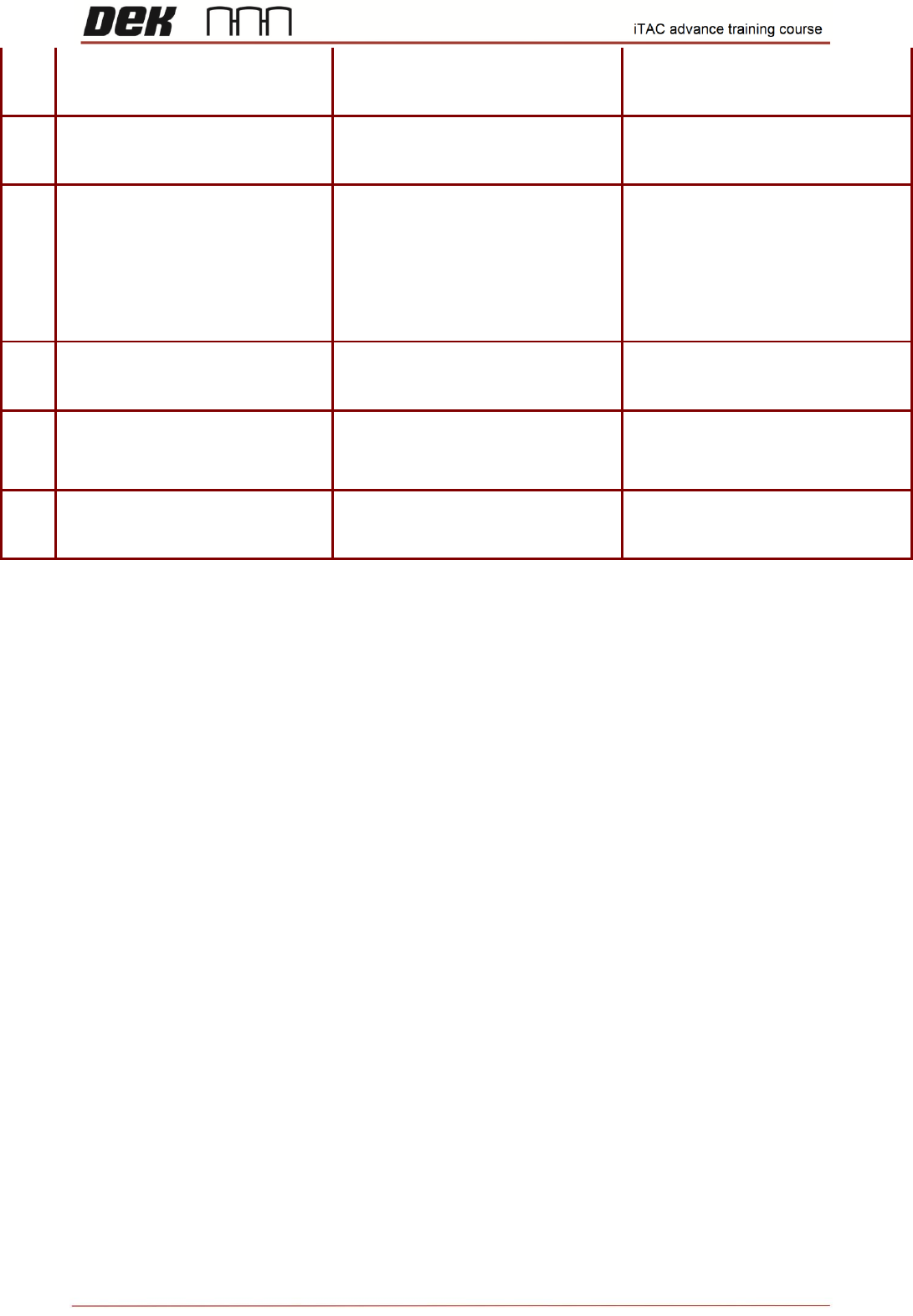
Bottom side.Change iTAC plugin
for bottom side, load
corresponding program. Verify
Items.
All equipment and material should
be verified (green tick)
71
Issue 2, Mar 18
Check iTAC server on TR \ MIS -
Work order \ Order
scanned material should be setup
on the line and scanned equipment
rigged on the WO
13
Upload state (PASS/PASS) PCB
for the SPI Scan (PASS/PASS)
PCB on upline conveyor
PCB should be accepted by
machine
14
Create new recipe assigned to
Recipe dedicated machine. Kill
DEK software and modify
"iTACmdaConfiguration.xml"
accordingly. Reboot DEK
software. Verify all items, Scan
(PASS/PASS PCB on upline
conveyor
PCB should be accepted by
machine
15
Upload state (PASS/FAIL) PCB
for the SPI Scan (PASS/FAIL)
PCB on upline conveyor
PCB should be rejected by machine
16
Upload state (PASS/SCRAP)
PCB for the SPI Scan
(PASS/SCRAP) PCB on upline
conveyor
PCB should be accepted by
machine
17
Upload state (SCRAP) PCB for
the SPI Scan (SCRAP) PCB on
upline conveyor
PCB should be rejected by machine
NOTES:
72
Issue 2, Mar 18
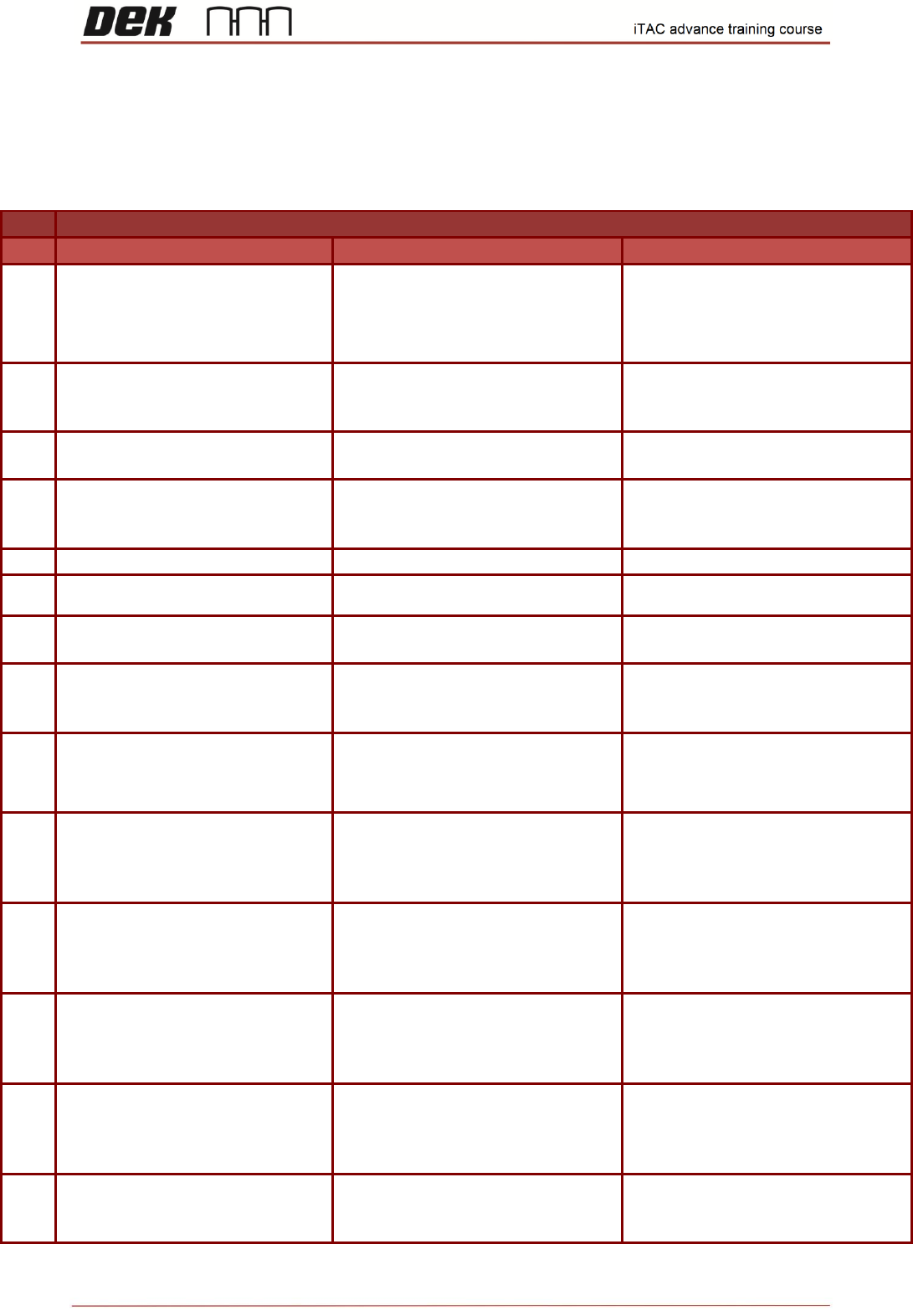
Variant 3
Variant 3
Step
Step Action Description
Expected Result
Actual Result
1
Assign & upload state (PASS)
PCB for the laser marking
machine. Activate WO on the line.
Load correct program for PN
activated in iTAC
Unverified (red cross) equipment
and material
2
Check iTAC server on TR \ MIS -
Work order \ Order
No material should be setup on the
line and no equipment rigged on the
WO
3
Open cover and scan required
equipment & material
All equipment and material should
be verified (green tick)
4
Check iTAC server on TR \ MIS -
Work order \ Order
scanned material should be setup
on the line and scanned equipment
rigged on the WO
5
Activate setup of current WO
WO should be activated
6
Scan (PASS) PCB on upline
conveyor
PCB should be accepted by
machine
7
Place PCB with no barcode on
upline conveyor
PCB should be rejected by machine
due to missing barcode
8
Scan PCB with barcode which is
not assigned to the laser marking
machine
PCB should be rejected by machine
due to unknown barcode
9
Assign & upload state (FAIL) PCB
for the laser marking machine.
Scan (FAIL) PCB on upline
conveyor
PCB should be rejected by machine
10
Assign & upload state (SCRAP)
for multiple PCB (Pass/Scrap) for
the laser marking machine.Scan
(SCRAP) PCB on upline conveyor
PCB should be accepted by
machine
11
Edit current stencil equipment and
set max. usage to same value as
on no. usages total. Scan (PASS)
PCB on upline conveyor
PCB should be rejected by machine,
once equipment no. of usages
exceed max. usages
12
Increase max. usage on current
stencil and rescan in open cover
page. Scan (PASS) PCB on upline
conveyor
PCB should be accepted by
machine
13
Edit current front squeegee
equipment and change it invalid
state. Scan (PASS) PCB on upline
conveyor
PCB should be rejected by machine,
due to invalid front squeegee
equipment
14
Make current front squeegee
equipment valid and rescan. Scan
(PASS) PCB on upline conveyor
PCB should be accepted by
machine