CP-7[732-742]-series Mechanical Reference(2.9E).pdf - 第211页
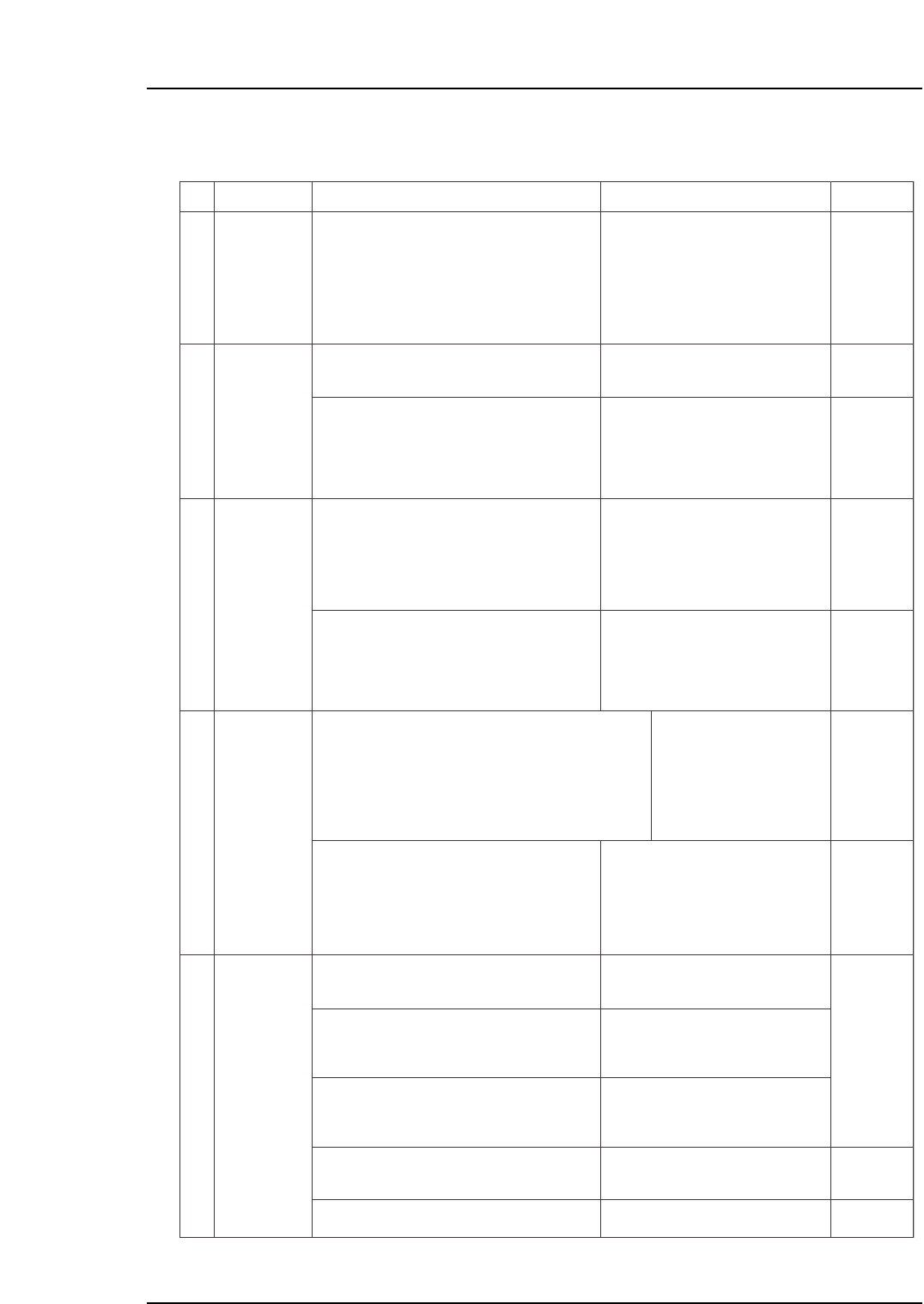
Part 5 Chapter 1 Troubleshooting T able Edition 2.7 5-1-8 CP-7 series Mechanical Reference No. 4-10 4-1 1 4-12 4-13 M: Part 1 Chapt 3 M: Part 1 Chapt 3 M: Part 1 Chapt 3 S: Part 3 Chapt 1 S: Part 3 Chapt 1 M: Part 1 Chap…
Part 5 Chapter 1 Troubleshooting Table
Edition 2.7 5-1-7 CP-7 series Mechanical Reference
No.
4-5
4-6
4-7
4-8
M: Part 1
Chapt 3
M: Part 1
Chapt 3
M: Part 1
Chapt 3
S: Part 3
Chapt 1
S: Part 3
Chapt 1
M: Part 1
Chapt 3
M: Part 1
Chapt 3
M: Part 2
Chapt 1
S: Part 3
Chapt 1
S: Part 3
Chapt 2
4-9
Panel sensor or panel arrival sensor
fails to switch on even though a panel
has been received from the XY-table.
Out-carrier advance limit sensor failed
to switch on even though the out-
carrier was advanced.
Carrier may not be moving all the way
to its motion limit position.
Carrier may not be moving all the way
to its motion limit position.
• Out-carrier was conveyed, but the
out-carrier advance limit or retract
limit sensor failed to switch on.
• An Out-carrier cycle error occurs if
the advance limit or retract limit
sensor fails to switch on within 8
seconds.
(1) Check the following sensors for problems
(3) - (6) (see above).
(1) Check the following sensor for problems
(3) - (6) (see above).
(1) Verify that the carrier has properly clamped
the panel.
(2) Check the following sensors for problems
(1) - (6) (described above).
Out-conveyor
panel
conveyance
error
Out-carrier
advance
limit error
Out-carrier
cycle error
Execute the following commands to see if the
carrier can be moved to its motion limit position:
[Panel Loader]-[Loader Maintenance]-[Out-side]
-[Carrier Extend/Carrier Retract]-[START].
Execute the following commands to see if the
carrier can be moved to its motion limit position:
[Panel Loader]-[Loader Maintenance]-[Out-side]-
[Carrier Extend/Carrier Retract]-[START].
Out-carrier advance limit panel check (1) X0CC
Out-carrier advance limit panel check (2) X0CD
Out-conveyor 1 panel arrival check X0C7
Out-conveyor 2 panel arrival check X0C9
Out-carrier advance limit check X0CE
Out-carrier retract limit check X0CF
Out-carrier advance limit check X0CE
(2) Check the in-carrier conveyance cylinder for
problem (7) (see above).
(2) Check the carrier conveyance cylinder for
problem (7) (see above).
Out-carrier
clamp error
(1) Check the following sensors for problems
(3) - (6) (see above).
• Out-carrier clamper was
closed, but the clamp sensor
failed to switch on.
• Out-carrier clamper was
opened, but the unclamp
sensor failed to switch on.
Clamper may not be moving all the
way to its motion limit position.
Panel request occurred, but the panel
loading sensor failed to switch on.
In-conveyor panel deceleration sensor
failed to switch on even though the
panel passed the in-conveyor panel
loading sensor position.
In-conveyor panel sensor failed to
switch on even though the panel
passed the in-conveyor panel
deceleration sensor.
The in-conveyor motor may not be
operating
Out-carrier retract limit panel clamp check (fixed-rail side) X0D2
Out-carrier retract limit panel clamp check (adjustable-rail side) X0D3
Out-carrier advance limit pnale clamp check (fixed-rail side) X0D4
Out-carrier advance limit panel clamp check (adjustable-rail side) X0D5
Out-carrier retract limit panel unclamp check (fixed-rail side) X0D6
Out-carrier retract limit panel unclamp che
(1) Check the following sensor for problems
(1) - (6) (described above).
In-conveyor
panel
conveyance
error
Cause Remedy Remarks Ref. Page
(2) Check the out-carrier's panel clamping/
unclamping cylinder for problem (7) (see
above).
Execute the following commands to see if the
carrier can be moved to its motion limit position:
[Panel Loader]-[Loader Maintenance]-[Out-side]-
[Carrier Extend/Carrier Retract]-[START].
* The "X???" and "Y???" values which appear in the remedy column correspond to
the I/O map assignment numbers.
In-conveyor panel loading check X0B0
(2) Check the following sensors for problems
(1) - (6) (described above).
In-conveyor 1 panel deceleration start point X0AB
In-conveyor 2 panel deceleration start point X0AD
(3) Check the following sensors for problems
(1) - (6) (described above).
(5) If the panel is caught at some point along the
conveyor, change the conveyor width.
In-conveyor 1 panel arrival check X0AC
In-conveyor 2 panel arrival check X0AE
(4) Check the in-conveyor motor for problem (7)
(see above).
In-conveyor motor ON Y029
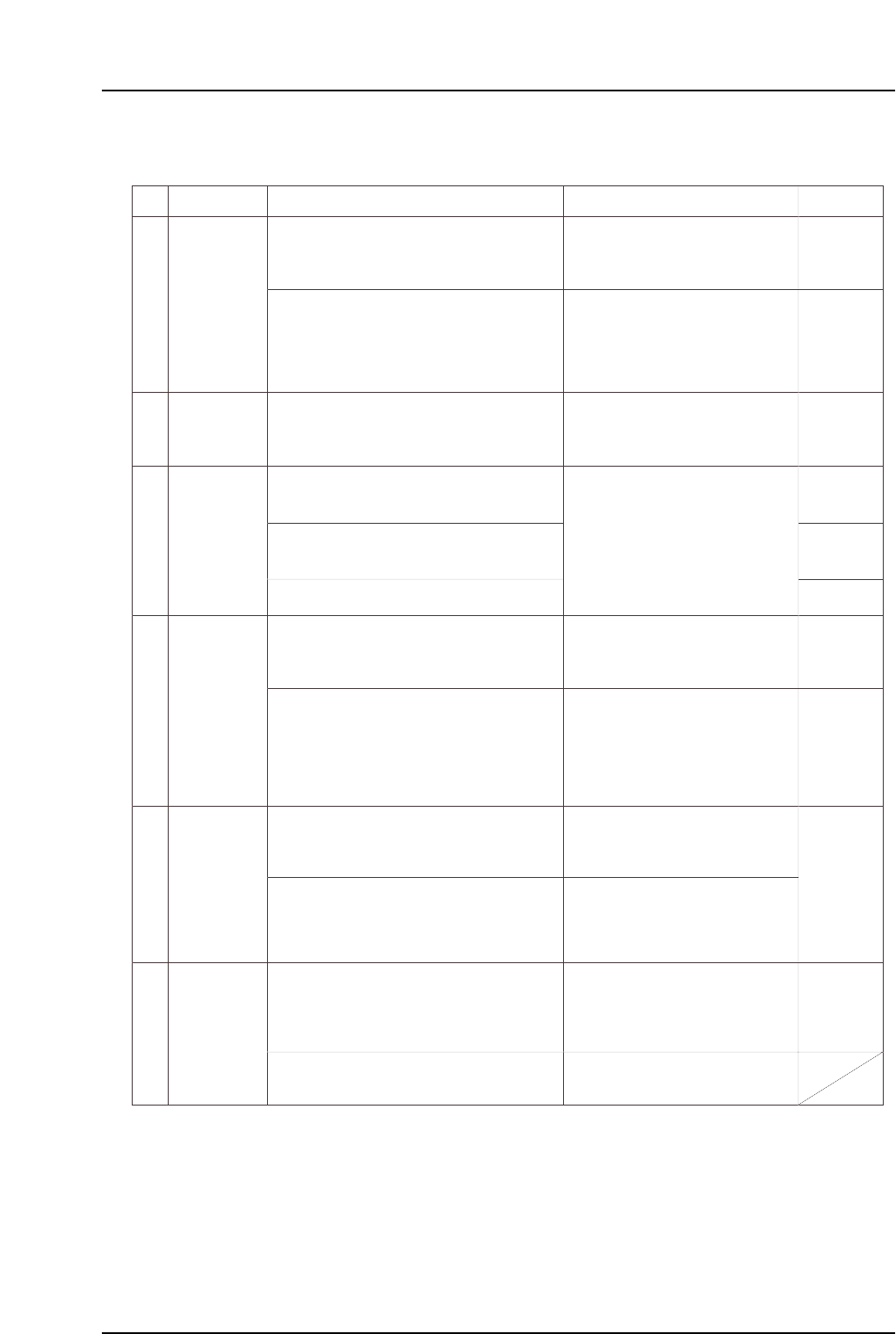
Part 5 Chapter 1 Troubleshooting Table
Edition 2.7 5-1-8 CP-7 series Mechanical Reference
No.
4-10
4-11
4-12
4-13
M: Part 1
Chapt 3
M: Part 1
Chapt 3
M: Part 1
Chapt 3
S: Part 3
Chapt 1
S: Part 3
Chapt 1
M: Part 1
Chapt 3
M: Part 1
Chapt 3
M: Part 1
Chapt 3
M: Part 2
Chapt 1
S: Part 3
Chapt 1
4-14
4-15
Lifter may not be moving all the way to
its motion limit position.
In-lifter UP/DOWN limit sensor fails to
switch on and off.
(1) Check the following sensors for problems
(3) - (6) (see above).
(2) Check the in-lifter UP/DOWN cylinder for
problem (7) (see above).
In-lifter cycle
error
Execute the following commands to see if the
lifter can be moved to its motion limit position:
[Panel Loader]-[Loader Maintenance]-[In-side]-
[Lifter Up/Lifter Down]-[START].
In-lifter UP limit check X0B5
In-lifter DOWN limit check X0B6
In-lifter panel
conveyance
error
(1) Check the following sensors for problems
(1) - (6) (described above).
(1) Check the following sensor for problems
(1) - (6) (described above).
Panel loading from the in-lifter to the in-
carrier began, but the panel arrival
sensor switched off before the in-carrier
was advanced.
A panel which should have been
unloaded has not been conveyed to
the X0CB sensor position. Look for a
failed ensor, a stuck panel, or a
missing panel.
Out-lifter UP/DOWN limit sensors fail
to switch off and on.
Lifter may not be moving all the way to
its motion limit position.
Out-conveyor panel arrival sensor fails
to switch on even though the panel has
been loaded from the out-carrier to the
out-lifter.
The panel spacing sensor between out-
conveyors 1 & 2 is off (it should be on).
Either the spacing sensor has failed, or
the sensor detection position is
improper.
Adjustable-rail engagement sensor
fails to switch on. Verify that the
conveyor width and the XY-table panel
conveyence width are properly aligned.
In-conveyor 1 panel arrival check X0AC
In-conveyor 2 panel arrival check X0AE
(1) Check the following sensors for problems
(3) - (6) (see above).
Out-conveyor 1 panel arrival check X0C7
Out-conveyor 2 panel arrival check X0C9
(2) Check the following sensor for problems
(1) - (6) (described above).
Out-conveyors 1 & 2 panel spacing check X0CA
Out-conveyor unloader panel arrival check X0CB
(1) Check the following sensors for problems
(3) - (6) (see above).
(2) Disconnect the machine's air supply and
return the adjustable rail to the correct
position.
(3) If the panel is caught at some point along the
conveyor, change the conveyor width.
Panel unloading
error
Out-lifter cycle
error
Cause Remedy Remarks Ref. Page
Out-lifter panel
conveyance
error
Adjustable-rail
engagement
error
(2) Check the out-lifter UP/DOWN cylinder for
problem (7)
(see above).
Execute the following commands to see if the
lifter can be moved to its motion limit position:
[PanelLoader]-[Loader Maintenance]-[Out-side]-
[Carrier Extend/Carrier Retract]-[START].
* The "X???" and "Y???" values which appear in the remedy column correspond to
the I/O map assignment numbers.
(2) Check the out-conveyor motor for problem
(7) (see above).
Out-conveyor motor ON Y02D
(1) Check the following sensors for problems
(3) - (6) (see above).
Out-lifter UP limit check X0D0
Out-lifter DOWN limit check X0D1
Adustable-rail engagement check (IN) X0C0
Adjustable-rail engagement check (OUT) X0DB
Adjustable rail engagement check (CENTER) X0DC
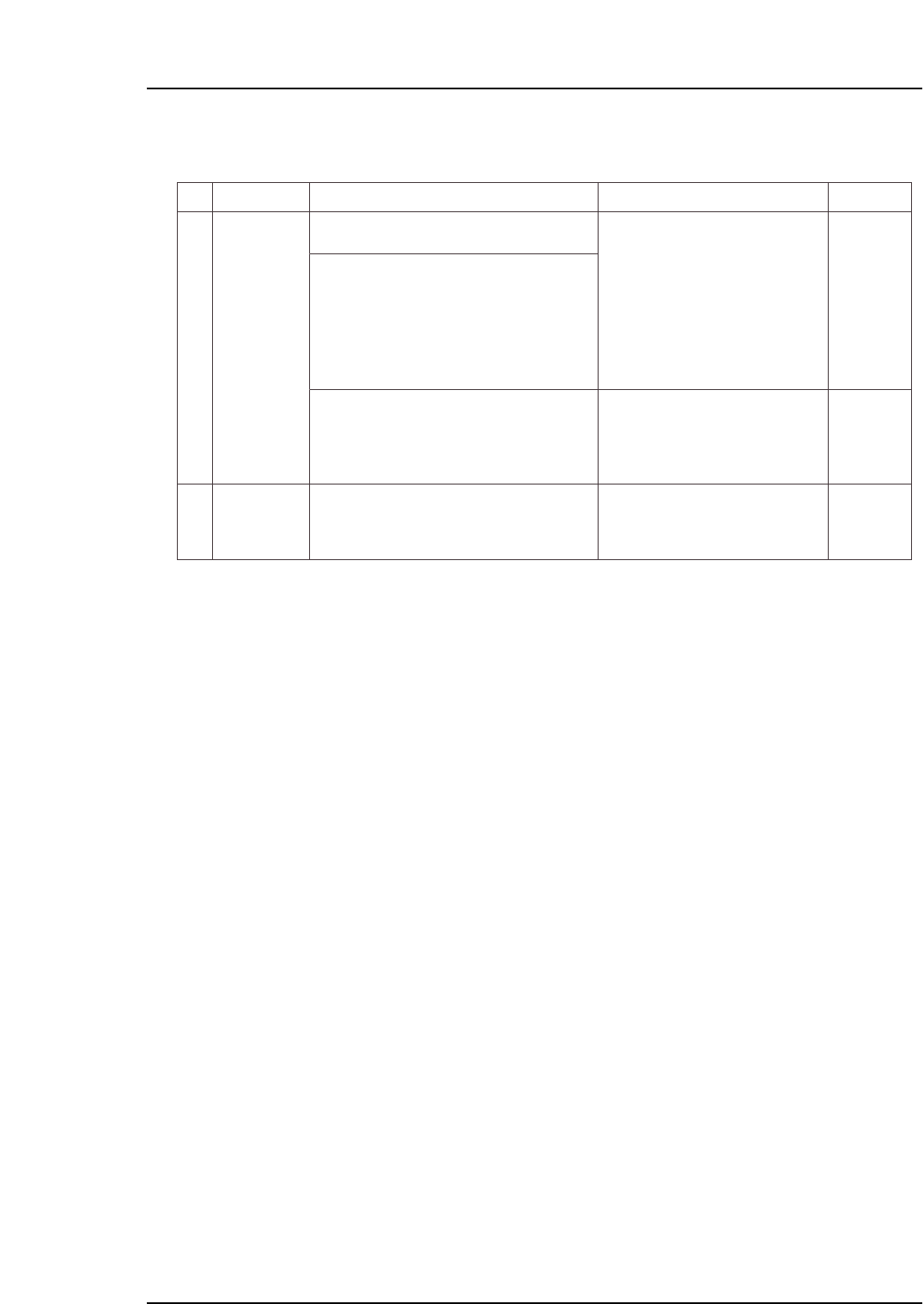
Part 5 Chapter 1 Troubleshooting Table
Edition 2.7 5-1-9 CP-7 series Mechanical Reference
No.
4-16
4-17
M: Part 1
Chapt 3
M: Part 1
Chapt 3
S: Part 3
Chapt 1
XY-table clamp
error
(1) Verify that the XY-table is clamping panels
properly.
(2) Check the following sensors for problems
(3) - (6) (see above).
• Panel was clamped, but the clamp
sensor failed to switch on, and the
unclamp sensor failed to switch off.
• Panel was unclamped, but the
unclamp sensor failed to switch on,
and the clamp sensor failed to switch
off.
The clamping cylinder may not be
moving all the way to its motion limit
position.
Reference pin insertion sensor fails to
switch on.
XY-table reference pin insertion check X059
XY-table raised clamper check X05A
XY-table panel clamp check (fixed-rail side, right) X05F
XY-table panel clamp check (adjustable-rail, right) X060
XY-table panel unclamp check (fixed-rail, righ X061
XY-table panel unclamp check (adjustable-rail, right) X062
XY-table panel clamp check (fixed-rail, left) X063
XY-table panel unclamp check (fixed-rail, left) X064
(1) Check the following sensors for problems
(3) - (6) (see above).
XY-table
unclamp error
Cause Remedy Remarks Ref. Page
(3) Check the panel clamping/unclamping
cylinder for problem (7) (see above).
Execute the following commands to see if the
cylinder can be moved to its motion limit position:
[Panel Loader]-[Clamp/Unclamp]-[START].
* The "X???" and "Y???" values which appear in the remedy column correspond to
the I/O map assignment numbers.