00196351-04_UM_ACT_de_en.pdf - 第96页
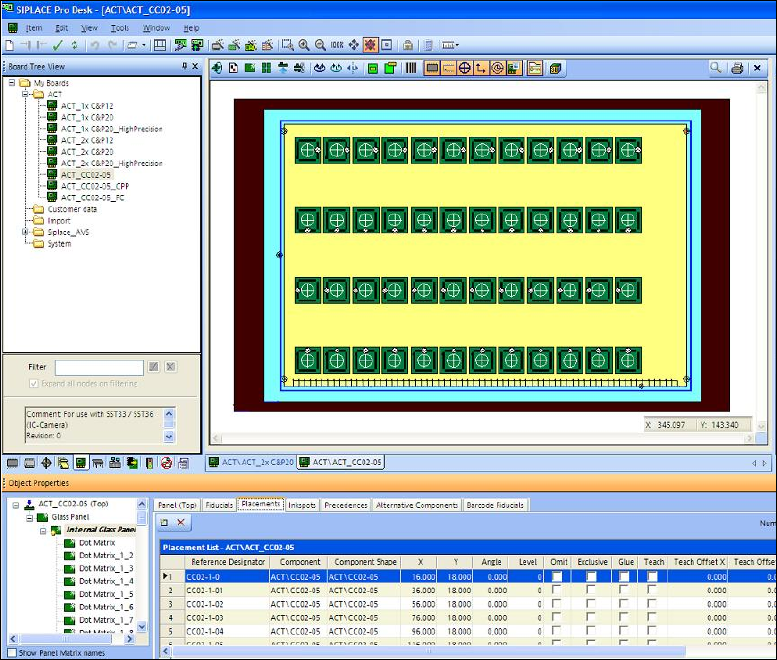
ACT - Accurac y Check T ool / User Manual 07/2014 Edit ion 22 The next screen is d ispla yed in which you will se e the f older str ucture f or the boar ds. Figure 3- 17 : Folder structure in SIPLACE P ro Figure 3- 18 di…
ACT - Accuracy Check Tool / User Manual 07/2014 Edition
21
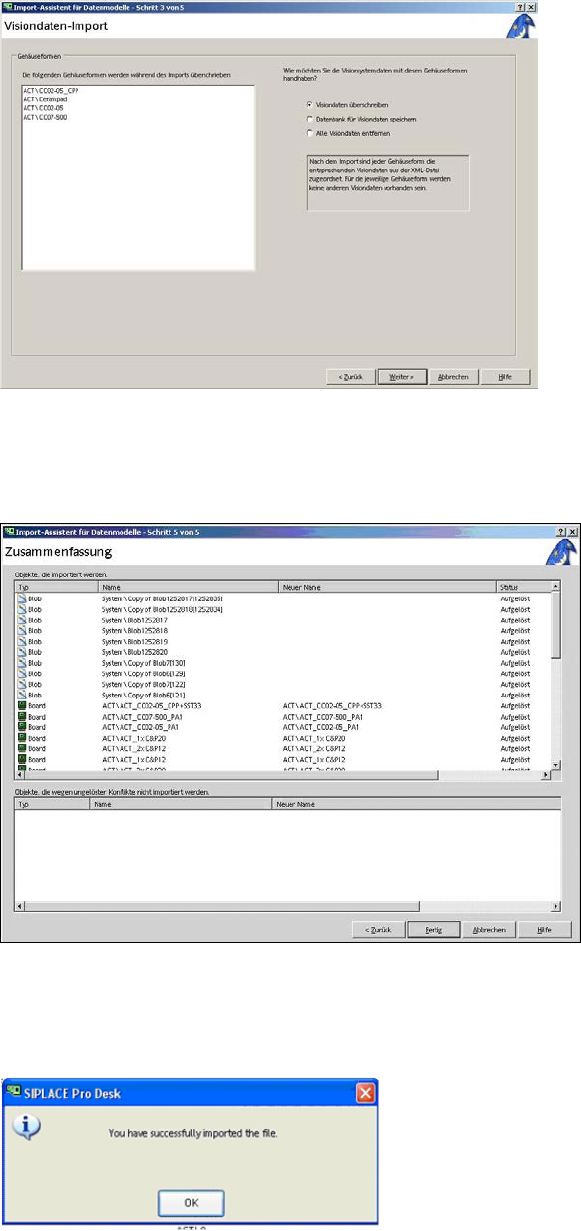
The following screen is displayed:
Figure 3-14: Vision data import
► Activate the Visiondaten überschreiben (Overwrite Vision data) option.
► Click Weiter (Next).
Figure 3-15: Screen for finishing the import of files for ACT
► Click Fertig (Finish).
The following message is displayed on the screen:
Figure 3-16: Maske mit Information Erfolgreicher Daten-Import
► Click OK.
ACT - Accuracy Check Tool / User Manual 07/2014 Edition
22
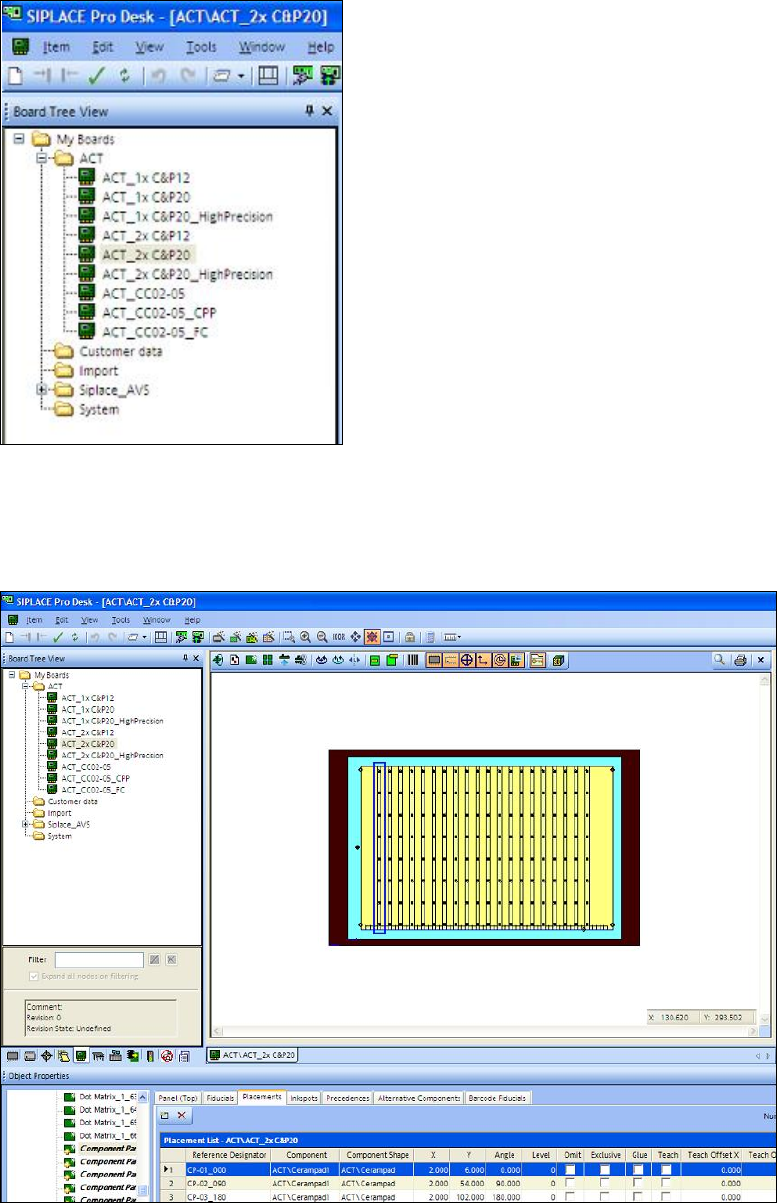
The next screen is displayed in which you will see the folder structure for the boards.
Figure 3-17: Folder structure in SIPLACE Pro
Figure 3-18 displays the ACT board with placed ceramic components, as an example. You can
also see the folder structure and the alternating component designations Cerampad1 and
Cerampad2 for alternating placement by both C&P20 heads.
Figure 3-18: Example: Board description for ACT in SIPLACE Pro for 2xC&P20