4OM-1208-011_w.pdf - 第130页
2-3 AIVEMT -ID • Reset Procedure from "W ARNING" Window (1) T ake a note of the startup guidance. Notice If you forget the contents of the startup guidance, the machine cannot be reset correctly to its normal c…
2-2
AIVEMT-ID
2. Startup Guidance
2.1 "WARNING" (Startup Guidance) Window
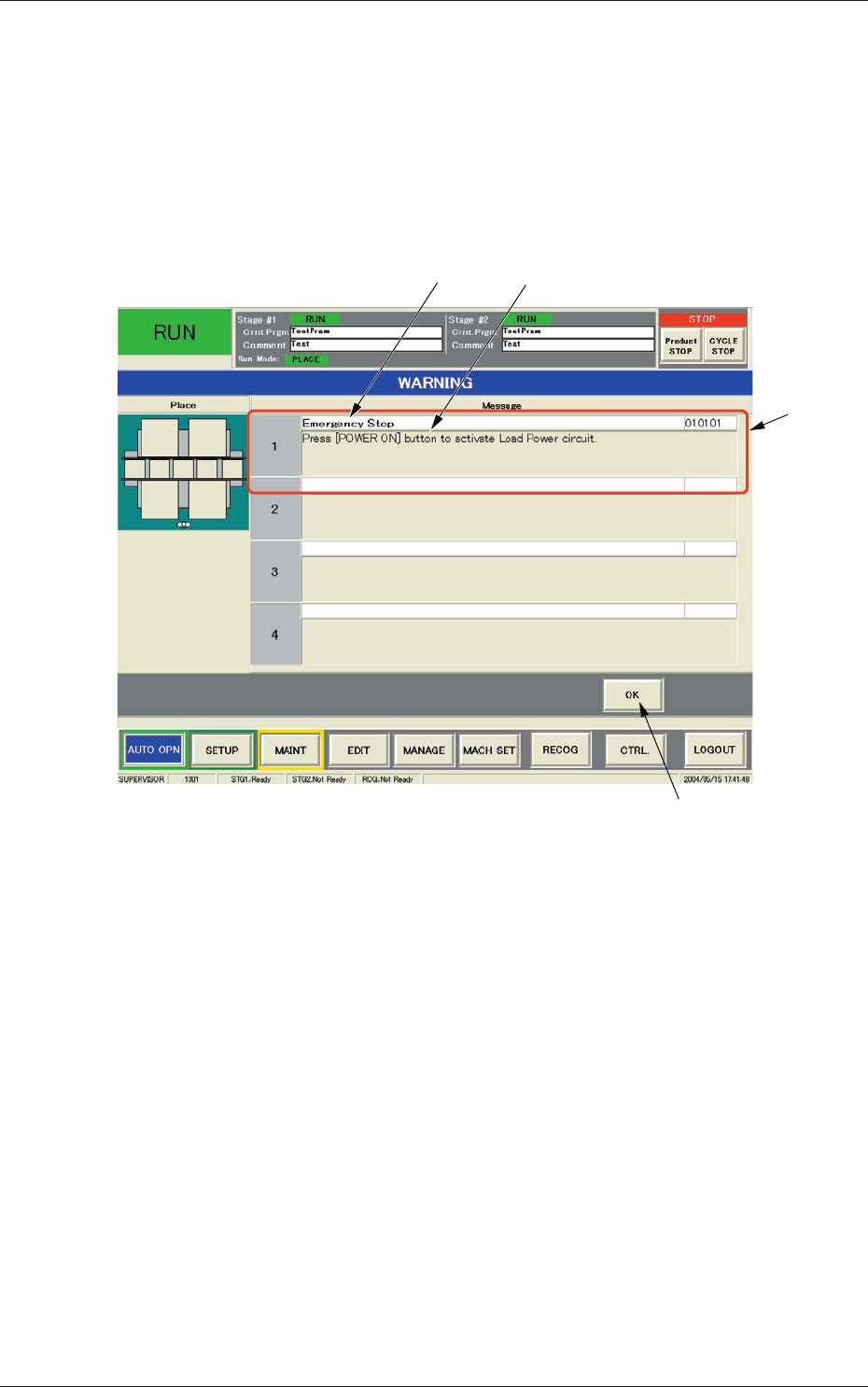
When the machine is not reset to its normal condition after an operator makes
an error operation or an error occurs in the operation system, a window like
the following opens.
[2] [3]
[1]
[4]
Fig. 4B2 Example of "WARNING" Window
[1] "Startup Guidance" Field
Displayed is the startup guidance.
[2]
Display Field A
Displayed is the cause of an error that the machine has encountered.
[3]
Display Field B
Displayed are the details of countermeasures.
[4]
[OK] Button
When pressed, this button resumes the previous window (the window
before the "W
ARNING" one).
0606-009
2. Startup Guidance

2-3
AIVEMT-ID
•
Reset Procedure from "WARNING" Window
(1) Take a note of the startup guidance.
Notice
If you forget the contents of the startup guidance, the machine
cannot be reset correctly to its normal condition.
(2) Press the [OK] button. The original window resumes.
(3) Follow the instructions (details of countermeasures) to reset the
machine to its normal condition.
0606-009
2.1 "WARNING" (Startup Guidance) Window
2-4
AIVEMT-ID
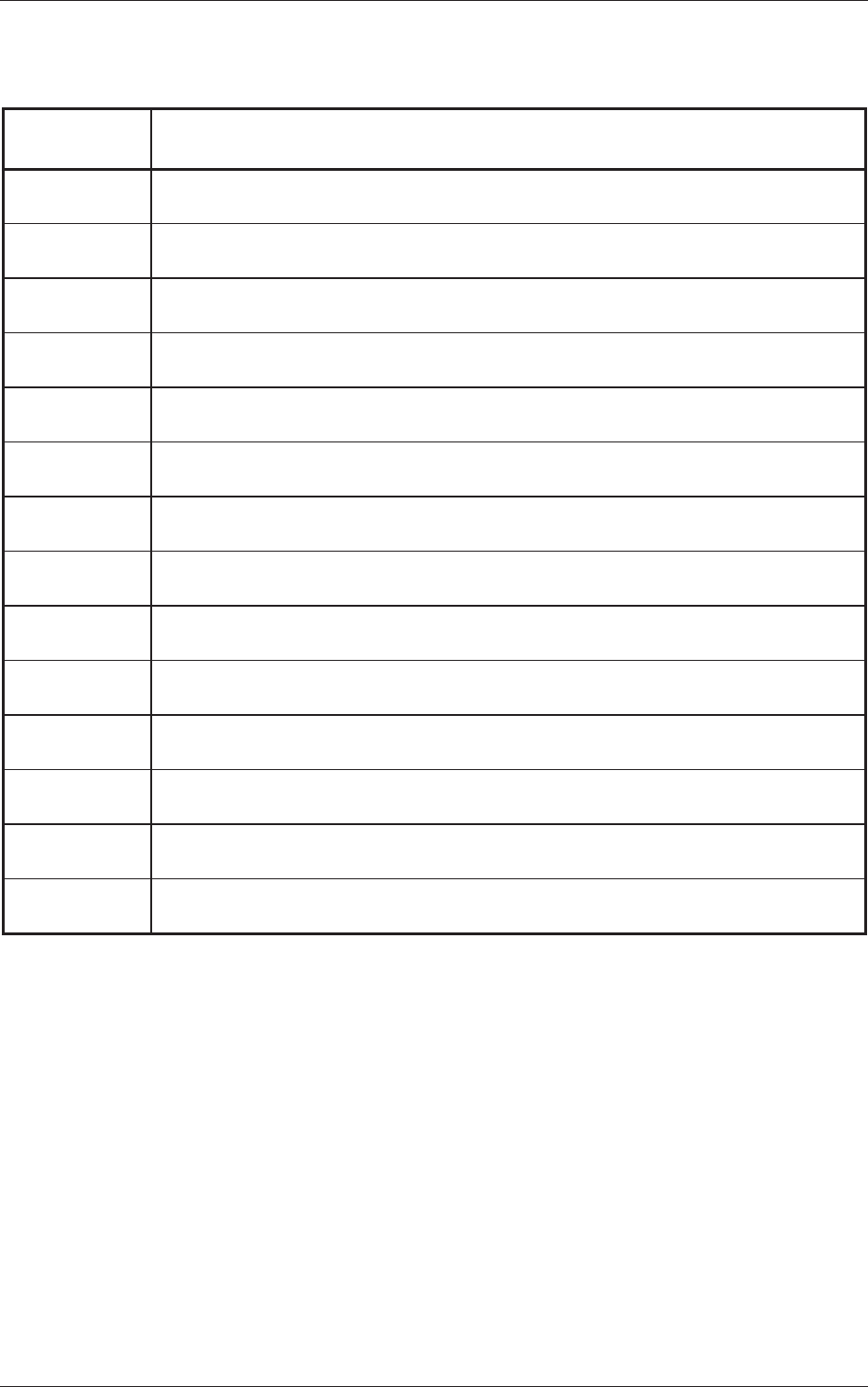
2.2 List of Warning Messages
Table 4B1
Warning Codes Display Field A (Scope of Warning Messages)
Display Field B (Details of Warning Messages)
010101 Emergency Stop
Press [POWER ON] button to activate Load Power circuit.
010201 Air Pressure Drop
Increase air pressure and press the [POWER ON] button to power up the machine.
010301 Safety cover
Please close and lock the safety cover.
010401 Safety cover lock confirm
Please close and lock the safety cover.
010501 Beam XY main loop OFF
Press [POWER ON] button to activate Load Power circuit.
010601 Head main Loop OFF
Press [POWER ON] button to activate Load Power circuit.
010701
Stage is not ready
Please close and lock the safety cover.
010801
Feeder base is not connected.(rear)
Please connect the feeder base.
010901 Feeder base is not connected.(front)
Please connect the feeder base.
010a01 V
acuum pump
Please turn on the vacuum pump.
010b01
Feeder is not ready (rear)
Please turn on the Feeder Ready SW (rear).
010c01 Feeder is not ready (front)
Please turn on the Feeder Ready SW (front).
010d01 Pattern program is not set
Please set the patterm program
010e01
Auto setup not finish
Please remove the PCB on equipment and execute the automatic arrangement.
0606-009
2.2 List of Warning Messages