591968 Heller Chinese Manual Rev-C.pdf - 第66页
61 Page 7 On this page h eat channel will be en abled as per oven model selected o n page 1. (In heat chann el setup Hi p rocess: 50 + High Lim it) Channel # Enabled State Channel N a me B lo w e r RPM Cool D- Output Sca…
60
Page 6
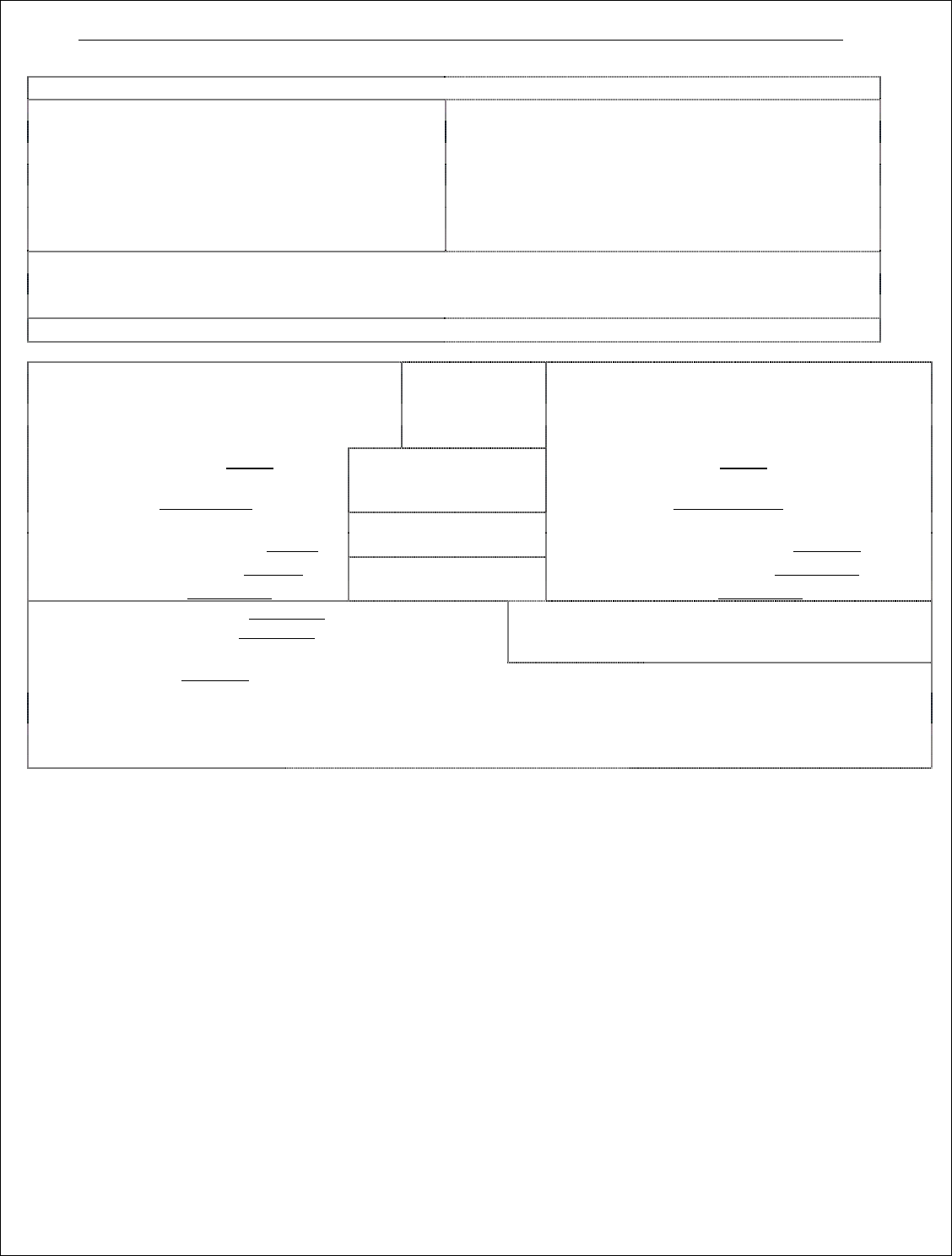
Belt Speed Control
BELT ONE
BELT TWO
Closed Loop
Closed Loop
Input range high : ______ /min
Input range high : ______ /min
Input range low : 0 cm/min or in/min
Input range low : 0 cm/min or in/min
Max Frequency : ______ Hz
Max Frequency : ______ Hz
Warning Delay Time: _____ sec
Warning Delay Time: _____ sec
Deadband Dev Time: _____ sec
Deadband Dev Time: _____ sec
Open Loop (for 1088)
Maximum output : 100% = 100 cm/min
Minimum output : 0% = 0 cm/min
Switch Range >= _____cm/min or in/min
Switch Output: ___________________
Audible Board
Warning
Smema Lane #3
Predefined
board length:
Audible Board
Warning
Smema Lane #4
Board processed
Animation Lane #3
Board processed
Animation Lane #4
Board in Oven
Animation Lane #1
______ cm
Board in Oven
Animation Lane #2
Board Drop Warning – Timed
Exit Board Stop Warning
Sensor distance : cm or inch
SMEMA 9851 new Board
delay (Spacing):
_______ cm
Board drop alarm – Timed
Exit Board Stop Warning
Sensor distance: cm or inch
Interface type : _______________
Oven Cure SMEMA
Belt Stop Delay: ____ Sec
Interface type : _________________
Board Cutout(Spacing) Entrance : cm
Board Cutout(Spacing) Entrance : cm
Board Cutout(Spacing) Exit : cm
Entrance Board
Jam/Stop Warning
Board Cutout(Spacing) Exit : cm
Board Stop Time : sec
Board Stop Time : sec
Board Drop Tolerance + : cm
Board Exit Tolerance - : cm
Disable board length from board drop calculation
Board Sensor Delay Output
_________________________
On After :_____cm (Board length) + Duration :_____cm
New Recipe Delay : cm
Lot tracking
Enable/Disable lot tracking button
Red Light on board drop/stop
Delayed-Timed Output
Animation Bottom to Top
Board Warning Digital Output
Digital output on board count
Max boards per lane using SMEMA ____
Board In/Out (Sensor trigger
only, no animation)
(Must enter a sensor distance value for all ovens with board count or board drop option)
61
Page 7
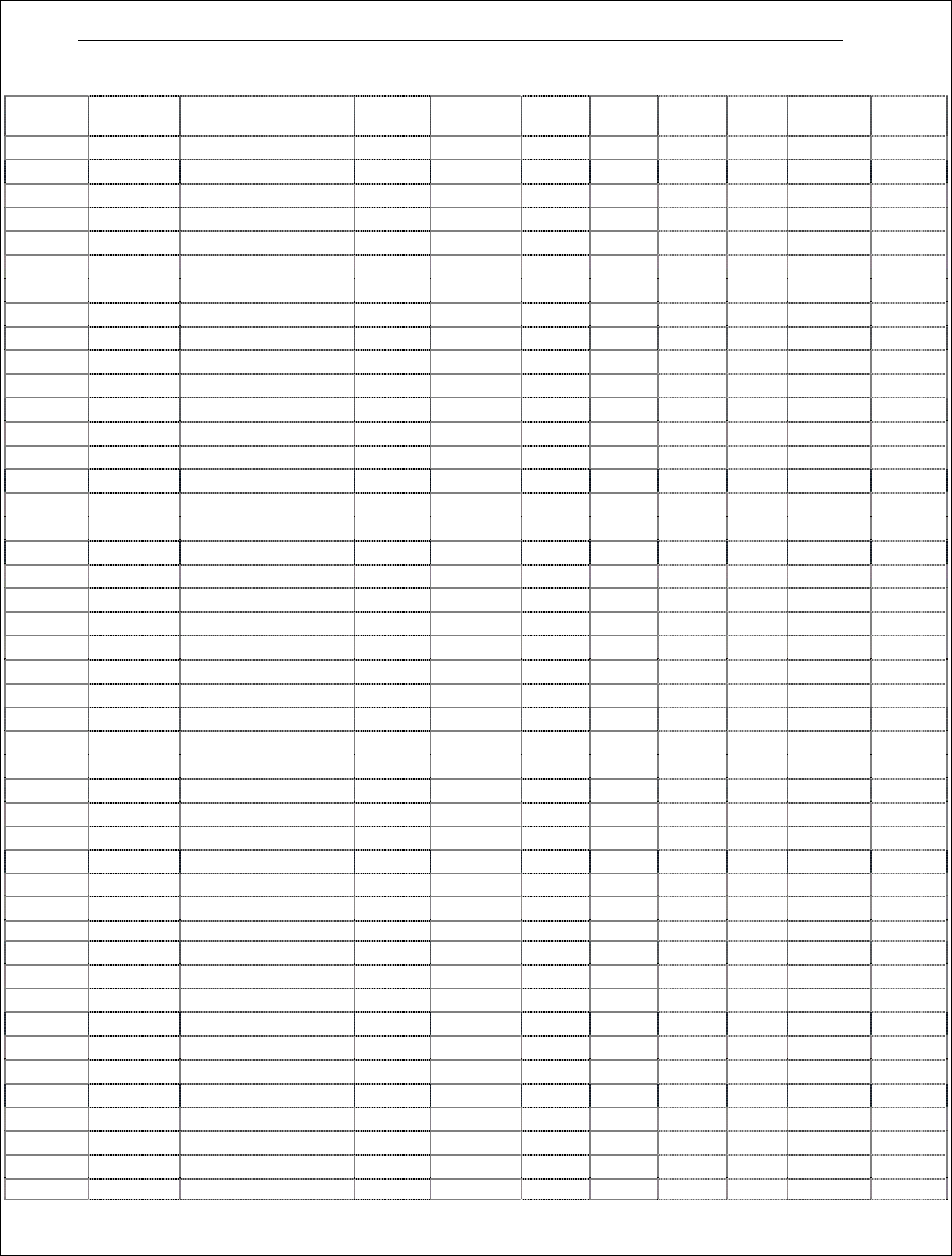
On this page heat channel will be enabled as per oven model selected on page 1. (In heat channel setup Hi process: 50 +
High Limit)
Channel
#
Enabled
State
Channel
Name
Blower
RPM
Cool
D-Output
Scann
er-Inp
Low
Limit
High
Limit
Limit
Units
Startup
Group #
Blower
Group
1 ON / OFF Top 1
2
ON / OFF
Bottom 1
3
ON / OFF
Top 2
4
ON / OFF
Bottom 2
5
ON / OFF
Top 3
6
ON / OFF
Bottom 3
7
ON / OFF
Top 4
8
ON / OFF
Bottom 4
9
ON / OFF
Top 5
10
ON / OFF
Bottom 5
11
ON / OFF
Top 6
12
ON / OFF
Bottom 6
15
ON / OFF
Top 7
16
ON / OFF
Bottom 7
17
ON / OFF
Top 8
18
ON / OFF
Bottom 8
19
ON / OFF
Top 9
20
ON / OFF
Bottom 9
21
ON / OFF
Top 10
22
ON / OFF
Bottom 10
23
ON / OFF
Top 11
24
ON / OFF
Bottom 11
25
ON / OFF
Top 12
26
ON / OFF
Bottom 12
13
ON / OFF
Top 13
56
ON / OFF
Bottom 13
67
ON / OFF
Top 14
68
ON / OFF
Bottom 14
ON / OFF
Cool 1 Flux Heater
103
ON / OFF
Bottom Cool 1 (RPM)
ON / OFF
Cool 2 Flux Heater
105
ON / OFF
Bottom Cool 2 (RPM)
ON / OFF
Cool 3 Flux Heater
107
ON / OFF
Bottom Cool 3 (RPM)
108
ON / OFF
Top Cool 4 (RPM)
109
ON / OFF
Bottom Cool 4 (RPM)
110
ON / OFF
Top Cool 5 (RPM)
111
ON / OFF
Bottom Cool 5 (RPM)
14
ON / OFF
Belt 1 Speed
32
ON / OFF
Belt 2 Speed
27
ON / OFF
Profile 1
28
ON / OFF
Profile 2
29
ON / OFF
Profile 3
30
ON / OFF
Profile 4
31
ON / OFF
Profile 5

62
标准和可选设备操作指南