SM411F_Service Manual.pdf - 第240页
Softwar e 5. Click <Parameter> button in the ‘ W indow m eun ’ dialog box. Caution Do not click any button in the ‘Wi ndow menu’ dialog box. 6. Select <Read-out from the amplifier> option button i n the ‘ Sel…
Software
5.2.5.3. Software execution
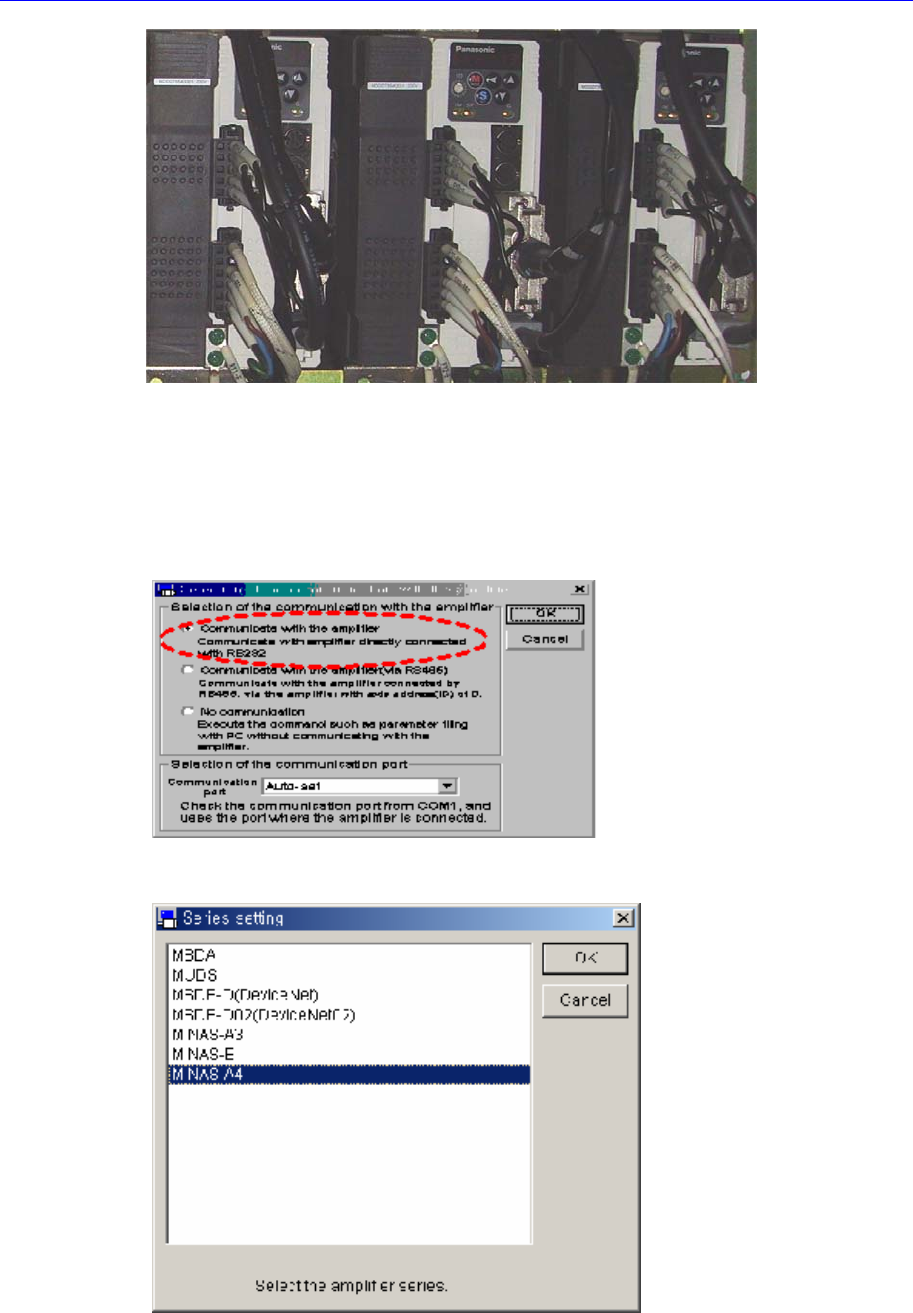
1. Execute the panaterm software.
2. If the panaterm software is excuted, the following dialog box appears. Select
<Communicate with Amplifier directly connected with RS232> option button in the
this dialog box and click <OK> button.
3. If the ‘Series Setting’ dialog box appears, select ‘MINAS-A4’ in the list box and click
<OK> button.
4. If the massage, “Detect the Amplifier at COM#. Do you connect?”, appears, click
<Yes> button.
Software
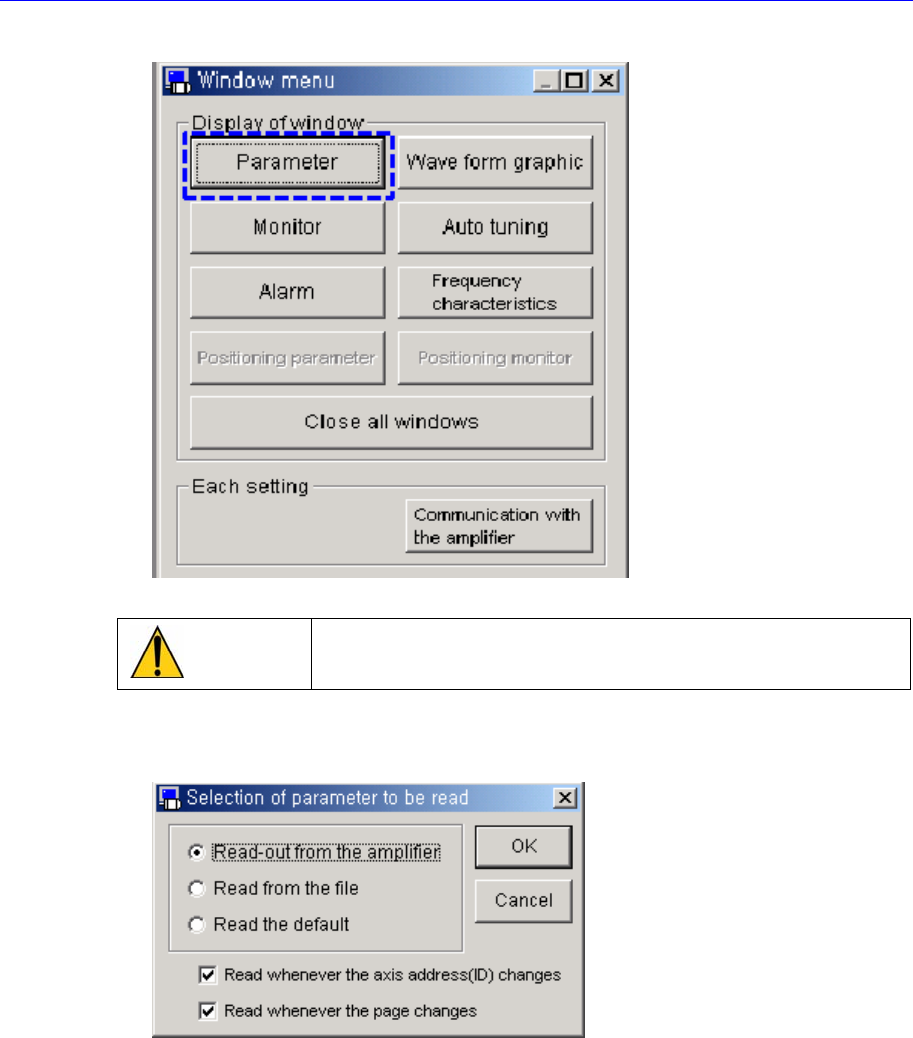
5. Click <Parameter> button in the ‘Window meun’ dialog box.
Caution
Do not click any button in the ‘Window menu’ dialog box.
6. Select <Read-out from the amplifier> option button in the ‘Selection of parameter to
be read’ dialog box and click <OK> button.
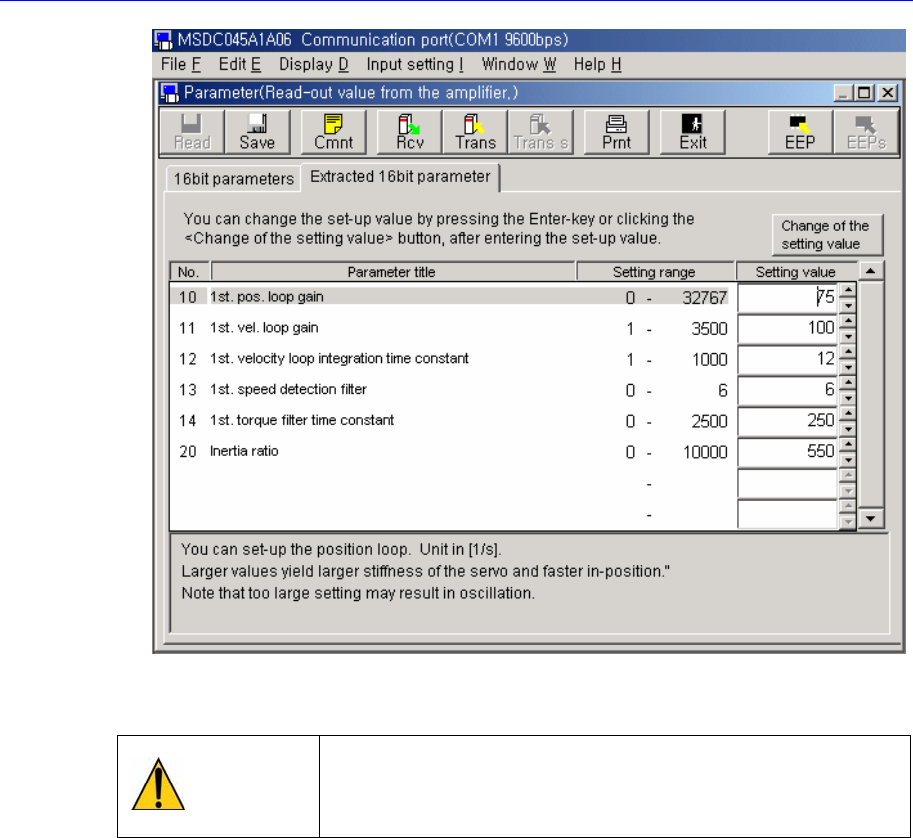
7. The following screen shows the connection to the driver is normal.
.
Software
5.2.5.4. Changing setting value
Warning
Without any permission of out company, agencies or users
can not change parameter. We are not liable for faults of
machine caused by failure to observe this.
1. Select the parameter to be changed on communication with the amplifier. And then,
change the parameter in the <Setting value> combo box and click <Change of the
setting value> button .