D-serie LEVEL II.pdf - 第104页
Gantry Settings Mechanical Settings for Incremental Encoder S tuden t Guide Advanced Level 2 SIPLACE D Series Gantry EN 05/2007 6-18 6.3.5 Mechanical Settings for Increm ent al Encoder The incremental encoders (r ead uni…
Gantry
Checking the DIP Switch Settings
Student Guide Advanced Level 2 SIPLACE D Series
EN 05/2007 Gantry
6-17
6.3.4 Checking the DIP Switch
6.3.4.1 DIP Switch on Vision Board
* You may find that not all gantries are available - this depends on the machine type.
6.3.4.2 DIP Switch on Gantry Head Distributor
* You may find that not all gantries are available - this depends on the machine type.
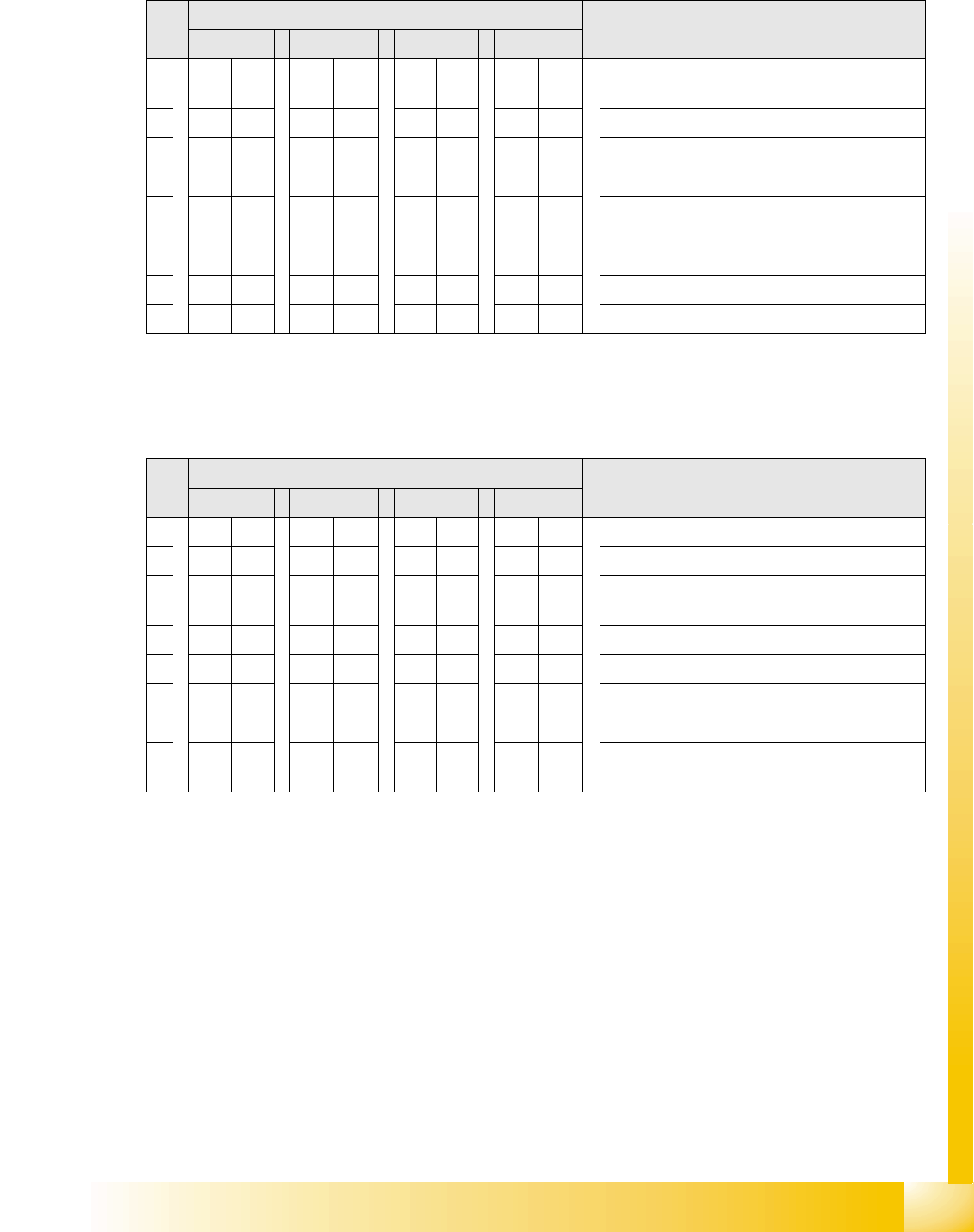
S Setting for gantry* Note
1 2 3 4
1 OFF OFF OFF OFF Boot mode – 16 bit CAN processor via
connector X11
2 OFF OFF OFF OFF Reset – 16 bit CAN processor on subboard
3 OFF ON OFF ON P0 - address switch 1 --> gantry
4OFF OFF ON ONP1 - address switch 2 --> gantry
5 OFF OFF OFF OFF WPE - write protect enable, currently
deactivated
6 OFF OFF OFF OFF CAN R - switch terminating resistor CAN bus
7ONONONONTest 1 - CAN 1 MBit/s --> ON
8ONONONONTest 0 - CAN IDs --> ON
S Setting for gantry* Note
1 2 3 4
1 OFF ON OFF ON P0 - gantry ID0 address switch 1 --> gantry
2OFF OFF ON ONP1 - gantry ID1 address switch 2 --> gantry)
3 OFF OFF OFF OFF S1 – switch for DLM head (delay switching on
LB down – Z-axis)
4 OFF OFF OFF OFF BL – activates boot loader for the serial port
5 OFF OFF OFF OFF Reset – CAN processor, 16 bit (TQM module)
6 OFF OFF OFF OFF C0 – currently no function
7 OFF OFF OFF OFF C1 – currently no function
8 OFF OFF OFF OFF S2 – switch for DLM head (currently no
function)

Gantry
Settings Mechanical Settings for Incremental Encoder
Student Guide Advanced Level 2 SIPLACE D Series
Gantry EN 05/2007
6-18
6.3.5 Mechanical Settings for Incremental Encoder
The incremental encoders (read units) on the X and Y axes are set exactly to the position of the
incremental scale. The two limit marks on the incremental encoder show the top/bottom position of the
scale. They are also mechanically set to a distance of 0.4 mm +/-0.1 mm to the incremental scale.
After setting the incremental encoder, you need to check the zero pulse and the track signals.
If the installation was performed correctly, this generally means that the counting and zero pulses will be
accurate. For error analysis and solution, check these signals with the oscilloscope. (See service
manual.)
See also:
J 7.4.1 Track Signals and Zero Pulse [J7-12]
NOTE:
For this setting, use one or more small plastic disks to form a total thickness of 0.4 mm.

Gantry
Mechanical Settings for Incremental Encoder Room for Your Sketches and Notes
Student Guide Advanced Level 2 SIPLACE D Series
EN 05/2007 Gantry
6-19
6.4 Room for Your Sketches and Notes