SOM-1655-002.pdf - 第27页
26 Tg0742-PM-SO 0301-001 7. Component Library Fig. 1 1 Sampling scan mode All scan : The V . bend detection is made for all leads. Mode 1 (Sampling) : The V . bend detection is made periodically . The first test, of the …
25 Tg0742-PM-SO0301-001
7. Component Library
XY posn detn
Auto (Default) :
The XY posn allowance is set automatically. Normally, it is
set to 0.3 mm.
Disable :
The XY posn detn for each lead is not decided.
(Unavailable)
Enable :
The XY posn allowance is set manually.
XY posn allowance
It is displayed when the "XY posn detn" is set to "Enable".
The XY posn allowance for each lead is entered.
Lead sampling posn set
Auto (Default) :
If the lead shape is gull wing, it is set to "0.1 mm"; if J
bend, it is set at a value corresponding to a half the lead
length.
Manual :
The Lead sampling posn sis set manually.
This function is valid only when the lead shape is gull wing
or straight.
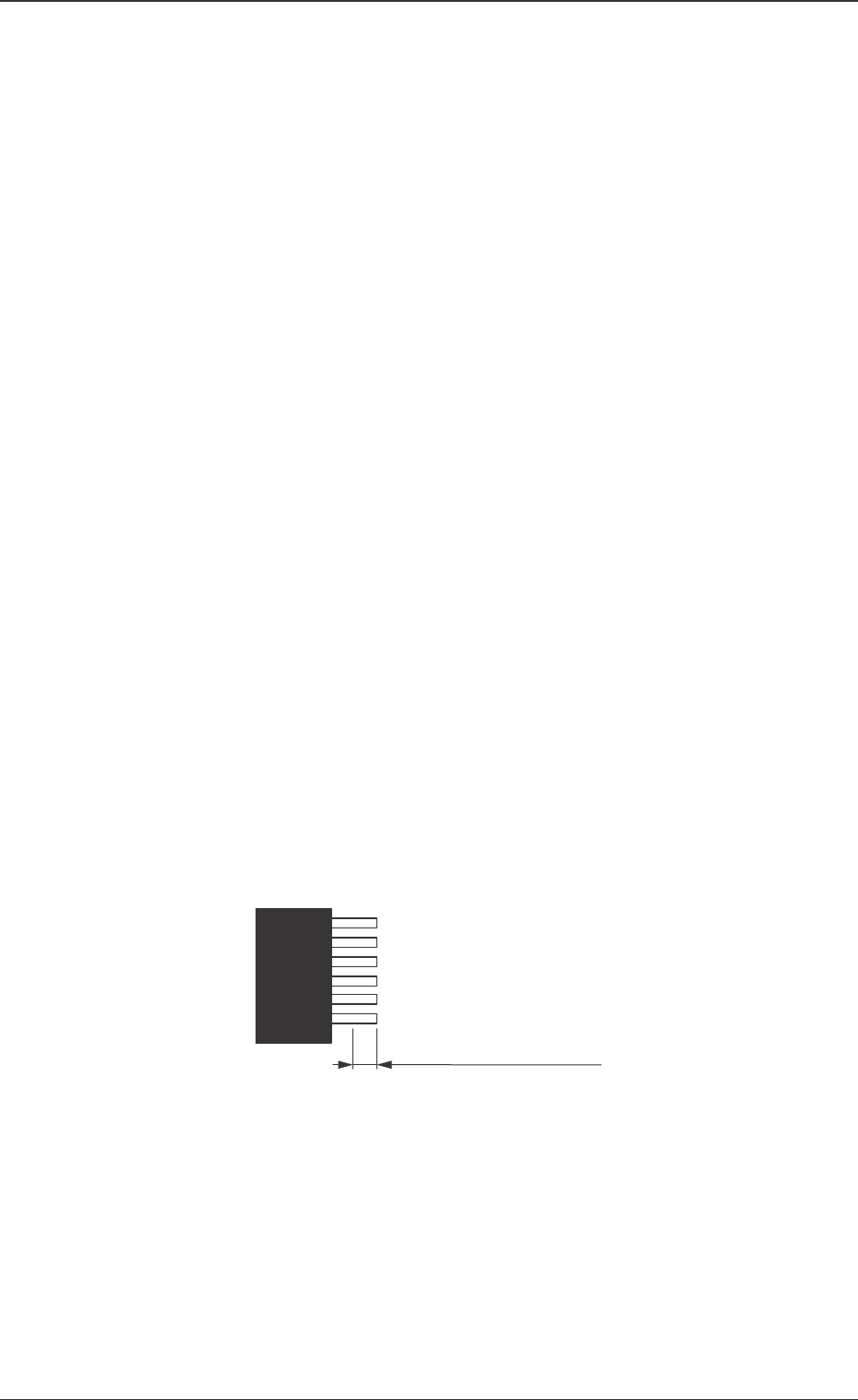
Lead sampling posn
It is displayed when the "Lead sampling posn set" is set to
"Manual". The location where the lead height is detected is
designated depending on the distance from the lead end.
Fig. 10
Designating the distance
from the edge.
26 Tg0742-PM-SO0301-001
7. Component Library
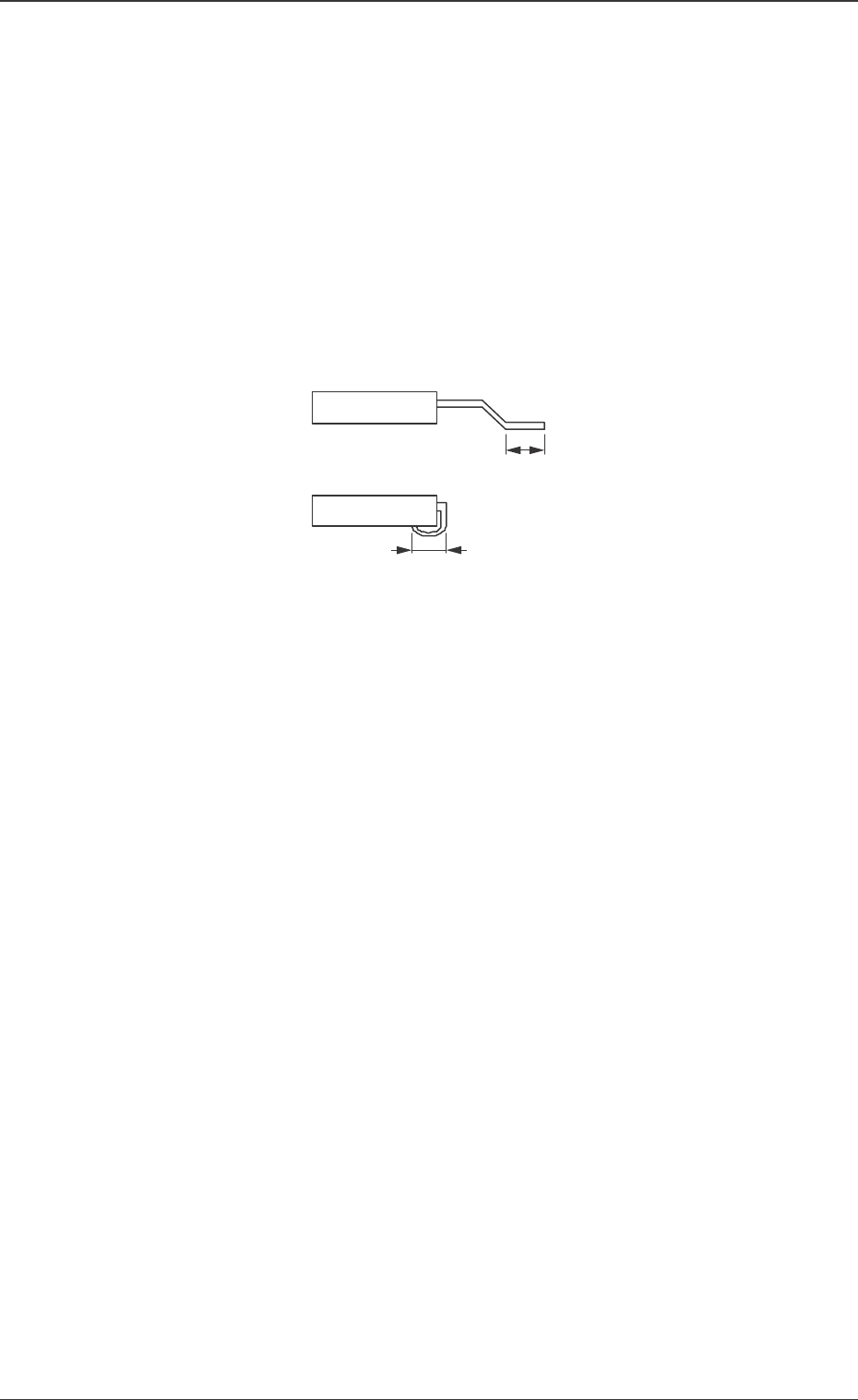
Fig. 11
Sampling scan mode
All scan :
The V. bend detection is made for all leads.
Mode 1 (Sampling) :
The V. bend detection is made periodically. The first test,
of the number of detection times set in "Sampling scan", is
made.
Sampling scan frequency 1
The frequency for the V. bend detection is set.
When the "Sampling scan mode" is set to "Mode 1 (Sam-
pling)", the first test, of the number of detection times
there, is made.
Soldered posn length set
Auto (Default) :
With gull-wing, half the total length of the lead is set.
For J bend, the total length of the lead is set.
Manual :
The "Soldered posn length" is set manually.
Soldered posn length
It is displayed when the "Soldered posn length set" is to be
set manually.
The length of the lead to be soldered is entered.
27 Tg0742-PM-SO
8. Troubleshooting after Error Window (Error ID)
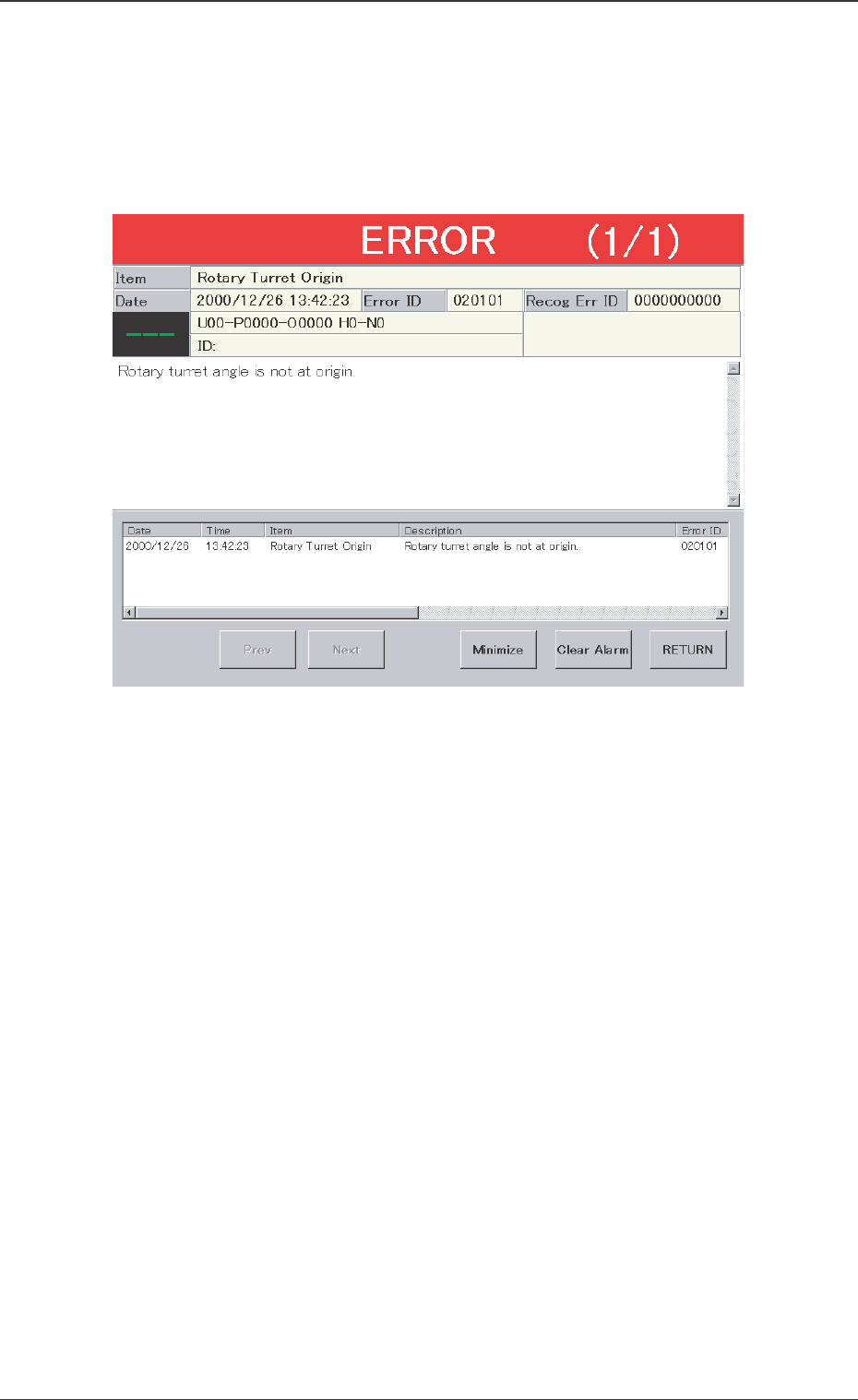
Assuming "Error ID/Item/Description" in the "ERROR" window as an
index, retrieve the related page of the instruction manual.
Refer to "Typical Description" for the detailed description.
Fig. 12 Example of "ERROR" Window
0301-001
8. Troubleshooting after Error Window (Error ID)