SOM-1655-002.pdf - 第35页
34 Tg0742-PM-SO • Window Composition *1 V . Bend T est When this button is pressed, the "V . Bend T est" window (Fig. 16) appears. At this time, if the component recognition test has not been performed yet, the…
33 Tg0742-PM-SO0301-001
10. Component Recog. Test
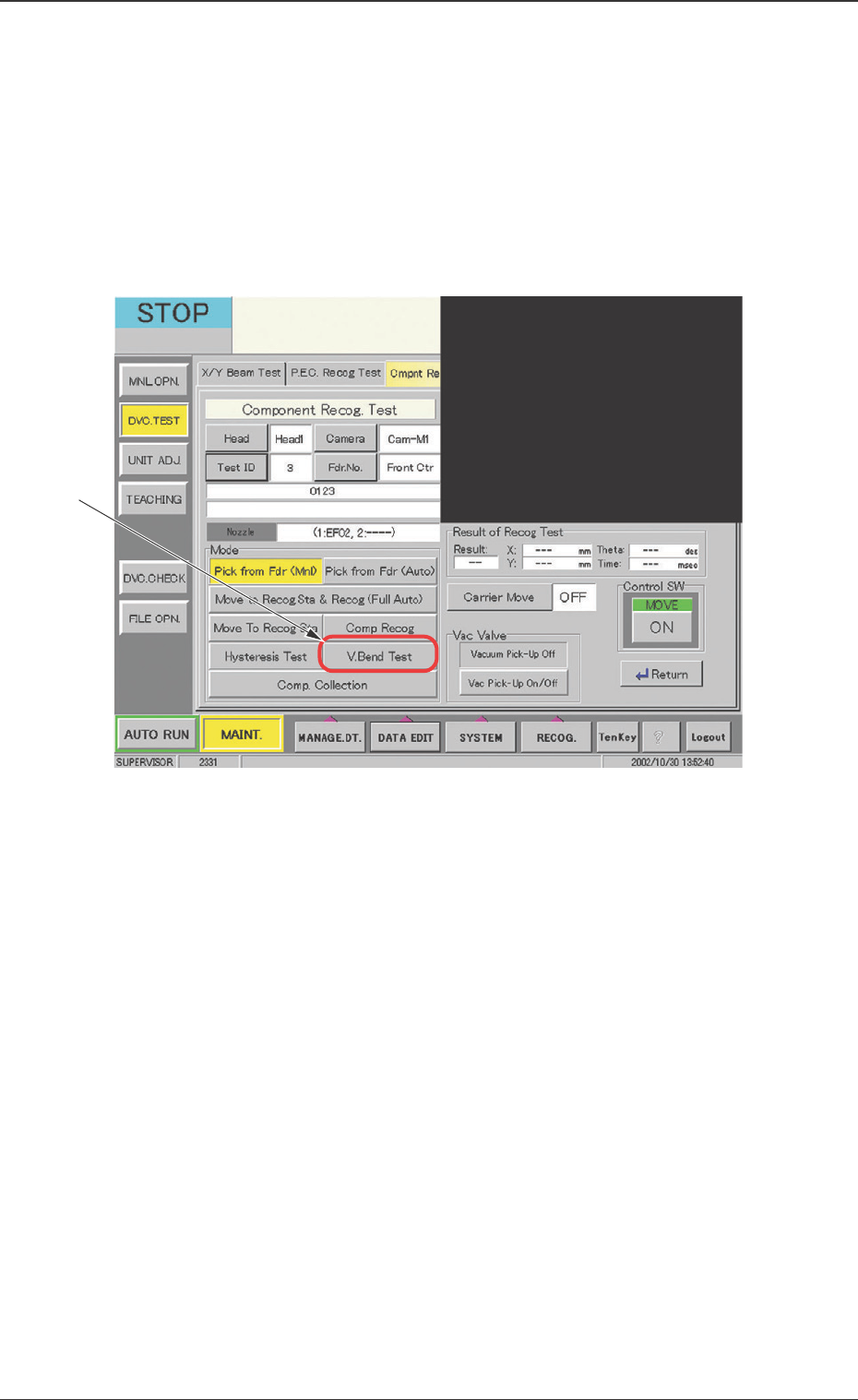
Fig. 14 "Component Recog. Test" Window
10. Component Recog. Test
10.1 "Component Recog. Test" Tab
• Window Layout
When the [Component Recog. Test] button is pressed on the "Com-
ponent Recog. Test" tab sheet, the following "Component Recog.
Test" operation window appears.
Before V. bend testing, the component library data need to be input in
the test ID and the component pick-up and component recognition be
tested.
*1
34 Tg0742-PM-SO
• Window Composition
*1 V. Bend Test
When this button is pressed, the "V. Bend Test" window (Fig. 16)
appears.
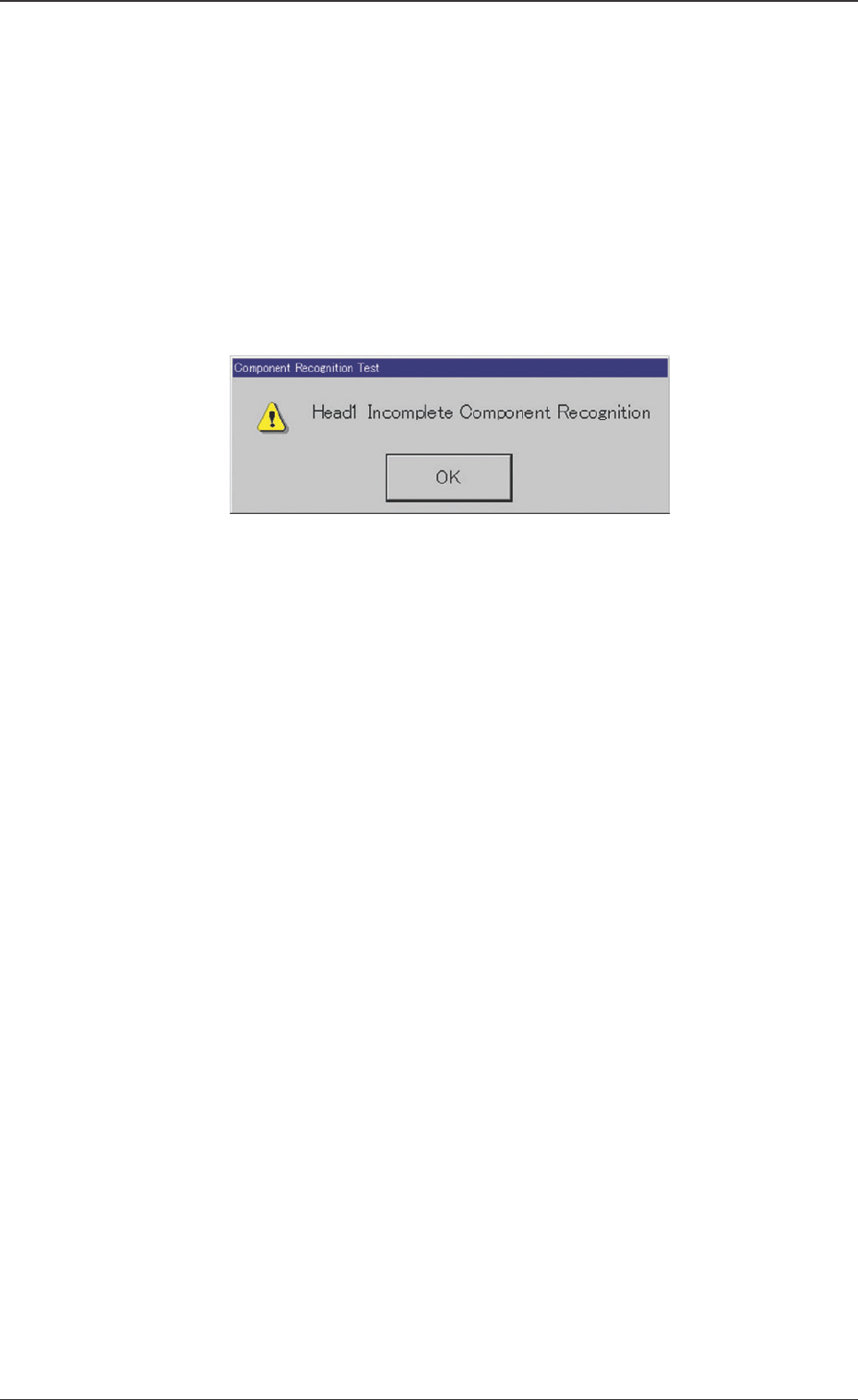
At this time, if the component recognition test has not been
performed yet, the "Component Recognition Test" dialog box
(Fig. 15) is indicated.
When the [OK] button is pressed, the "V. Bend Test" window
appears and the V. bend test can be performed.
Fig. 15 "Component Recognition Test" Dialog Box
0301-001
10.1 “Component Recog. Test” Tab
35 Tg0742-PM-SO
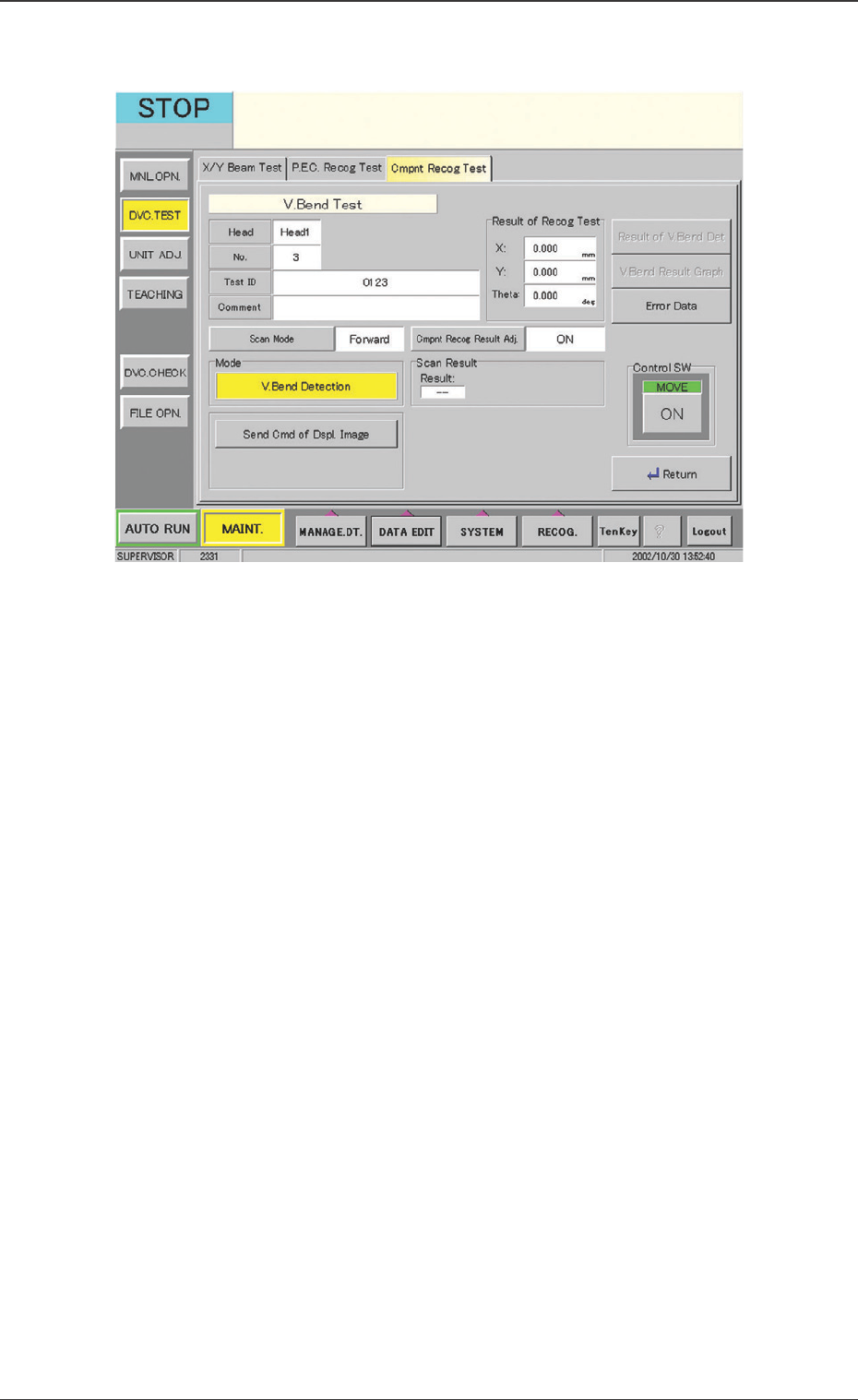
Fig. 16 "V. Bend Test" Window
10.2 "V. Bend Test" Window
••
••
• Window Composition
Head
The component pick-up head is displayed.
No.
The registration No. for the Test ID is displayed.
Test ID
The test ID is displayed.
Comment
The "Comment" for the test ID is displayed.
Result of Recog Test
The results of the component recognition test are displayed.
10.2 "V. Bend Test" Window
0301-001