SOM-1655-002.pdf - 第4页
Contents Page 0301-001 3 Tg0742-PM-SO Before Use .................................................................................................. 1 Contents .............................................................…
Before Use
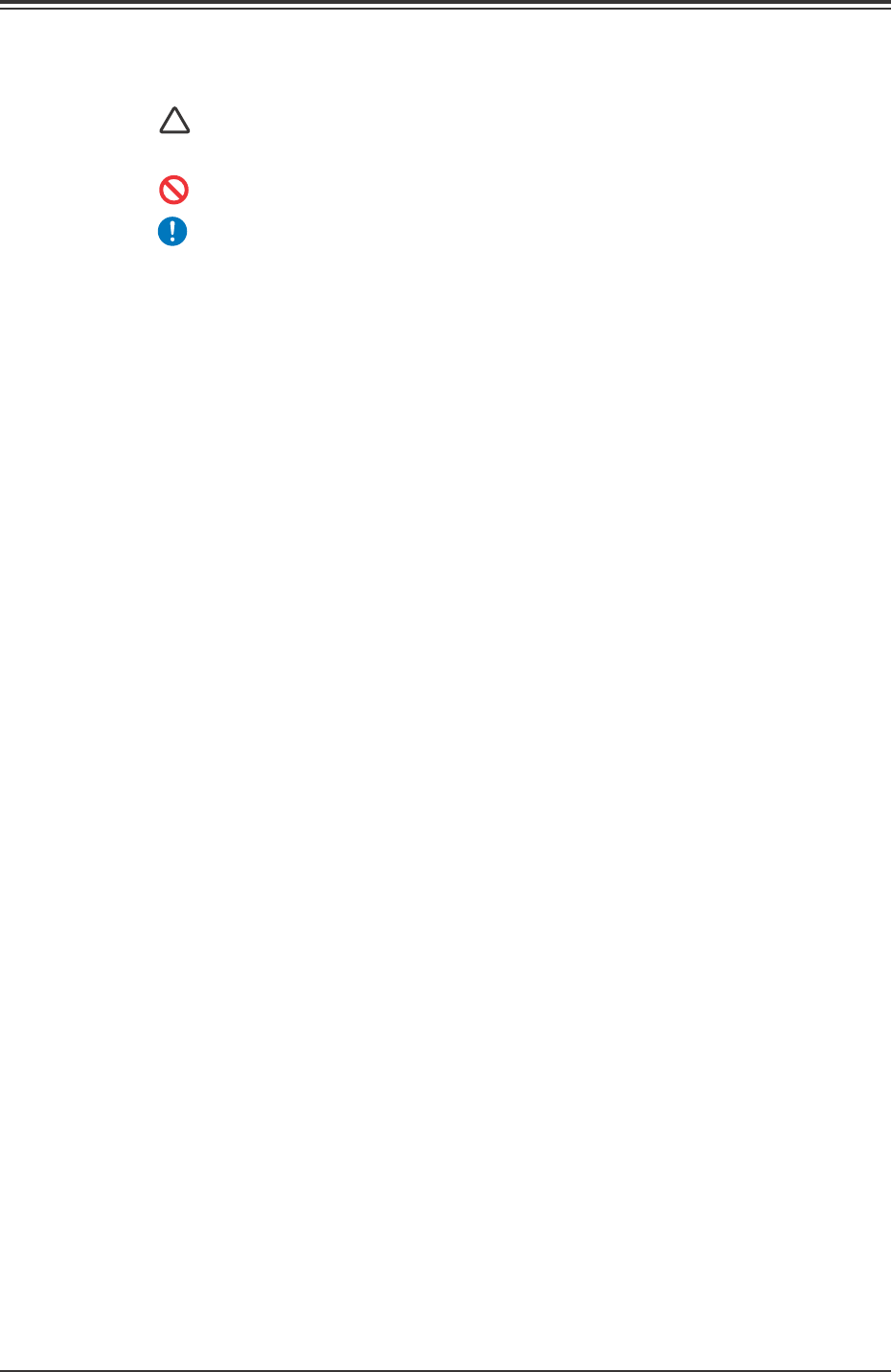
• Identifying Alert Icons
: This symbol mark represents danger or prompts
warning.
: This symbol mark represents prohibited operations.
: This symbol mark represents forced operations or
instructions.
2. Explained in this manual are only the items different from
those in the instruction manual of the TIM-X100.
Use the instruction manual of the TIM-X100 together with this
manual.
3. The contents of this manual are subject to change without
prior notice.
Please contact our marketing department or sales agency for
detailed information about this product.
0301-001 2 Tg0742-PM-SO

Contents
Page
0301-001 3 Tg0742-PM-SO
Before Use .................................................................................................. 1
Contents ...................................................................................................... 3
Checking Items ........................................................................................... 5
Safety Precautions ....................................................................................... 7
1. Scope ..................................................................................................... 11
2. Specifications ......................................................................................... 11
3. Rough View of Machine ......................................................................... 16
4. Scope of Actions .................................................................................... 17
4.1 Measurement .................................................................................... 18
5. V. Bend Detection Setting Procedure..................................................... 19
6. Operation Data ...................................................................................... 20
7. Component Library................................................................................. 21
8. Troubleshooting after Error Window (Error ID) ...................................... 27
9. Maintenance ........................................................................................... 31
9.1 Periodic Maintenance ........................................................................ 31
9.1.1 Precautionary Items ..................................................................... 31
9.1.2 Preparation for Maintenance ........................................................ 31
9.1.3 Daily Maintenance ........................................................................ 32
9.1.4 Weekly Maintenance .................................................................... 32
10. Component Recog. Test ....................................................................... 33
10.1 "Component Recog. Test" Tab ......................................................... 33
10.2 "V. Bend Test" Window .................................................................... 35

Contents
Page
0307-002 4 Tg0742-PM-SO
11. Operation Mode Setting ....................................................................... 42
11.1 Display Mode of V. Bend Result ....................................................... 42
11.2 Test Run Setting ............................................................................... 43
11.3 Comp Carriage Dt Edit ..................................................................... 44
12. V. Bend Detection Unit Offset .............................................................. 45
12.1 Adjustment for Sensor Head Installation .......................................... 46
12.2 Sensor Head Set and Adjustment Procedure .................................. 55
12.3 Offset Teaching ................................................................................ 59
12.4 Offset Teaching Procedure ............................................................... 62
13. LAN Setting .......................................................................................... 63
13.1 IP Address Setting Procedure .......................................................... 64
13.2 Setting Procedure for Communication with Main Machine .............. 69
14. Circuit Diagrams .................................................................................. 71
Power Circuit Diagram (2).................................................................... 71
Power Circuit Diagram (3).................................................................... 72
Power Circuit Diagram (4).................................................................... 73
I/O Board ILB2 (1/2) ............................................................................. 74
I/O Board IO01 (1/2) ............................................................................ 75
I/O Board IO01 (2/2) ............................................................................ 76
I/O Board IO02 (2/2) ............................................................................ 77
Y1- and Y2-Axis Motor Circuit Diagram ............................................... 78
KB/PD/VGA Connection Diagram ........................................................ 79
FDD/CD-ROMD/LAN Connection Diagram ......................................... 80
V. Bend Unit Connection Diagram ....................................................... 81