SOM-1655-002.pdf - 第54页
53 Tg0742-PM-SO [X, Y , L, Z NC Movement] Button This button is used when the X, Y , L, Z, or NC-axis is temporarily moved or during rough positioning and when the position is checked with these axes' fine movement.…
52 Tg0742-PM-SO0301-001
12.1 Adjustment for Sensor Head Installation
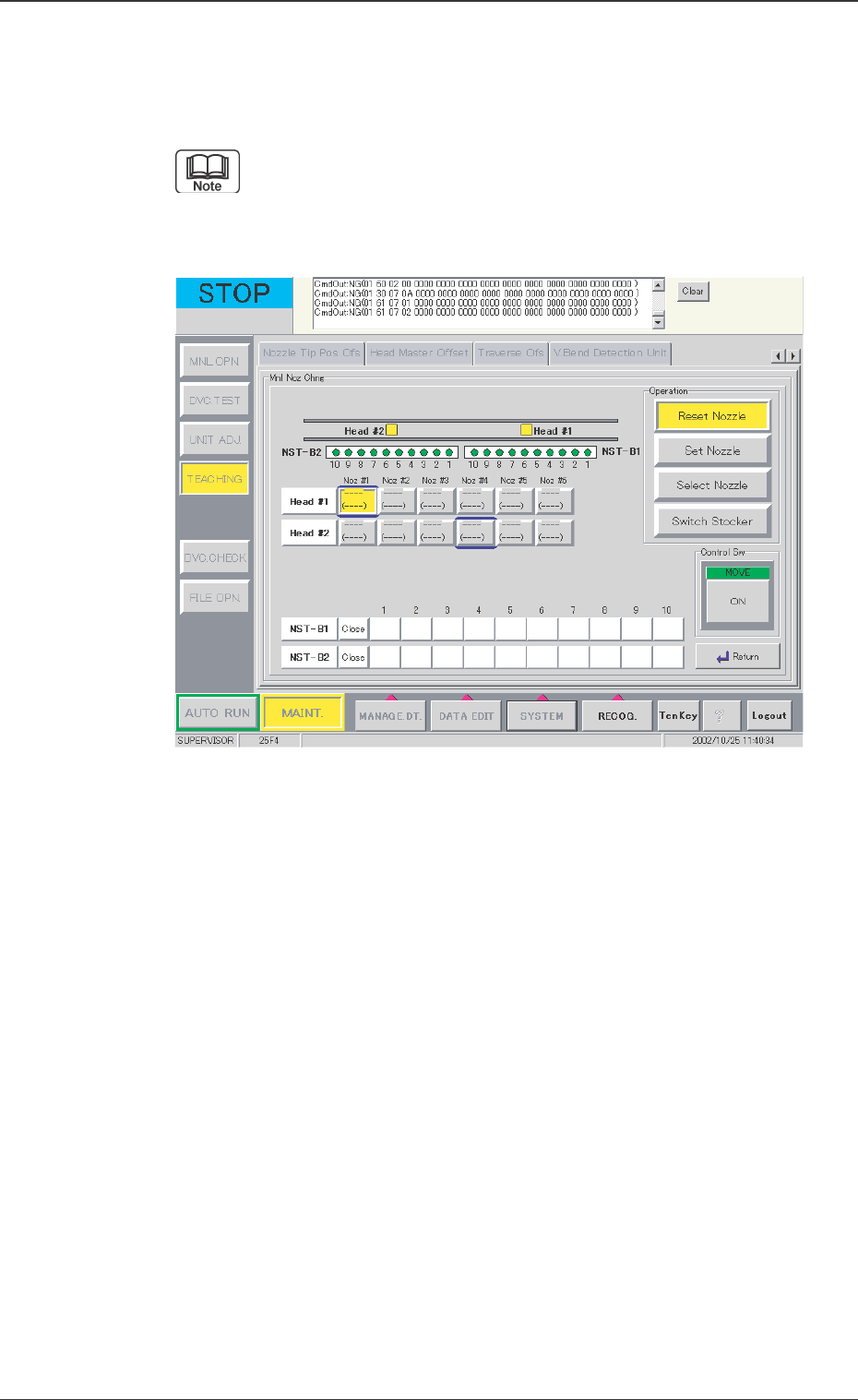
Fig. 30 "Mnl Noz Chng" Window
[Mnl Noz Chng] Button
This is used to set or reset the vacuum nozzle onto the specified
nozzle clamp when the individual head and nozzle are selected.
When this button is pressed, the following window appears.
Refer to "4.4 "Nozzle Change" Tab" in "Section 6 " (the
instruction manual (Vol. 2) of the main machine) for the
detailed information on how to operation.
53 Tg0742-PM-SO
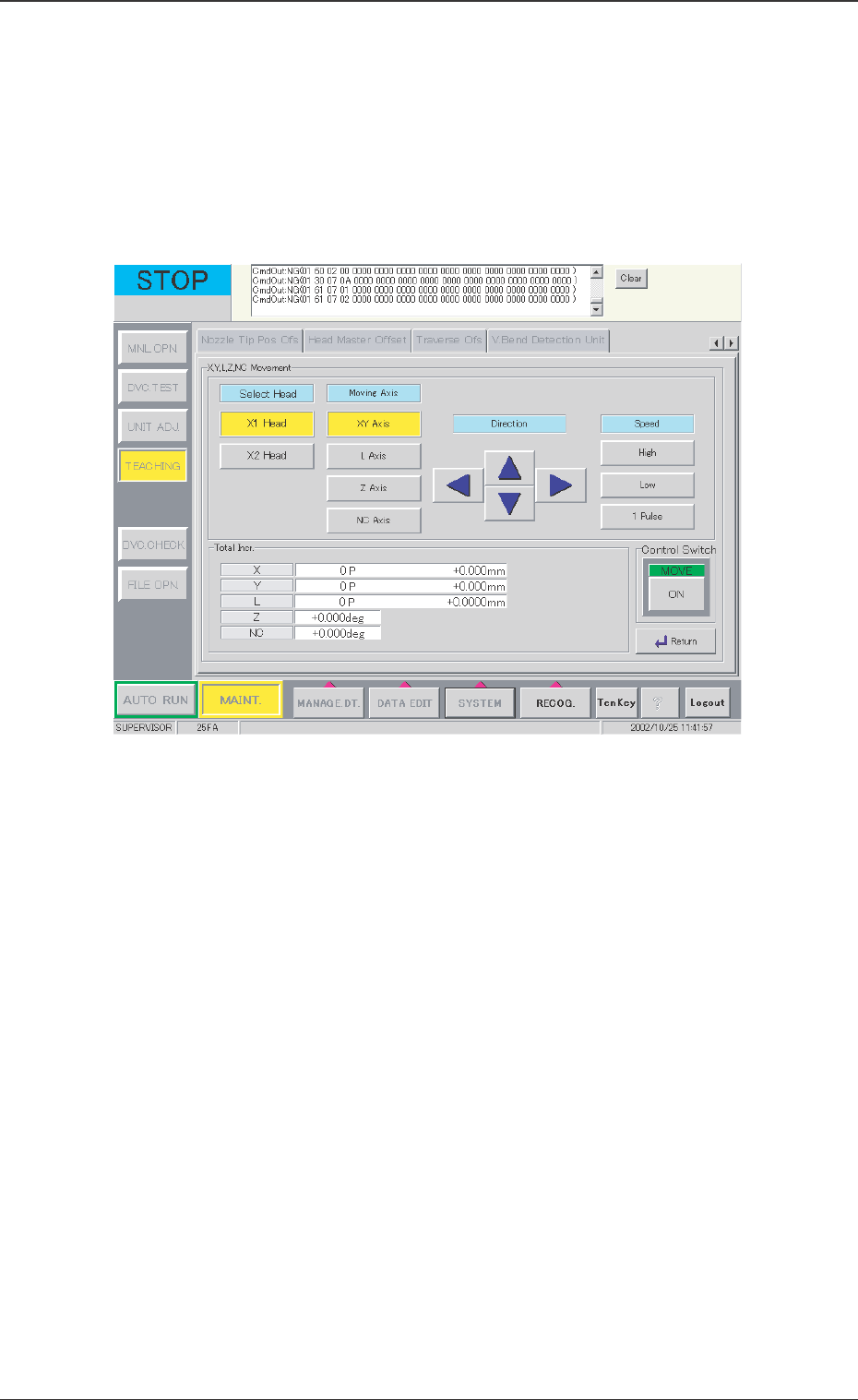
[X, Y, L, Z NC Movement] Button
This button is used when the X, Y, L, Z, or NC-axis is temporarily
moved or during rough positioning and when the position is
checked with these axes' fine movement. Before beginning such
operation, select the axis to be moved, direction, and speed.
When this button is pressed, the following window appears.
0301-001
12.1 Adjustment for Sensor Head Installation
Fig. 31 "X, Y, L, Z, NC Movement" Window

54 Tg0742-PM-SO
Operation Procedure
(1) Select the head.
(2) Select the axis to be moved.
(3) Select the movement direction, using the arrow buttons.
(4) Select the axis movement speed.
(5) Press the [ON] button and then, within 2 seconds, press the
[ENABLE] button on the operation panel.
[Clear Adj.] Button
The detected data is cleared.
[Cancel] Button
When the teaching window appears, no other operations are
available. In this case, if there is to be another operation, the
teaching function must be stopped by using this button.
[Return] Button
The previous window appears.
0301-001
12.1 Adjustment for Sensor Head Installation