M8_ServiceManual_e.pdf - 第38页
2 Periodical Checks 2-4 Monthly Check Check the followings once a month. ITEM DESCRIPTION LCD Clean LCD screen if it is dirty. Cable Make sure screws on cable and cables supports are not loose. Check cables in the cable-…
2 Periodical Checks
2-3
Manual Check
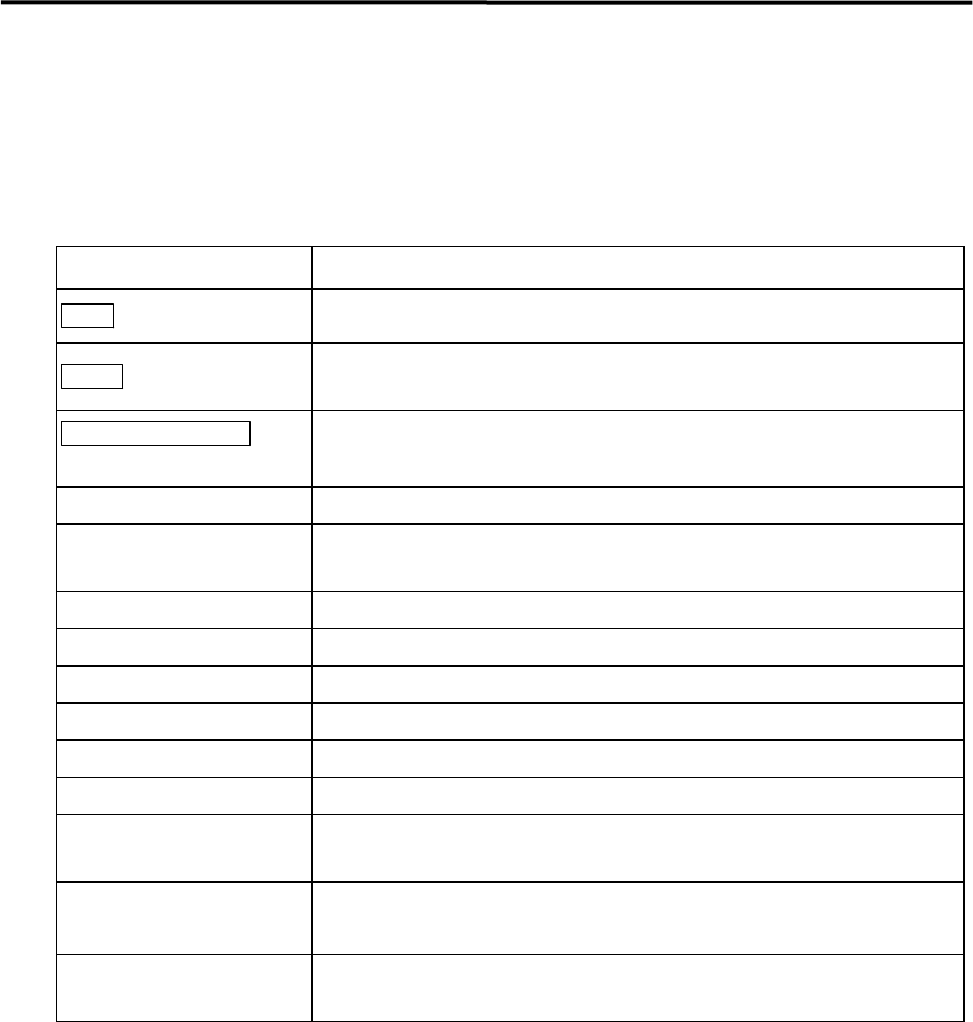
Check the followings after turning on the main and servo switch of the mounter.
If the mounter conditions or movements are not normal, an error message will appear on the LCD. Refer to
error messages in the reference manual.
ITEM DESCRIPTION
Main switch
Check if display of MENU screen is normal after starting system.
Ready switch
Check if indicator lights when switch is pressed.
If not, turn off system and turn it on again.
EMERGENCY STOP
switch
Check function by pushing and releasing it.
Origin
Check if heads return to origin properly.
Jog
Check if display of head coordinates is proper.
Make sure there is no unusual noise when head is traveling.
Suction Check if negative pressures of all heads are within range.
Conveyor Check conveyor movement by transferring PCB.
Stopper Check stopper movement.
Main Clamp Check clamp movement.
ANC Check ANC movement.
Head Check head movement.
Signal I/O
Check capability of sensors in Signal I/O screen.
Refer to reference manual.
Air Pressure
Check head/nozzle choke and solenoid valve failure.
)
3 Mechanical Section, Check head/nozzle choke and solenoid valve failure
X-Y Table
Make sure X and Y axes and ball screws do not give unusual noise when traveling head.
Check that proper amount of grease is provided.
2 Periodical Checks
2-4
Monthly Check
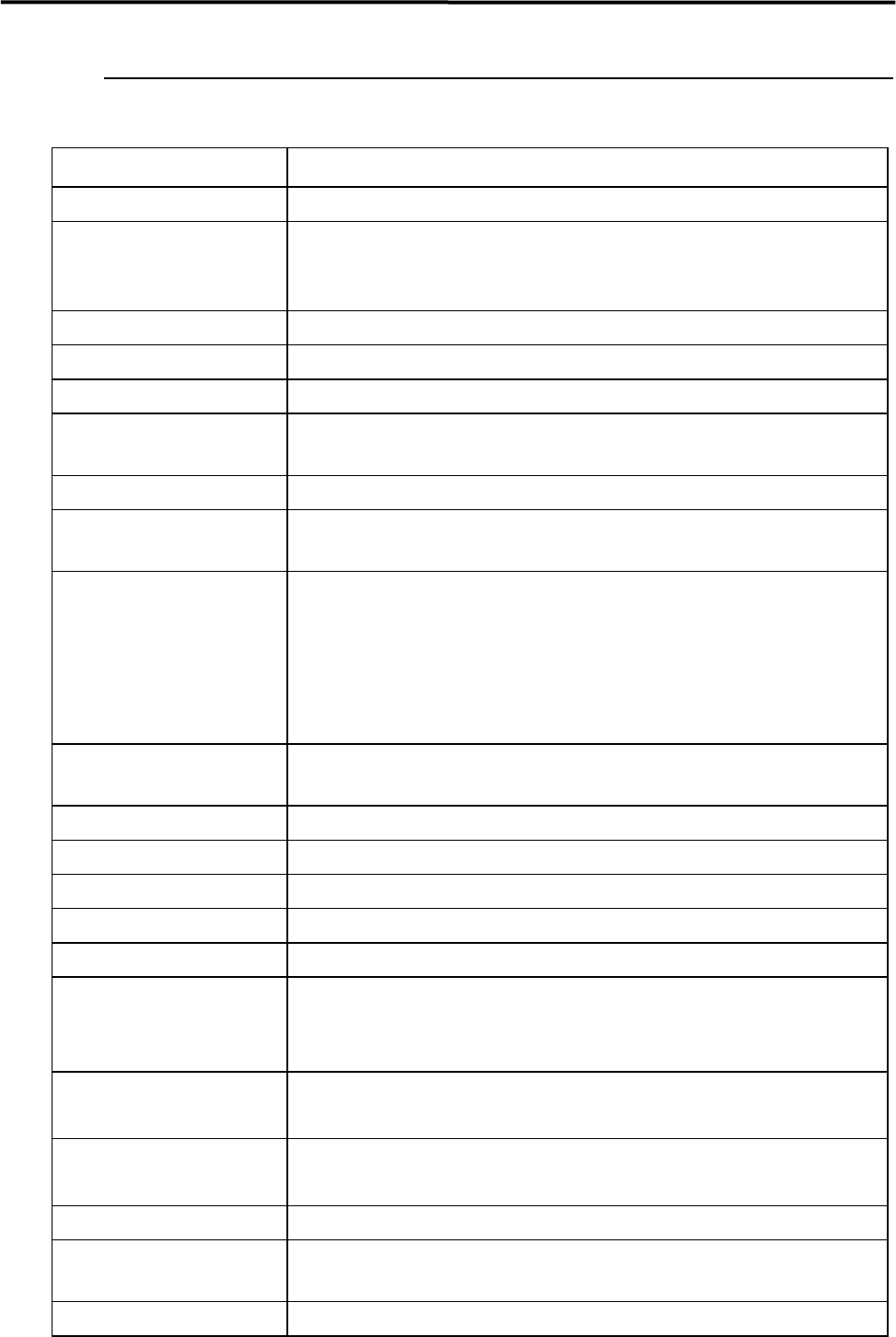
Check the followings once a month.
ITEM DESCRIPTION
LCD
Clean LCD screen if it is dirty.
Cable
Make sure screws on cable and cables supports are not loose.
Check cables in the cable-support whether they have not
b
een unformed and had no
scratches.
Connector Make sure connectors are not loosened.
Air Hose Check piping and joints. Check air hose for leakage.
X-Y motors Make sure X and Y motors are not abnormally heated.
Theta Motor
Make sure there is no interference when head is rotating.
Make sure head torque is enough.
Z Motor Move head up and down to make sure movement is smooth.
Suction On/Off
Check negative pressure of all heads. If values of negative pressure are not proper, clean
filters in nozzle shafts. Replace filters of vacuum ejector if dirty.
Conveyor
Check conveyor movement.
Check belt tension.
Make sure conveyor has no flaws, abrasions and obstacles.
Check conveyor for lubrication.
Check movement of auto-width adjustment to maximum and minimum widths. Check
conveyor parallelism and board transfer at entrance and exit.
Stopper
Check for movement and noise.
Make sure there is no component on stopper.
Main Clamp
Check the adjust plate for wear and flaw.
Side Clamp
Check for wear and flaw.
Rear Clamp Check for wear and flaw.
Buffer Stopper Check for wear and flaw.
ANC Clamp Check for wear and flaw.
Nozzle Holder
Check for smooth movement of the nozzle escape.
Check that there is no flaw in the leaf spring.
)
”Head” in 3 Mechanical Section.
Beam Camera
Clean half mirror and lens (lens filter).
)
”Camera” in 3 Mechanical Section.
Board Camera
Clean lens.
)
”Camera” in 3 Mechanical Section.
Camera Illumination Check movement and brightness.
Operation Switches
Check if all actuators work properly in the Signal I/O screen.
Check emergency stop switch.
Alarm Beacon
Check if all lamps light.
2 Periodical Checks
2-5
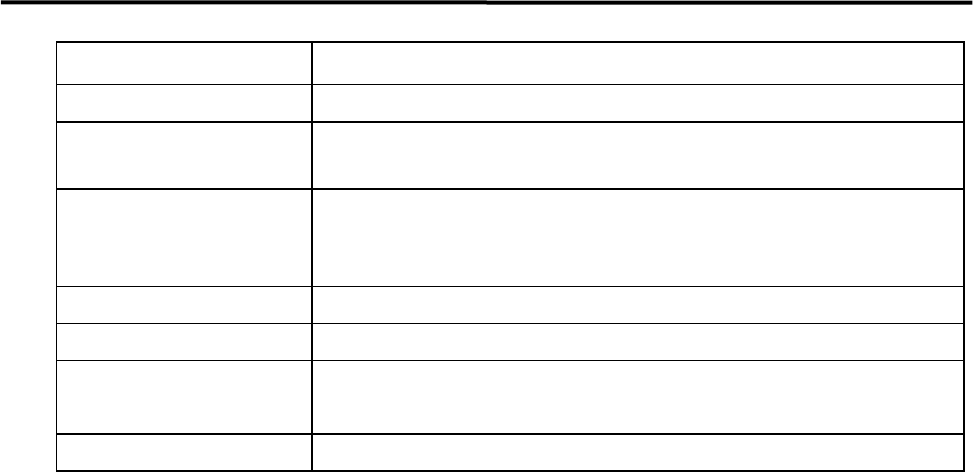
ITEM DESCRIPTION
Make sure it is fixed securely.
Hazard Alarm
(continuous high-pitched tone)
Check if alarm sounds.
Warning Alarm
(intermittent high-
p
itched
tone)
Check if alarm sounds.
Cameras
Execute “VISION TEST” and check result.
Pickup Coordinates
Check feeder banks.
Electrodes on Feeder Bank
Check the condition.
)
”Electrodes on Feeder / Feeder Bank” in 4 Electrical Section.
Placement
Make sure components are placed on specified places.