M8_ServiceManual_e.pdf - 第72页
4 Electrical Section 4-4 ■ Motor Sensor tab It can be checked the status of sensors. Window: ALM: Alarm MEL: M inus End Limite d PEL: Plus End Limite d MARK: Mark INP: In Position MSLD: Minus Slow Down PSLD: Plus Slow Do…
4 Electrical Section
4-3
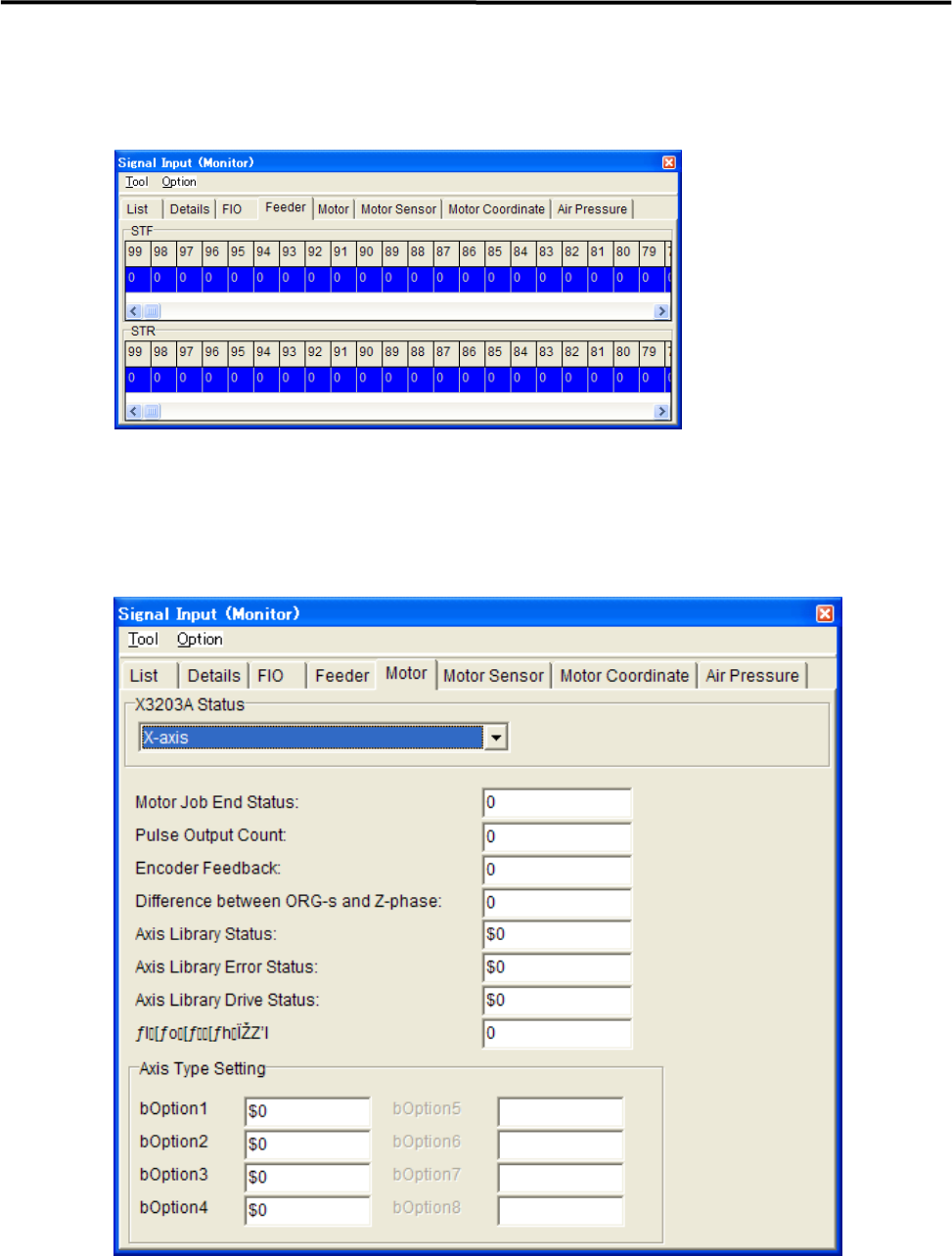
■ Feeder tab
“1” indicates that the feeder has been set.
“0” indicates that the feeder has not been set yet.
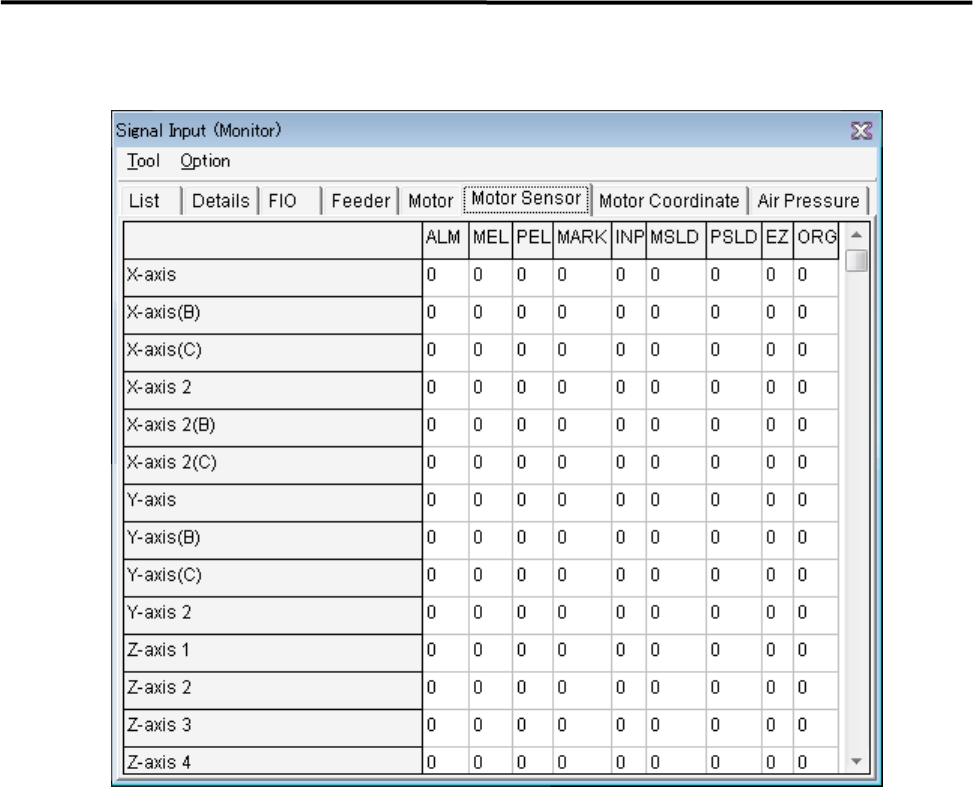
■ Motor tab
It can monitor the status of motors.
4 Electrical Section
4-4
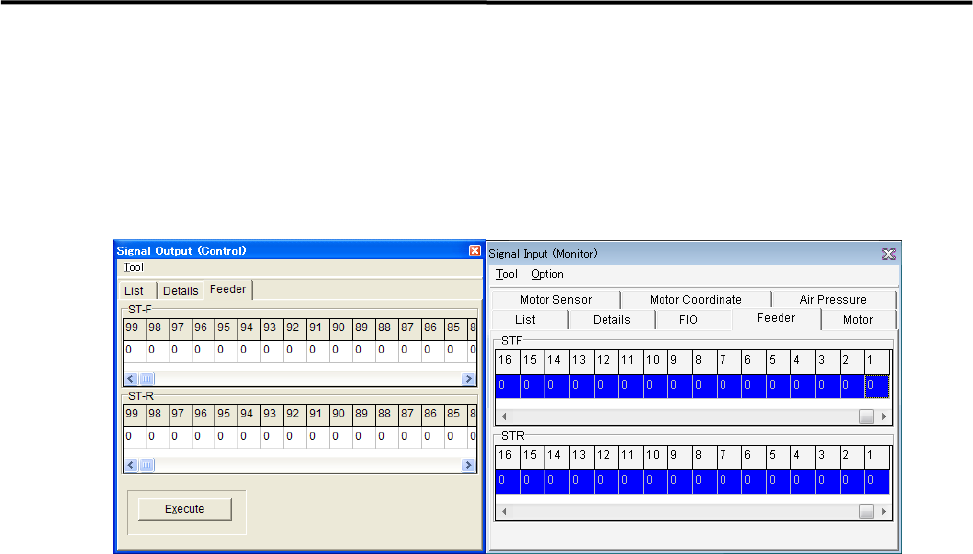
■ Motor Sensor tab
It can be checked the status of sensors.
Window:
ALM: Alarm
MEL: Minus End Limited
PEL: Plus End Limited
MARK: Mark
INP: In Position
MSLD: Minus Slow Down
PSLD: Plus Slow Down
EZ: 0 Phase
ORG: Origin
4 Electrical Section
4-5
DO Operation
This tab allows you to operate the tape feeders set in the fort and rear feeder banks
■ Feeder tab
This tab allows you to operate the tape feeders set in the front and rear feeder banks.
Action:
① Scroll left or right to display the desired feeder number.
② Click “0” of the desired feeder number “0” switches to “1”.
③ Click <Execute> button allows the feeder for one feeder indexing.