5OM-1011-002.pdf - 第4页
About the Instruction Manual V olume 5: Material This provides various kinds of material such as air pip- ing and electrical circuit diagrams for those who are in charge of machine servicing operations. Coverage: Air Pip…
About the Instruction Manual
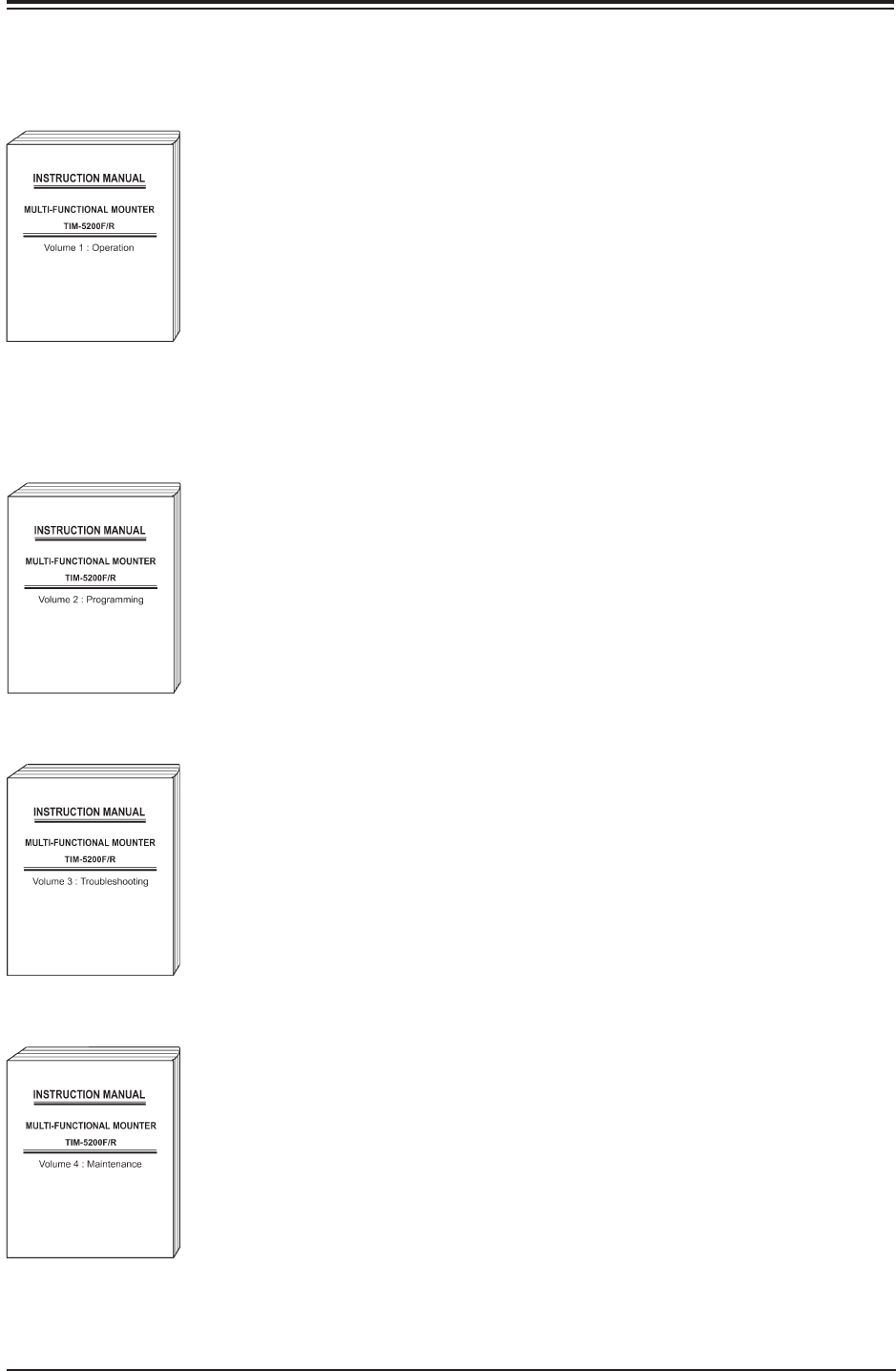
• This instruction manual is classified into several volumes on subjec-
tive basis as follows.
Volume 1: Operation
This describes the scope of the machine, the prepara-
tory and ending procedures of automatic operation.
Coverage: This covers the checking items, the safety
precautions, the scope of the machine, the
preparatory and ending procedures of au-
tomatic operation, and specifications and
functions of the machine, various menus
related to the program change, automatic
operations, and maintenance.
Volume 2: Programming
This describes various data for a programmer (s) who
creates pattern programs and who must understand
the meanings of various data.
Coverage: This covers the various data such as pat-
tern program, component library data and
the menus for production control and sys-
tem settings.
Volume 3: Troubleshooting
This describes periodic troubleshooting, etc.,
for those who use this machine.
Coverage: This covers troubleshooting on simple er-
rors, and the remedial measures after “ER-
ROR” window.
Volume 4: Maintenance
This describes periodic maintenance operations, etc.,
for those who use this machine.
Coverage: This covers periodic maintenance opera-
tions, the list of consumables and servic-
ing parts.
0305-001 2
Tg0861-PM-MD
Fig. 5X2
Fig. 5X3
Fig. 5X4
Fig. 5X5

About the Instruction Manual
Volume 5: Material
This provides various kinds of material such as air pip-
ing and electrical circuit diagrams for those who are in
charge of machine servicing operations.
Coverage: Air Piping Diagram, Parts Location, Elec-
trical Circuit Diagrams, etc.
Component Library:
This describes an explanation of component library data
and how to create it.
• This manual may not be copied, in whole or part, with-
out written consent of the publisher.
• This manual should be regarded as part of the ma-
chine and the contents comply with all the specifica-
tions regarding the purchased machine. Please keep
this manual within reach to serve as a handy tool in
completely understanding the workings of this ma-
chine.
• The contents of this manual are subject to change
without prior notice.
0305-001 3
Tg0861-PM-MD
Fig. 5X6
Fig. 5X7

Contents
Page
0305-001 4
Tg0861-PM-MD
Before Use ................................................................................................... 1
About the Instruction Manual ........................................................................ 2
Contents ....................................................................................................... 4
Checking Items ............................................................................................ 9
Safety Precautions ..................................................................................... 11
Section 1 Recognition Monitor ....................................................... 1- A
1. Notes on Use of Recognition Monitor .............................................. 1- 1
2. Name of Each Section ..................................................................... 1- 2
3. Adjustment and Setting Procedures ................................................ 1- 3
3.1 Image Adjustment Procedure ..................................................... 1- 3
3.2 Controllers in [MAIN MENU]........................................................ 1- 4
4. Monitor Maintenance ........................................................................ 1- 6
Section 2 Adjustment of P.C.B. Positioning Section .................. 2- A
1. Adjustment of P.C.B Positioning Section ......................................... 2- 1
Section 3 Convenient Function ..................................................... 3- A
1. One-Touch Jump Function (Jump to Substitute
AUTO OPN. MODE <PLACEMENT> Display ................................ 3- 1
2. Management Information ................................................................. 3- 2
2.1 INFO. Display ............................................................................ 3- 2
2.2 List of Device Information Messages ......................................... 3- 4
2.3 Examples of Device Information ................................................ 3- 6
Section 4 Air Piping Diagram .......................................................... 4- A
Main Body Section ............................................................................... 4- 1
Feeder Section .................................................................................... 4- 2
Section 5 Electrical Circuit Diagram.............................................. 5- A
1. Electrical and Electronic Symbols ................................................... 5- 1
2. Electrical Circuit Diagram ................................................................ 5- 5
General Block Connection Diagram ................................................ 5- 5
Power Supply Circuit Diagram (1) ................................................... 5- 6
Power Supply Circuit Diagram (2) ................................................... 5- 7
Power Supply Circuit Diagram (3) ................................................... 5- 8
Emergency Stop Safety Relay Circuit .............................................. 5- 9
DC Power Supply Circuit ................................................................. 5-10
I/O Board 1-1 ................................................................................... 5-11
I/O Board 1-2 ................................................................................... 5-12
I/O Board 1-3 ................................................................................... 5-13