APC - 224650 Issue 1.pdf - 第101页
APC SOFTWARE SETUP AN D RECOMMENDED SETTIN GS SOFTWARE SETUP PARAMETERS Chapter Issue 1 Nov 16 All Purpose Clamping (APC) Manual 2.5 Clamp Pressure The over the top clamp is placed over the board and pressu re is applied…
APC SOFTWARE SETUP AND RECOMMENDED SETTINGS
SOFTWARE SETUP PARAMETERS
2.4 All Purpose Clamping (APC) Manual Chapter Issue 1 Nov 16
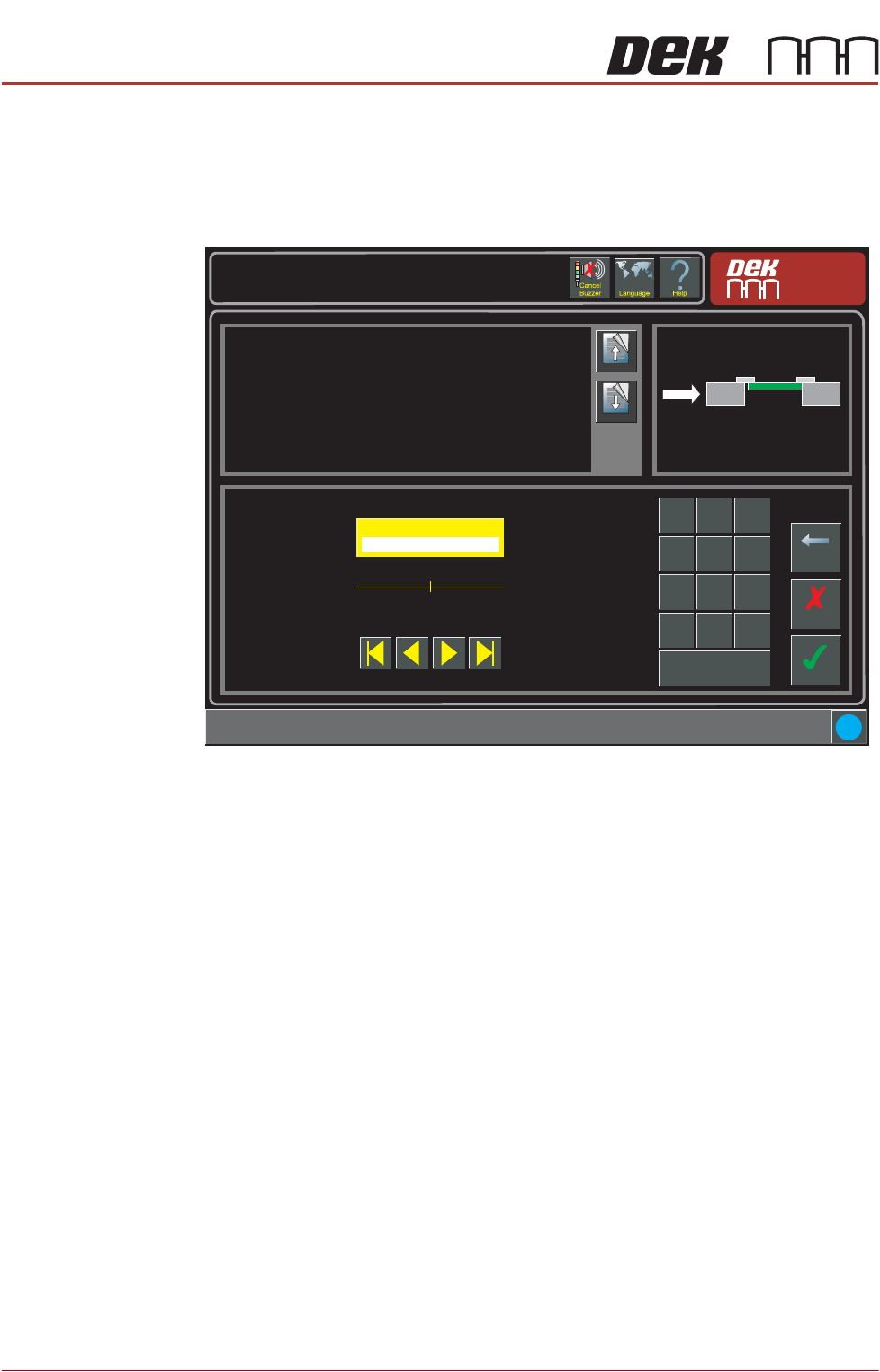
Snugging Force When the board is fed into the machine and the snugger operates, the board is
retained. A minimum of 20 and maximum of 60 newtons can be set.
NOTE
The snugging force torque values must be calibrated before applying this
parameter. See Calibration later in this chapter for details.
Setup \ Tooling
Page Up
Page
Down
This parameter sets the force applied by the snugger to hold the board in
place whilst printing.
Additional information:
Ensure that the torque values have been properly calibrated before applying
this parameter.
Accept
Cancel
Snugging Force ( newtons )
40
Backspace
Min
20
Max
60
7
8 9
4
5
6
1 2
3
0
.
+/-
Apply
i
APC SOFTWARE SETUP AND RECOMMENDED SETTINGS
SOFTWARE SETUP PARAMETERS
Chapter Issue 1 Nov 16 All Purpose Clamping (APC) Manual 2.5
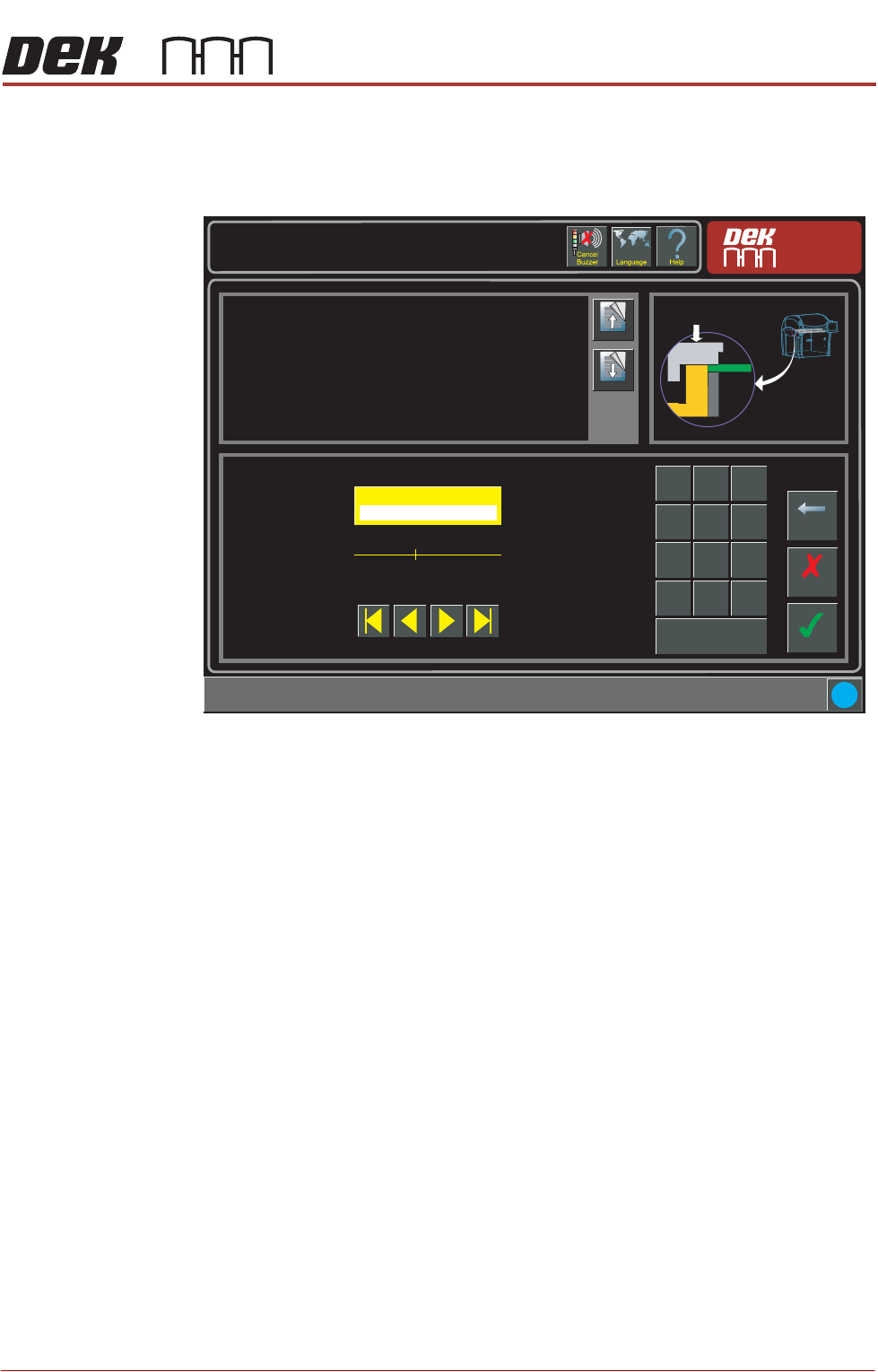
Clamp Pressure The over the top clamp is placed over the board and pressure is applied so that
when the board is fed into the machine and the snugger operates, the top of the
board is held level with the snugger. A minimum of 1.5 and maximum of 5 bar
can be set, 1.5 bar of pressure is required to overcome the balance valve.
Setup \ Tooling
Page Up
Page
Down
This parameter represents the pressure applied to flatten the board before
snugging.
Accept
Cancel
Clamp Pressure ( bar )
3.0
Backspace
Min
1.5
Max
5.0
7
8 9
4
5
6
1 2
3
0
.
+/-
Apply
i
APC SOFTWARE SETUP AND RECOMMENDED SETTINGS
SOFTWARE SETUP PARAMETERS
2.6 All Purpose Clamping (APC) Manual Chapter Issue 1 Nov 16
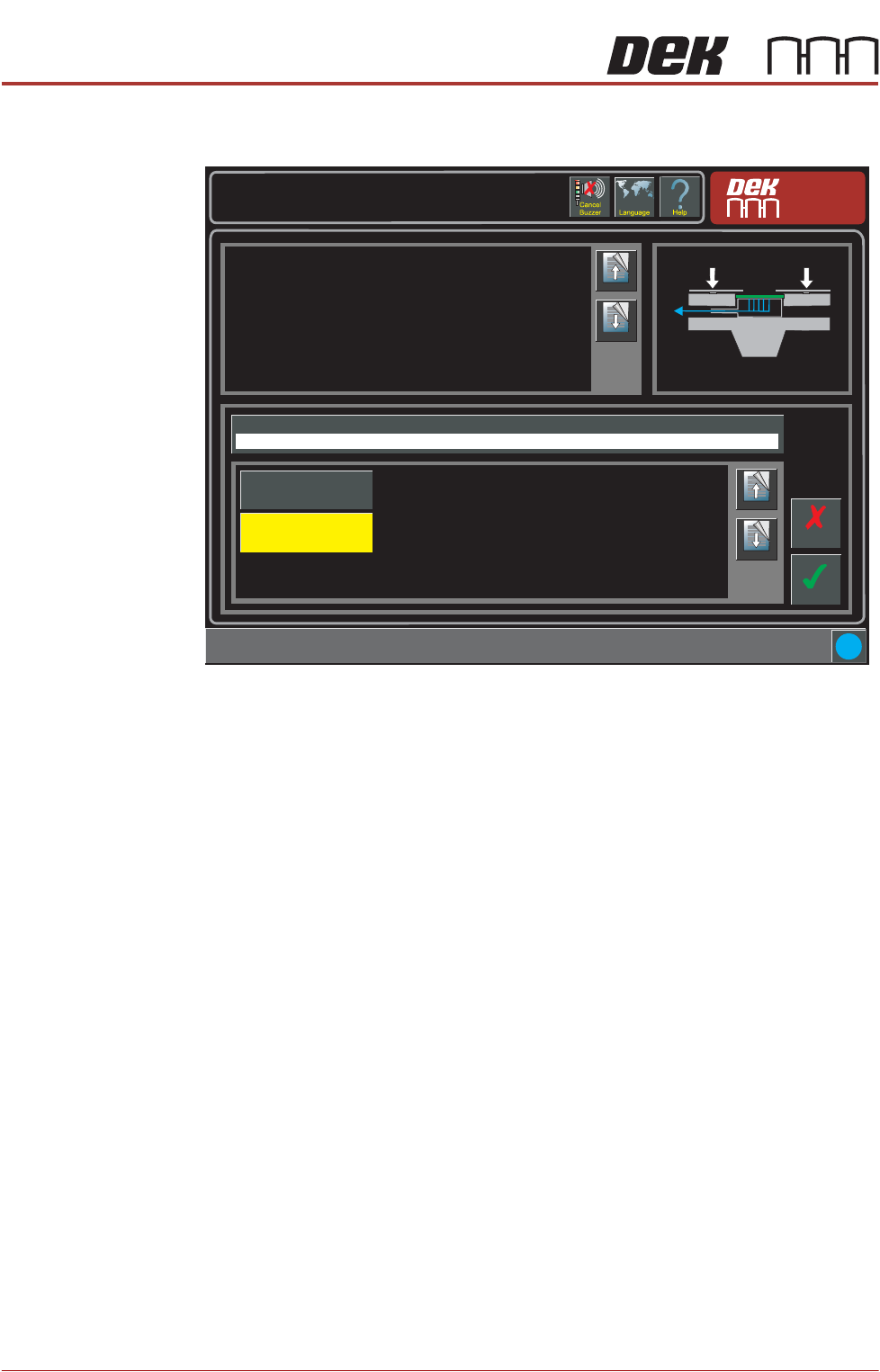
OTS Vacuum Mode If vaccum tooling is fitted, the vacuum can be set to engage before or after the
board is clamped/snugged.
Setup \ Tooling
Page Up
Page
Down
This parameter sets determines if the vacuum is to be applied before or
after snugging and clamping the board.
If the board snuggers are applied and the board becomes dislodged it
cannot be clamped. To prevent any movement, the vacuum is applied
beforehand.
The options are:
Before
The product is held by the vacuum prior to snugging and clamping taking
place.
After
The board edges are flattened by the clamps before the vacuum is applied.
Accept
Cancel
i
OTS Vacuum Mode
Before
Page Up
Page
Down
After
Before