APC - 224650 Issue 1.pdf - 第89页
ALL PURPOSE CLAMPING (APC) CALIBRATIONS Chapter Issue 1 Nov 16 All Purpose Clamping (APC) Manual 1.77 8. On the APC Calibration page, select T orque V alue 1 par am ete r . Se lec t T orque On/Off toggle b utton. Calibra…
ALL PURPOSE CLAMPING (APC)
CALIBRATIONS
1.76 All Purpose Clamping (APC) Manual Chapter Issue 1 Nov 16
6. Ensure that Reading has no decimal point and is at zero when no force is
applied, and that Units is set to N for Newtons.
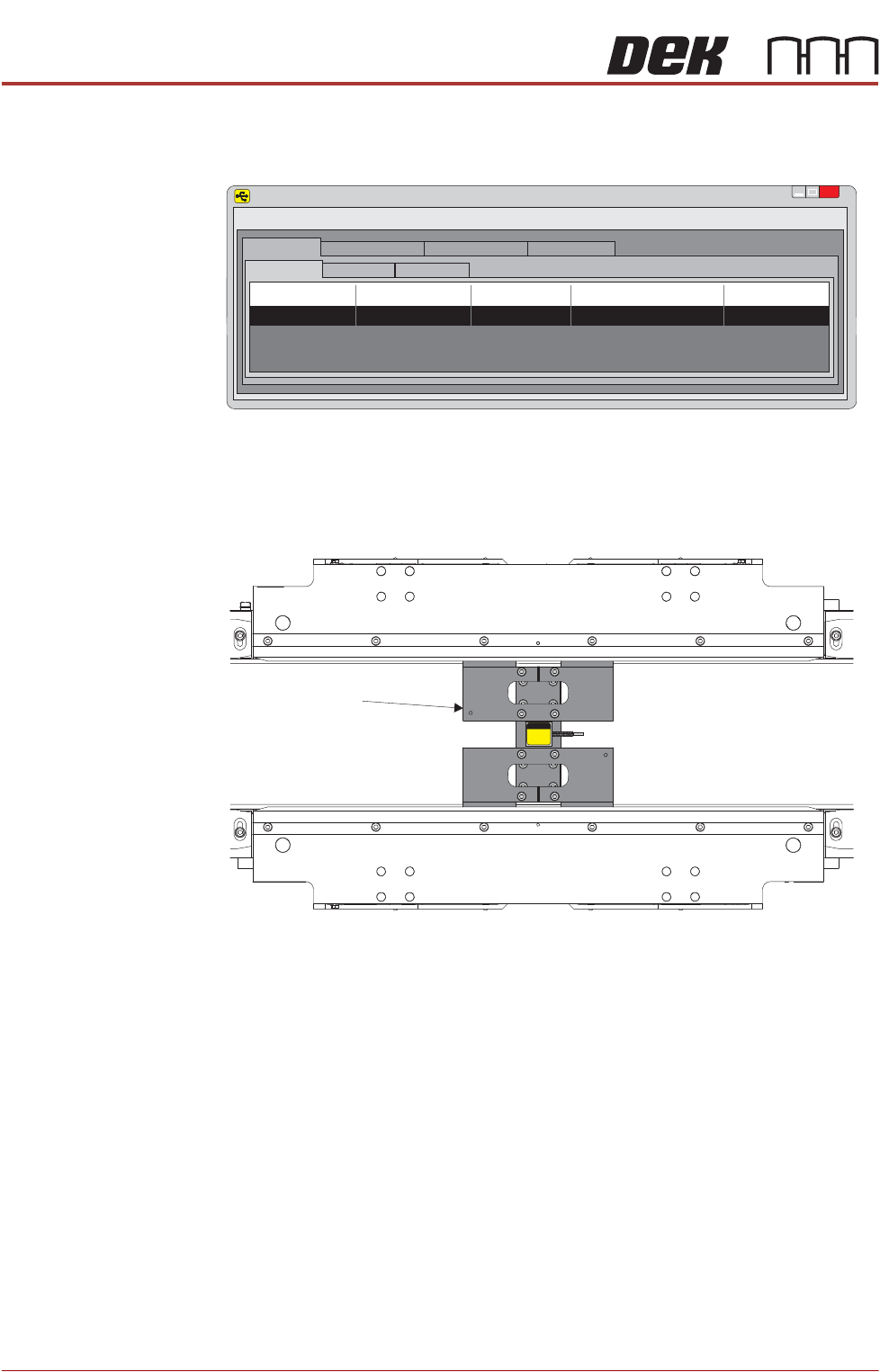
7. Install the calibration jig in the centre of the APC clamps. Ensure Reading
is still showing zero on the laptop, with no force applied.
SENSIT Test and Measurement
TM
x
File
Edit
View
Format
Help
Display Mode
Data Logging Mode
Live Graphing Mode Calibration Mode
Display Table
Sum Channel Math Channel
Device
Status S/N
Reading
Units
1 Enabled 641469 0 N
Calibration Jig
Plan View on APC Modules
ALL PURPOSE CLAMPING (APC)
CALIBRATIONS
Chapter Issue 1 Nov 16 All Purpose Clamping (APC) Manual 1.77
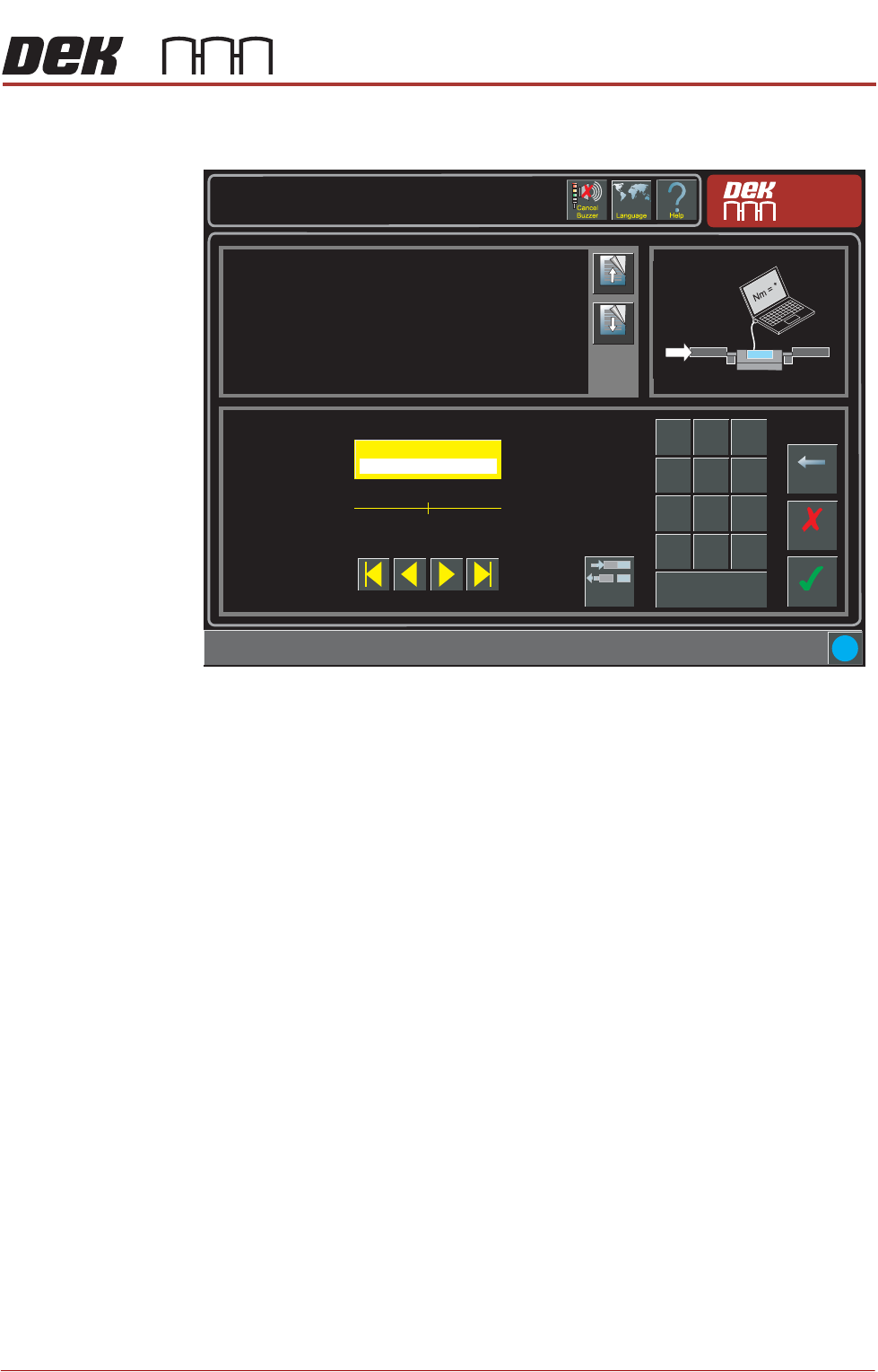
8. On the APC Calibration page, select Torque Value 1 parameter. Select
Torque On/Off toggle button. Calibration Torque is now ON.
9. Compare the actual Newtons reading from the laptop to Calibration Value
1. The displayed reading needs to be the same as Calibration Value 1.
10. Adjust the Torque Value 1 parameter up or down as required.
11. Select Torque On/Off toggle button. Calibration Torque is now OFF.
12. Select Accept.
13. Select Torque Value 1 parameter. Select Torque On/Off toggle button.
Calibration Torque is now ON.
14. Compare the actual Newtons reading from the laptop to Calibration Value
1. The displayed reading needs to be the same as Calibration Value 1.
15. Repeat Steps 10 to 14, until the Torque Value 1 matches the reading on the
laptop.
16. Repeat Steps 8 to 15 for the remaining nine calibration values.
17. Remove the calibration jig from the machine.
18. Close down the DEK software.
Maintenance \ Machine Setup \ Basics \ APC Calibration
Page Up
Page
Down
Sets the first torque value for APC Calibrations.
Accept
Cancel
Torque Value 1 ( % )
27.0
Backspace
Min
5.0
Max
75.0
7
8 9
4
5
6
1 2
3
0
.
+/-
Apply
i
Torque
On/Off
Nm
ALL PURPOSE CLAMPING (APC)
MAINTENANCE SCHEDULE
1.78 All Purpose Clamping (APC) Manual Chapter Issue 1 Nov 16
MAINTENANCE SCHEDULE
This maintenance schedule is a recommended programme of cleaning and
checks for APC system specific equipment, which should be carried out on a
weekly, quarterly and yearly basis. It should be run in conjunction with the
Preventive Maintenance schedule found in the printer’s Micron Technical Ref
-
erence manual.
The schedule can only be performed by a suitably trained engineer.
Material Safety
Data Sheets
Material Safety Data Sheets (MSDS) listing the health and safety aspects
applicable to cleaning materials are available on request from the purchase
source.
If difficulty is experienced in obtaining an MSDS, assistance is available from
ASM.
Contact your local ASM agent.
Cleaning Equipment
Disposal of Waste
Materials
All waste materials including fluids and contaminated materials must be dis-
posed of in accordance with national, federal or local legislation.
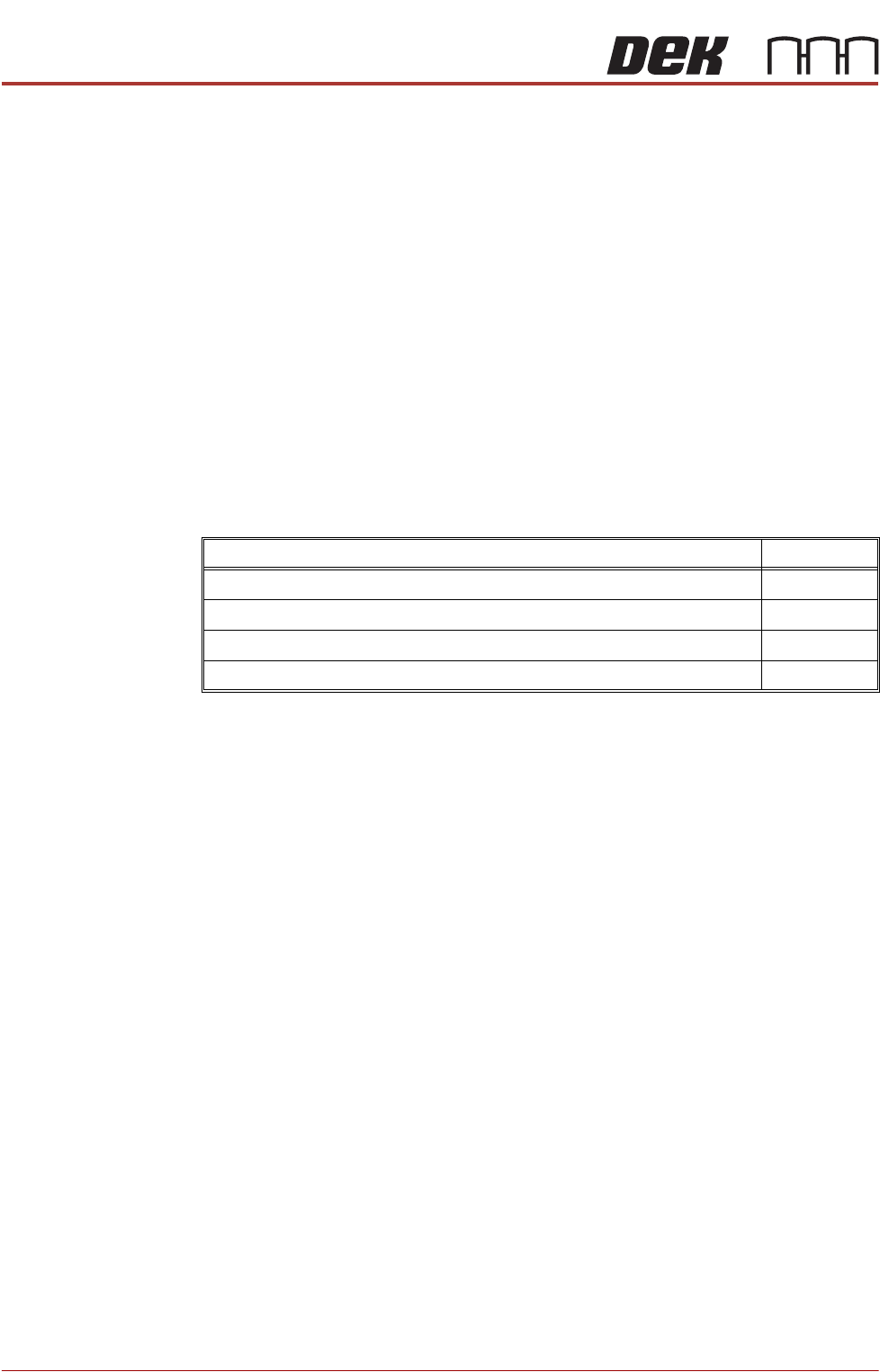
Description Part Number
IPA Impregnated Wipes 115806
Plastic Spatula (white) 173737
Plastic Spatula (green) 173788
Plastic Spatula (black) Antistatic 173825