00193688-06_Installation SIPLACE Explorer2.1_EN.pdf - 第117页
Installation and Configuration Guide SIPLACE Explorer 5 Uninstallation Edition 08/2006 EN 117 5U n i n s t a l l a t i o n SIPLACE Explorer V2.1 has a modify dialog for un inst allation purposes. T his can be st arted fr…
4 Configuration Installation and Configuration Guide SIPLACE Explorer
4.3 Database Settings Edition 11/2006 EN
116

Installation and Configuration Guide SIPLACE Explorer 5 Uninstallation
Edition 08/2006 EN
117
5Uninstallation
SIPLACE Explorer V2.1 has a modify dialog for uninstallation purposes. This can be started from
the Windows menu. There will then be three uninstallation procedures at your disposal: 5
–Modify
Use this function if you want to add individual features to the current SIPLACE Explorer
V2.1 or if you want remove installed features from the current SIPLACE Explorer V2.1.
(see page 119)
–Repair
Use this function if the current installation of SIPLACE Explorer V2.1 no longer functions
properly or if individual features have been unintentionally removed. This option recovers
the previous setup.
(see page 121)
–Remove
Use this function if you want to completely remove SIPLACE Explorer V2.1 from your
computer.
(see page 123)
5 Uninstallation Installation and Configuration Guide SIPLACE Explorer
5.1 Start Modify Dialog Edition 08/2006 EN
118
5.1 Start Modify Dialog
→ Open the SIPLACE Explorer 2.1 - InstallShield Wizard via the Windows menu
Start → Programs → SIPLACE Explorer 2.1 → Modify-Uninstall.
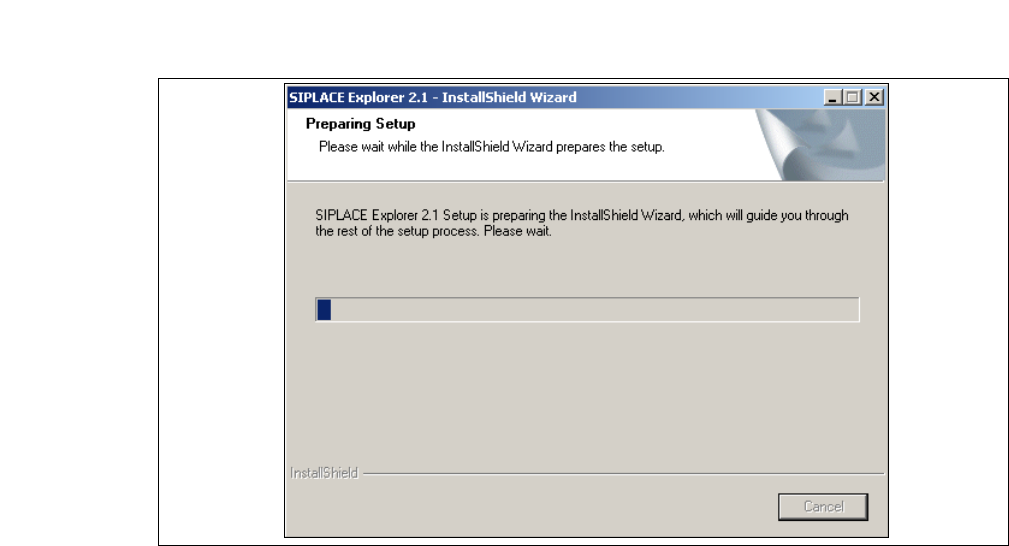
→ The SIPLACE Explorer 2.1 InstallShield Wizard will be prepared.
5
Fig. 5 - 1 SIPLACE Explorer 2.1 - install shield wizard
→ The welcome screen will appear. Select the process you wish to perform.