00193688-06_Installation SIPLACE Explorer2.1_EN.pdf - 第122页
5 Uninstallation Installation and Configuration Guide SIPLACE Explorer 5.3 Repair Edition 08/2006 EN 122 → SIPLACE Explorer 2.1 recovery has been completed. 5 Fig. 5 - 8 Re pair completed → Click on Finish to clos e the …
Installation and Configuration Guide SIPLACE Explorer 5 Uninstallation
Edition 08/2006 EN 5.3 Repair
121
5.3 Repair
5
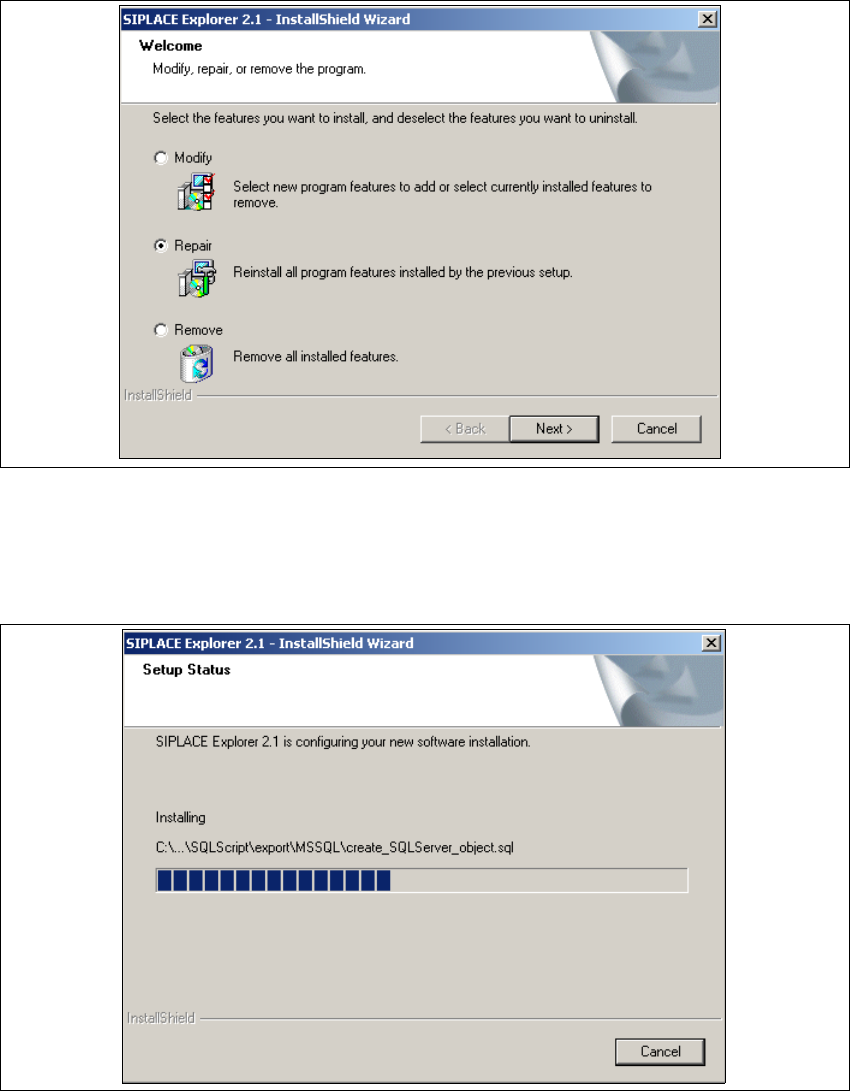
Fig. 5 - 6 SIPLACE Explorer 2.1 - install shield wizard
→ Click on Repair and then on Next to continue.
→ The recovery process will be performed. The Setup Status dialog box shows you which
features will be uninstalled or installed.
5
Fig. 5 - 7 SIPLACE Explorer 2.1 - install shield wizard
5 Uninstallation Installation and Configuration Guide SIPLACE Explorer
5.3 Repair Edition 08/2006 EN
122
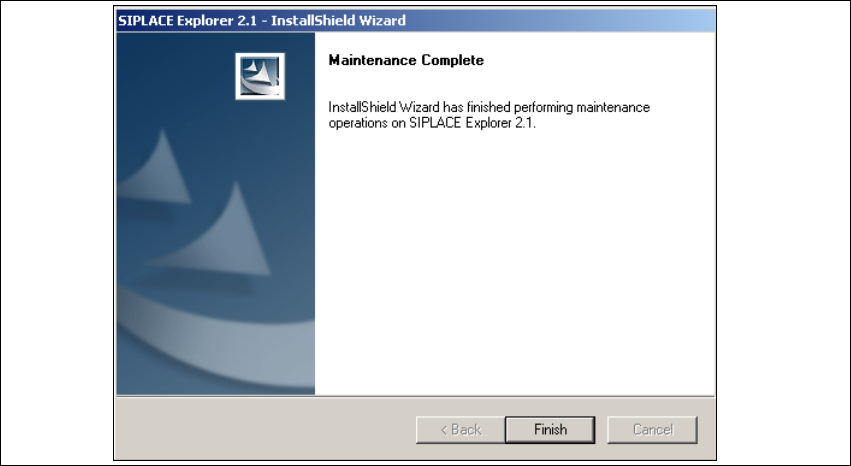
→ SIPLACE Explorer 2.1 recovery has been completed.
5
Fig. 5 - 8 Repair completed
→ Click on Finish to close the SIPLACE Explorer 2.1 - InstallShield Wizard.
Installation and Configuration Guide SIPLACE Explorer 5 Uninstallation
Edition 08/2006 EN 5.4 Remove
123
5.4 Remove
5
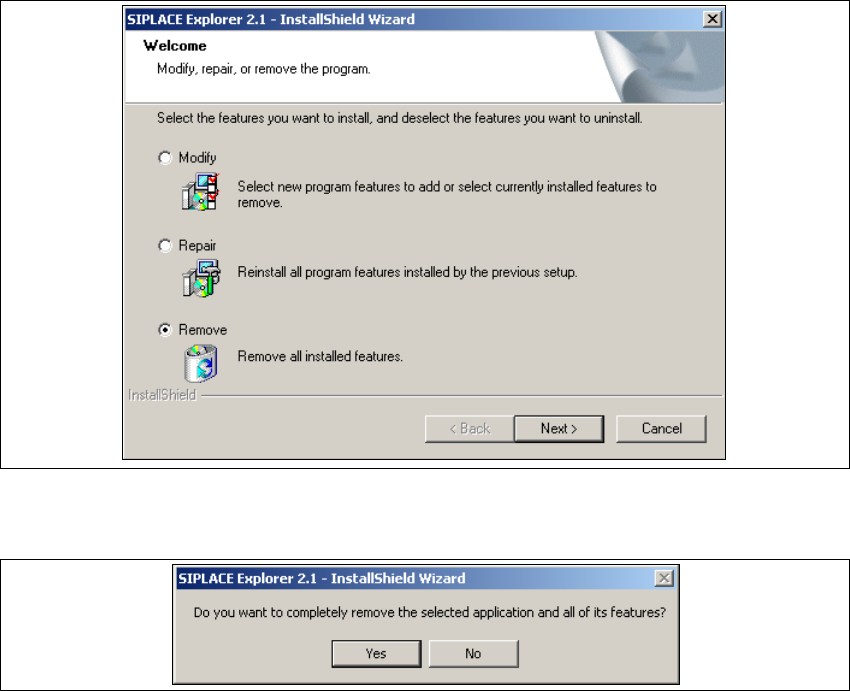
Fig. 5 - 9 SIPLACE Explorer 2.1 - install shield wizard
→ Click on Remove and then on Next to continue.
5
Fig. 5 - 10 Uninstallation query: confirm deletion of file
→ Confirm deletion with Yes.