00193688-06_Installation SIPLACE Explorer2.1_EN.pdf - 第48页
3 Installing SIPLACE Explorer Installation and Configuration Guide SIPLACE Explorer 3.1 Initial Installation of SIPLACE Explorer 2.1 Edition 11/2006 EN 48 3.1.4 MSDE 2000 Inst allation Procedure NOTE Y ou must have Windo…
Installation and Configuration Guide SIPLACE Explorer 3 Installing SIPLACE Explorer
Edition 11/2006 EN 3.1 Initial Installation of SIPLACE Explorer 2.1
47
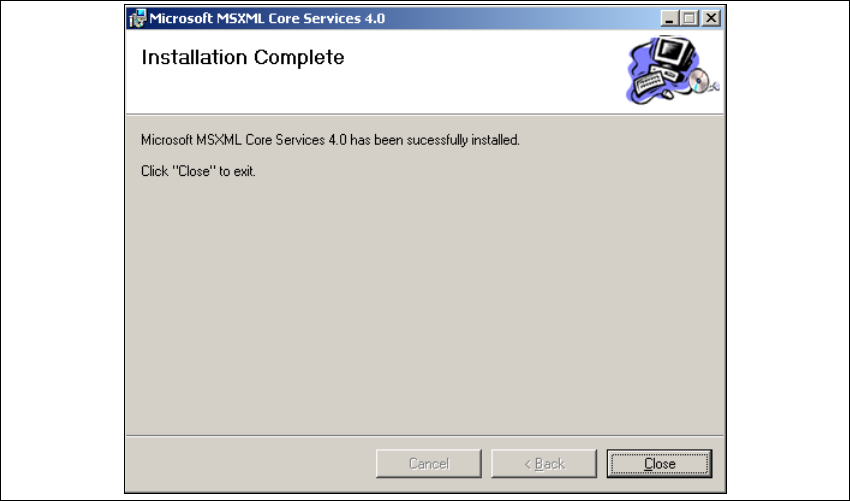
→ Once the installation procedure has finished, the Installation Complete dialog box will open.
3
Fig. 3 - 37 MSXML 4.0 setup - installation complete
→ Click on Close.
3.1.3.3 Bundled Web Server Installation - J2SE Runtime Environment 5.0.07
For a detailed description of this installation, please see Section “Installation of Java J2SE
Runtime Environment 5.0” on page 24. 3
3 Installing SIPLACE Explorer Installation and Configuration Guide SIPLACE Explorer
3.1 Initial Installation of SIPLACE Explorer 2.1 Edition 11/2006 EN
48
3.1.4 MSDE 2000 Installation Procedure
NOTE
You must have Windows administrator privileges to perform installation. 3
→ Place the SIPLACE Explorer CD in your CD-ROM drive.
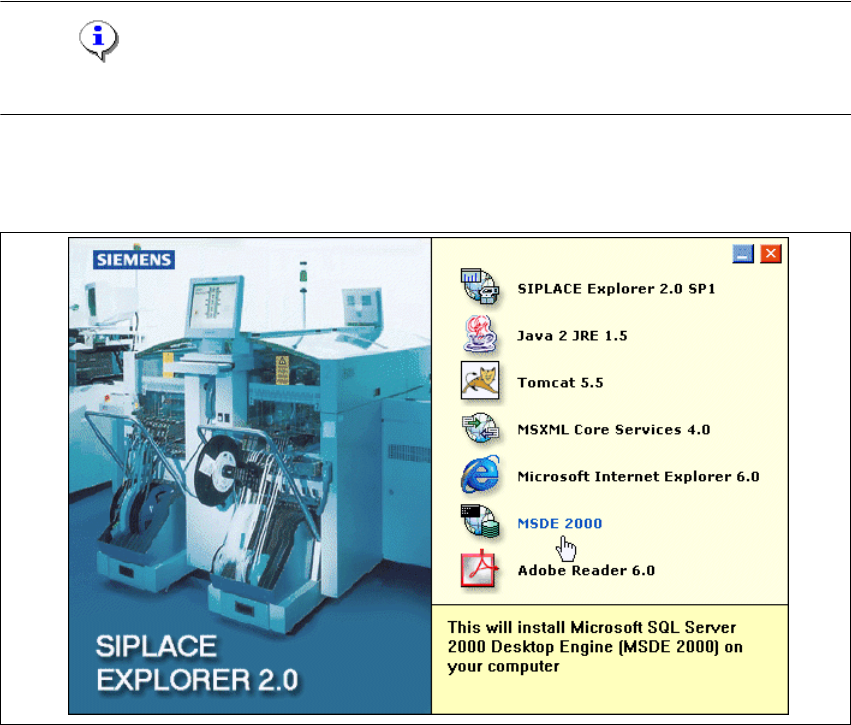
→ The Start screen will appear.
3
Fig. 3 - 38 SIPLACE Explorer setup - Start screen
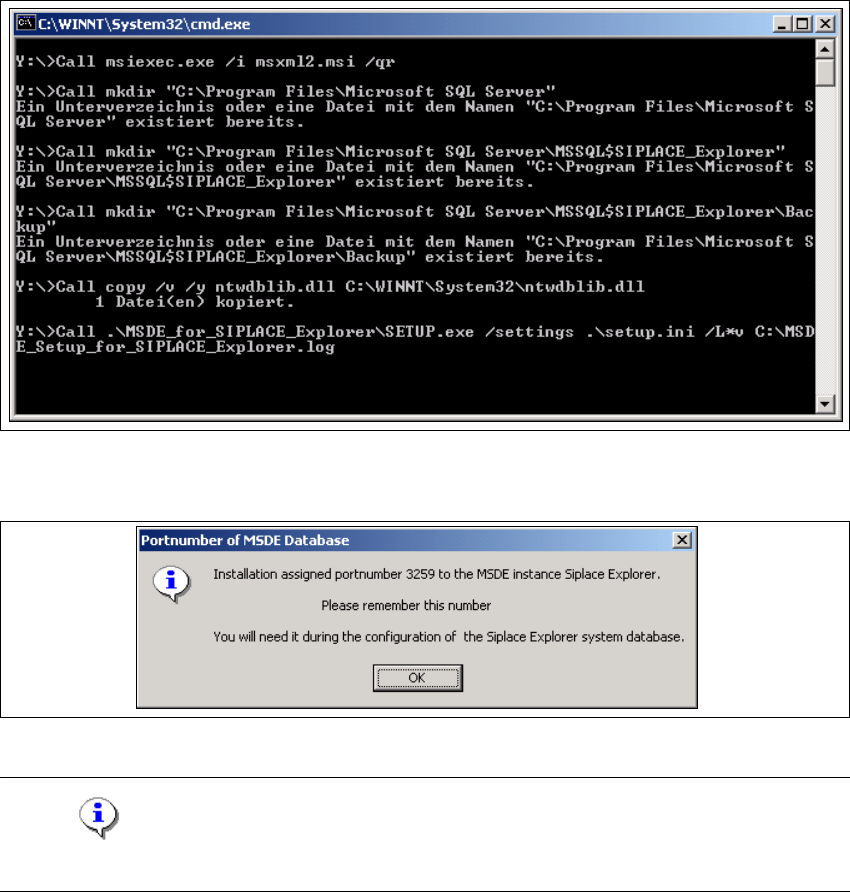
→ Select MSDE 2000. The MSDE 2000 installation procedure will run automatically.
Installation and Configuration Guide SIPLACE Explorer 3 Installing SIPLACE Explorer
Edition 11/2006 EN 3.1 Initial Installation of SIPLACE Explorer 2.1
49
3
Fig. 3 - 39 MSDE 2000 - Installation
→ Once the installation procedure has finished, the following pop-up window will appear.
3
Fig. 3 - 40 MSDE 2000 - Port number
NOTE
Make a note of this port number. You will need it later, when using SIPLACE Explorer. 3