4H4CEPM.pdf - 第6页
4 4H4C-E-PMC00-B02-00 HOW TO SEE DESCRIPTION FOR OPERA TION Description is constructed basically as follows, though that varies a little according to page. MARKS USED IN THIS MANUAL In this manual, the following marks ar…
3
4H4C-E-PMA00-B01-01
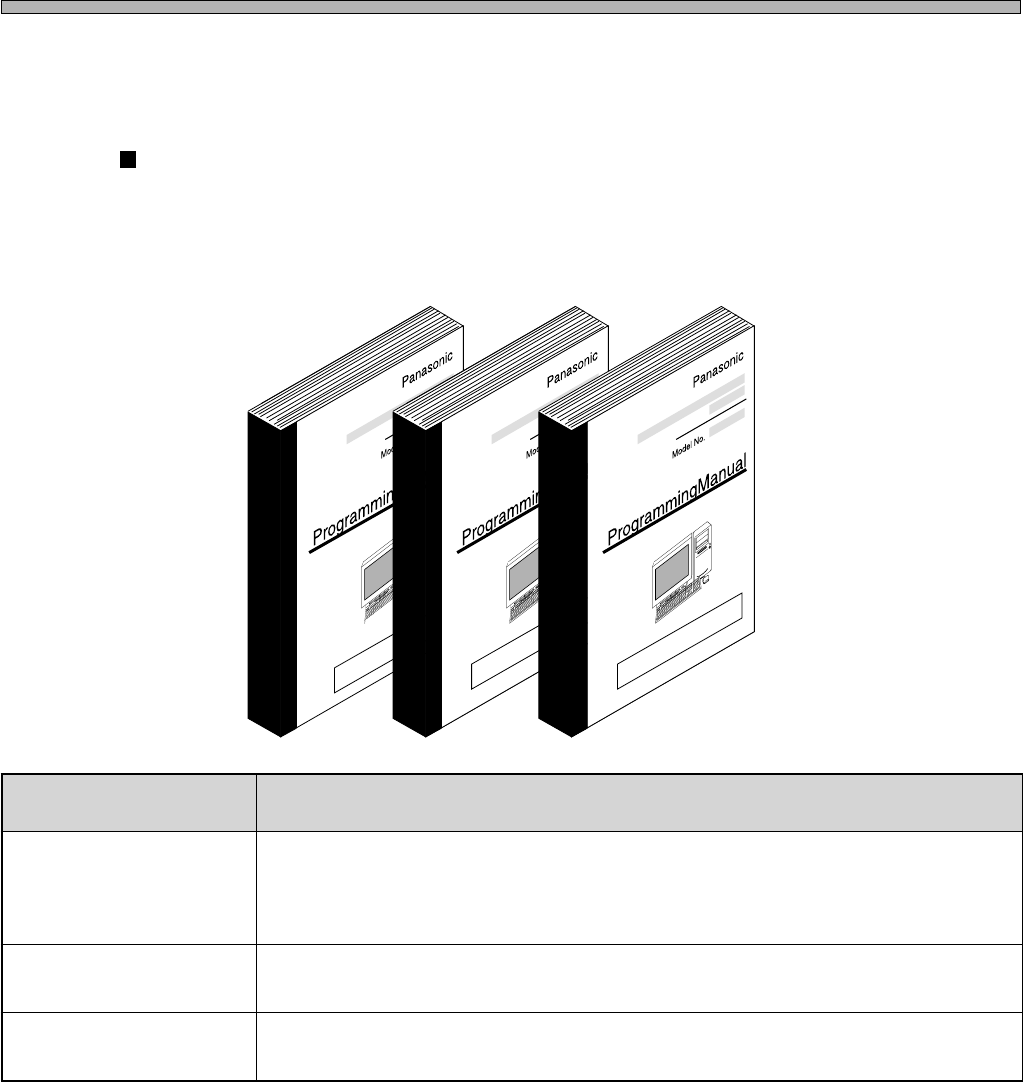
STRUCTURE OF THIS MANUAL
∗ PT100 is accompanied with two manuals.
epytlaunaM noitanalpxE
launaMgnimmargorP
)slooTTP(
enihcamnoitcudorp,noitcnuftnemeganamelif,erudecorpno-golehtsebircseD
.ekilehtdna,noitcnufgnirotinom
dnasrotidegnidulcni002TPfoeniltuoelohwehtsebircsed”ENILTUO002TP.1“
.retrevnocenil
launaMgnimmargorP
)srotidE(
.enihcamyberudecorpgnitaercatadnoitcudorpehtsebircseD
.desahcrupuoy)s(ledomehthtiwyravstnetnocehT
launaMgnimmargorP
)retrevnoCeniL(
.atadetubirtsid,atadDACmorfatadnoitcudorpehtetaercotwohsebircseD
.ekilehtdna,ataddetaercehtetalumis,enilelohwehtno
4G3C-004TE
Organization of instruction manuals
This system is accompanied with the following two manuals. Use the appropriate one according to
the purpose.
4
4H4C-E-PMC00-B02-00
HOW TO SEE DESCRIPTION FOR OPERATION
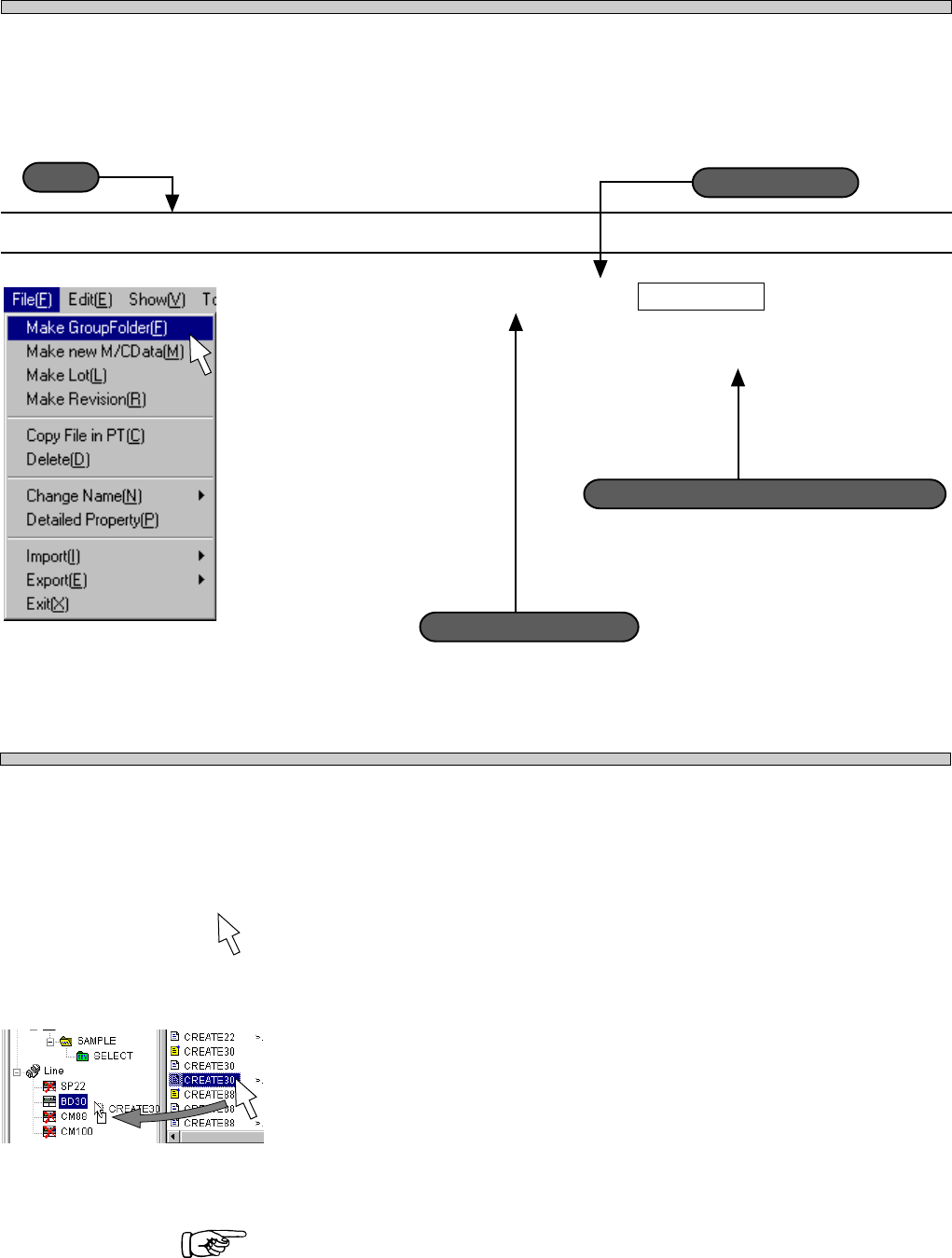
Description is constructed basically as follows, though that varies a little according to page.
MARKS USED IN THIS MANUAL
In this manual, the following marks are used for description.
1-3-2 Chip Data Editing Procedure
1. Click on ChipLibrary .
• [ChipLibrary] window opens.
: This shows the part to be clicked on.
: This means moving a pointer holding down the left mouse button, and laying it on
the other folder, then releasing the button (Drag & Drop).
: This shows reference.
Actual operation
Supplementary description on operation
Title
733C-EPt-Fi-049
3Y3C-EPt-Ed-001
Operation step number
Page 1
SAFETY PRECAUTIONS
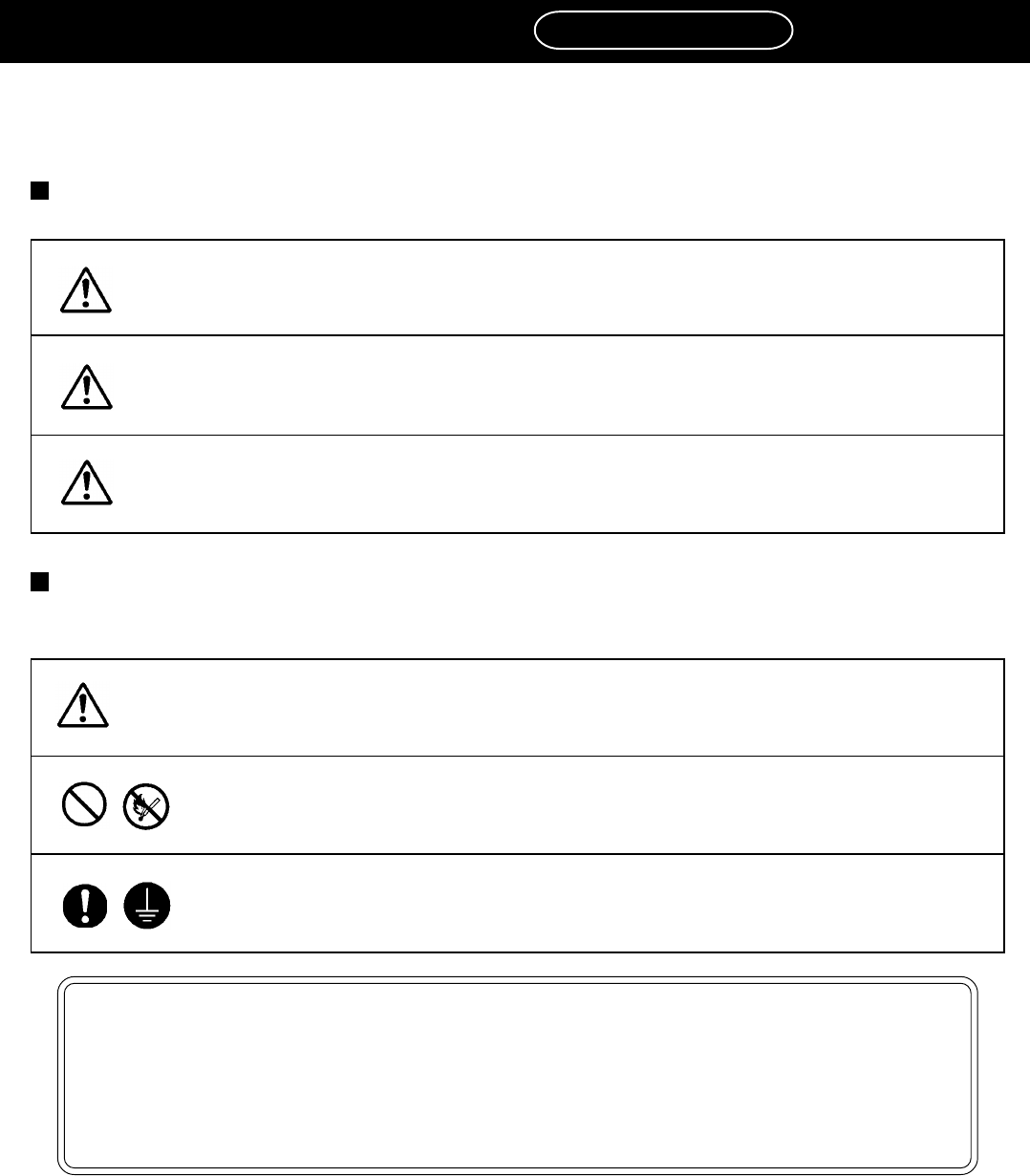
Be sure to observe
The precautions that must be observed in order to prevent injury to the user or another
person, or damage to property, are as follows.
The degree of danger or injury resulting from incorrect use due to failure to read an indica-
tion is classified and described as follows.
The matters should be observed are classified and described according to the symbols
shown below.
(The followings are only some examples of the symbolic indications.)
This indication refers to a situation which is considered that
there is imminent danger of death or serious injury.
This indication refers to a situation which is considered that
there is a possibility of death or serious injury.
This indication refers to a situation which is considered that
there is a possibility of only injury or physical damage.
These symbols indicate matters to which attention must be paid.
This symbol indicates an action that must not be carried out.
DANGER
WARNING
CAUTION
This symbol indicates an action that must be carried out.
4H4C-E-PMA00-B03-01
NOTICE
This part describes the precautions in using PT.
As for the personal computer, monitor, etc., observe the precautions described in each
manual.
When operating machine, see “SAFETY PRECAUTIONS” in operating and mainte-
nance manuals of the machine.