HS50_advance_level 1_20200522_221201 (1).pdf - 第222页
06/2002 E dition Studen t Guide H S-50 Advance d I 6 Operati ng the S IT ES T Softwa r e 38 6.6. 4 Conveyor F uncti on s Call-up the Conve y or Functio ns vie w. Call-up the screen for setting the conveyor speed. Not f o…
Student Guide HS-50 Advanced I 06/2002 Edition
6 Operating the SITEST Software
37
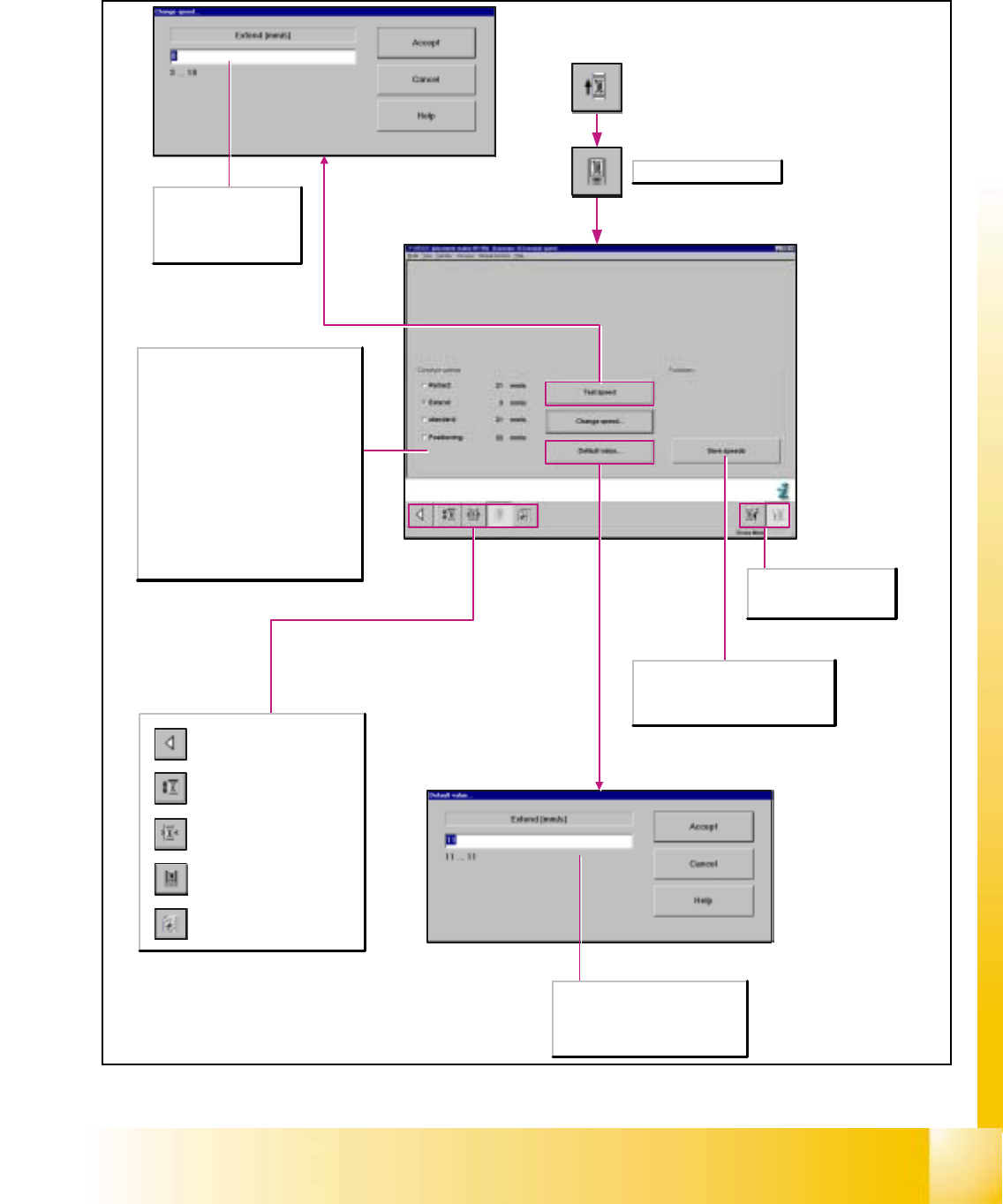
6.6.3 Setting the Conveyor Speed
Here, the conveyor speed may be set
to the default value.
Enter the default value within the
specified value limits.
Save speeds
This function is only active if the
conveyor speed was changed or set to
a default value.
Call-up the Conveyor Functions
view.
Call-up the screen for setting
the conveyor speed.
Not for SIPLACE S-25HM!
Call-up of the display of the
conveyor width settings.
Call-up the screen displaying
the PCB transport functions.
Return to the main view.
Selects PCB conveyor 1/2
(in the case of dual lane
conveyors).
Here, the conveyor speed
may be changed.
Enter the speed within the
specified value limits.
Not for SIPLACE S-25 HM
Conveyor speeds
Retract
Selects the input conveyor.
Extend
Selects the output conveyor.
Standard
Selects all conveyors.
Positioning
Selects the center conveyor.
Test speed
The conveyor continues operating until
operation is disrupted. The speed of the
selected conveyor is tested when so doing.
06/2002 Edition Student Guide HS-50 Advanced I
6 Operating the SITEST Software
38
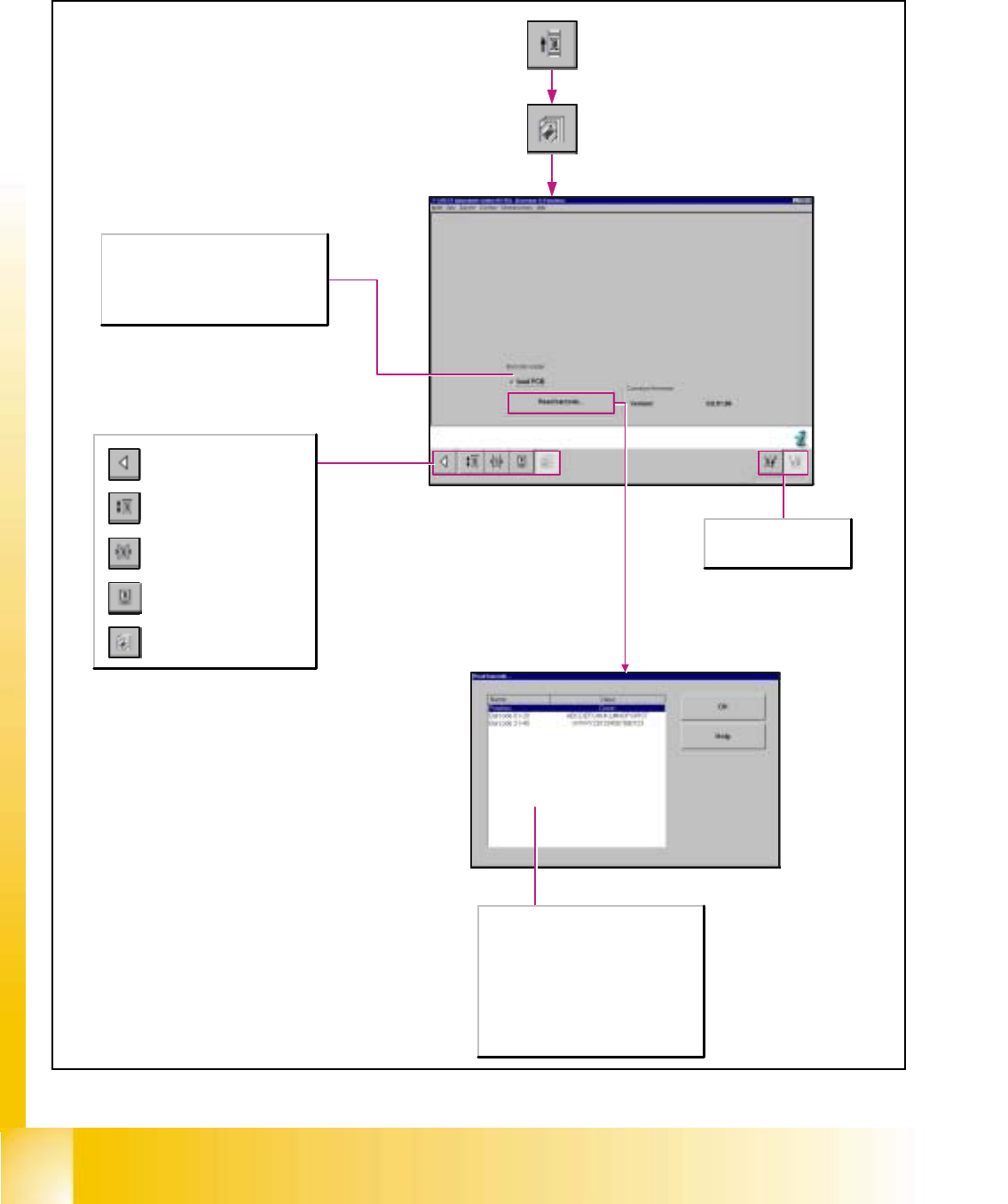
6.6.4 Conveyor Functions
Call-up the Conveyor Functions
view.
Call-up the screen for setting
the conveyor speed.
Not for SIPLACE S-25HM!
Call-up of the display of the
conveyor width settings.
Call-up the screen displaying
the PCB transport functions.
Return to the main view.
Selects PCB conveyor 1/2
(in the case of dual lane
conveyors).
Barcode reader
Load PCB
Activated: The conveyor automatically
transports the PCB through the machine.
Deactivated: The PCB needs to be moved
through the machine manually.
Position
Indicates whether the barcode was read off
the bottom or the top of the PCB.
Barcode 01-20
Displays the first 20 characters of a
barcode with max. 40 digits.
Barcode 21-40
Displays the characters 21-40 of a barcode
with max. 40 digits.
Student Guide HS-50 Advanced I 06/2002 Edition
6 Operating the SITEST Software
39
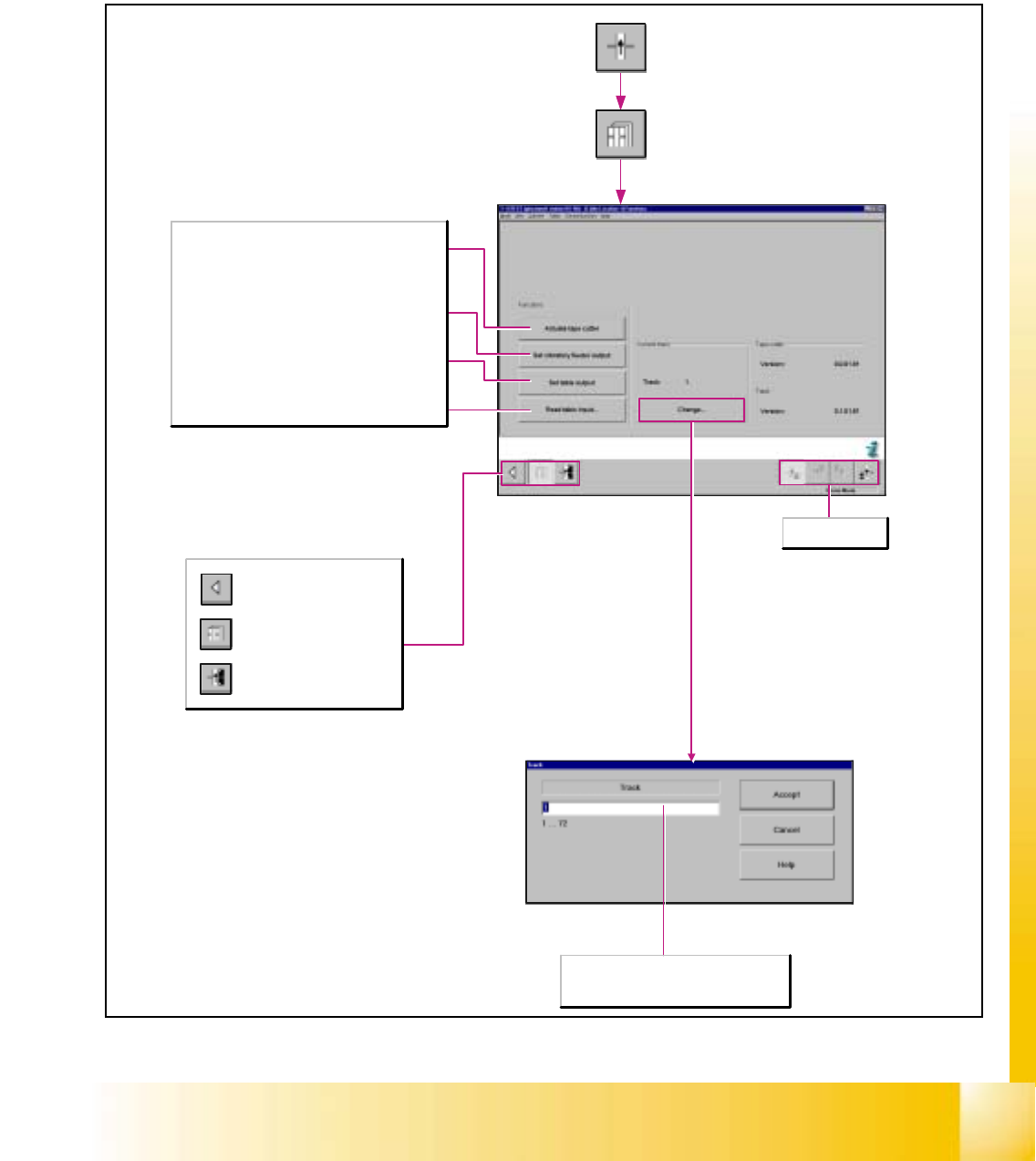
6.7 Tables
6.7.1 Component Table Functions
Call-up of the display of the
component table functions.
Call-up of the display for the
calibration of the component
table pick-up position.
Return to the main view.
Functions
Actuate tape cutter
Moves the tape cutter once to the end position and
back. The tape cutter thereby cuts off the empty tape
material of the component tapes.
Set vibratory feeder output
Sets the output for the selected track and causes a
linear feeder that is set up to oscillate.
Set table output
Sets the output for the selected track.
Read table input...
Displays the input state of the selected track.
Selects component
table 1-4.
Track
In the data entry field enter the desired value
that must lie within the specified value range.