00198150-02_SM_TX_en.pdf - 第120页
6 Gantries 6.4 MHCU, Boards and Camera 120 Service Manual SIPLACE TX Series 06/2017 6.4.4 Replacing the Head Interface Parts, equipment and tools ● Head interface TX 1 [03114439‑xx] ● Head interface TX 2 [03116648‑xx] ● …
6 Gantries
6.4 MHCU, Boards and Camera
Service Manual SIPLACE TX Series 06/2017 119
Connectors
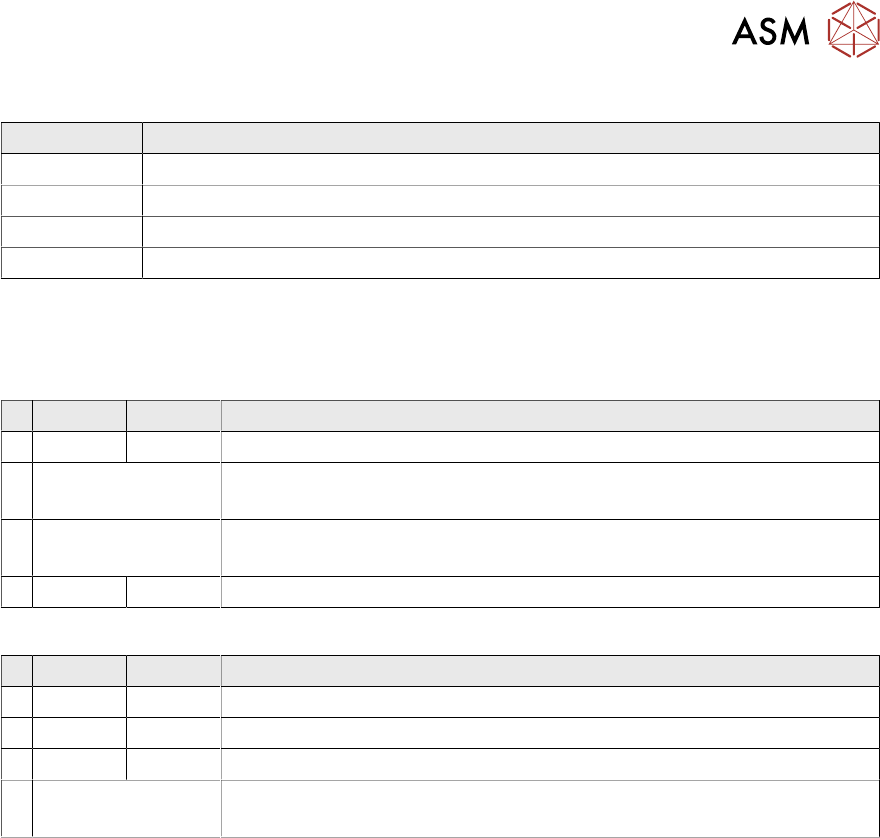
Connector Description
J14 CAM1 – PCB camera
J16 CAM2 – component camera
J6, J11 Trailing cable
J5 Power supply
Switch S1
The S1 settings depend on the board version:
Switch S1 [03115454-01]
ON OFF Note
4 OFF CAN-R ON/OFF
3 See text X-Series S: OFF
All other machines: ON
2 See text X-Series S: ON
All other machines: OFF
1 ON Spread OFF/ON
Switch S1 [03115454-02 and -03]
ON OFF Note
4 OFF CAN-R ON/OFF
3 ON EEPROM
2 OFF Reserve
1 See text X-Series S: OFF
All other machines: ON
6 Gantries
6.4 MHCU, Boards and Camera
120 Service Manual SIPLACE TX Series 06/2017
6.4.4 Replacing the Head Interface
Parts, equipment and tools
●
Head interface TX 1 [03114439‑xx]
●
Head interface TX 2 [03116648‑xx]
●
Loctite 241 [02101037‑xx]
NOTICE
Twin head
When retrofitting your machine to TwinHead, the head interface needs to be at least at
function state -03.
Overview
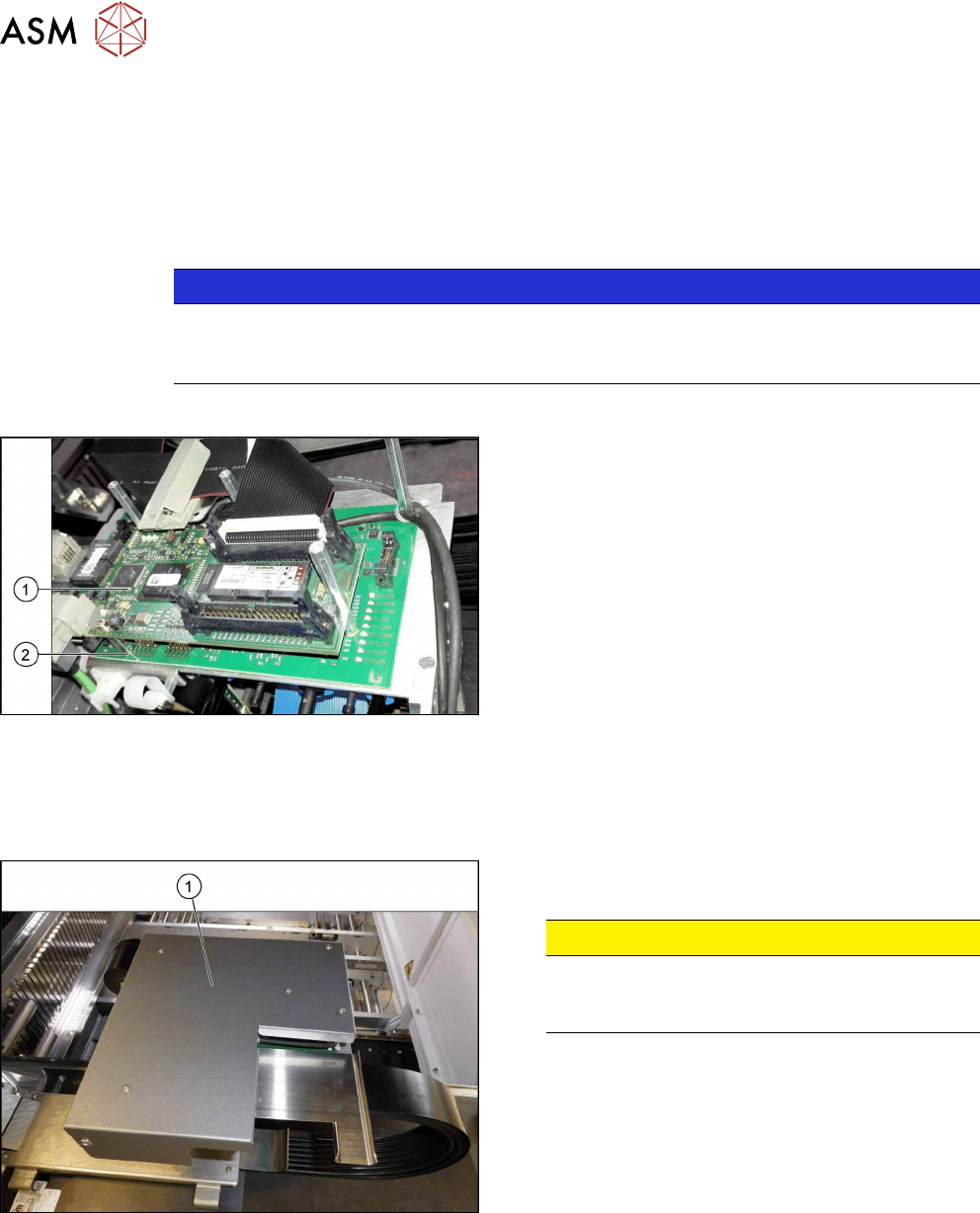
Fig.151: Boards on the gantry
1. Vision Head Interface (VHI)
2. Head interface
Removal
► Switch off the machine, disconnect it from the power supply and secure it to prevent
unauthorized reactivation. Observe the instructions in section 1.2 "Preparatory Work..." [}15].
Fig.152: Board cover
► Remove the five fastening screws and lift the
board cover(1) off.
CAUTION!
Switch off the machine
To avoid short circuits, only dismantle the cover
when the machine is switched off!
.
► Dismantle the Vision head interface. For more information about this, read section 6.4.3 "Re-
placing the Vision Head Interface (VHI) [03115454-xx]" [}117].
► Loose all connectors on the top and bottom from the head interface. Open any cable ties
where necessary. You may want to mark the positions of these connections to make clear as-
signment easier later on.
6 Gantries
6.4 MHCU, Boards and Camera
Service Manual SIPLACE TX Series 06/2017 121
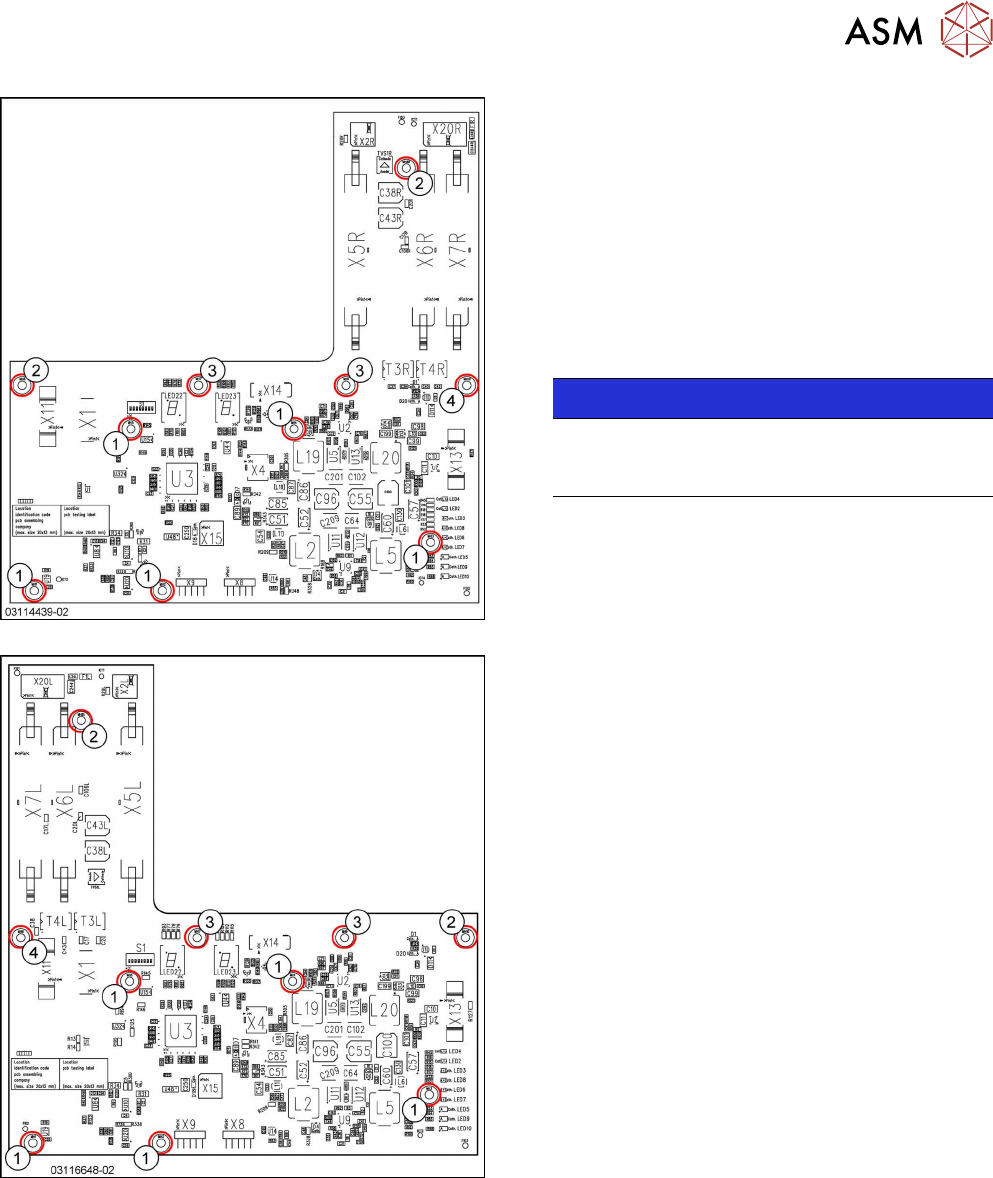
Fig.153: Head interface 1 TX
Fig.154: Head interface 2 TX
1. Spacer bolt M3x20 [03023427‑xx] (for VHI)
2. Spacer bolt M3x50 [03023503‑xx] (for cover)
3. Spacer bolt M3x15 with plastic cable clamp,
washer and screw
4. Nut M3 [03008162‑xx]
► Remove the screws and spacer bolts fastening
the head interface.
You may like to mark their positions, to make
clear assignment easier later on.
NOTICE!
Inverse layout
The layout of the two head interfaces is the
same, but inverse.
.
► Carefully remove the head interface. Make sure
that the connectors to the head adapter MHCU
are not damaged.