00195376-05_SM_D1_D1i_D2_D2i_EN.pdf - 第84页
Service Work PCB conveyor system 4.2.16 Hotlink Filter Card [03010670-xx] 84 Service Manual SIPLACE D1/D1i/D2/D2i 4.3 4 . 3 P C B c o n v e y o r s y s t e m PCB conveyor system There are two types of PCB conveyor system…
Service Work
4.2.16 Hotlink Filter Card [03010670-xx] Gantries
Service Manual SIPLACE D1/D1i/D2/D2i 83
4.2.16
4.2.16 Hotlink Filter Card [03010670-xx]
Hotlink Filter Card [03010670-xx]
Removal/Installation
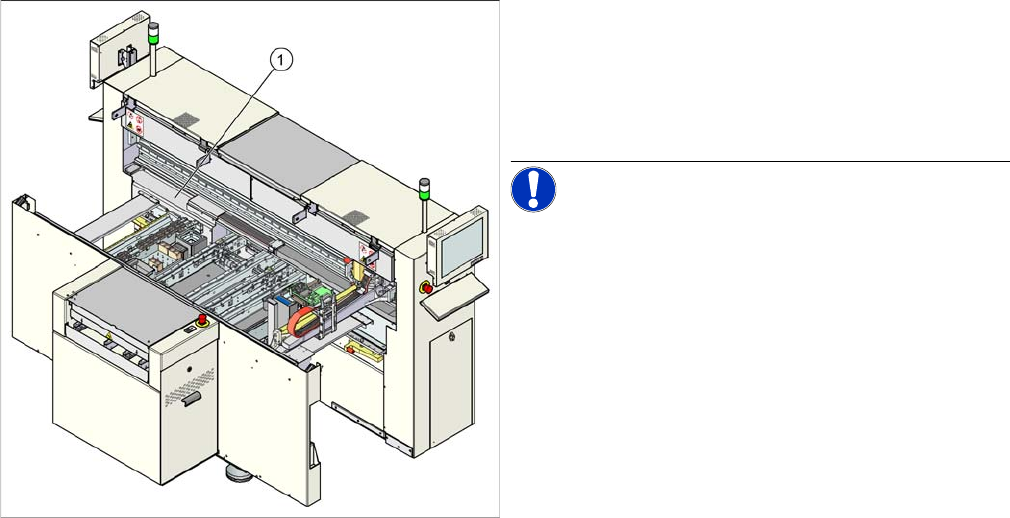
Legend
1. Hotlink filter card (under the cover)
► Remove the cover.
► Loosen all electrical connections and label their posi-
tions clearly, for easier reconnection, later.
NOTICE! Take care while opening the connec-
tions to the SIPLACE Vision system.
► Loosen the four hexagon socket-head screws, fas-
tening the board and remove the board.
► Fit the new board by following the above instructions
in reverse order.
Service Work
PCB conveyor system 4.2.16 Hotlink Filter Card [03010670-xx]
84 Service Manual SIPLACE D1/D1i/D2/D2i
4.3
4.3 PCB conveyor system
PCB conveyor system
There are two types of PCB conveyor systems for the D/Di-series.
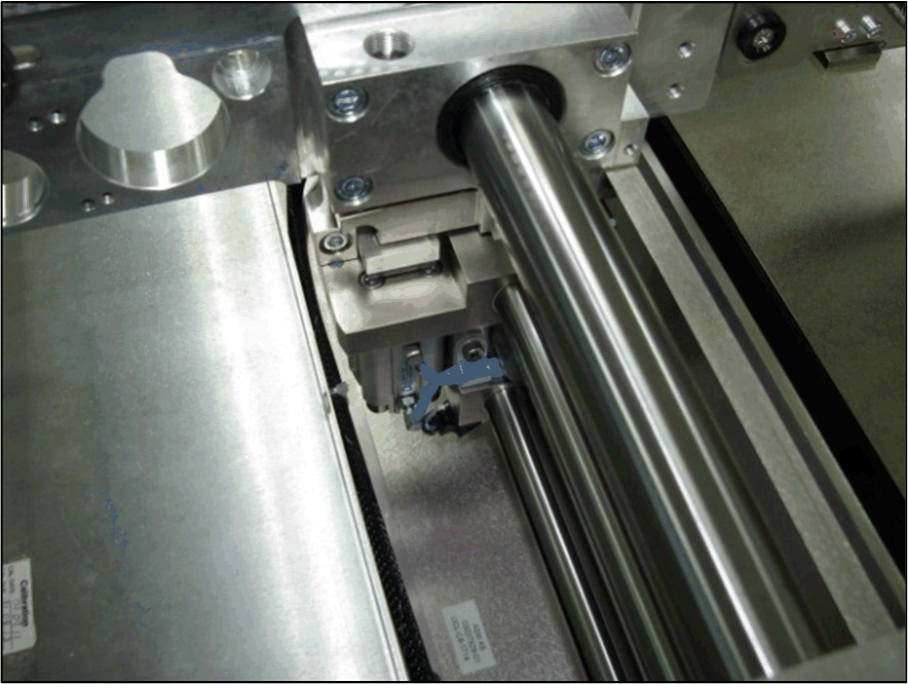
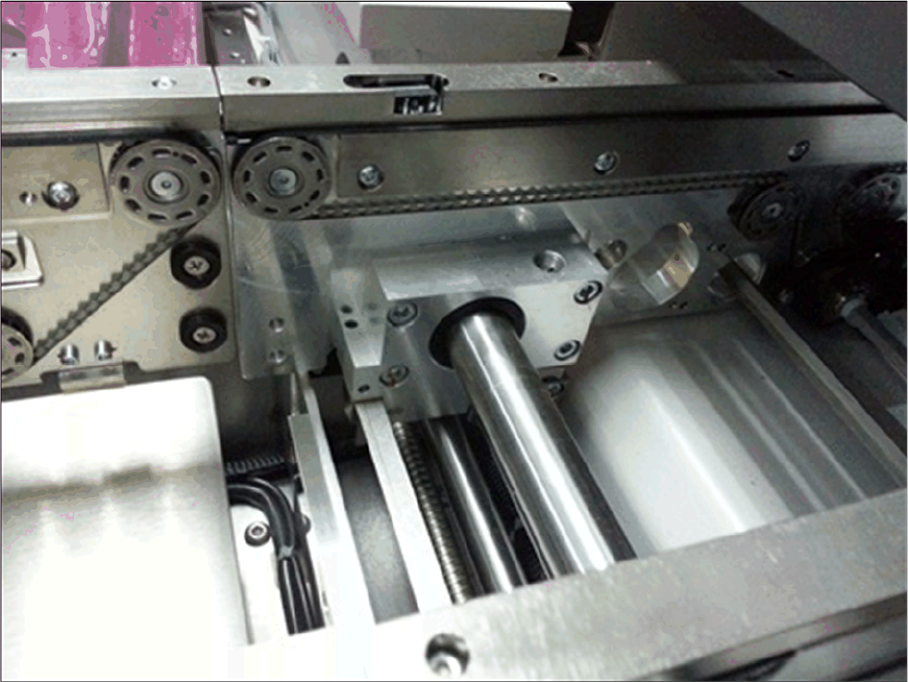
1. Modular PCB conveyor system with automatic width adjustment unit
Modular conveyor, movable rail
Service Work
4.2.16 Hotlink Filter Card [03010670-xx] PCB conveyor system
Service Manual SIPLACE D1/D1i/D2/D2i 85
Modular conveyor, fixed rail