00191025-01.pdf - 第119页
SIPLACE 80S/F/G User’s Manual 5 Placement Edition 12/96 from S oftware Version SR.009.xx 5.7 Display Functions 5 - 43 5.7 Display Function s 5.7.1 Display Errors In the m enu "Dis play error s" variou s classe …

5 Placement SIPLACE 80S/F/G User’s Manual
5.6 Error Menus Edition 12/96 from Software Version SR.009.xx
5 - 42
SIPLACE 80S/F/G User’s Manual 5 Placement
Edition 12/96 from Software Version SR.009.xx 5.7 Display Functions
5 - 43
5.7 Display Functions
5.7.1 Display Errors
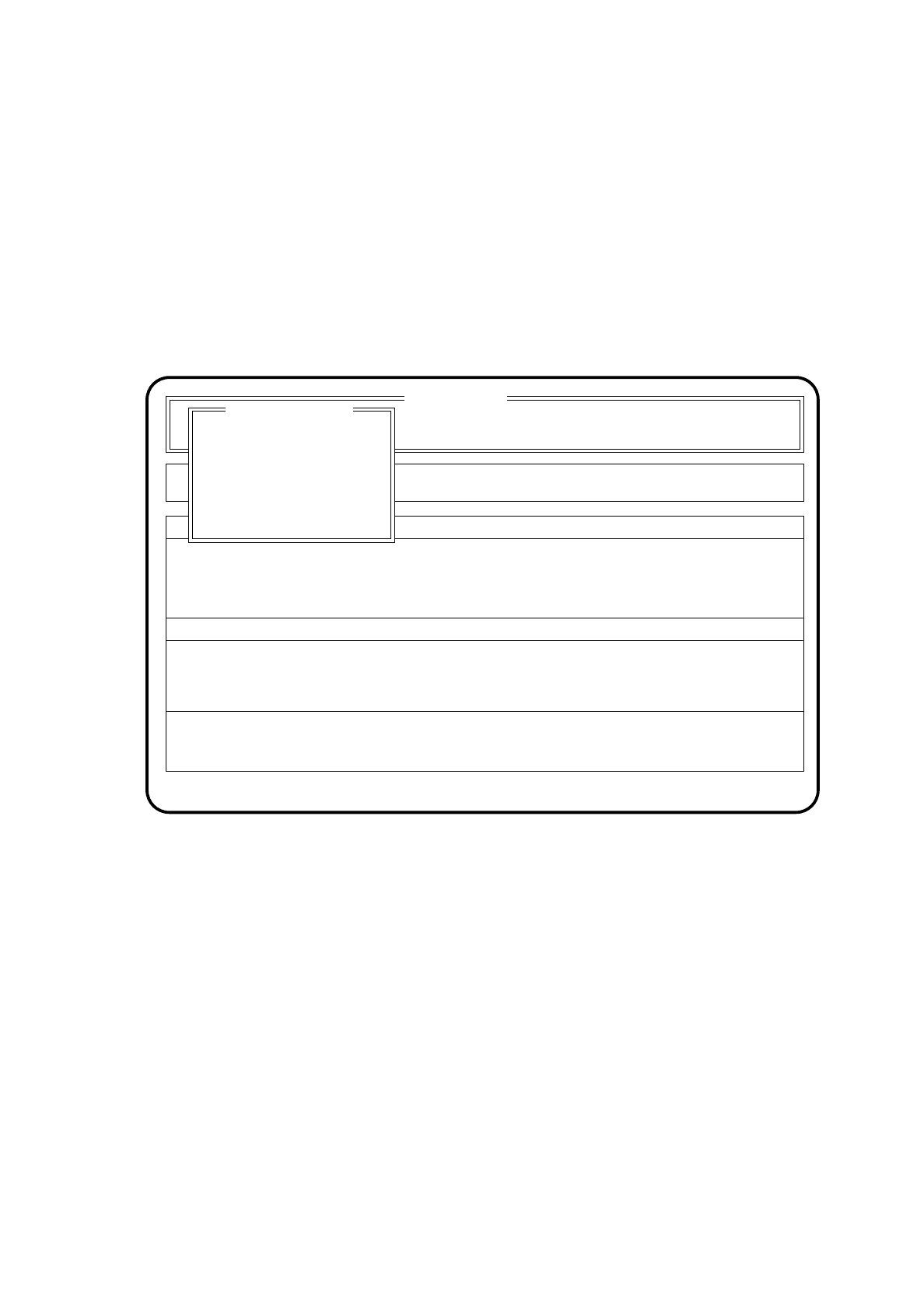
In the menu "Display errors" various classes of errors can be called up and displayed.
In the main menu use the cursor keys to select the menu item "Display errors". Next press the
Return key
. The
screen then displays the menu "Display errors".
Fig. 5.7.1
5.7.1.1 Machine Error Display
The menu "Machine errors" can be called up from both the menu "Display errors" as well as from various error
menus.
In the menu "Display errors" select the menu item "Machine errors" or in the active error menu use the cursor
keys to select the menu item "Machine errors". Next press the
return key
. The menu "Machine errors" will be
displayed on the screen.
SI 80 V 9.x
Cluster:
Component feeding
Confirm errors
Machine options
Error
State
Action
:
:
:
Display errors
Rüstung :
Display errors
Track errors
Machine errors
Transport errors
General errors
5 Placement SIPLACE 80S/F/G User’s Manual
5.7 Display Functions Edition 12/96 from Software Version SR.009.xx
5 - 44
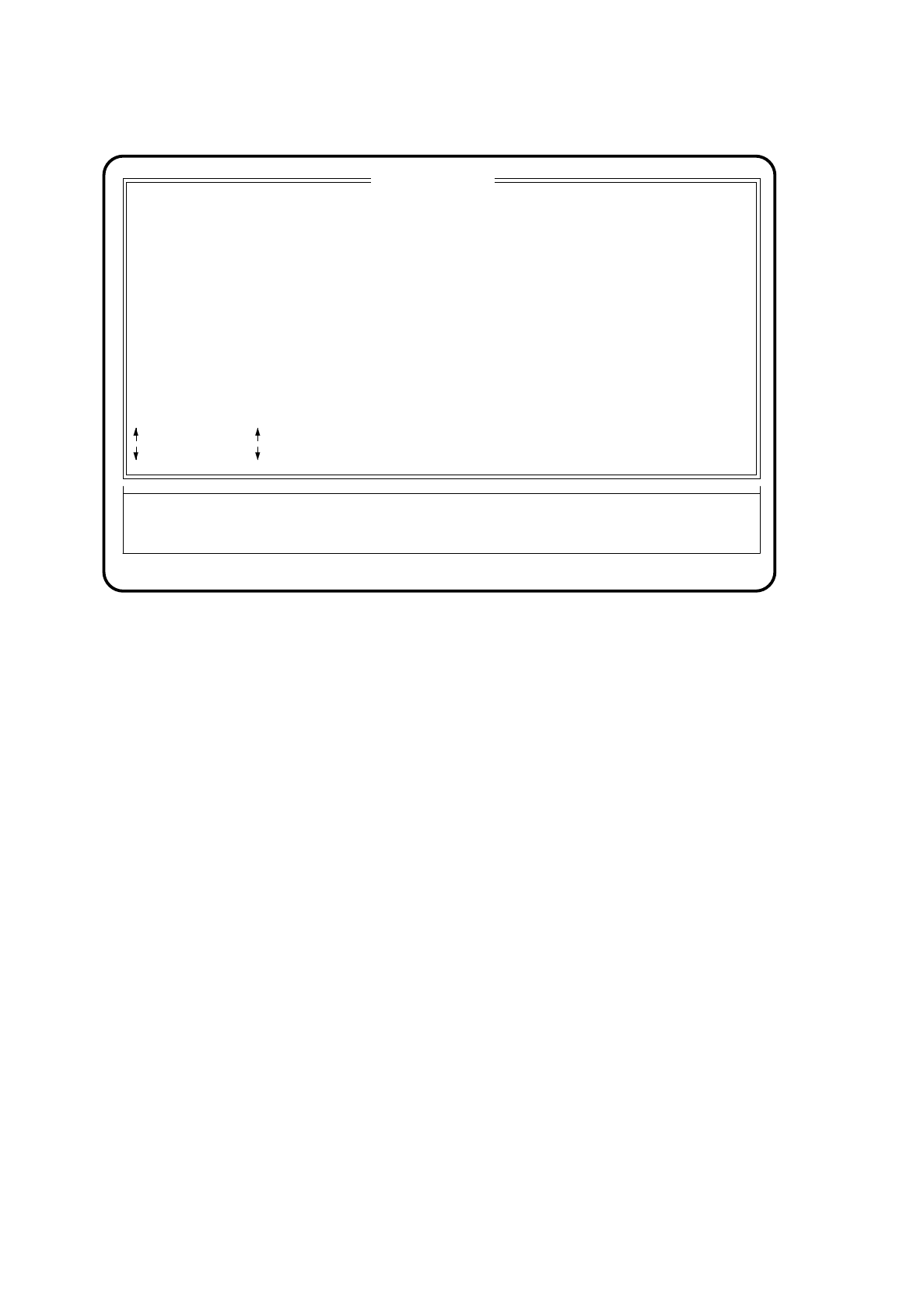
Fig. 5.7.2
Key functions
-
With the
cursor keys
↑
and
↓
you can scroll through the display line by line.
-
With the keys
Bild
↑
[Page up] and
Bild
↓
[Page dn] you can scroll through the display page by page.
-
With the
Pos1 key
you can jump to the top of the display, with the
Ende key
to the last position on the
screen.
-
With the
Esc key
you can quit the menu. The screen shows the menu from which the menu
"Machine errors" was called.
-
With the
Entf key
you can delete all of the machine errors which occurred and which are displayed in this
menu.
The column "ENo" shows the error number.
The column "ER" shows how often the error has already occurred.
Error
Action
Machine errors
ENo TEXT SEG DEV ER
:up
:dn
Bild auf [Page up]
Bild ab [Page dn]
Pos1: begin
Ende: end
Esc: abort
State
:
Error treatment - machine error
:
Display all machine errors (last error displayed on top)
Entf: delete
: