00191025-01.pdf - 第72页
3 Switching On S IPLACE 80S/F/G User’s M anual 3.2 Operator Actions During Switching-On Edition 12/96 from Software Version S R.009.xx 3 - 6 3.2.3 Line computer mode If a line computer is co nnected, the follow ing menu …
SIPLACE 80S/F/G User’s Manual 3 Switching On
Edition 12/96 from Software Version SR.009.xx 3.2 Operator Actions During Switching-On
3 - 5
3.2 Operator Actions During Switching-On
3.2.1 Preconditions for switching on
●
Check whether the power and compressed air supplies of the placement machine are connected.
●
Conduct a visual inspection of the placement machine. Here make sure in particular that there are no
obstacles in the travel range of the gantry axes.
●
Close the protective covers.
●
Make sure that there is
no
system diskette in the floppy drive.
The placement machine may only load the
RMOS
operating system installed on the hard disk.
3.2.2 Switching on
●
Switch on the machine at the main switch.
The placement machine software is loaded (system start). The machine controllers are initialized with the
machine data held on the hard disk.
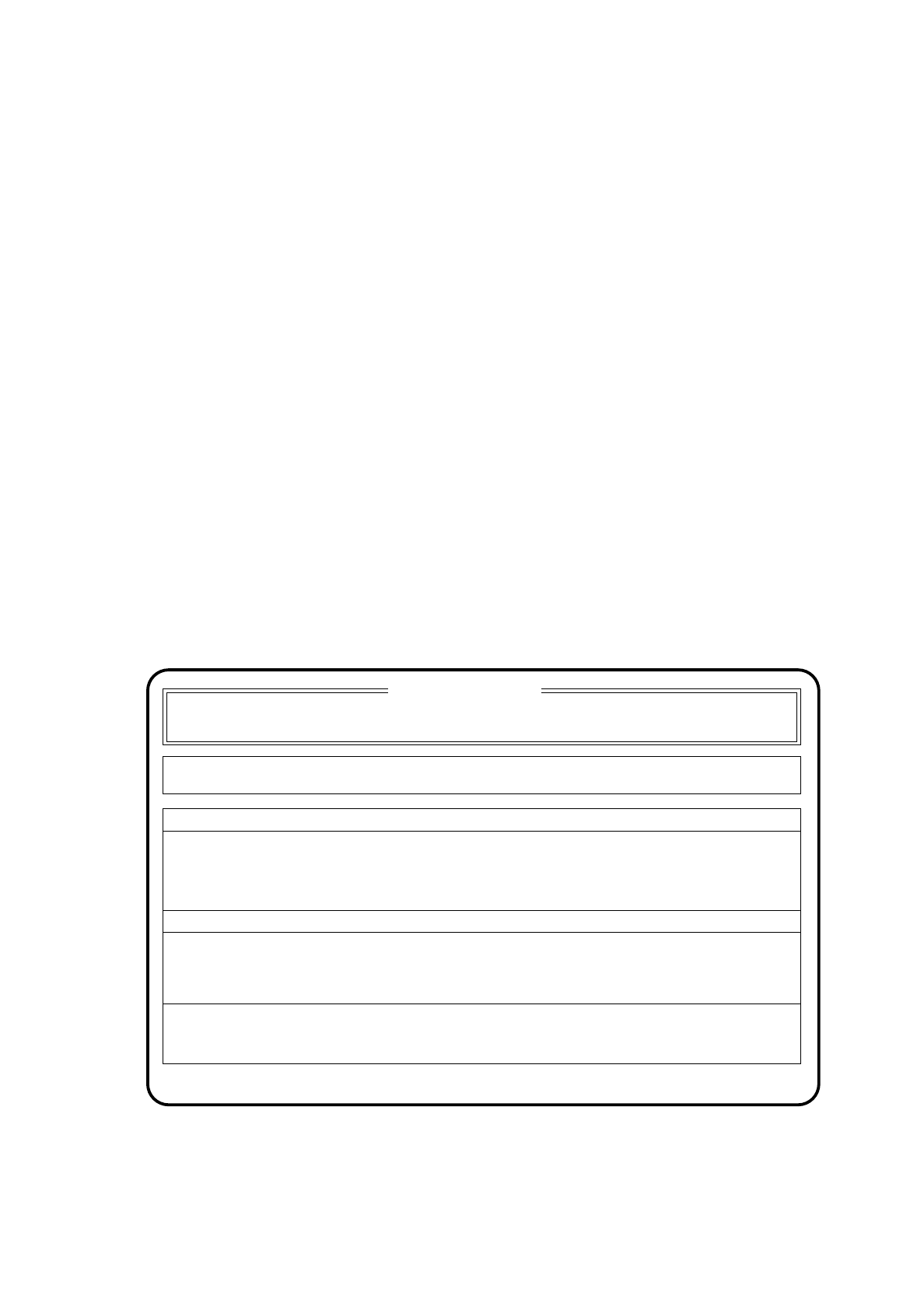
During initialization of the machine controllers there appears on the screen the following display.
Fig. 3.2.1
SIPLACE 80 V 9.x
Cluster:
Set-up:
Component feeding Display errors
Confirm errors
Machine options
Error
State
Action
:
:
:
Waiting for data
3 Switching On SIPLACE 80S/F/G User’s Manual
3.2 Operator Actions During Switching-On Edition 12/96 from Software Version SR.009.xx
3 - 6
3.2.3 Line computer mode
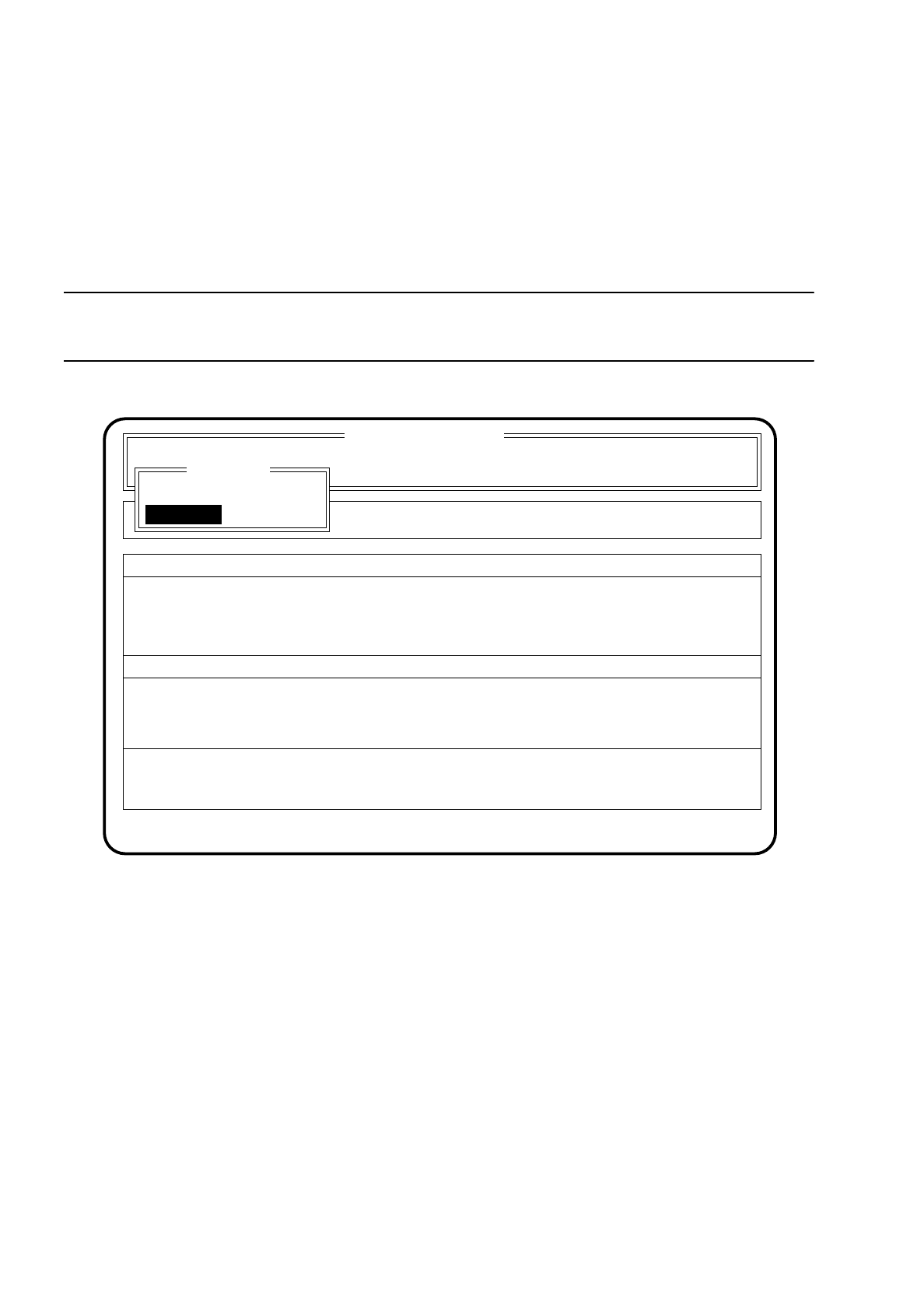
If a line computer is connected, the following menu will be ignored. The screen menu appears only briefly and
the system starts up independently (see Section 3.2.4). It is not possible to choose whether placement takes
place with or without line computer.
If no line computer is connected or communication is interrupted, the menu "LC mode" appears.
NOTE
If the line computer is "shut down", when the line is run up the stations must be rebooted as well.
Fig. 3.2.2
At this point correct any communications fault which may have occurred with the line computer or connect a
line computer up to the station.
●
Position the cursor bar with the aid of the
cursor keys
over the menu item "With LC".
●
Press the
return
key.
In this mode the placement machine is supplied by the line computer with the data necessary for place-
ment.
SIPLACE 80 V 9.x
Cluster:
Rüstung :
Component feeding Display errors
Confirm errors
Machine options
Error
State
Action
:
:
:
Softwareoptionen
Masch.Fehler anz.
LC mode
with LC
without LC
Wait for data
SIPLACE 80S/F/G User’s Manual 3 Switching On
Edition 12/96 from Software Version SR.009.xx 3.2 Operator Actions During Switching-On
3 - 7
If you want placement to take place without the line computer, proceed as follows:
●
Position the cursor bar with the aid of the
cursor keys
over the menu item "Without LC".
●
Press the
return key
.
In this mode the placement machine accesses the station's own hard disk in order to obtain the data it
requires.
●
Then input the set-up and the cluster manually (see Section 5.2 "Loading cluster data”).
3.2.4 Placement Machine Reference Run
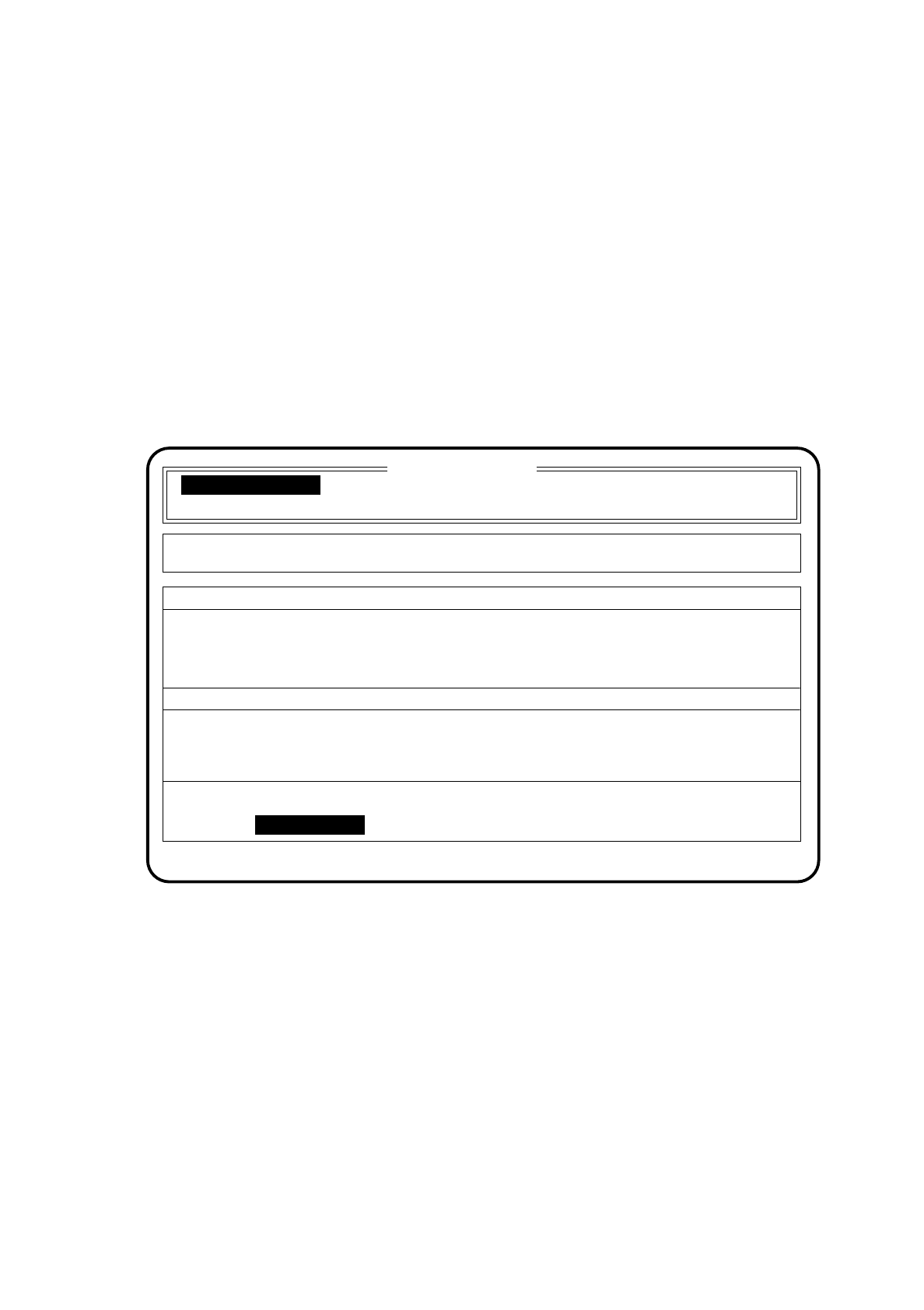
After the operating mode (with or without line computer) has been selected, the following menu appears on
the screen:
Fig. 3.2.3
●
Press, either at the input or output conveyor, one of the two <M>start buttons (green and marked I).
The placement machine now carries out the reference run sequence.
During the reference run the action currently being carried out - e.g. head reference run MC1 - is displayed
under the menu item "Status:" of the main menu.
With the aid of this display you can follow the reference run as it takes place.
Once the reference point run has been completed the machine is ready to start with placement, provided that
set-up and cluster have been specified.
Operations within placement mode are described in Section 5 (Placement).
SIPLACE 80 V 9.x
Cluster:
Set-up:
Display errors
Confirm errors
Machine options
Error
State
Action
:
:
:
Wait for reference run
Component feeding
Press start key