00191025-01.pdf - 第63页
SIPLACE 80S/F/G User’s Manual 2 Display and Operati ng Elements Edition 07/97 from S oftwareversion SR.010.xx 2.3 Keyboard C ontrol of the Machine 2 - 15 ● Display windows Display windows ar e windows with in which the e…
2 Display and Operating Elements SIPLACE 80S/F/G User’s Manual
2.3 Keyboard Control of the Machine Edition 07/97 from Softwareversion SR.010.xx
2 - 14
●
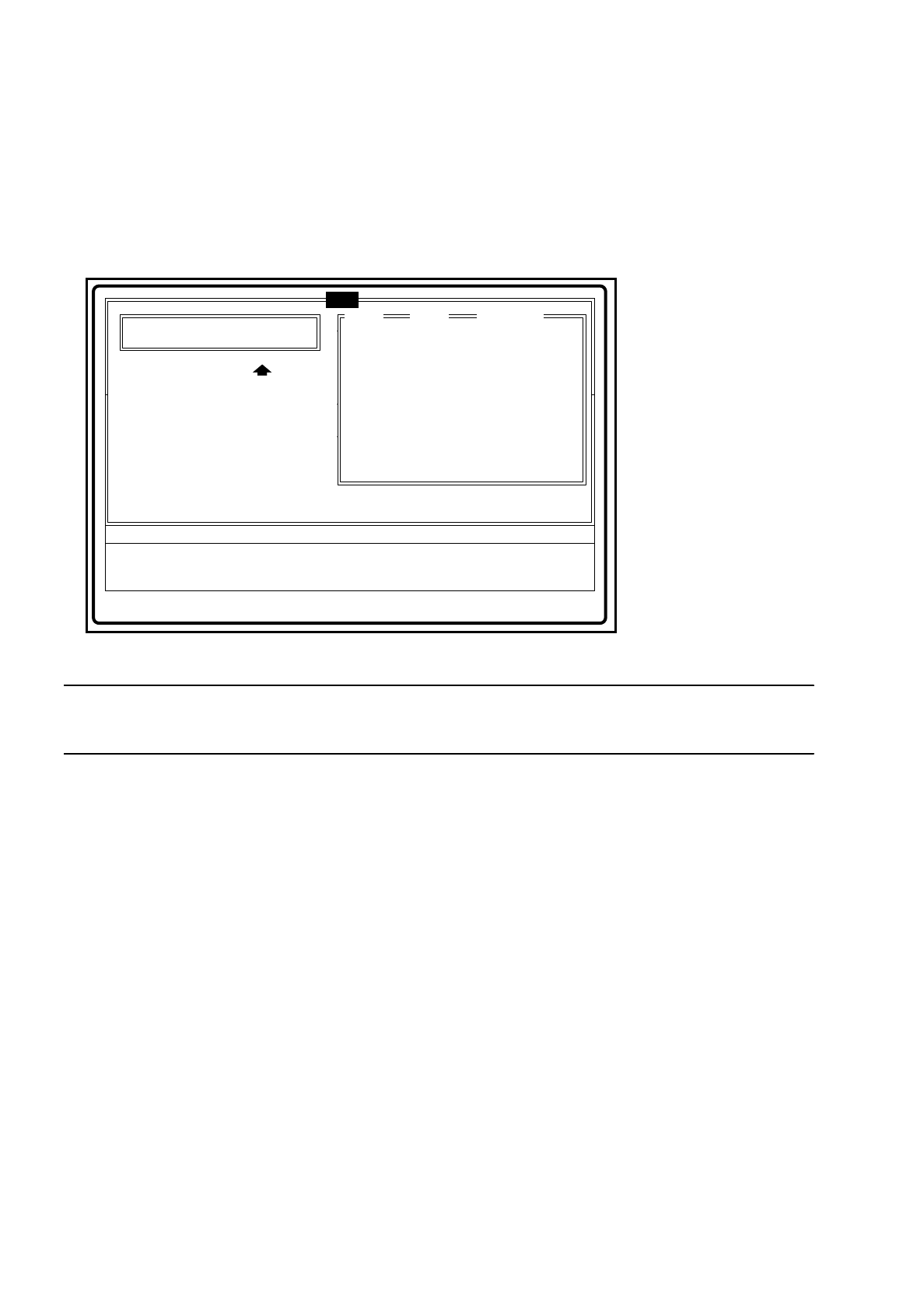
Menu windows with input and list field
-
List field List fields are used for specifying possible values. One or more values can
be selected. In addition, you also have the possibility of scrolling through the
list. If an input field is present, then the value selected is take over.
-
Input field The operator can input text.
Fig. 2.3.5 Example of menu window with input and list field
NOTE
Once values have been entered, they are automatically re-specified at the next call.
●
Using the keyboard within a menu window with options, input or list field
-
TAB The TAB key selects the next field in a menu window with
input and list field.
-
SHIFT-TAB With this key combination you can select the previous field in a menu
window with input and list field.
-
RETURN By pressing this key the operator transfers the input data to the program and
ends the input field if all data have been input.
-
ESC With this key you can abort inputting into an input or options field.
Any data which may have been input are discarded.
-
Cursor up / down With these keys you can move the cursor within a group of options fields
and within input or list fields. If the cursor is located at the stop in the list
field, then scrolling is line by line.
-
Bild
↑
[Page up] /
-
Bild
↓
[Page dn] If the cursor is positioned in the list field, then scrolling will be page by page.
-
Space bar This key switches the status of an options field or marks a field in a list field.
-
Ende [End] When this key is pressed the cursor jumps to the end of the data.
-
Pos1 [Home] When this key is pressed the cursor jumps to be beginning of the data.
Error
State
Action
Fill empty tracks and acknowledge
:
:
:
Rüstung:
Breitenverstell.
Esc: abort Tab: change wind
Refill
Table Track Comp. name
Track Barcode
Comp. Barcode
:
:
1
2
2
2
2
2
2
6
6
7
8
9
10
17
C2
R2
C2
R3
R2
L1
L2
Input field
List field
tem
SIPLACE 80S/F/G User’s Manual 2 Display and Operating Elements
Edition 07/97 from Softwareversion SR.010.xx 2.3 Keyboard Control of the Machine
2 - 15
●
Display windows
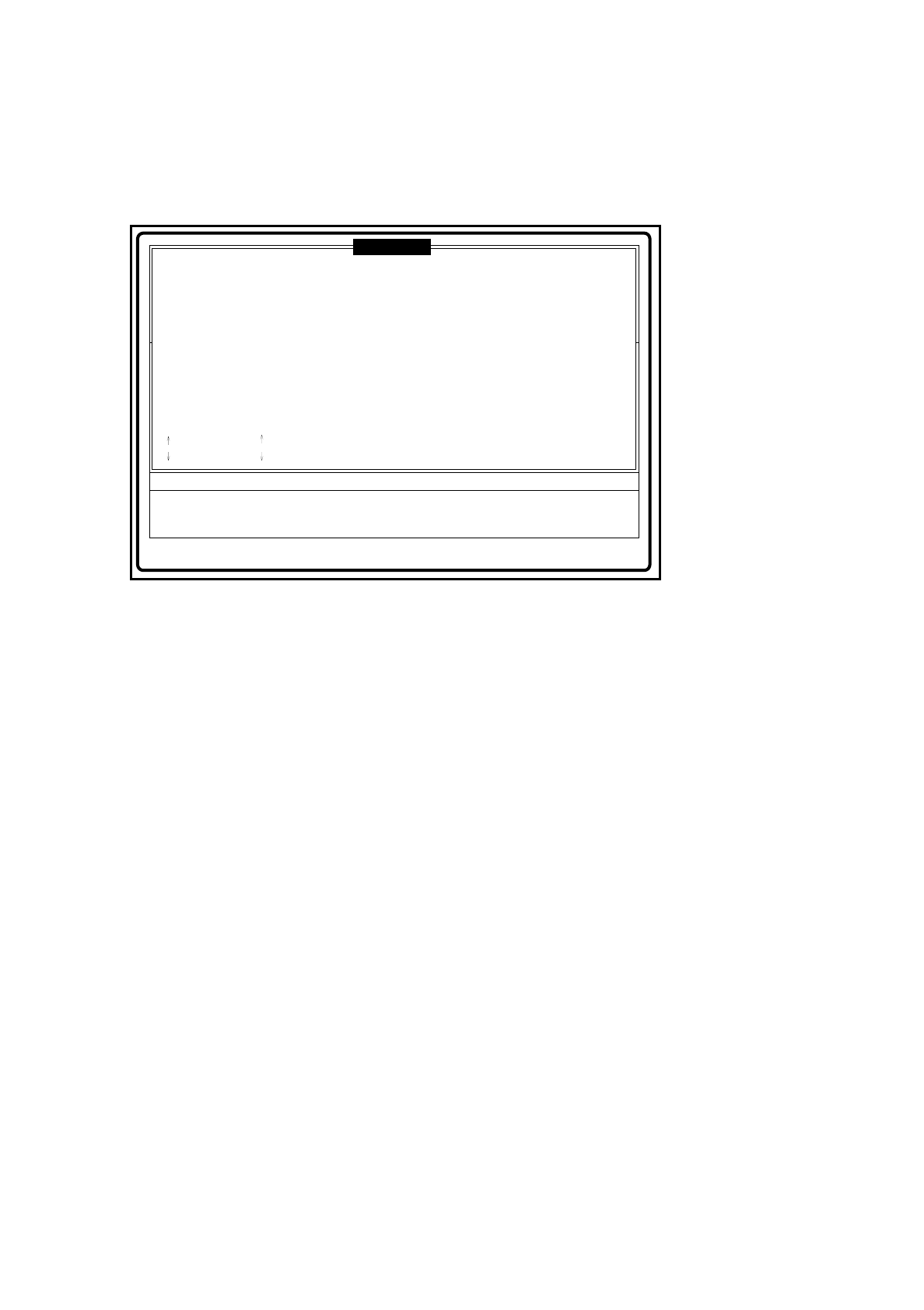
Display windows are windows within which the error log or the line computer communication, for example,
are displayed. You can also scroll within a display window.
Fig. 2.3.6 Example of display window
●
Key assignments in a display window
-
Bild
↑
[Page up] /
-
Bild
↓
[Page dn] With this key you can scroll page by page within the display field.
-
Cursor up / down With this key you can scroll line by line within the display field.
-
ESC Closes the display window.
-
Ende [End] When this key is pressed the cursor jumps to the end of the data.
-
Pos1 [Home] When this key is pressed the cursor jumps to the beginning of the data.
-
Entf [Delete] Deletes the display in the error menu.
❒
Error
State
Action
tem
Display all track errors (last error to occur shown at top)
:
:
:
: dn
Track errors
TableSegComp name
1
2
2
2
1
2
3
4
C2
R2
C2
R3
: up
Bild ab [Pg dn]
Bild auf [Pg up]
Ende: end
Pos1: begin Esc: abort
Track
6
6
7
8
ENo
203
43
203
201
Text
Track set empty by operator
Component not at nozzle after pick-up
Track set empty by operator
Track empty, optical centering incorrect
:
:
:
:

2 Display and Operating Elements SIPLACE 80S/F/G User’s Manual
2.3 Keyboard Control of the Machine Edition 07/97 from Softwareversion SR.010.xx
2 - 16