00191025-01.pdf - 第563页
15 Software Installation SIPLACE 80S/F/G User’s Manual 15.1 Station Computer Software Version from 8.x Edition 12/96 from S oftware Version SR.009.xx 15 - 8 Fig. 15.1.6 ● Once the final disk ha s been us ed in the instal…
SIPLACE 80S/F/G User’s Manual 15 Software Installation
Edition 12/96 from Software Version SR.009.xx 15.1 Station Computer Software Version from 8.x
15 - 7
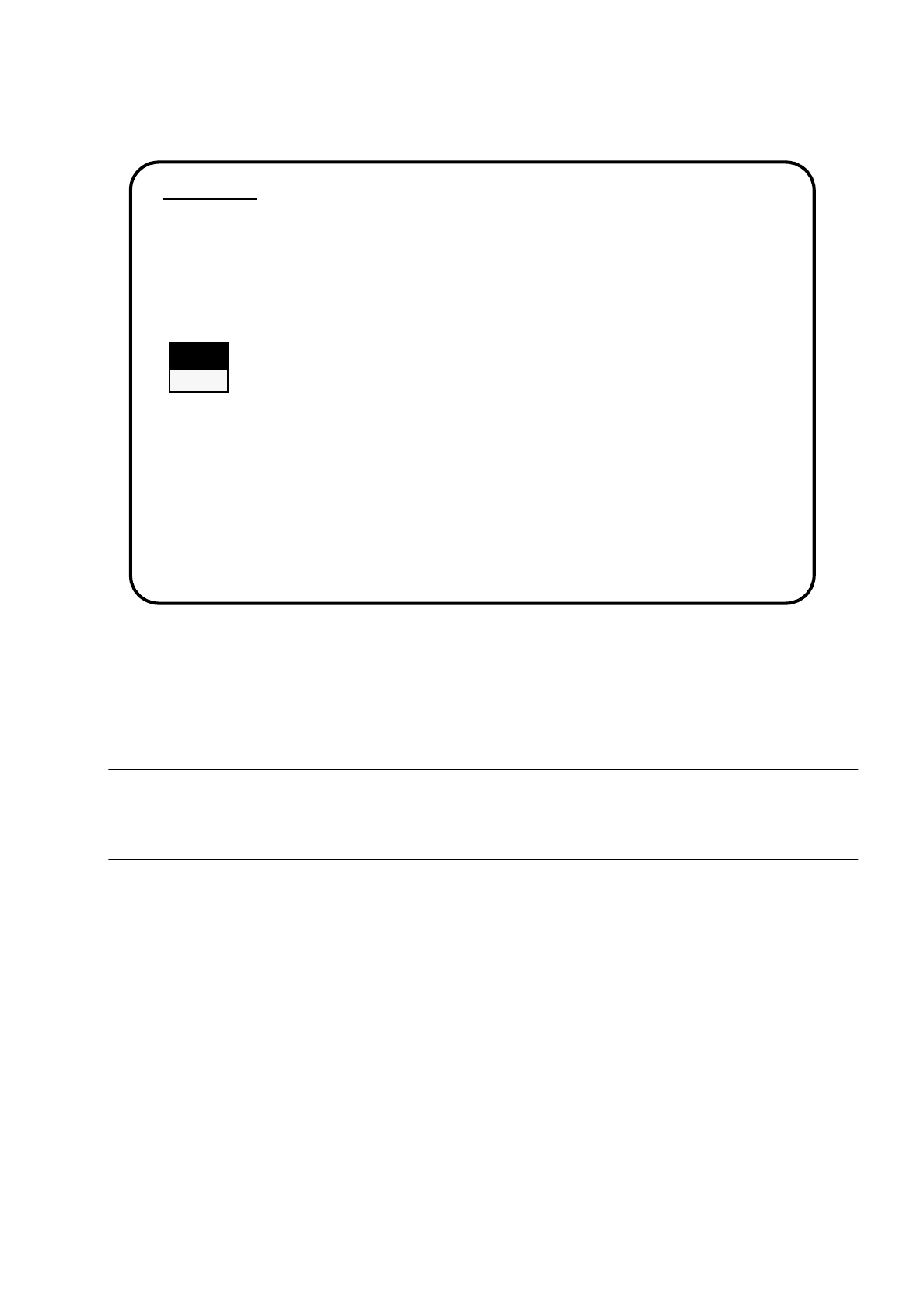
Fig. 15.1.5
●
Use the cursor keys to select whether to continue with installation or to abort.
●
Confirm your choice by pressing the Return key.
WARNING
∆
!
∆
!
Partition C: will be formatted. All data will now be deleted.
●
Reinstallation will be continued.
●
You will be asked to insert each of the remaining disks in turn into the drive (see illustration below).
2. WARNING
Partition "C:" of your hard disc will be formatted:
⇒
all files will be deleted.
Continue SIPLACE Installation Job?
>>> -----------------------------Install Revision of SIPLACE Software
>>> ----- No
>>> ----- Yes
Use the [Up Arrow] [Down Arrow] [Pg Up] [Pg Dn] keys to move the highlight bar to select the
button you prefer.
Press [Enter] to activate your selection
15 Software Installation SIPLACE 80S/F/G User’s Manual
15.1 Station Computer Software Version from 8.x Edition 12/96 from Software Version SR.009.xx
15 - 8
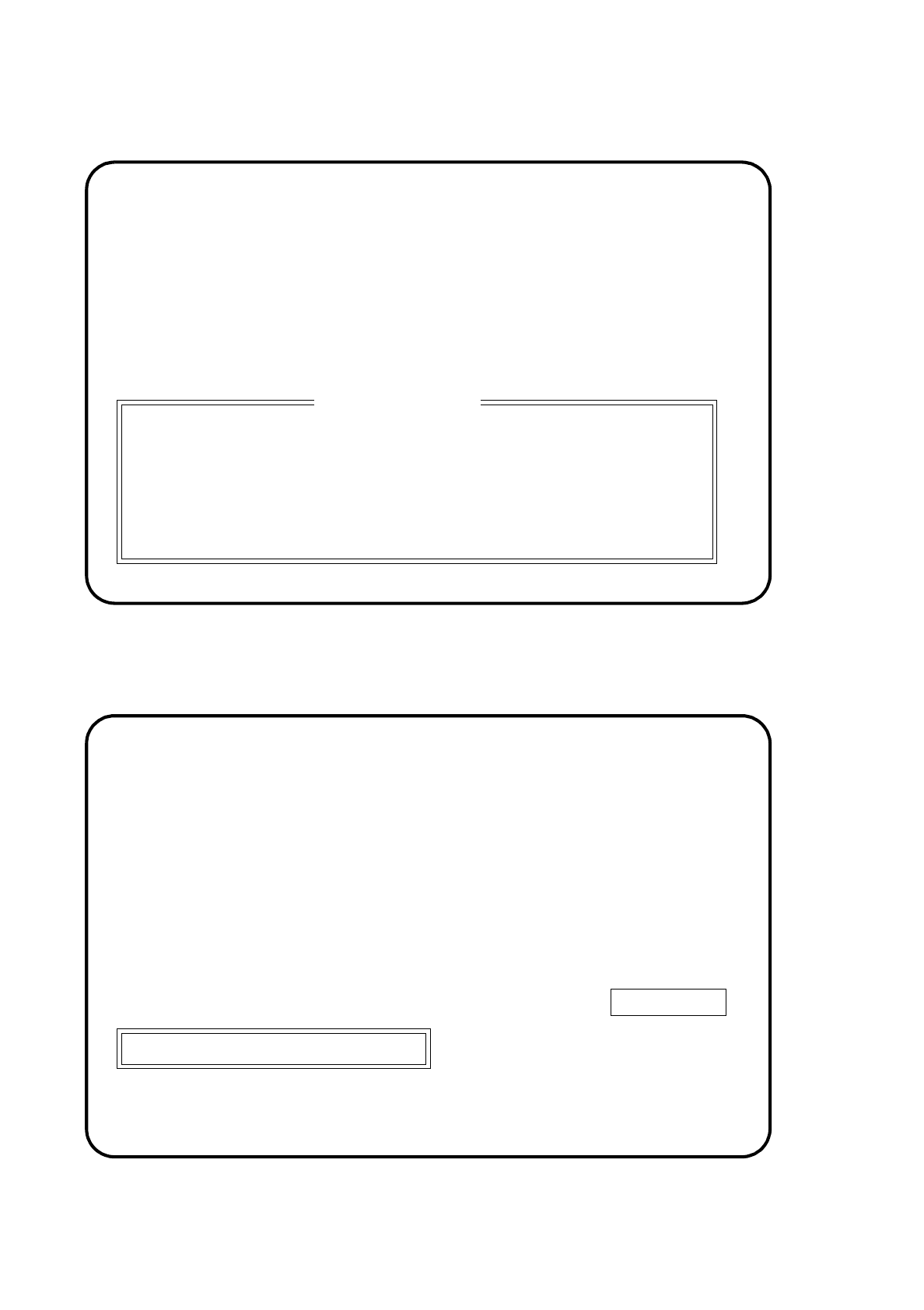
Fig. 15.1.6
●
Once the final disk has been used in the installation, the following display will appear on the screen:
Fig. 15.1.7
PRESS ANY KEY
Please insert the disk labeled
"Disk #2"
for SIPLACE Version SI80X.007.xxx:
into drive A and close the drive door.
Installation terminated
Please remove installation disc and switch off SIPLACE machine
SIPLACE
SIEMENS AG
***
INSTALLATION
SI80X007.xxx
SIPLACE 80S/F/G User’s Manual 15 Software Installation
Edition 12/96 from Software Version SR.009.xx 15.1 Station Computer Software Version from 8.x
15 - 9
●
Take the last installation disk out of the drive.
●
Switch off the machine at the main switch and reboot the system.
NOTE
If a software version was already installed, this specified language and the IEC bus address set will be speci-
fied and set.
15.1.2.2 Setting the Language Configuration of SIPLACE System
In this submenu you can change the language setting.
●
Use the cursor keys to select the submenu "Set language configuration of SIPLACE system".
The following display will appear on the screen.
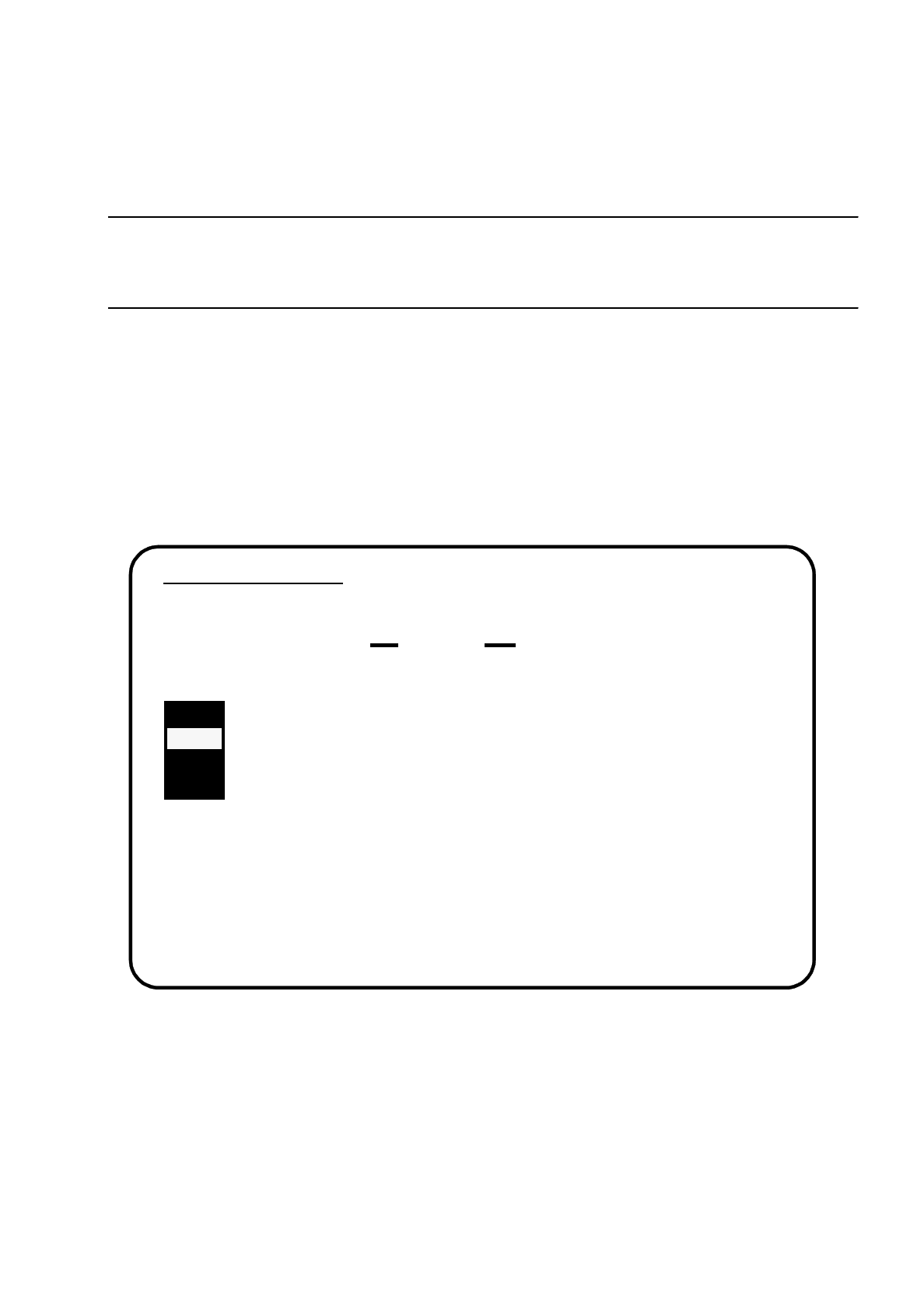
Fig. 15.1.8
●
Select the language you want and confirm your choice with the
Return
key.
Language Configuration
Selected Language is .....
GERMAN
Please select language of SIPLACE system:
>>> ----- GERMAN
>>> ----- ENGLISH
>>> ----- FRENCH
>>> ----- ITALIAN
Use the [Up Arrow] [Down Arrow] [Pg Up] [Pg Dn] keys to move the highlight bar to select the
button you prefer.
Press [Enter] to activate your selection