00191025-01.pdf - 第252页
7 Vision Systems SIPLACE 80S /F/G User’s Manual 7.5 Teaching the F iducial Ed ition 07/97 from Software Version SR.010.xx 7 - 60 Line engine er
SIPLACE 80S/F/G User’s Manual 7 Vision Systems
Edition 07/97 from Software Version SR.010.xx 7.5 Teaching the Fiducial
Line engineer 7 - 59
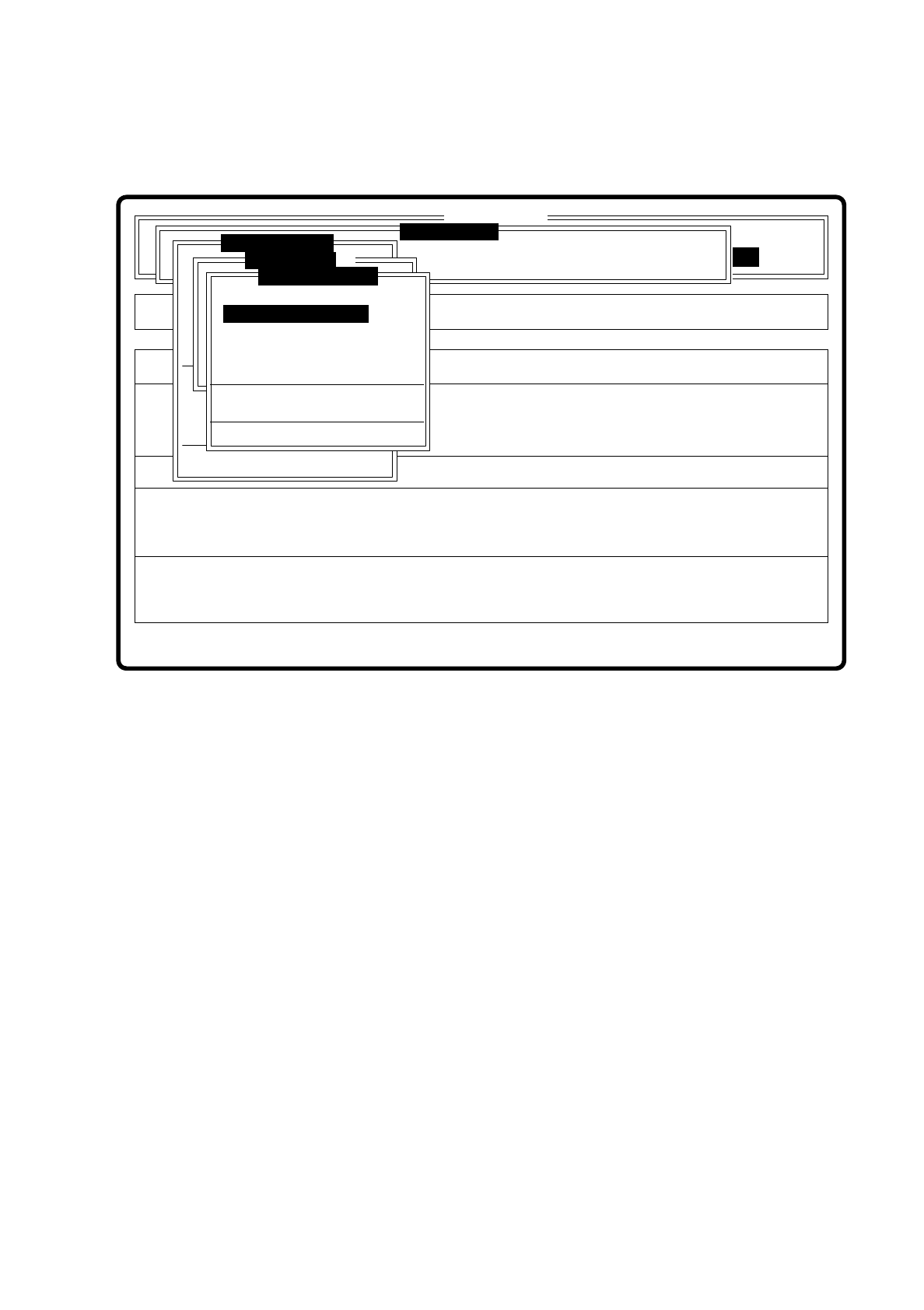
7.5.5.3 Option “Set default values”
Fig. 7.5.24
If programming the transformation table fails, set the default values in the transformation table when you call
this option. Then you can begin again with programming transformation table 5.
Error
State
Action
Show template with transform 2
Single functions
:
:
:
SI80 V 10.x
Vision system
Vision system
Rüstung:
BE - Zuführung
Vision system
Version: 2133
x/y - Achsen verfahren
Marke zentrieren
Teach fiducial
Marke neu
Marke ändern
Edit fiducial
PCB in output conveyor
Choose gantry
Display errors
Template mittl. Aufl.
Marke zentrieren
Marke neu
Color graduation
Disp with transform 1
Disp with transform 2
Disp with transform 3
Disp with transform 4
Disp with transform 5
Program transform 5
Transform 5 default values

7 Vision Systems SIPLACE 80S/F/G User’s Manual
7.5 Teaching the Fiducial Edition 07/97 from Software Version SR.010.xx
7 - 60 Line engineer

SIPLACE 80S/F/G User’s Manual 7 Vision Systems
Edition 07/97 from Software Version SR.010.xx 7.6 Test Component
Line engineer 7 - 61
7.6 Test Component
7.6.1 “Test component” Flow Diagram
The flow diagram “Test component” shows all menu options with their subfunctions in diagrammatic form. The
menus are emphasized by being enclosed by a bold line, dialog boxes by a dashed line, and option boxes by
a dotted line.
7.6.2 Explanation of the Flow Diagram
7.6.2.1 Menus
In the menus the individual options are arranged vertically. A total of six menus are available:
–
Vision system
–
Test component
–
Change measure mode
–
Edit GF data
–
Save GF data
–
Display error
The menu “Save GF data” will pop up every time you want to quit the menu “Test component” and after having
created or modified GF data. You are given the choice of saving or discarding the GF data which have been
determined.
As can be seen from the flow diagram, the menu system is structured hierarchically. You can quit the individ-
ual menus by pressing the “ESC” key. You are then returned to the preceding menu.
7.6.2.2 Dialog Boxes
For entering data, displaying values and initiating actions the system offers the following dialog boxes:
–
Enter component number
–
Program transformation table
–
Change measure results