00191025-01.pdf - 第94页
5 Placement S IPLACE 80S/F/G User’s Manual 5.4 Component Handling Ed ition 12/96 from Software Version SR.009.xx 5 - 18 5.4.6 Location Function s If you hav e selected the menu it em "Locatio ns 1-4" in the &qu…

SIPLACE 80S/F/G User’s Manual 5 Placement
Edition 12/96 from Software Version SR.009.xx 5.4 Component Handling
5 - 17
NOTE
The refill check can only be activated or deactivated after the
line engineer password
has been entered in
the menu "Software options".
5.4.4.4 Setting Filled Tracks Empty
●
Select the "Refill" menu.
●
Read in or enter the track barcode of the relevant track.
●
Press the
Return key
. The track is now reported as empty to the machine and will not be approached by
the placement head for component removal.
●
To fill the track proceed as described in Section 5.4.4.1.
5.4.5 Machine Set-Up
●
Position the feeder modules on the components tables in accordance with the specified set-up. You should
comply with the instructions provided in Section 8 "Component Supply".
●
The set-up is displayed in the submenu "Display set-up", Section 5.4.6.2.
●
In the case of a newly specified set-up all tracks will automatically be set to "full" and all track errors
deleted.
5 Placement SIPLACE 80S/F/G User’s Manual
5.4 Component Handling Edition 12/96 from Software Version SR.009.xx
5 - 18
5.4.6 Location Functions
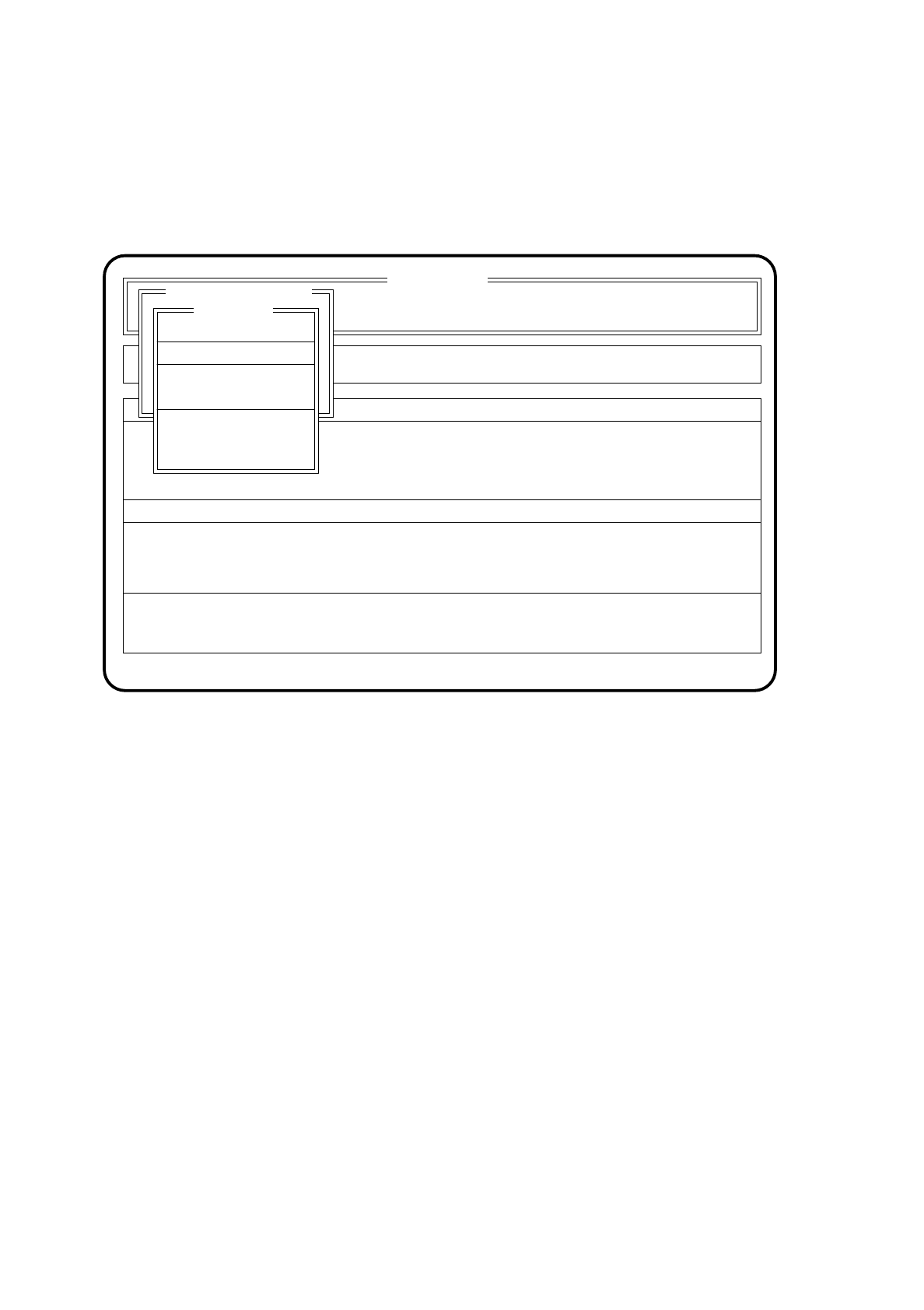
If you have selected the menu item "Locations 1-4" in the "Component feeding" menu, the "Locations 1 - 4"
menu will appear on the screen.
Fig. 5.4.4
5.4.6.1 Set Location Full
In this menu locations 1 - 4 can be set individually to "full”.
Here the fixed table 1 corresponds to location 1 and fixed table 2 to location 3.
5.4.6.2 Display Set-up
If a set-up exists, the set-up can be displayed for each location in this menu.
SI 80 V 9.x
Cluster:
Rüstung :
BE - Zuführung
Neuer Nutzen
Display errors
Confirm errors
Machine options Single functions
Error
State
Action
:
:
:
Rüstung :
Softwareoptionen
Masch.Fehler anz.
Spurfehler anz.
Component feeding
Nachfüllen
Stellplatz 1
Stellplatz 2
Stellplatz3
Stellplatz4
Location 1
Set location full
Display set-up
Fill magazine carrier
Linear feeder vibrate
Go to WPC fill. posn.
End WPC filling posn.

SIPLACE 80S/F/G User’s Manual 5 Placement
Edition 12/96 from Software Version SR.009.xx 5.4 Component Handling
5 - 19
5.4.6.3 Fill Magazine Carrier
With the function "Fill magazine carrier" the fill levels of manually changeable flatpack magazines can be
displayed and altered. Although it is possible to access the menu during placement the fill levels will not be
updated. If a pick-up is taking place at that moment from a track being processed it will not be possible to
show the fill level and an error message will appear.
The individual flatpack magazine carrier is operated in precisely the same way as a flatpack magazine with
a waffle pack changer; see Section 6.8.1.3 "Fill Magazine Carrier", Section 6.8 "Functions: Wafflepack
Changer".
5.4.6.4 Vibrate Linear Feeder
In this menu linear feeders which are included in the set-up can be started individually. In each case just one
linear feeder can be operated.
●
Position the cursor bar over the linear feeder which is to be operated.
●
Confirm your choice with the
Return key
. The linear feeder selected will be indicated by an arrow in the
menu window.
●
You can quit the menu with the
ESC key
. An activated linear feeder will be switched back off.
5.4.6.5 Go to WPC Filling Position (80F only)
With this menu you can go to the refill position of the wafflepack changer during placement and fill magazines
with components.
If components are being picked up from feeders, placement will continue, but if it is necessary to access com-
ponents in the wafflepack changer, the station will wait until refilling is completed (see Section 5.4.6.6).
5.4.6.6 End WPC Filling Position (80F only)
●
Select the "End WPC fill. posn." menu to stop filling the wafflepack changer.