00191025-01.pdf - 第60页
2 Display and Operating Elem ents SIPLACE 80S/F/G User’s Manual 2.3 Keyboard Control of the Machine Edition 07/97 from Softwareversion SR.010.xx 2 - 12 ● Using the keyboard at the main menu After the station c omputer co…
SIPLACE 80S/F/G User’s Manual 2 Display and Operating Elements
Edition 07/97 from Softwareversion SR.010.xx 2.3 Keyboard Control of the Machine
2 - 11
2.3 Keyboard Control of the Machine
2.3.1 Menu Control and Key Assignments in the Main Menu
Depending on the privilege level, which has to be demonstrated by inputting the password, different main
menus are displayed on the screen. The menus differ in their two header lines.
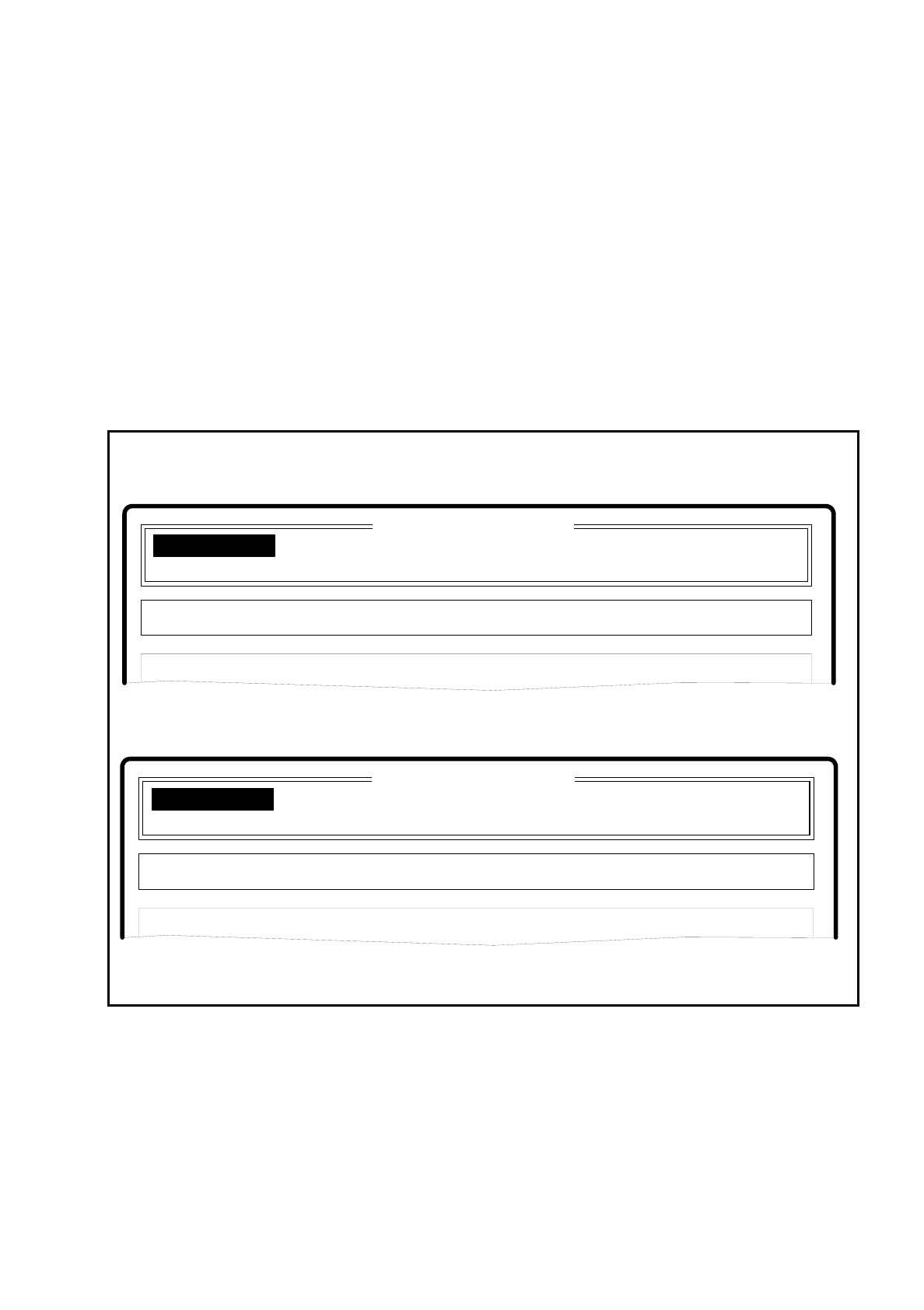
The following figure shows the main menu for the operator and for the machine setter. The functions
displayed are described in their older version and should be regarded as simply an example. The current
version will be described in more detail in the corresponding sections of this manual.
Fig. 2.3.1 Example of main menu for the operator or machine setter
The menu item which has been selected is shown in inverse video. By pressing the RETURN key, you move to
the corresponding submenus or dialog fields, display windows, and so on.
Einzelfunktionen
Operator
Machine Setter
SIPLACE 80S Version 1.0
Disp track error
Set-up:
Placement optns Single functions
Disp machine error
New cluster Software options Vision system
Comp feeding
Clustr:
Single functions
SIPLACE 80S Version 1.0
Disp track error
Set-up:
Placement optns
Disp machine error
Comp feeding
Clustr:
2 Display and Operating Elements SIPLACE 80S/F/G User’s Manual
2.3 Keyboard Control of the Machine Edition 07/97 from Softwareversion SR.010.xx
2 - 12
●
Using the keyboard at the main menu
After the station computer completed its start-up, the selector cursor is positioned at the first option. Key
assignments are shown in Fig. 2.2.3.
-
Cursor up / down, left / right Use these keys to move the cursor in the direction desired.
No menu window is shown at this stage.
-
RETURN RETURN activates that menu item on which the cursor is
positioned.
2.3.2 Menu Control and Key Assignments with Menu Windows
With the menus the following kinds of displays are distinguished:
●
Menu windows
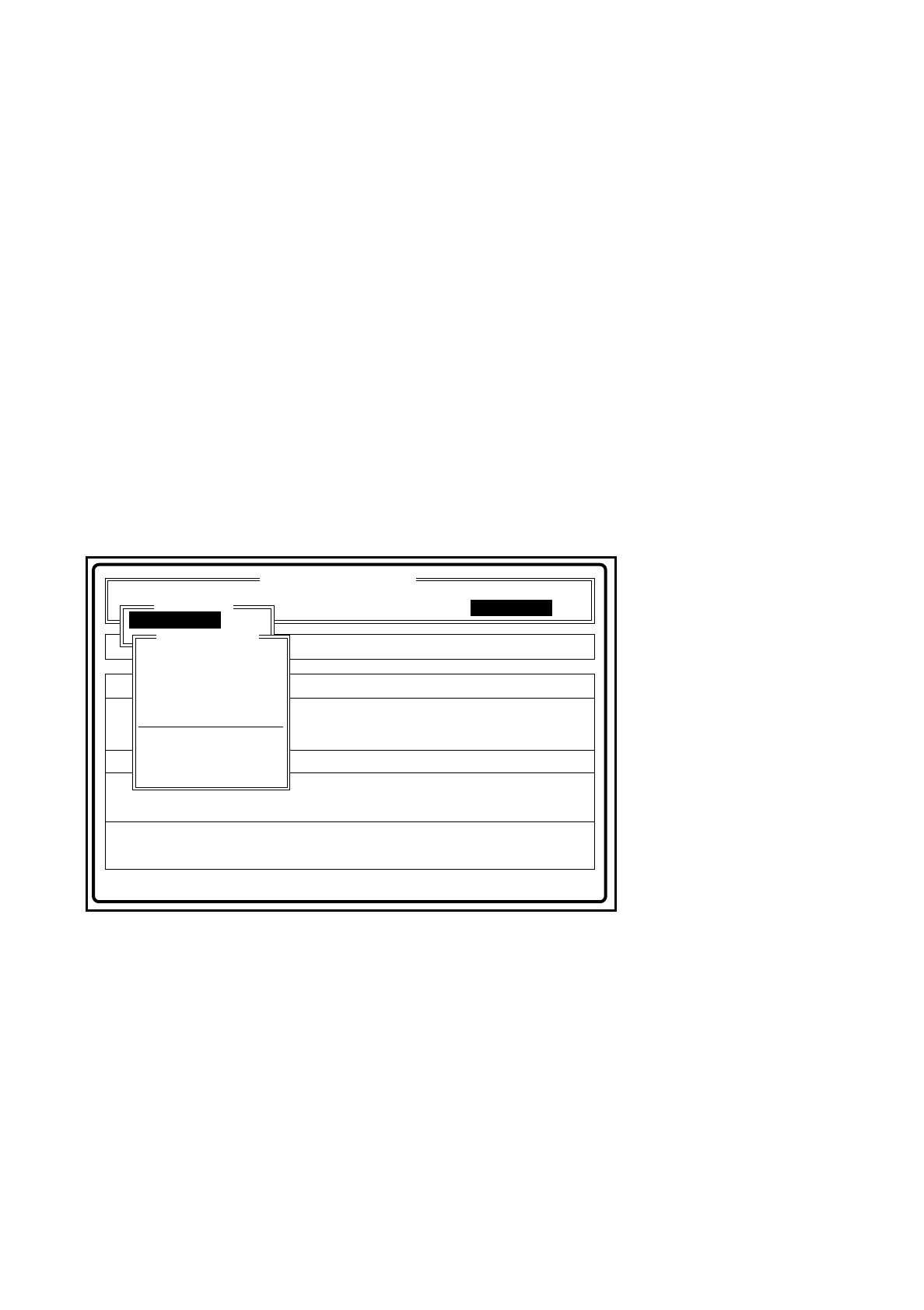
Menu items are presented vertically in a menu window
Fig. 2.3.2 Example of menu window
●
Using the keyboard in a menu window (with and without display panel)
If you have activated a menu window, the selector cursor will be positioned on the first option.
-
Cursor up / down These keys are used to move the selector cursor.
-
RETURN key When this key is pressed the menu item upon which the cursor is
positioned is activated.
-
ESC key This key deactivates the active menu window and positions the
selector cursor on the previous menu item.
Disp track error
Error
State:
Action:
tem
Enter fiducial number to be processed
Rüstung:
Placement optns Single functions
Disp machine error Software options
:
:
:
Comp feeding
Clustr:
SIPLACE 80S Version 1.0
Visionsystem
Teach fiduc.
Vision system
Enter fiducial number
New fiduc
Alter fiduc.
Test fiduc.
Travel x/y axes
PCB to cent. conv.
PCB to output conv
Teach portal
Center fiducial
Width adjustment
Teach fiduc.
SIPLACE 80S/F/G User’s Manual 2 Display and Operating Elements
Edition 07/97 from Softwareversion SR.010.xx 2.3 Keyboard Control of the Machine
2 - 13
●
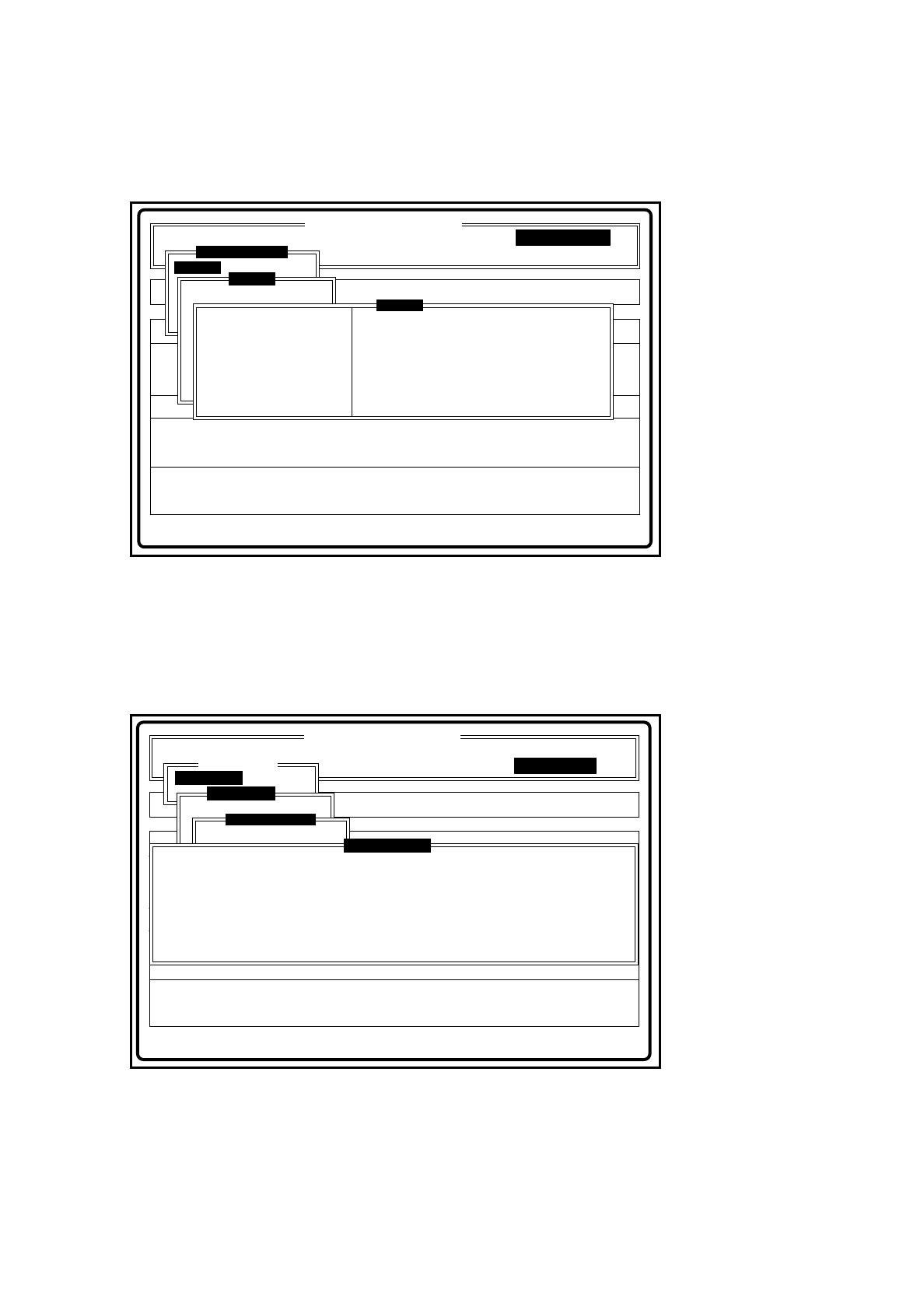
Menu windows with display panel
A display panel is shown beside the menu window which, for example, may contain measured values.
Fig. 2.3.3 Example of menu window with display area
●
Menu windows with options field
-
Options field One or more options fields can be selected.
The options field selected is marked with an x in round brackets " ( ) ”
in front of it.
Fig. 2.3.4 Example of menu window with options field
Disp track error
Error
State
Action
tem
Actuate pusher in pickup/placement station
Placement optns
Disp machine error Software options
:
:
:
Comp feeding
Clustr:
SIPLACE 80S Version 1.0
Portal 1
Visionsystem
Go to service pos'n
Marke ändern
Marke testen
LP ins Mittenband
Single functions
Single functions
Portal 1
Pusher pickup pos'n
Pusher reject pos'n
Measure nozzle
Vacuum test
Star in position 1
Cycle star
Head ref. run
Measure nozzle offset
Head
Disp track error
Error
State
Action
tem
Adjust PCB transport width manually
Rüstung:
Placement optns Single functions
Disp machine error Software options
:
:
:
Comp feeding
Clustr:
SIPLACE 80S Version 1.0
Visionsystem
Teach fiduc.
Vision system
Marke ändern
LP ins Ausgabeband
Teach fiduc.
Enter fiducial number
Width adjustment
Specify setpt width
Breitenverstell.
Adjust manually
( ) High conv. speed
( ) Low conveyor speed
Esc: abort <: smaller >: larger