00197725-12_GS_SE3.11_EN.pdf - 第8页
1 General Getting Started SIPLACE Explorer Edition 11/2020 EN from 3.11 (R20-2) 8 1.1.2 Where can you get Information? If you have questions regarding these software instructions or would like more detailed information a…
Getting Started SIPLACE Explorer 1 General
from 3.11 (R20-2) Edition 11/2020 EN
7
1 General
Before you begin working with SIPLACE Explorer, read this manual through carefully, in order to
familiarize yourself with SIPLACE Explorer. It includes everything you need to get started, as well
as tips and tricks, which can help make your work with the SIPLACE Explorer easier. 1
1.1 Preface
This manual explains the purpose of SIPLACE Explorer and describes the user interface. It also
includes instructions for use. The contents of this manual address the following user groups. 1
– Line engineers
– Service personnel
The chapter headers provide information about the 1
– Issue
– Software version.
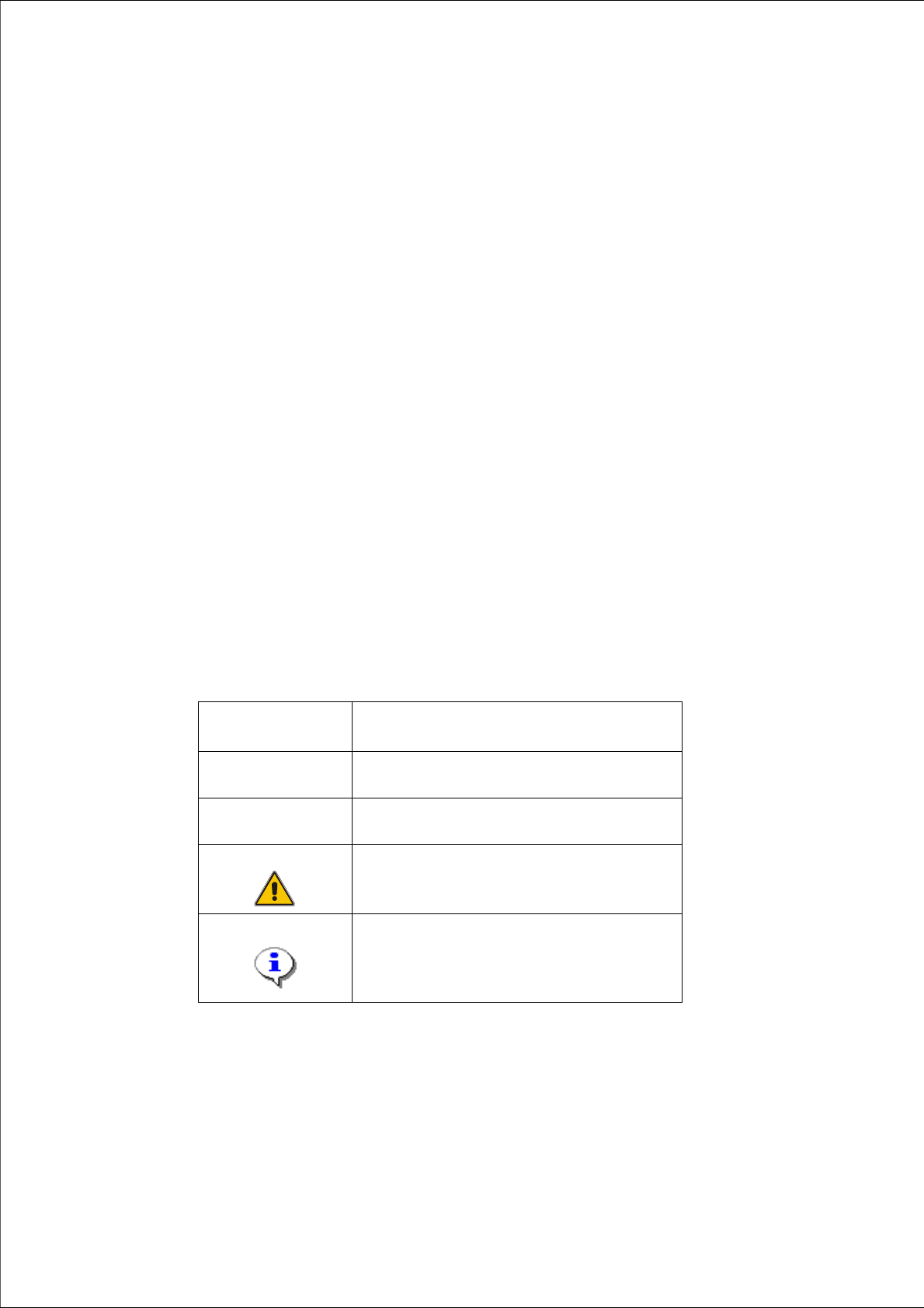
1.1.1 Key
Different symbols and notes have been used to help you read and understand this document. 1
1
Words in bold
print
These refer to dialogs, dialog boxes, menu items,
and commands.
Step...
Includes all actions dealing with a particular dialog.
One dialog box can contain several tasks.
Requires an action (e.g. clicking the mouse,
opening a file)
Equivalent to a warning. The information is
essential for successful working.
Explanatory information.
Tab. 1 - 1 Key

1 General Getting Started SIPLACE Explorer
Edition 11/2020 EN from 3.11 (R20-2)
8
1.1.2 Where can you get Information?
If you have questions regarding these software instructions or would like more detailed information
about a particular topic, please contact the appropriate representative or us directly at: 1
ASM Assembly Systems GmbH & Co. KG
Rupert-Mayer-Str. 44
D-81359 Munich, Germany 1
1.2 Target Group
The SIPLACE Explorer was developed for trained staff and service personnel. It is assumed that
users are thoroughly familiar with the machine. 1
1.2.1 User Classification
The operating software is structured in such a way that certain features or menus can only be
carried out/called up by specially trained staff. The following different user types exist: 1
– Line engineers
– Service engineers.
The access to each class can be password-protected.
1
The line engineer
The line engineer has completed a special training course and is authorized to carry out tasks
such as the creation of setup configurations and determination of vision parameters etc.
1
The service engineer
Persons of this class have been trained to carry out service work, to set up machines and to
change the setup of machines. 1
WARNING
Only people with the appropriate training for the specific software part may carry out tasks on the
machine. All tasks must be carried out by trained and qualified members of staff. All warning,
caution and danger notes must be observed! 1

Getting Started SIPLACE Explorer 1 General
from 3.11 (R20-2) Edition 11/2020 EN
9
NOTE
We would like to draw your attention to the fact that the contents of these software instructions are
not part of a previous or existing agreement, commitment or legal contract, neither is this intended
to modify one of the above. All obligations of ASM Assembly Systems GmbH & Co. KG may be
taken from the appropriate sales contract, which also contains a complete and valid warranty
agreement. These contractual statements are neither extended nor restricted by this software
guide. 1