1OM-1086-002.pdf - 第113页
1.6 End of Automatic Operation 021 1-005 Chapter 1 3 - 23 Tg0582-PM-D1 1.6 End of Automatic Operation Described in this session is how to end the automatic operation of the machine. (1) Press the [ST OP] button on the fr…

0211-005 Chapter 1 3-22 Tg0582-PM-D1
1.5 Interruption of Automatic Operation
1.5 Interruption of Automatic Operation
1.5.1 Interruption with [EMERGENCY STOP] Switch
To stop the machine immediately in an emergency, press one of the
[EMERGENCY STOP] switches.
Stop Operation
• Press one of the [EMERGENCY STOP] switches.
An alarm is issued and the LED of the [POWER ON] button illumi-
nates in red.
Re-Start Operation
• Refer to the error display on the touch screen and remove the cause
of the error. Then, press the [RESET] button.
Refer to "Section 4 Remedy of Simple Trouble in Chapter 1" for the
detailed information on how to reset the machine from the emer-
gency stop condition to its normal one.
1.6 End of Automatic Operation
0211-005 Chapter 1 3-23 Tg0582-PM-D1
1.6 End of Automatic Operation
Described in this session is how to end the automatic operation of the
machine.
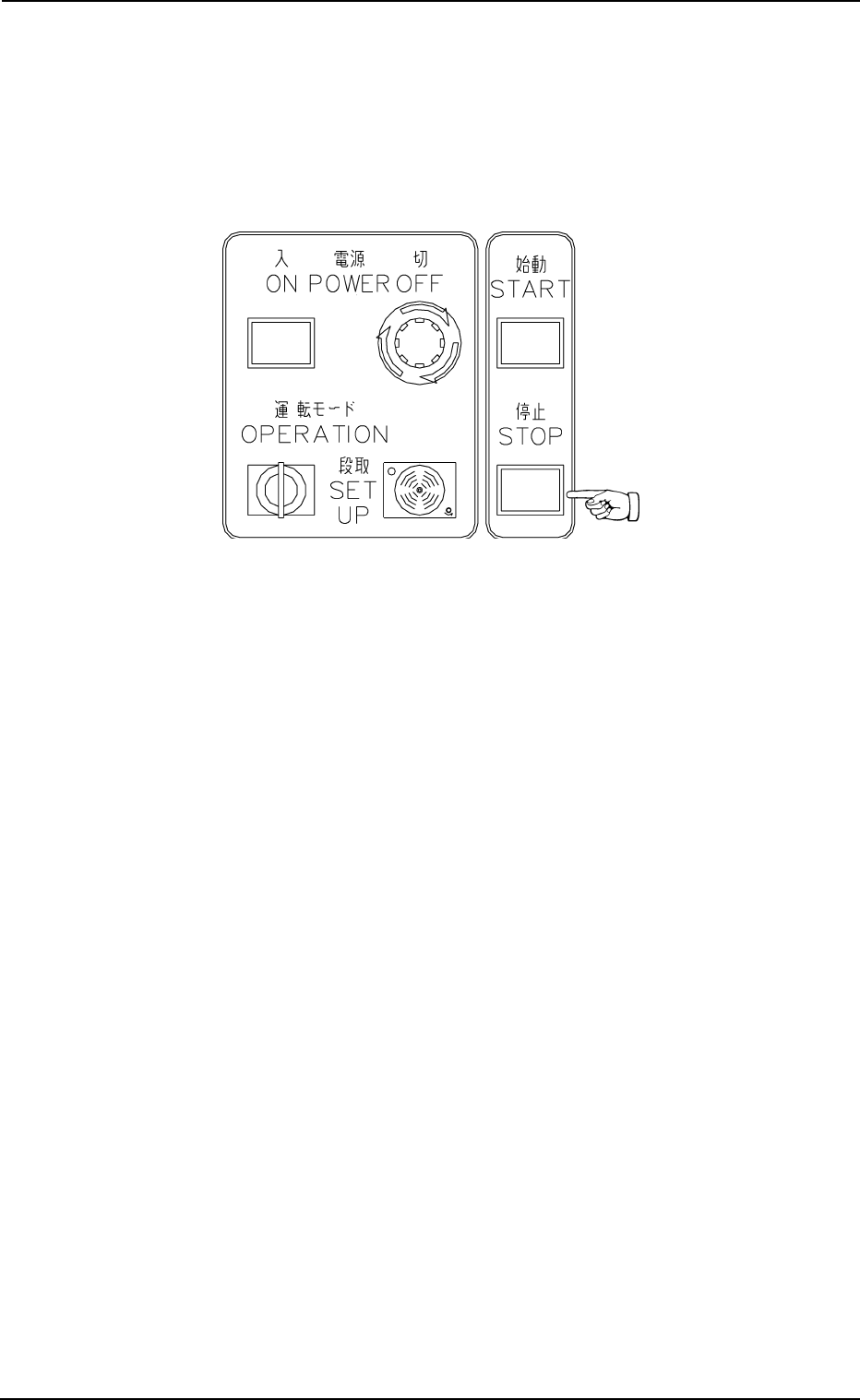
(1) Press the [STOP] button on the front operation panel.
Fig. 1C33
After printing solder paste on the P.C.B.’s (already loaded onto the
machine), each device returns to its stationary position and stops
there.
The LED of the [START] button extinguishes.
The green lamp of the light tower extinguishes.
1.7 Shut-Down Operation
0509-006 Chapter 1 3-24 Tg0582-PM-D1
1.7 Shut-Down Operation
1.7.1 Shut-Down Procedure
The following explains how to shut down the power to the machine.
Be sure to log out from an operation window to open
the "Log In Type Selection" window and go through
the shutdown procedure by pressing the [SHUT
DOWN] button before turning off the power to the
machine.
• When the power is turned off without going through
the shutdown procedure, the saved data may be
lost and/or the hard disk and the main body of the
machine may be damaged.
Operation Procedure
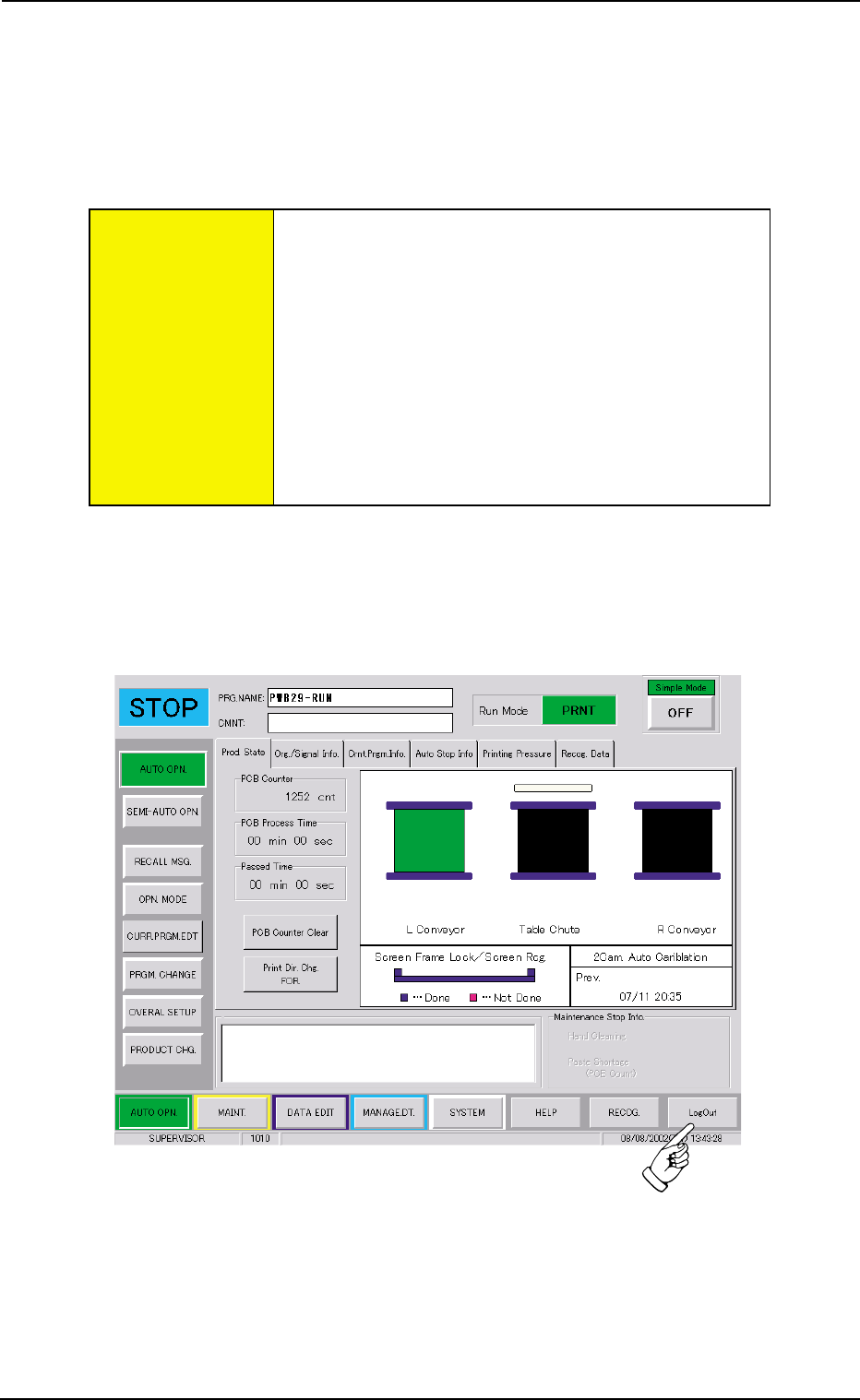
(1) Press the [LogOut] button on the main menu bar.
Fig. 1C34
CAUTION